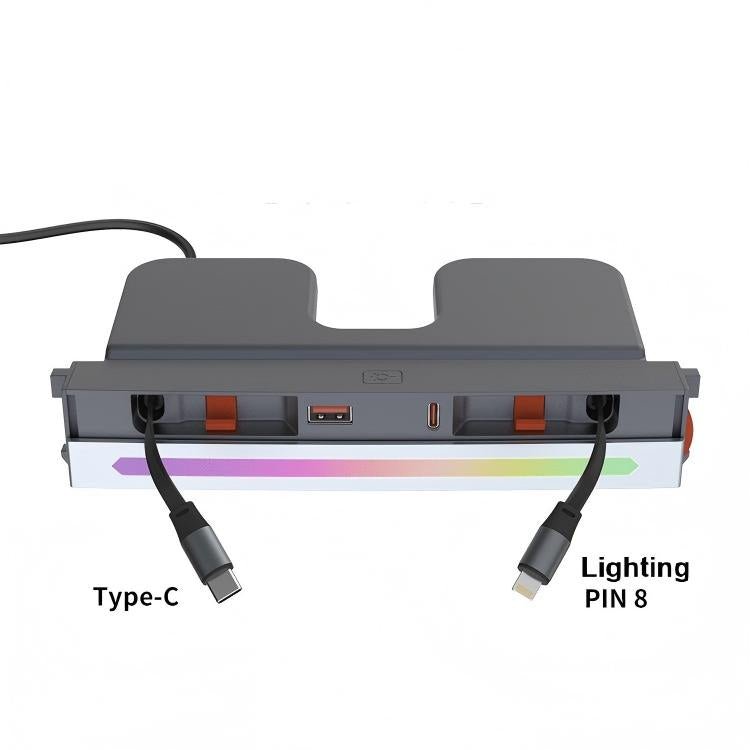
Console Charging Dock with Ambient Lighting
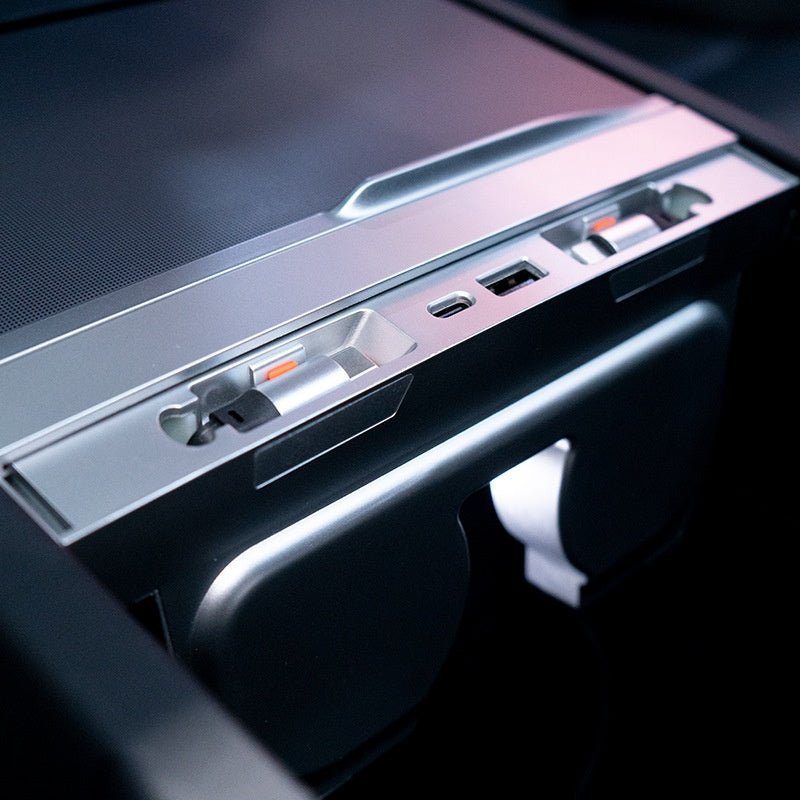
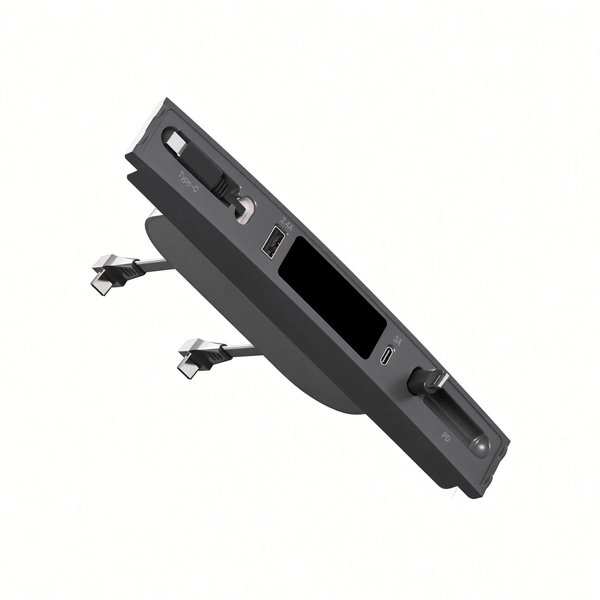
Keep charging connections together at a matching center console with integrated leads, USB-A and USB-C sockets, and an ambient light strip. Choose the Lightning plus USB-C or two-USB-C cable option. The shown power connection is a vehicle accessory-socket plug.
- Integrated Charging Leads
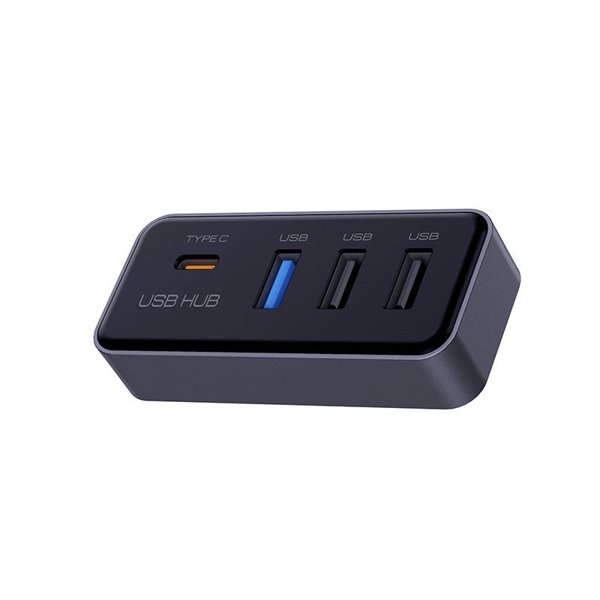
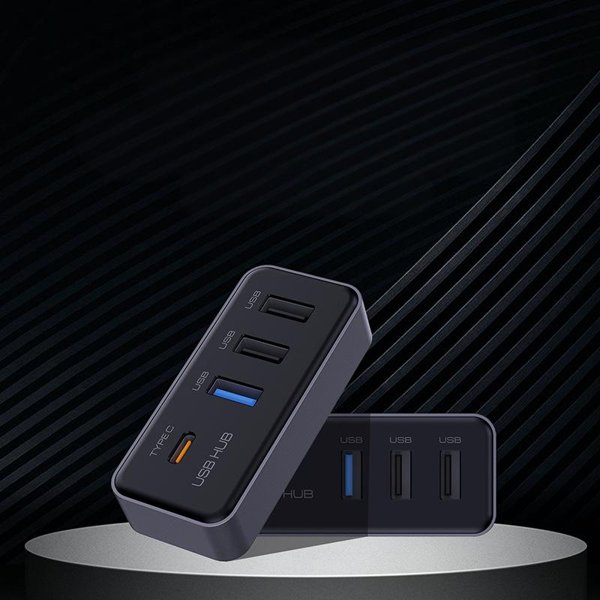
- USB-A / USB-C Sockets
- Ambient Lighting
- Console Dock
Key Features
-
Console Charging Layout
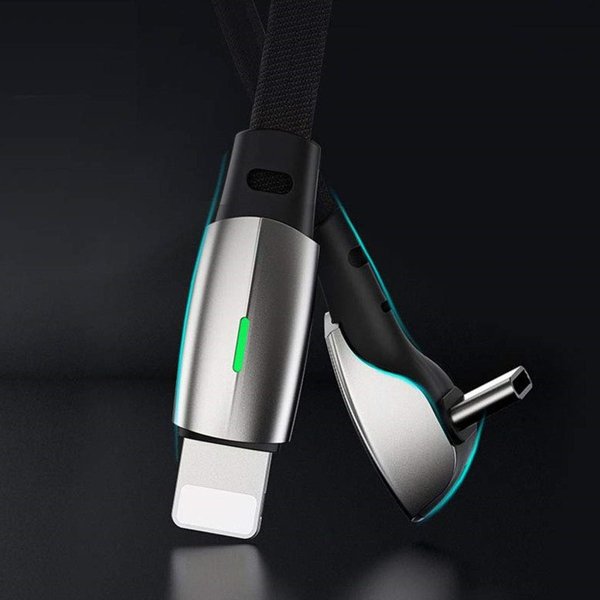
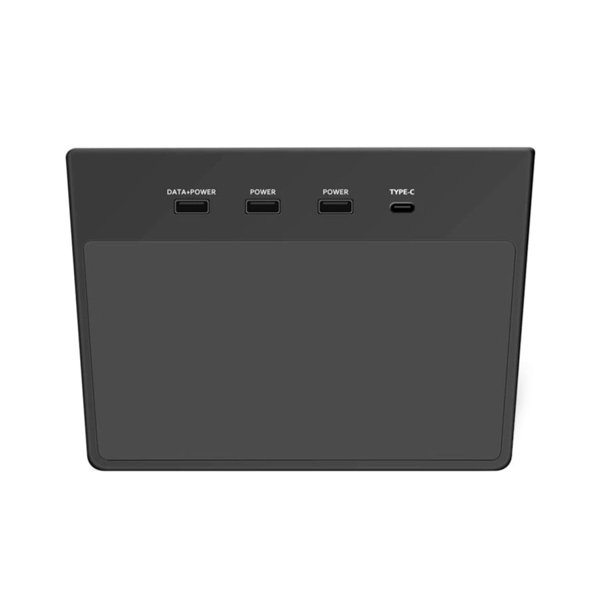
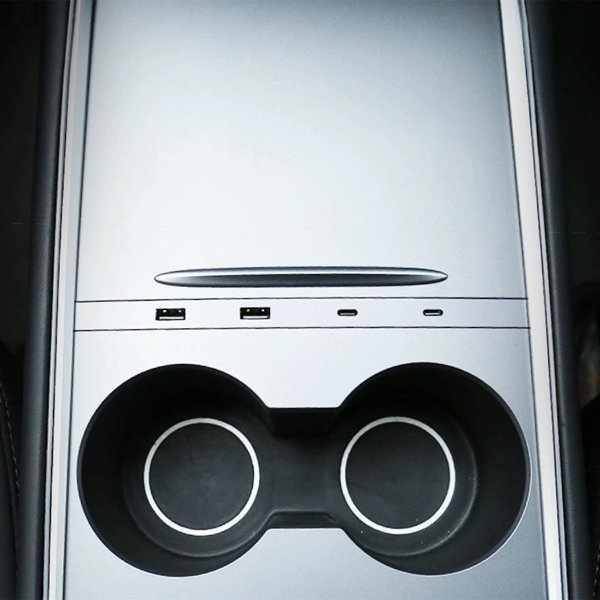
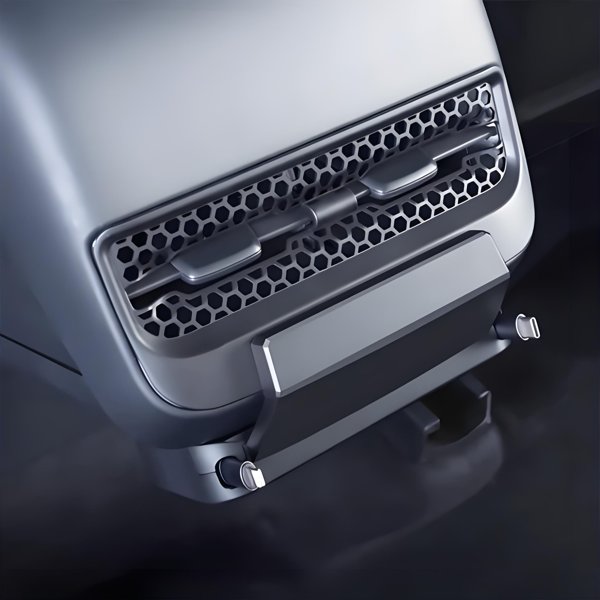
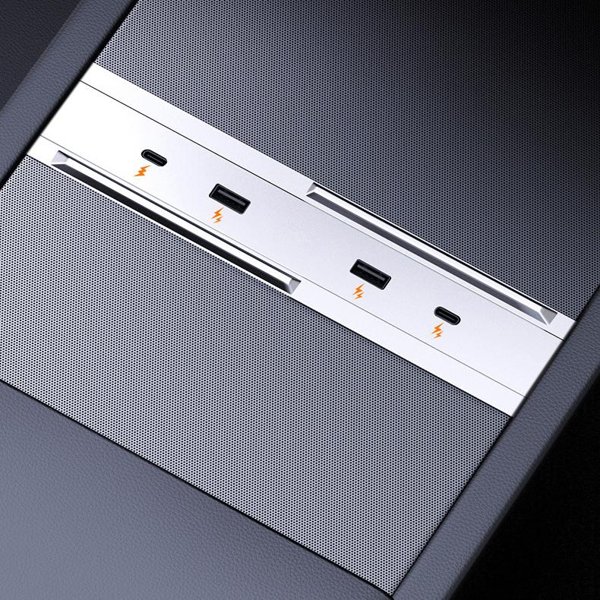
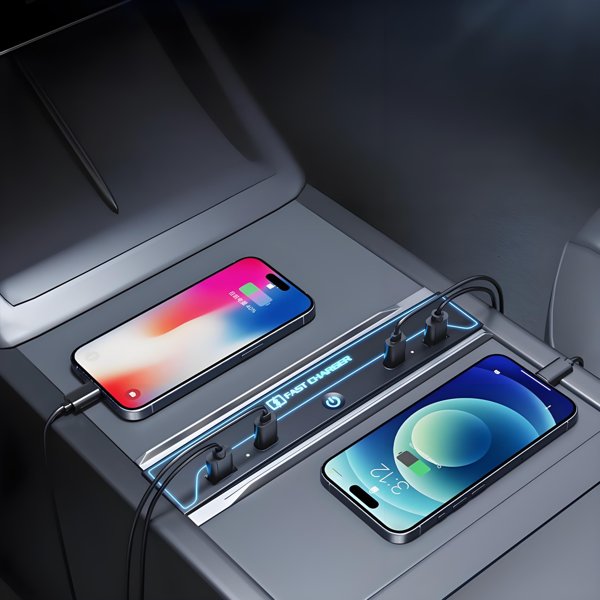
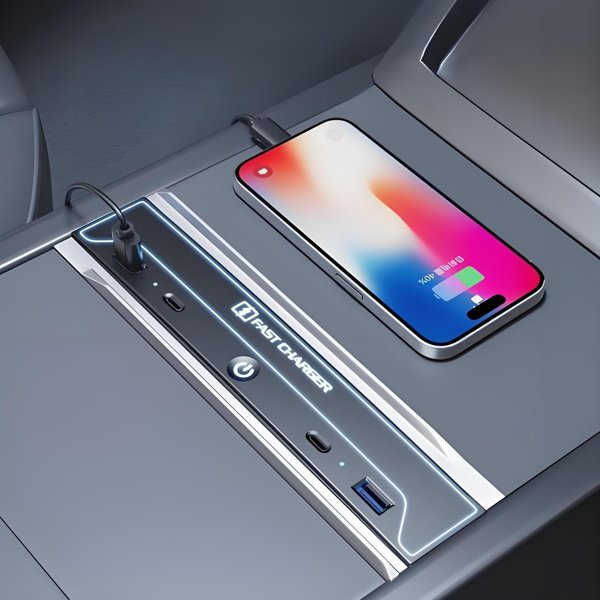
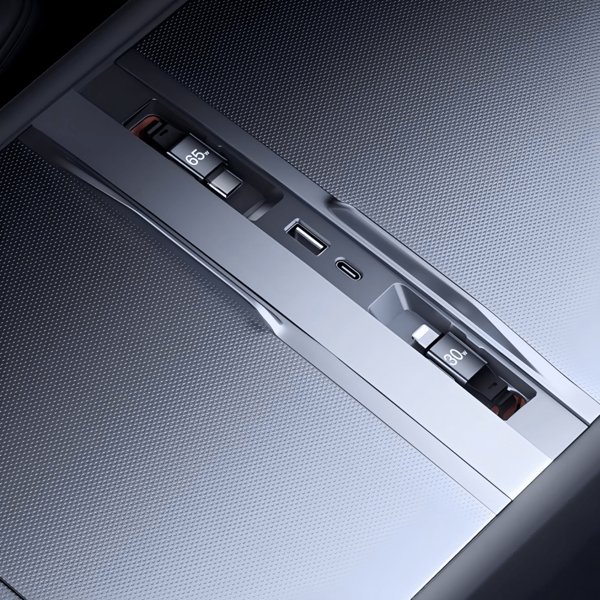
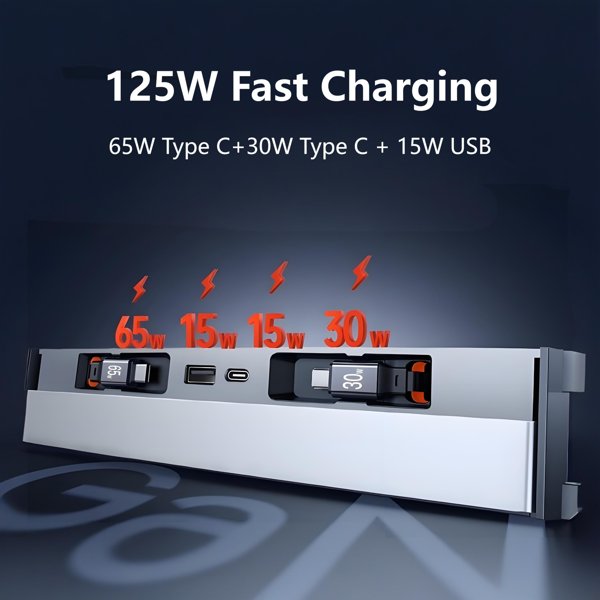
The dock combines integrated charging leads and additional USB-A and USB-C sockets at the console, keeping the available connections together.
-
Two Cable Selections
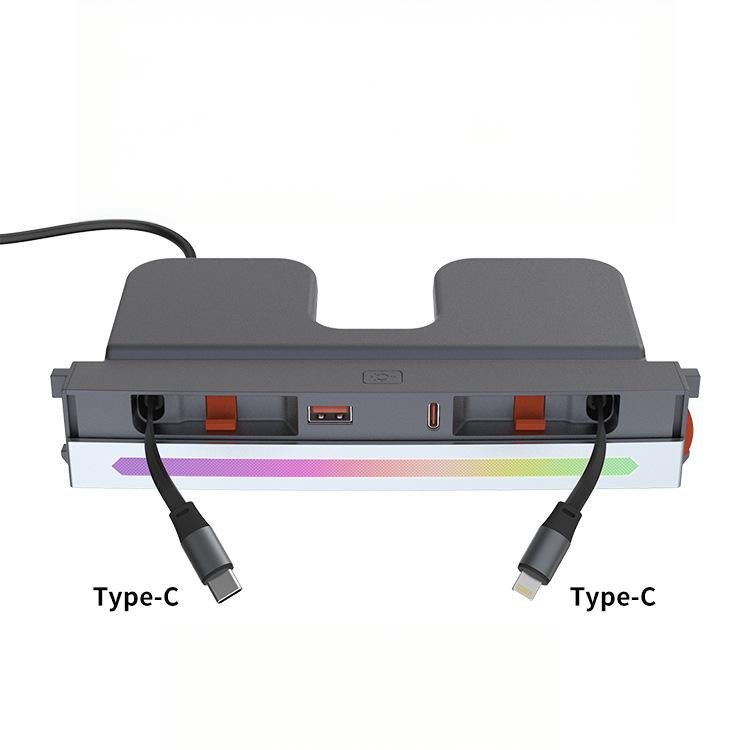
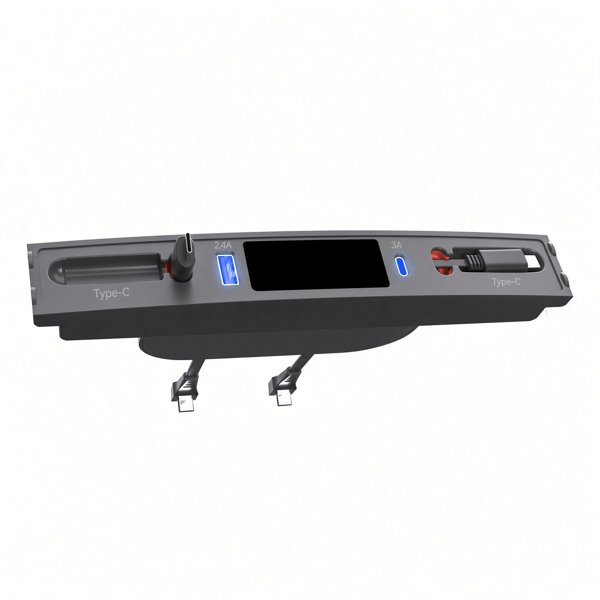
Choose the Apple PD plus Type-C label for Lightning and USB-C, or the Type-C plus Type-C label for two USB-C leads.
-
Accessory-Socket Power
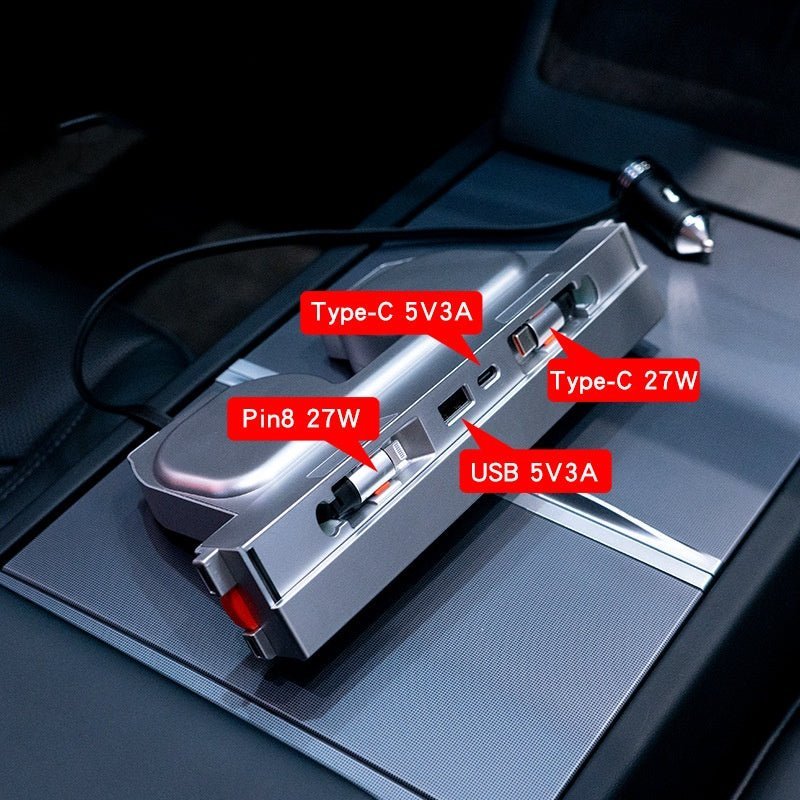
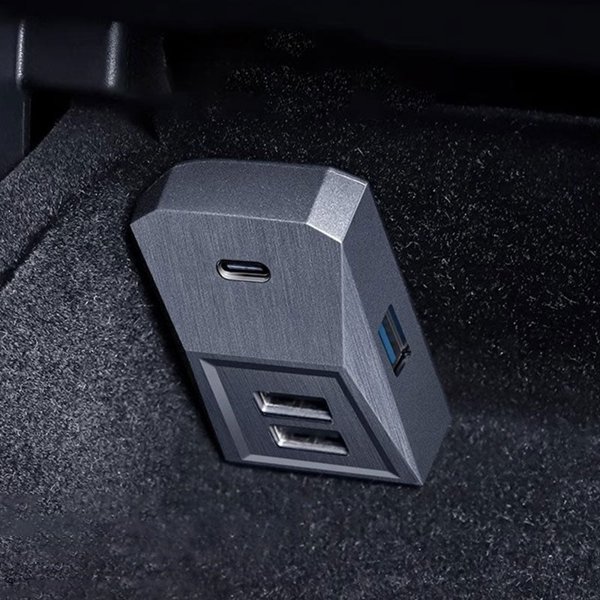
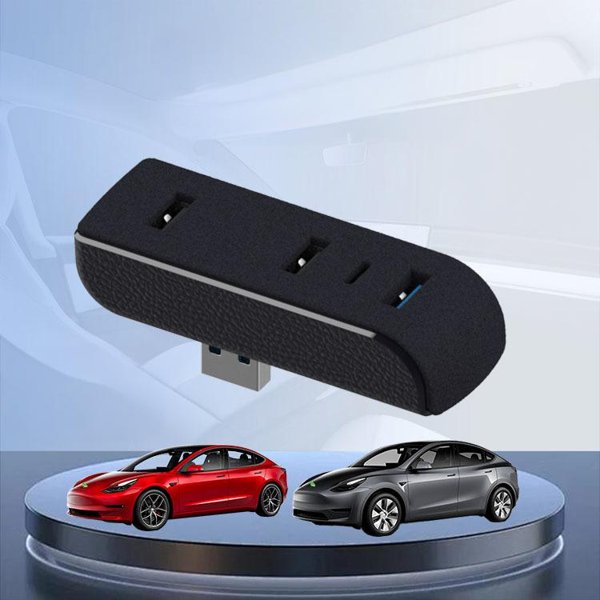
The assembly and connection photos show a vehicle accessory-power plug.
-
Ambient Light Strip
Both current cable selections include ambient lighting. The light strip is separate from the device charging display and does not establish a full-charge indication.
-
ABS Housing
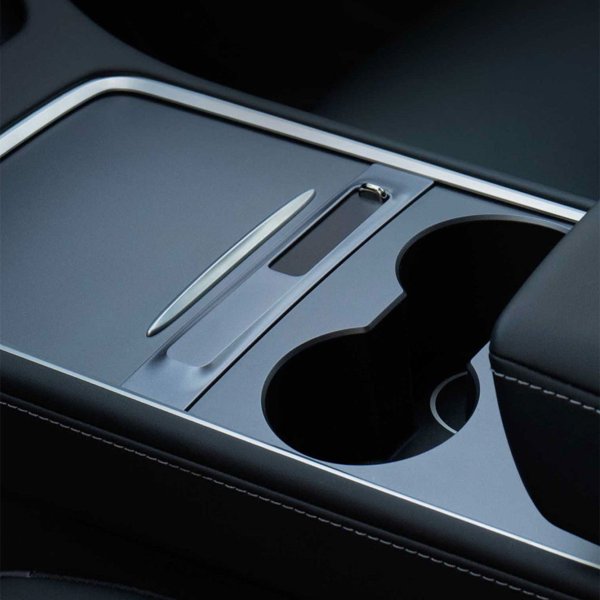
The housing is specified as ABS, with an outline intended for the matching console. Keep original storage movement, ports and routed cables accessible.
-
Vehicle Selections
Fits Highland 2024+, Juniper 2025+ and YL 2026+.
Highlights
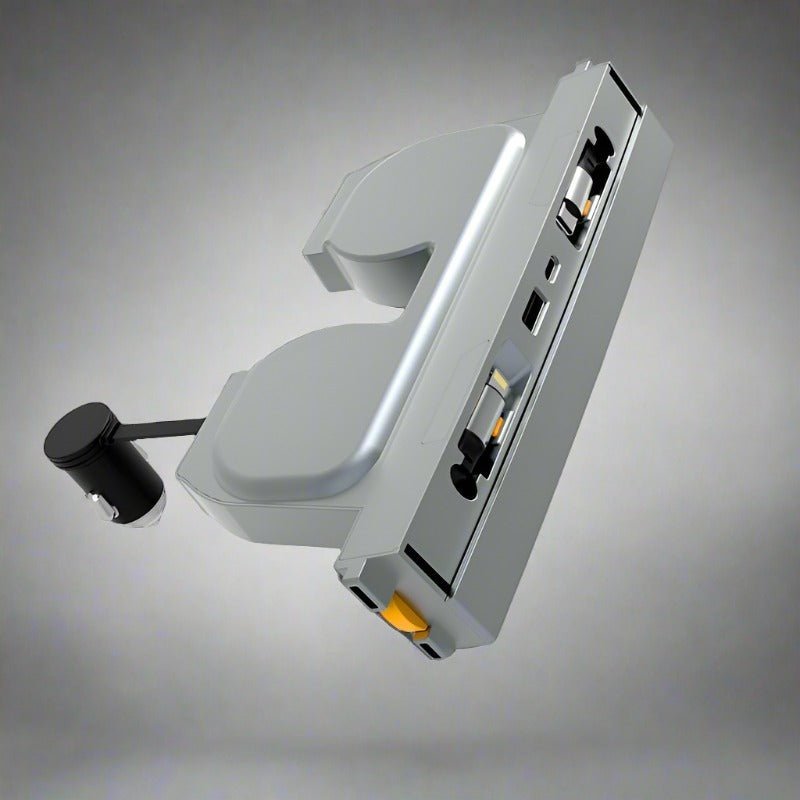
Dock and Power Connector
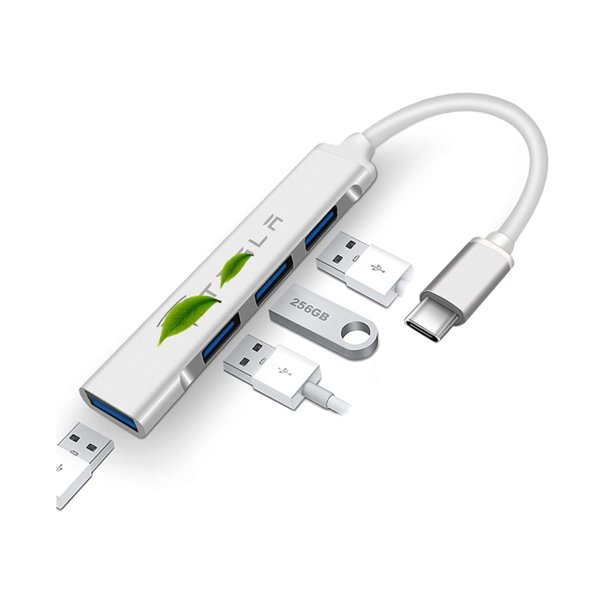
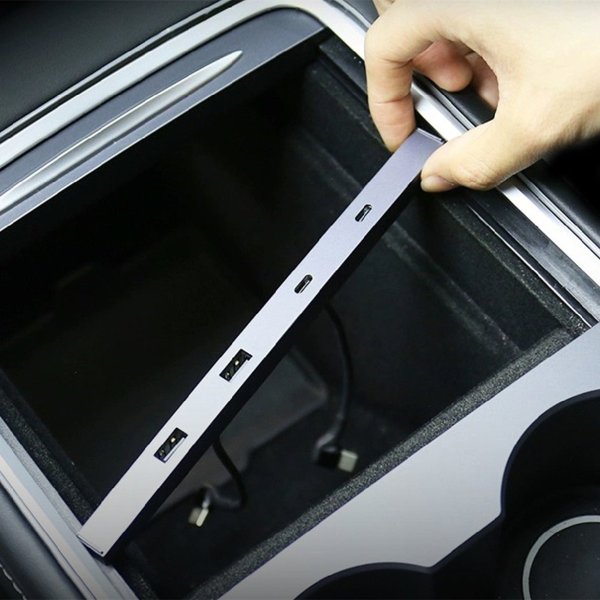
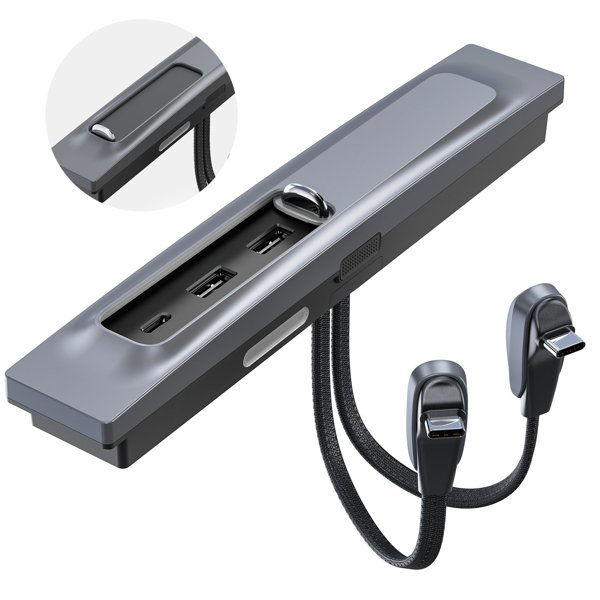
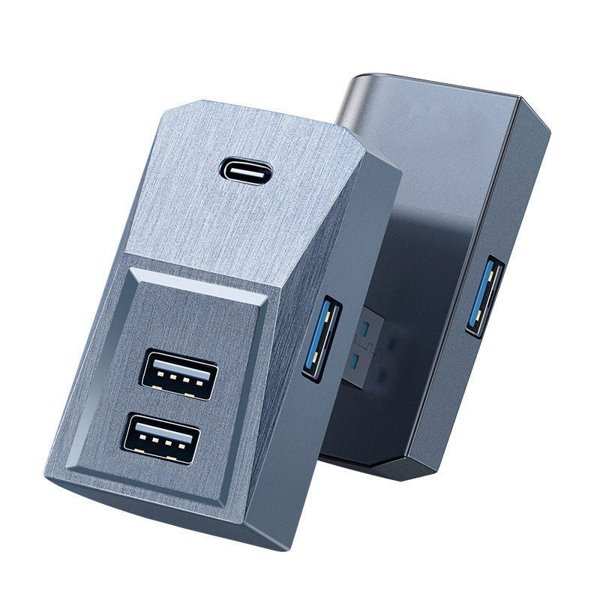
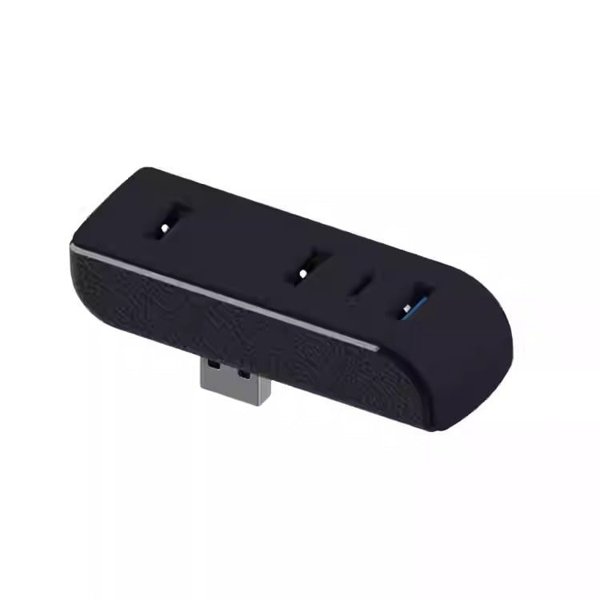
The separate assembly view shows the charging connections, housing profile and accessory-power plug.
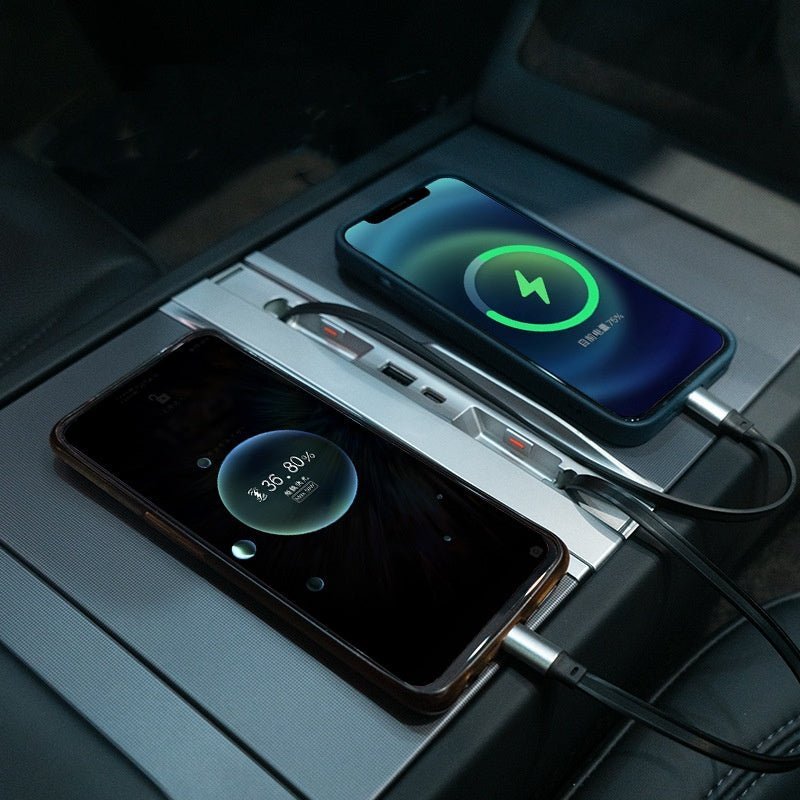
Wired Device Charging Example
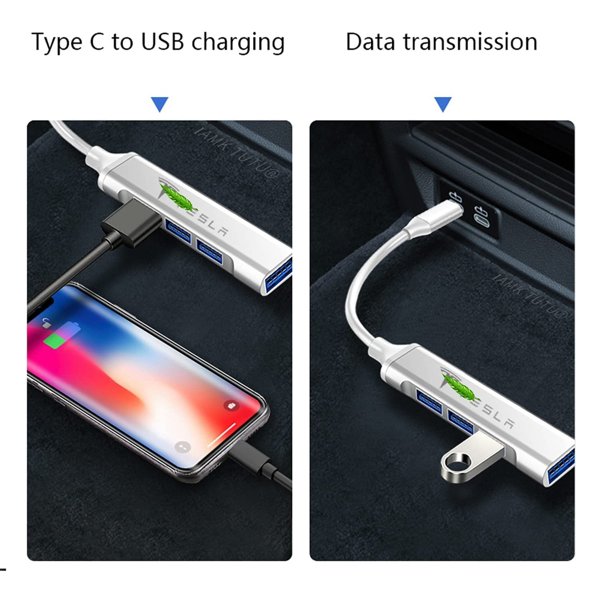
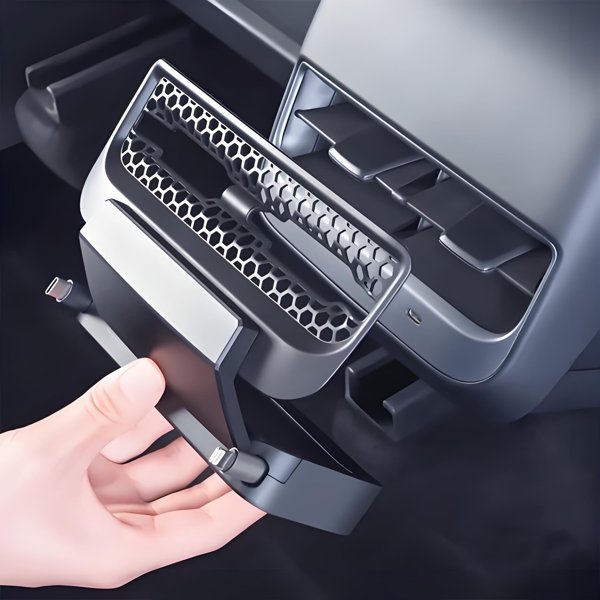
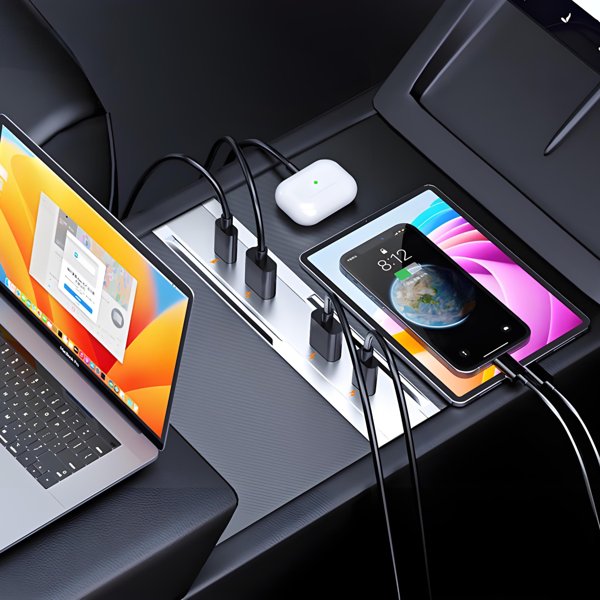
The console example shows devices connected by charging leads.
Choose the Device Connectors
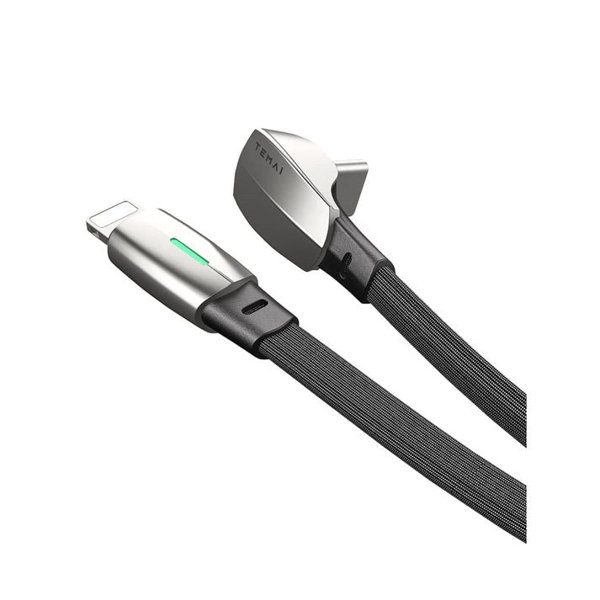
The current options are Lightning plus USB-C or two USB-C leads, both with ambient lighting. Choose by the actual connector on each device; the Apple label is not a universal phone compatibility guide.
Compatibility
| Model | Years / Version | Notes |
|---|---|---|
| Model 3 Highland | 2024+ | Matching console profile and accessory-power connection. |
| Model Y Juniper | 2025+ | Matching console profile and accessory-power connection. |
| Model YL | 2026+ | Fits with the corresponding model selection. |
Choose the model and cable configuration together. Current selections include ambient lighting; a standard unlit version or dual-Lightning configuration is not among the available options.
Specifications
| Product Type | Center-console charging dock with ambient lighting |
|---|---|
| Compatible Models | Model 3 Highland 2024+, Model Y Juniper 2025+ and Model YL 2026+; matching console and accessory power connection |
| Position / Location | Center console |
| Material | ABS housing |
| Quantity | 1 selected charging dock |
| Dimensions | Listed 21 × 10 × 4 cm (8.27 × 3.94 × 1.57 in) |
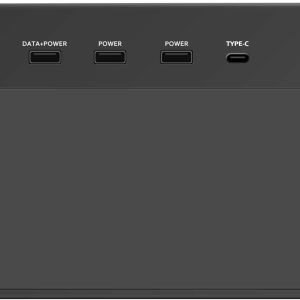
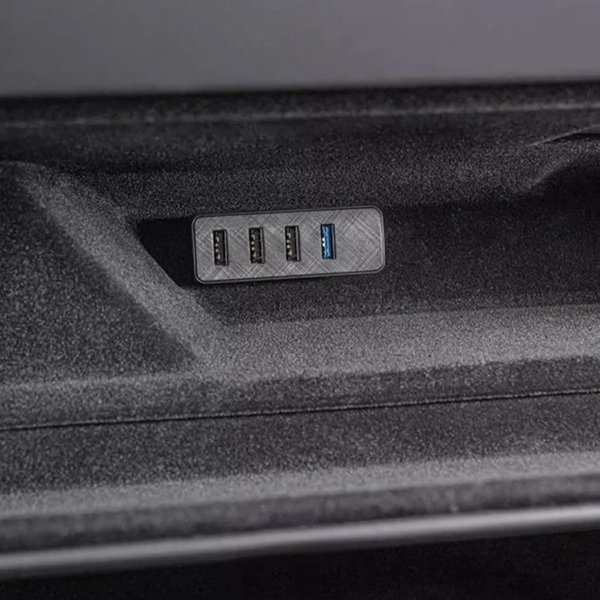
| Ports | Two integrated charging leads by option; USB-A and USB-C sockets shown |
| Light Source | Ambient light strip |
| Shipping Weight | 450 g (0.99 lb) |
| Power Source | Supplied vehicle accessory-socket power connector shown |
What's in the Box
- 1×Console charging dock in the selected cable configuration
- Installation instructions
Installation
- Clear the console.
- Position the dock under its fitting instructions without forcing it, trapping cables or blocking storage movement or original controls.
- Connect the supplied power lead only to a compatible vehicle accessory socket under the kit instructions. Do not substitute the original USB ports or an improvised adapter for the shown power connection.
- Connect devices within the dock and vehicle ratings.
Good to Know
Caution
- Disconnect the dock promptly if it causes a vehicle warning, abnormal operation or overheating. Keep the dock and plug dry, and do not force a connector or use an improvised power adapter.
- Keep storage-lid travel, original controls, ports, cables and phone-charging surfaces clear. Place devices and adjust lighting while parked.
- Use the vehicle designated USB data connection for Dashcam and Sentry recording. The pictured accessory-socket power connection does not supply a vehicle USB data path.
Care
- Disconnect devices before removing the dock. Clean with a dry microfiber cloth, keep the plug and sockets dry, and inspect leads and connectors for damage before reuse.
FAQ
Which cable configurations are currently offered?
Lightning plus USB-C under the Apple PD plus Type-C label, or two USB-C leads under the Type-C plus Type-C label. Both current selections include ambient lighting.
Does the shown plug connect to a factory USB port?
No. It connects through an accessory-socket power plug.
Can the accessory-power connection carry Dashcam data?
No. An accessory-power socket does not provide a vehicle USB data path. Use the vehicle designated USB data connection for Dashcam and Sentry recording.
Does the light strip tell me a device is fully charged?
No. The ambient light strip is not a full-charge indicator.

 English
  German
  Spanish