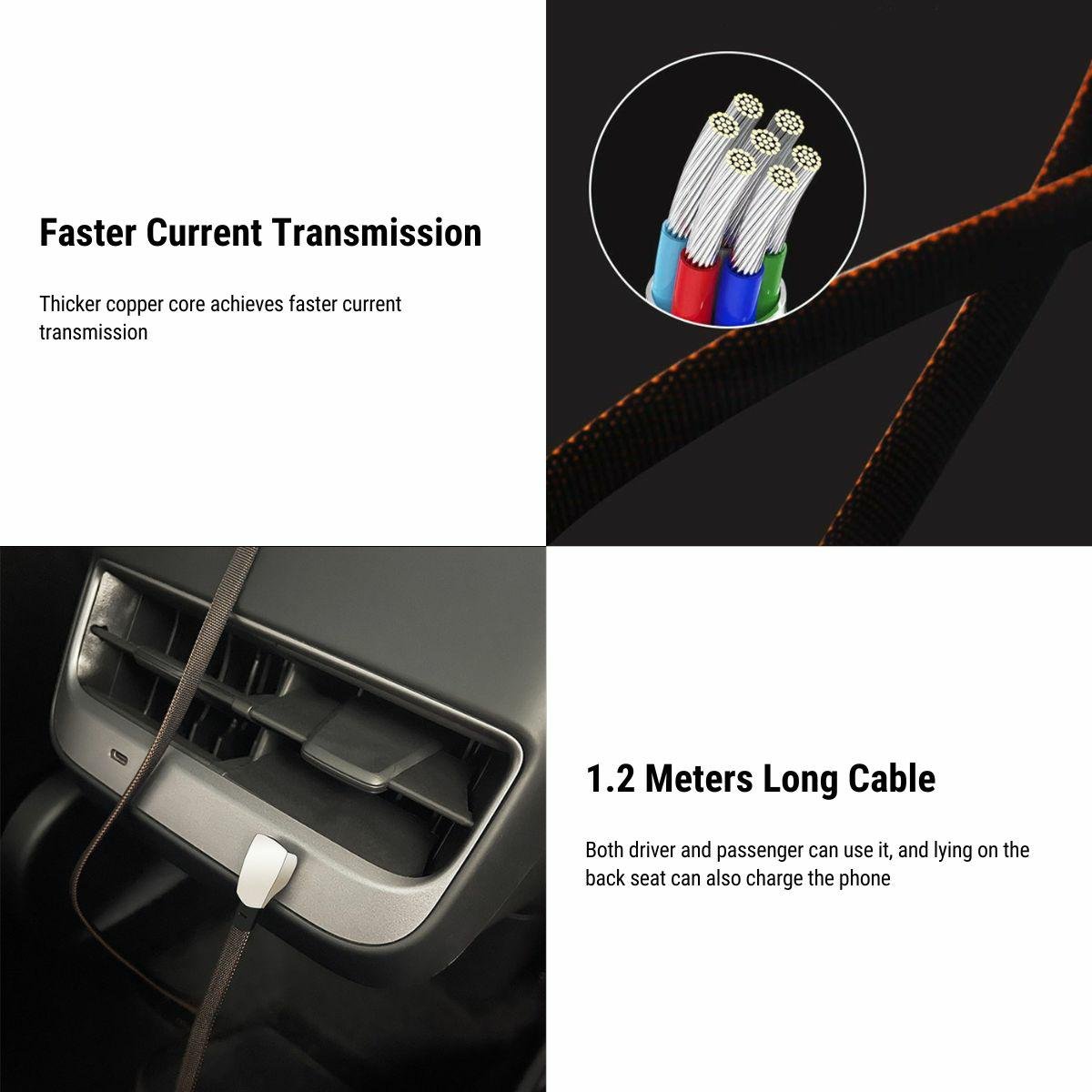
A Braided Charging and Data Cable
Connect a device to a USB-C port with a braided charging and data cable. Choose USB-C to USB-C or USB-C to Lightning for the device connector. The cable has a woven jacket and metal connector housings. Charging speed depends on the source port, device, battery state and supported charging protocol.
- Braided Cable
- Two Connector Styles
- USB 2.0 Data
- Metal Housings
Key Features
-
Braided Jacket
A woven exterior surrounds the charging and data lead
-
Connector Options
Choose USB-C to USB-C or USB-C to Lightning
-
Metal End Housings
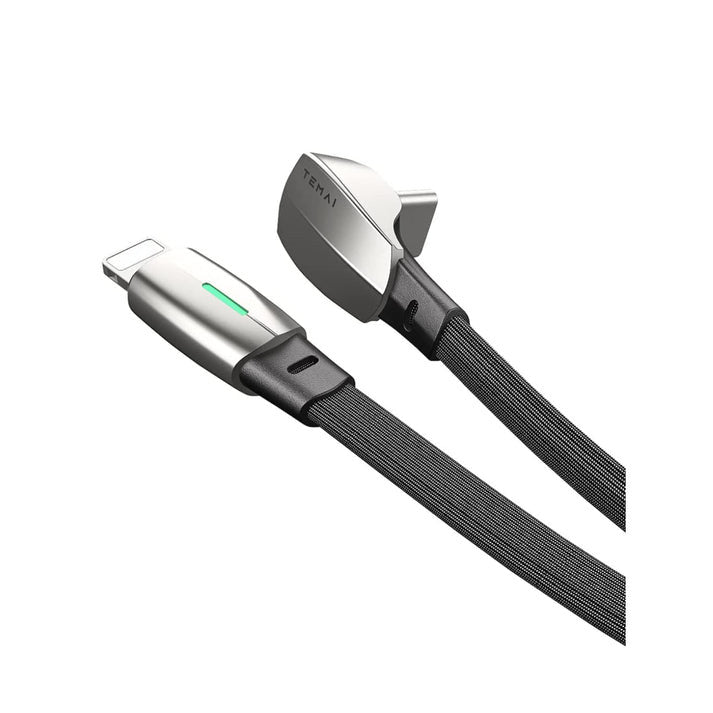
The photographed plugs use metal outer housings and strain reliefs
-
USB 2.0 Data
Data transfer requires a compatible device and data-capable source port
-
Port Matching
Connect to a matching USB-C vehicle port rather than choosing by model badge alone
-
Lightning Certification
The Lightning version is not MFi-certified
Highlights
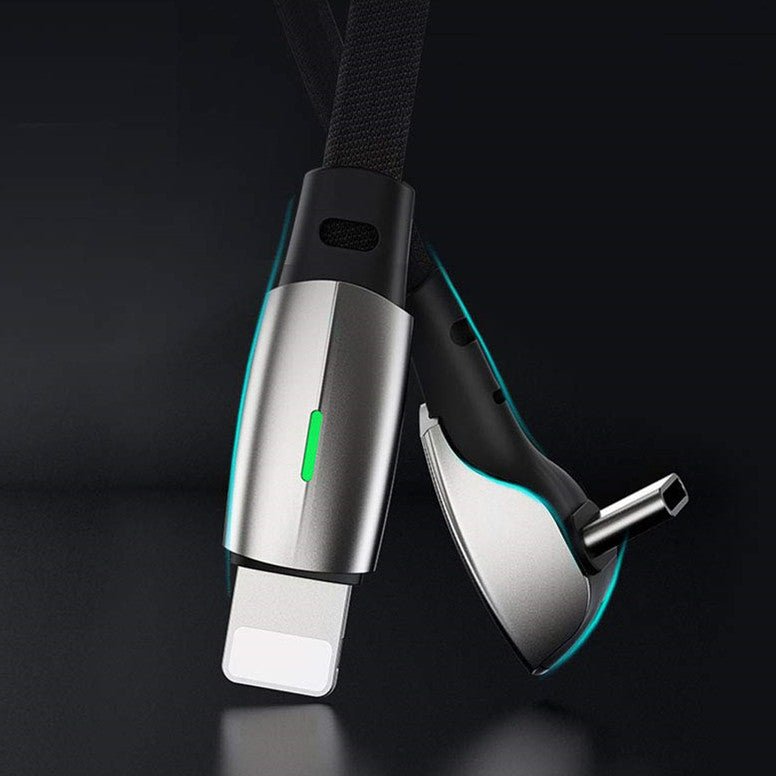
Braided Lead and Metal Ends
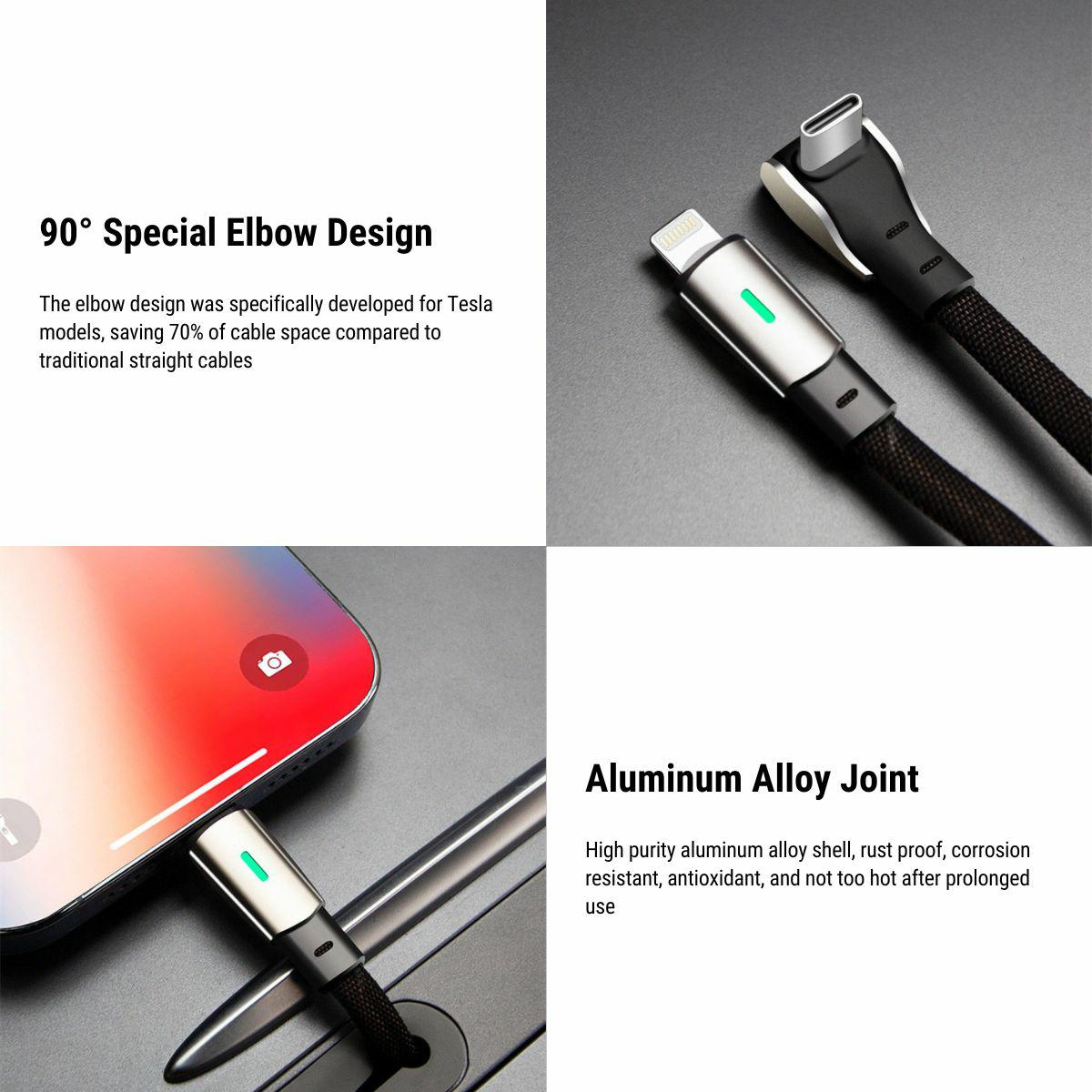
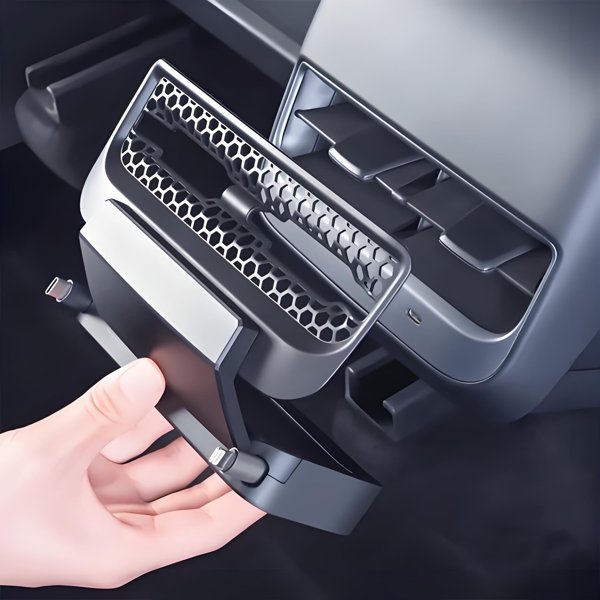
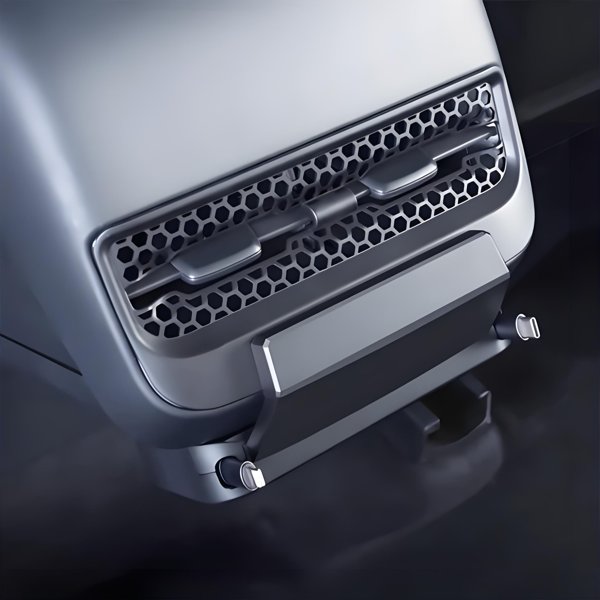
The connector detail shows a braided jacket, strain reliefs and metal end housings on the USB-C-to-Lightning example. Avoid sharp bends or pulling on the cable to unplug it.
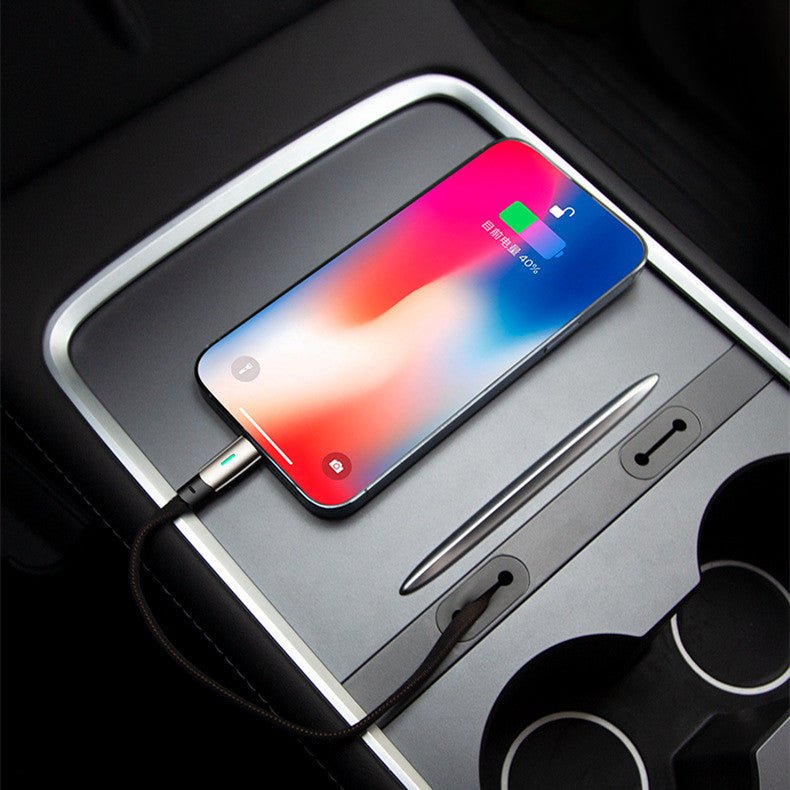
Lightning Connection Example
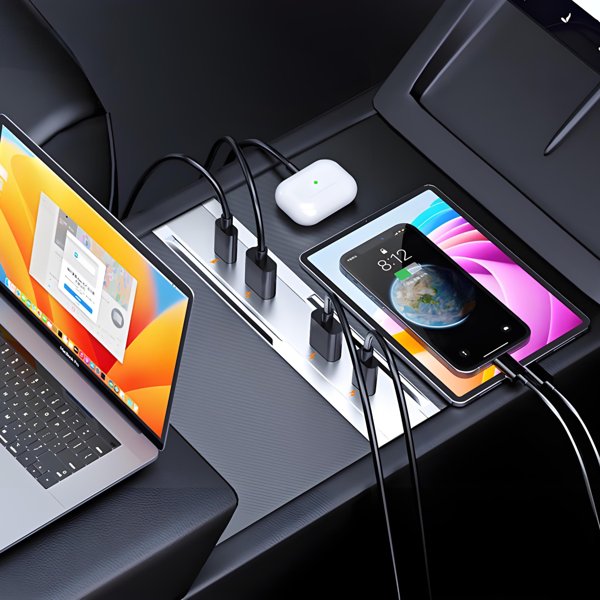
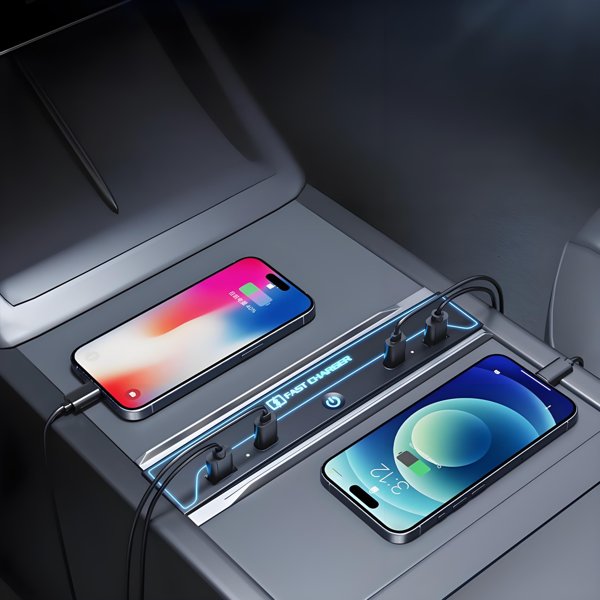
The console photo shows the Lightning end connected to a phone. The Lightning version is not MFi-certified.
Choose Both Matching Connectors
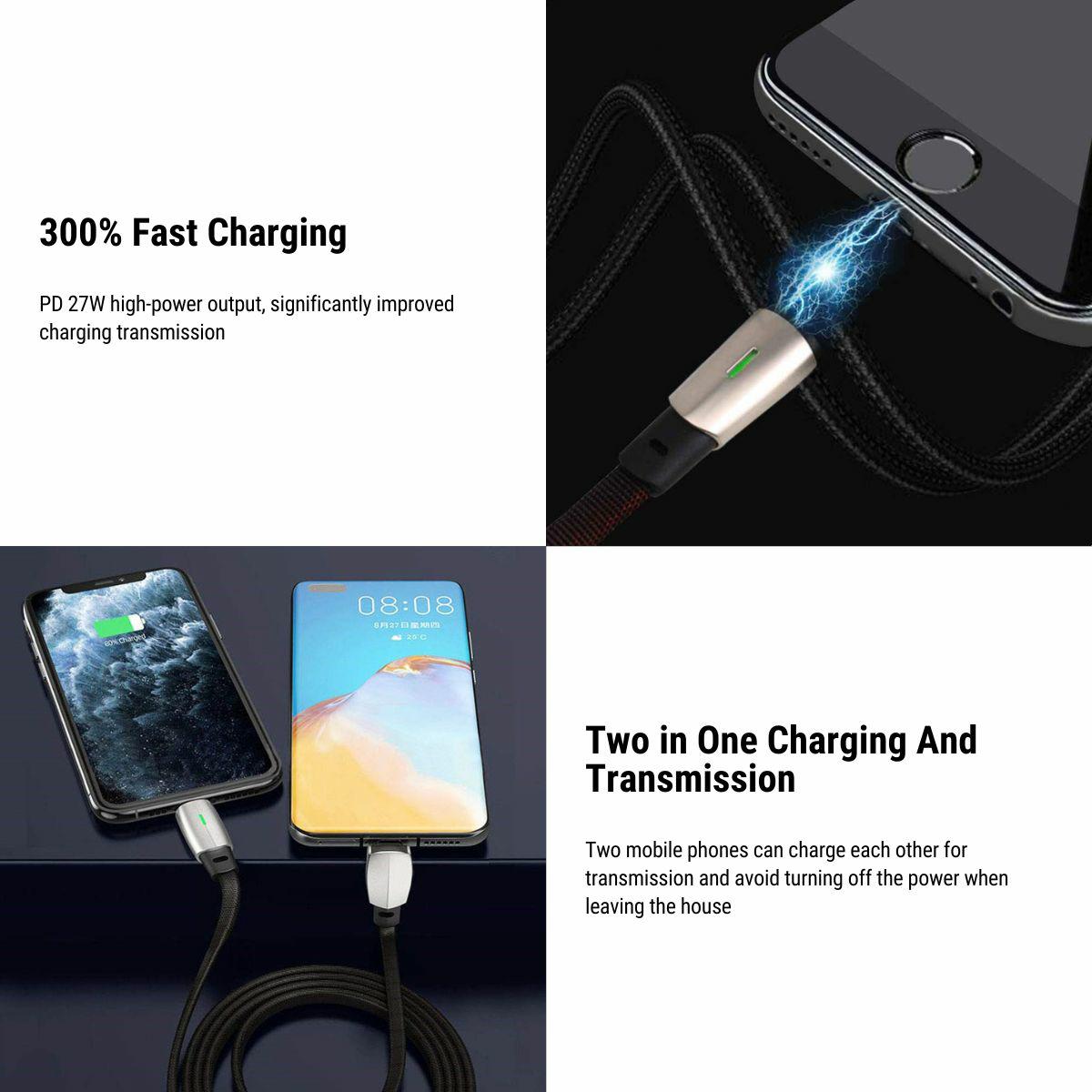
Choose USB-C to USB-C for a USB-C device or USB-C to Lightning for a device with a Lightning port. The source-side plug is USB-C.
Compatibility
| Model | Years / Version | Notes |
|---|---|---|
| Model 3 | Requires a matching USB-C source port and compatible device connector | |
| Model Y | Requires a matching USB-C source port and compatible device connector | |
| Model S | Requires a matching USB-C source port and compatible device connector | |
| Model X | Requires a matching USB-C source port and compatible device connector |
The source-side plug is USB-C. Charging speed depends on the port’s power capability.
Specifications
| Product Type | Braided charging and data cable |
|---|---|
| Compatible Models | Model 3, Model Y, Model S or Model X with a matching USB-C port |
| Material | Woven braided jacket with metal connector housings |
| Quantity | 1 cable |
| Connectivity | USB 2.0 data transfer with a compatible data-capable port and device |
| Charging Standard | Lightning version is not MFi-certified |
| Connector Type | USB-C to USB-C, or USB-C to Lightning |
| Package Contents | 1 charging/data cable in the selected connector style |
What's in the Box
- 1×Charging and data cable in the selected connector style
Installation
- Insert matching plugs fully without force and leave a relaxed bend at each strain relief.
- Route the cable clear of moving lids and seats without pulling it tight.
Good to Know
Caution
- The Lightning version is not MFi-certified.
- Match both cable ends to the actual ports. A separate adapter is not listed as included; do not force a plug.
- Route the cable away from moving lids, hinges and seat rails without tension at either connector.
Care
- Unplug by the connector housing and inspect loose or damaged connectors before reuse.
FAQ
Which connector option should I choose?
Choose USB-C to USB-C for a USB-C device or USB-C to Lightning for a Lightning device. Both options require a matching vehicle-side USB-C port, unless you separately obtain a suitable adapter.
Is the Lightning version MFi-certified?
No. It is not Apple-certified hardware.
Will every vehicle port give the same charging speed?
Charging depends on the source port, device protocol, battery state and any adapter. The cable alone does not set the charging rate.
Can I use it for data transfer?
USB 2.0 transfer requires a data-capable source port, compatible device and supported software. A charge-only port will not provide device data functions.

 English
  German
  Spanish