Center-Console USB Hub with Storage-Area LED
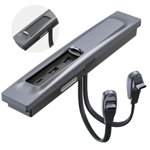
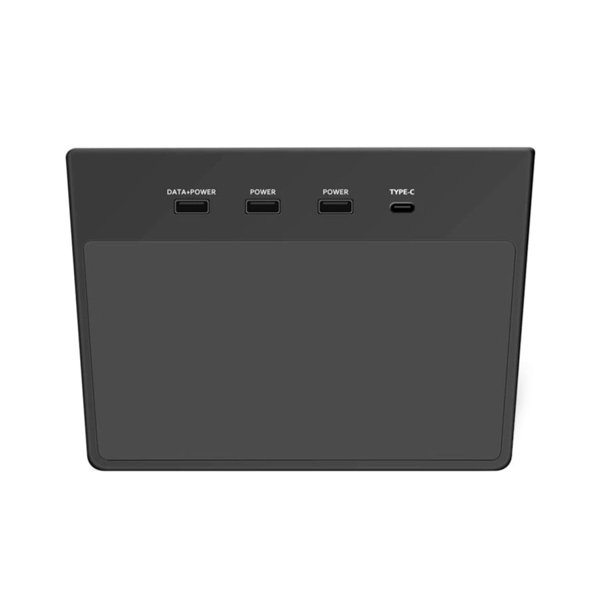
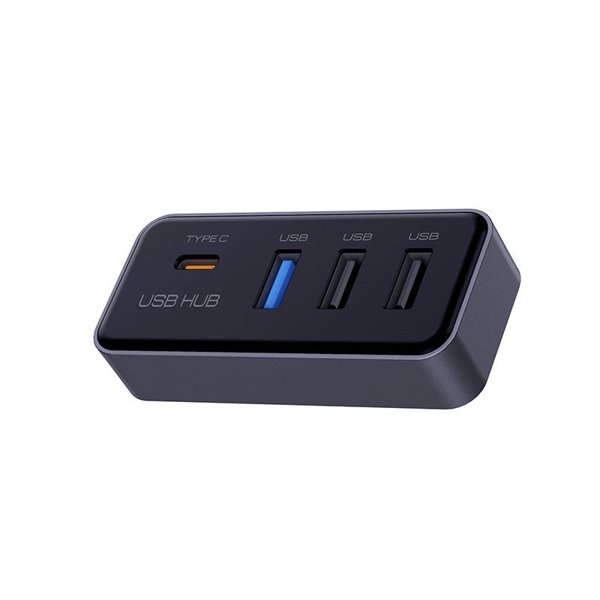
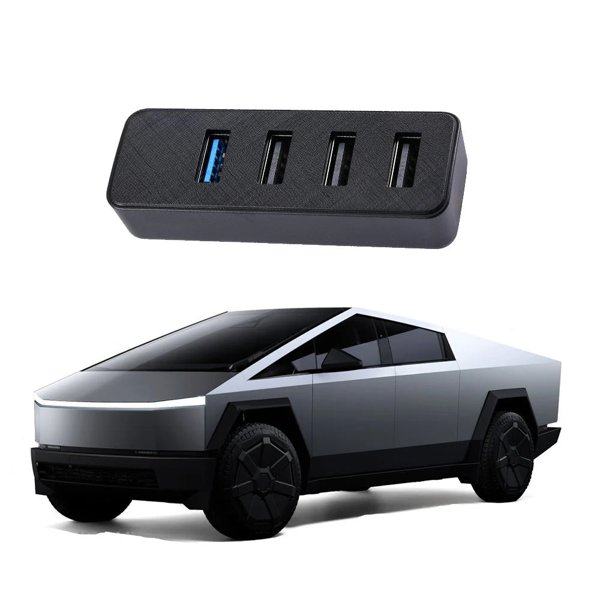
This card-slot USB hub for the pre-refresh Model 3 and Model Y console has one USB-C and two USB-A ports, an ABS/PC housing and a button-controlled LED with two-minute auto-off. Tesla’s USB hub, power and data-port restrictions apply.
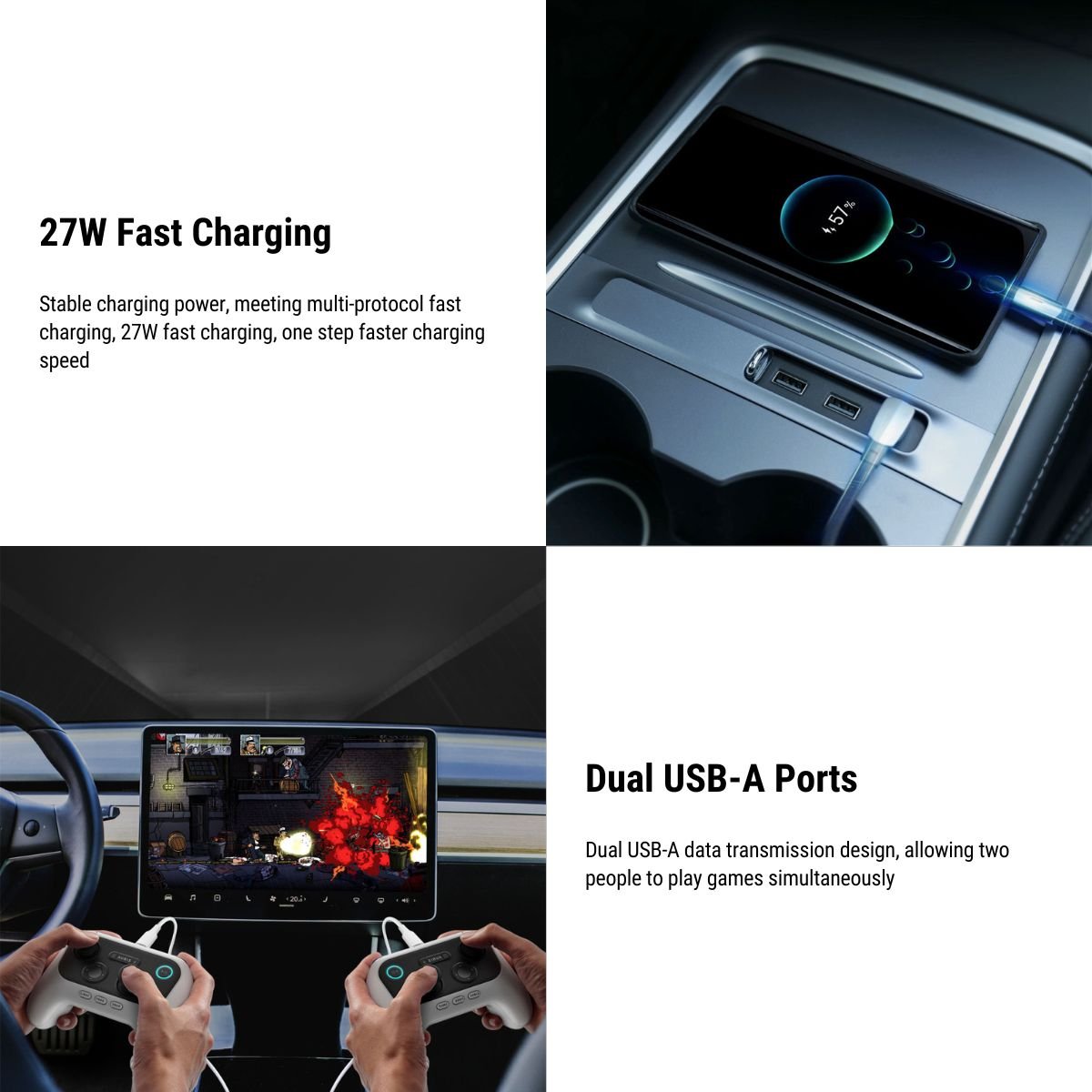
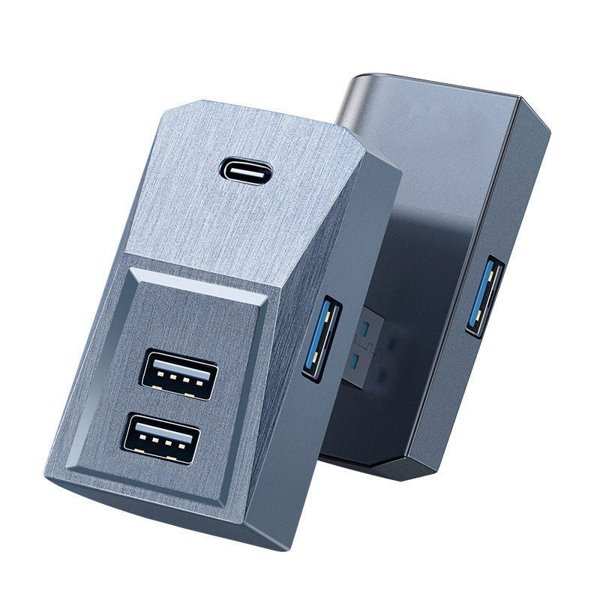
- 1 USB-C + 2 USB-A
- Button-Controlled LED
- ABS + PC
- Pre-Refresh Console
Key Features
-
Connector Type
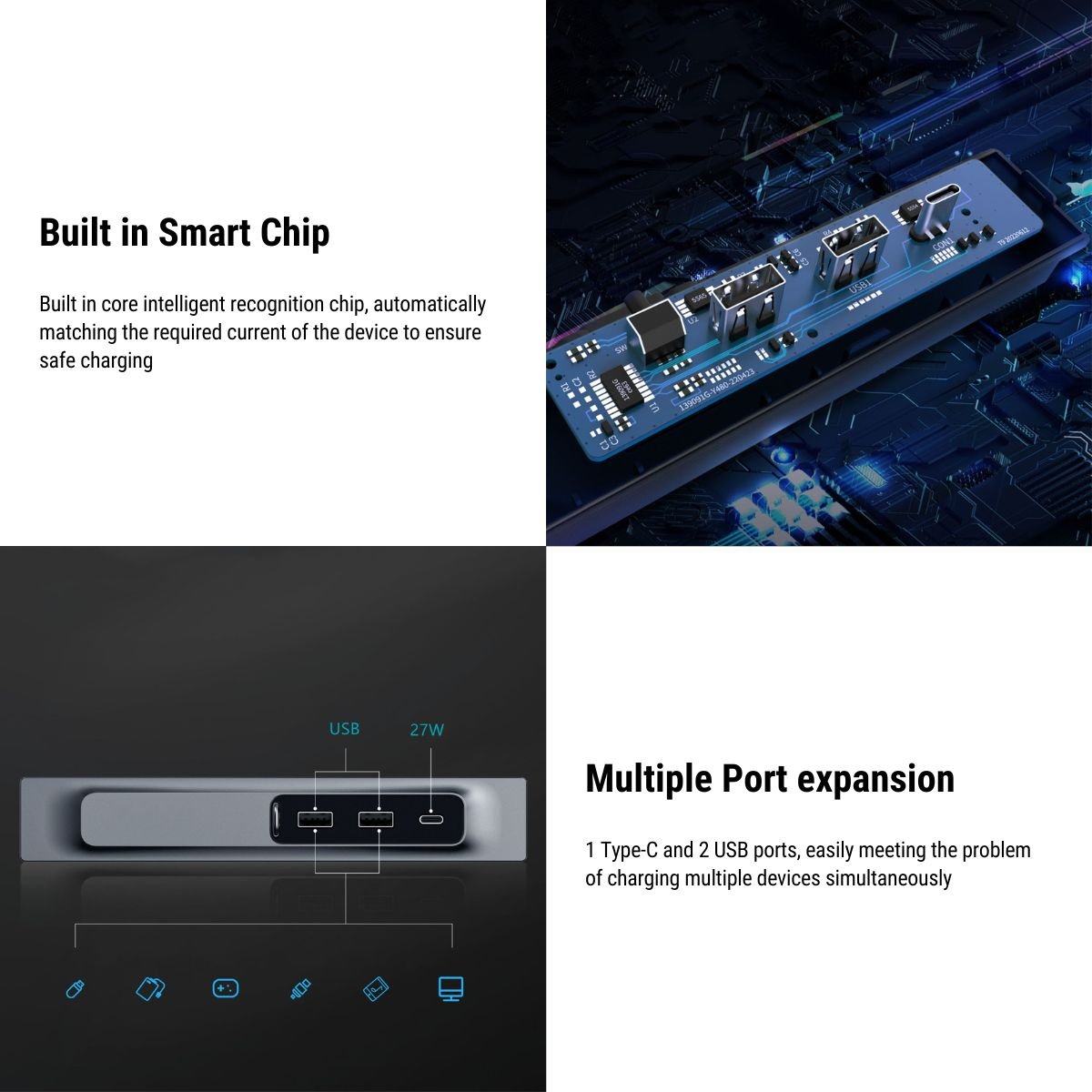
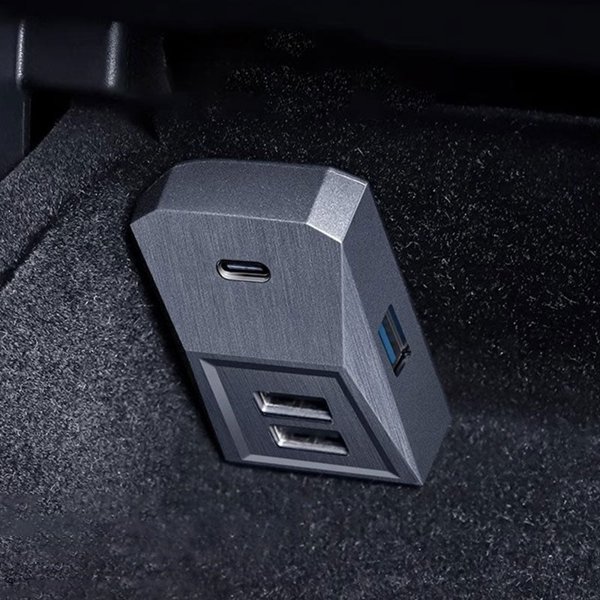
One USB-C and two USB-A downstream ports.
-
Light Source
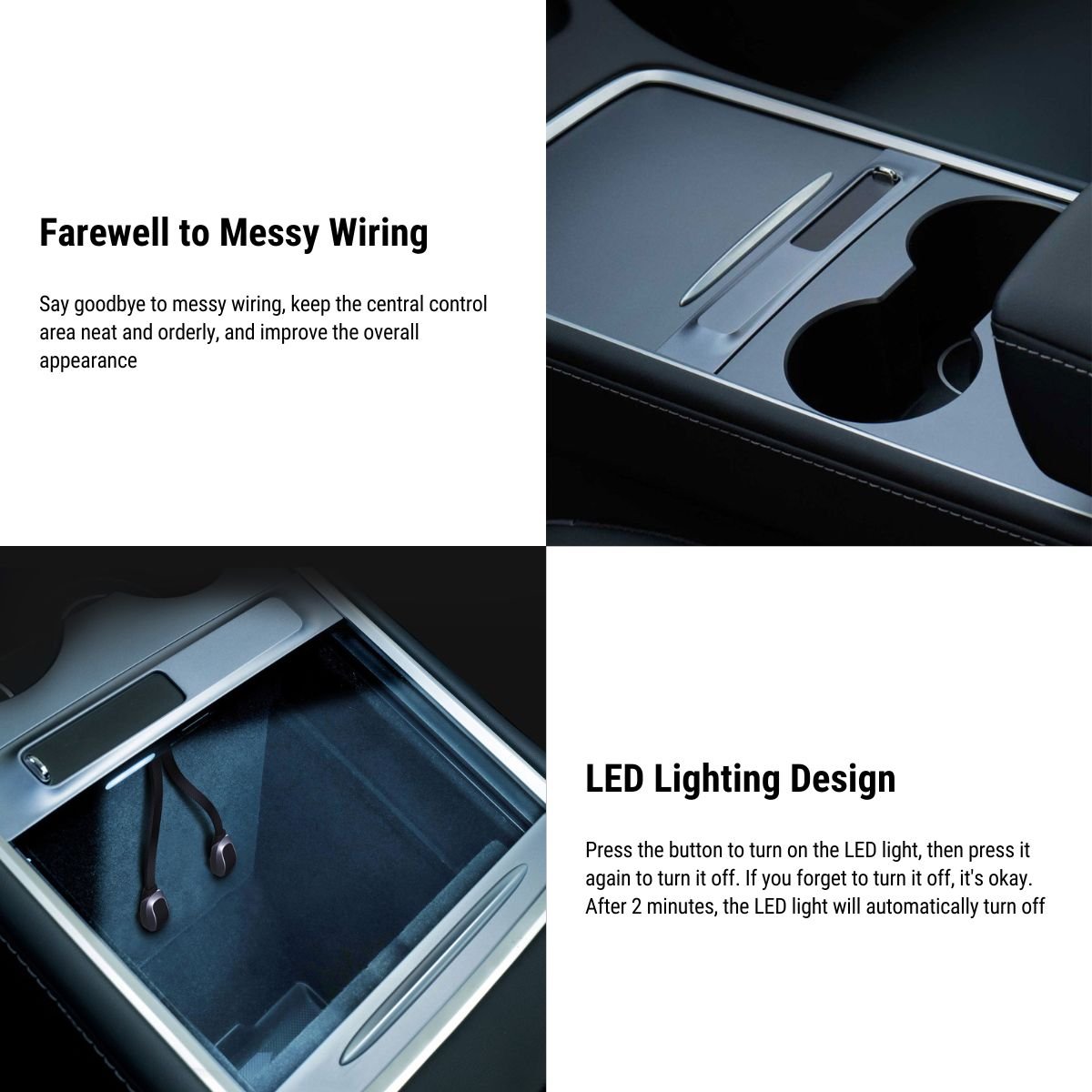
Button-controlled LED with a two-minute auto-off function.
-
Material
ABS and PC housing for the console hub.
-
Position / Location
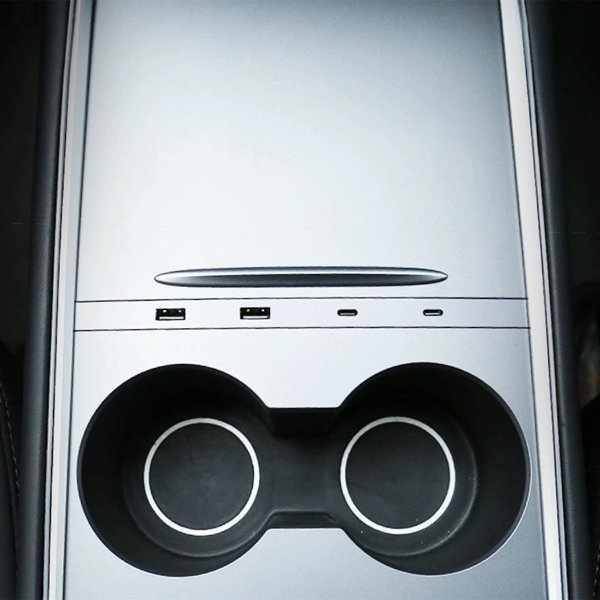
Fits the matching center-console card-slot layout.
-
Compatibility
For the listed pre-Highland Model 3 and pre-Juniper Model Y console.
-
Installation
The sliding cover stays free to move.
Highlights
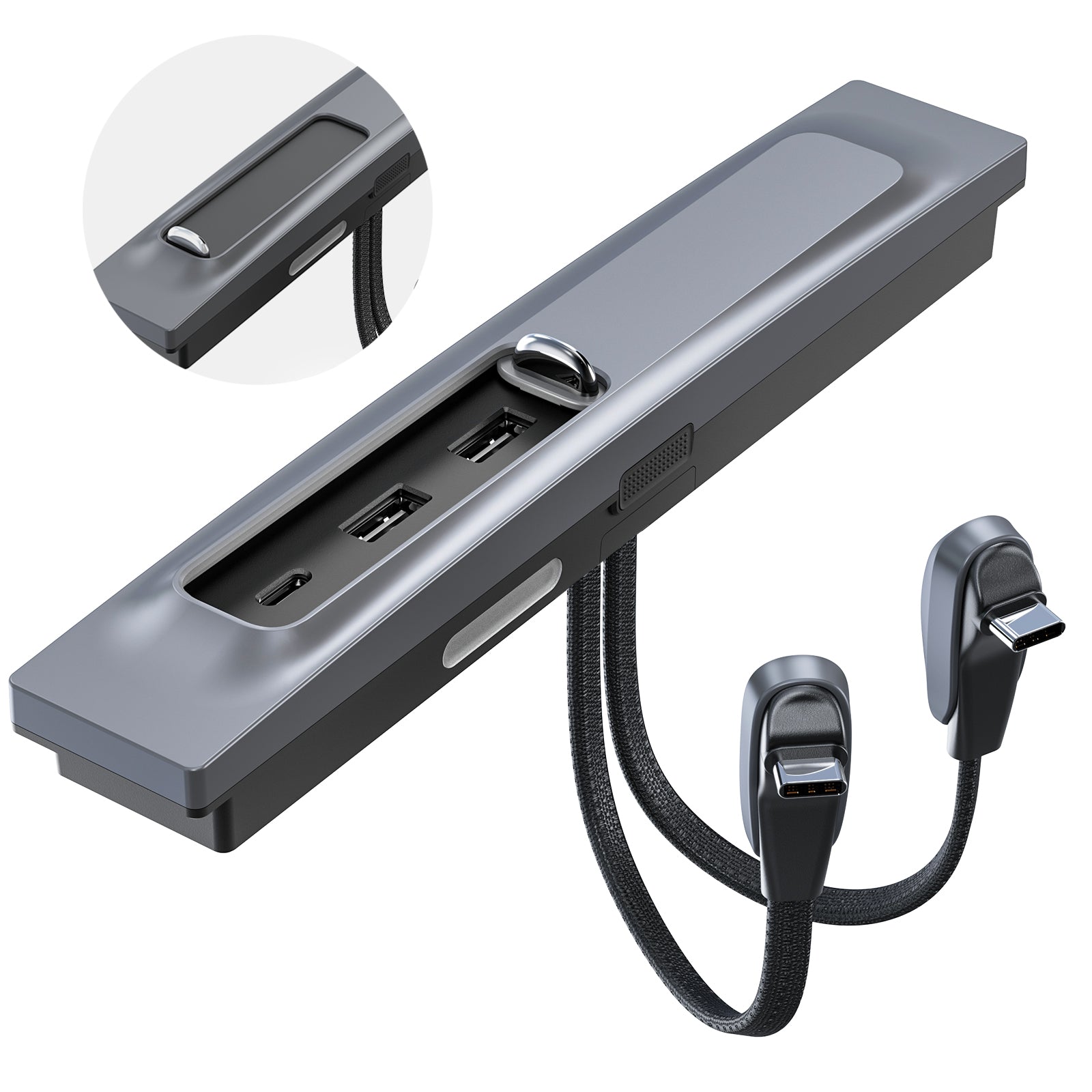
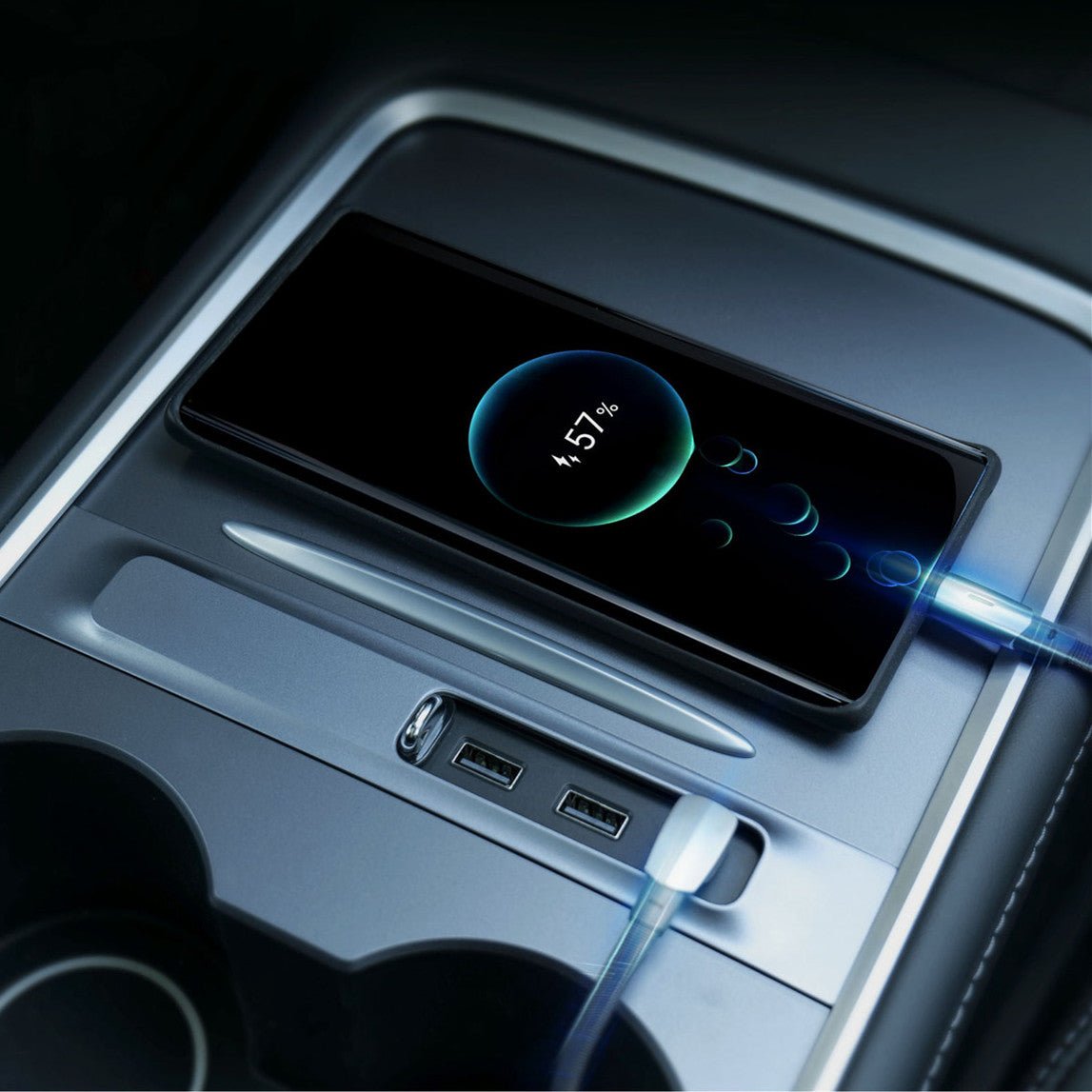
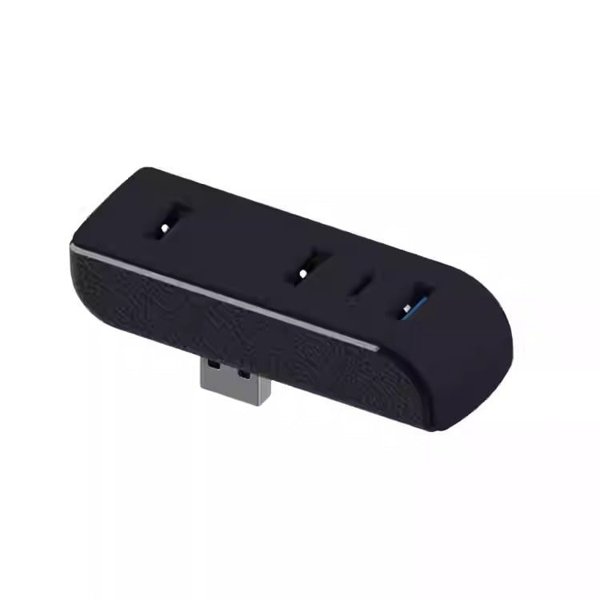
Three-Port Console Body
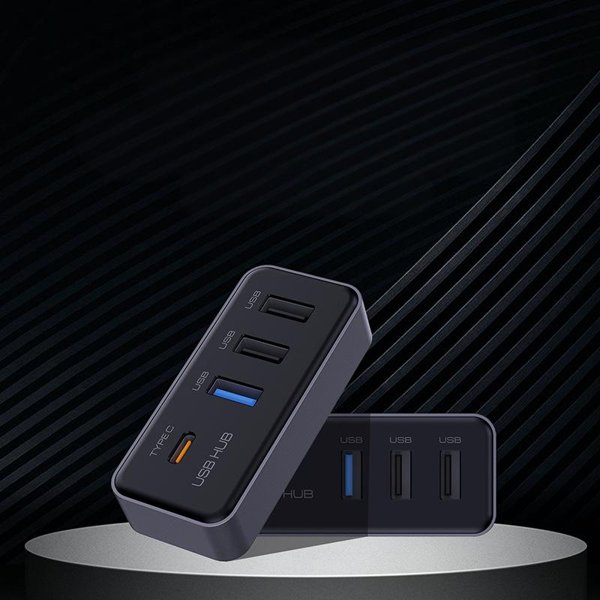
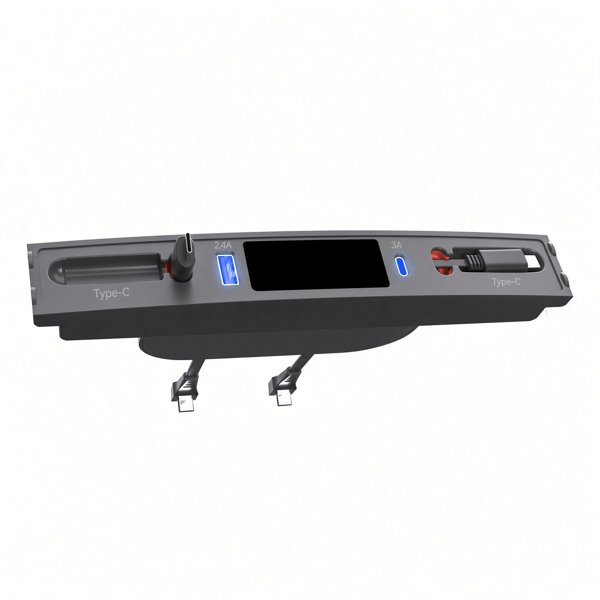
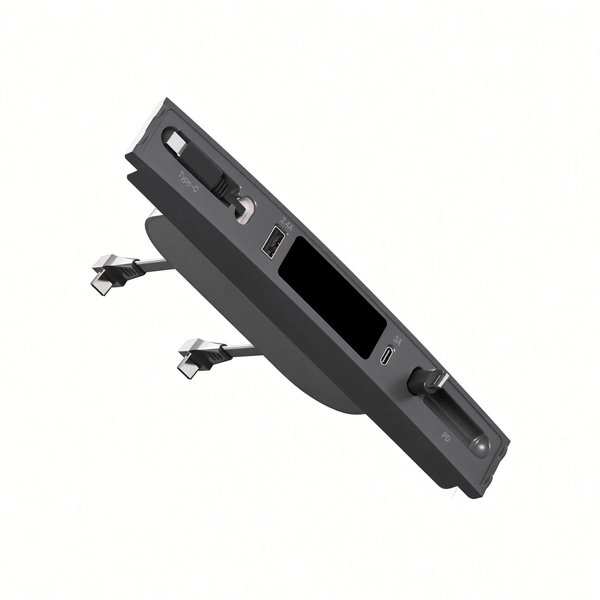
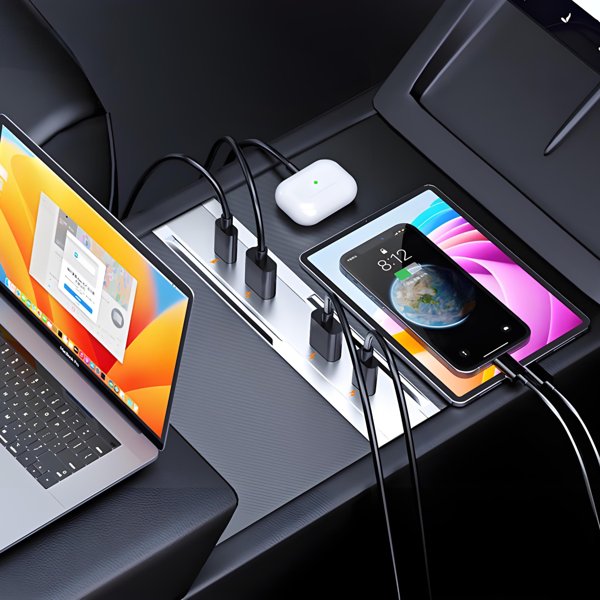
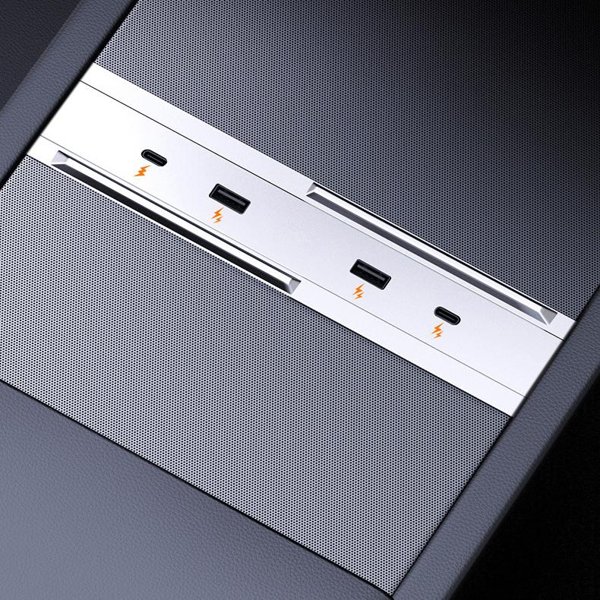
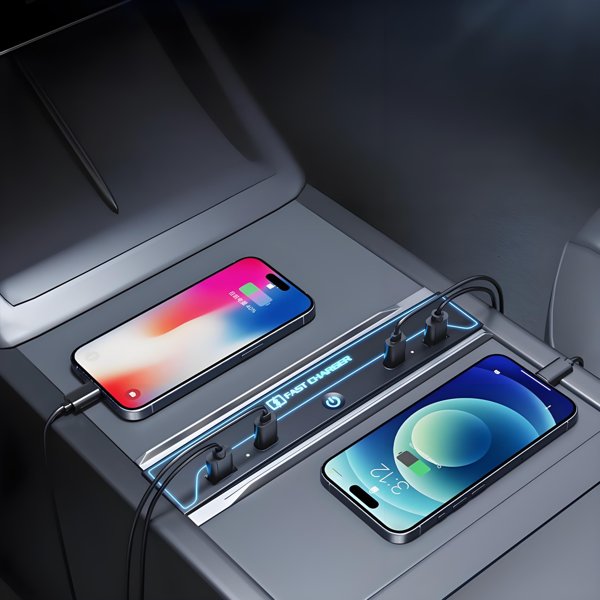
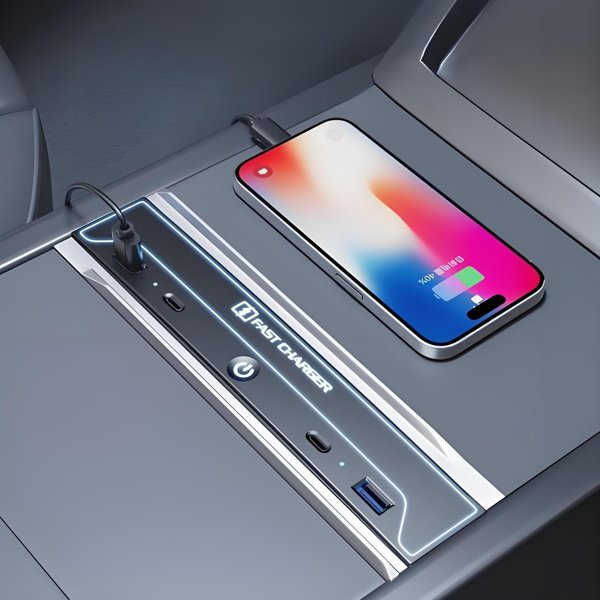
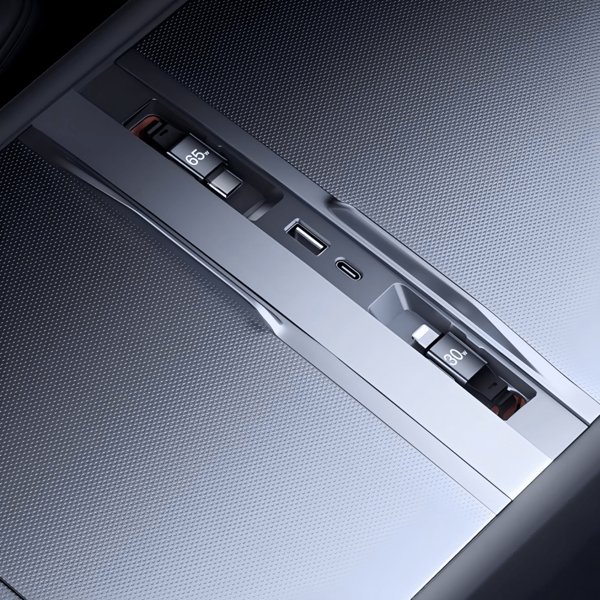
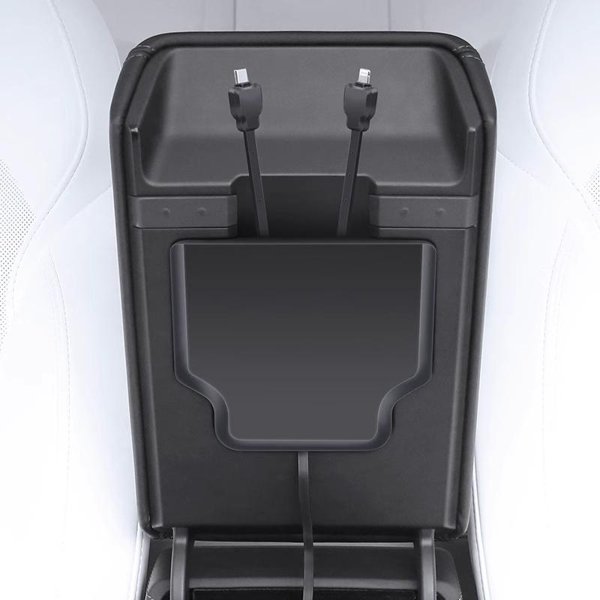
One USB-C and two USB-A downstream ports are recessed into the console body. The two input plugs do not form independent power or data routes.
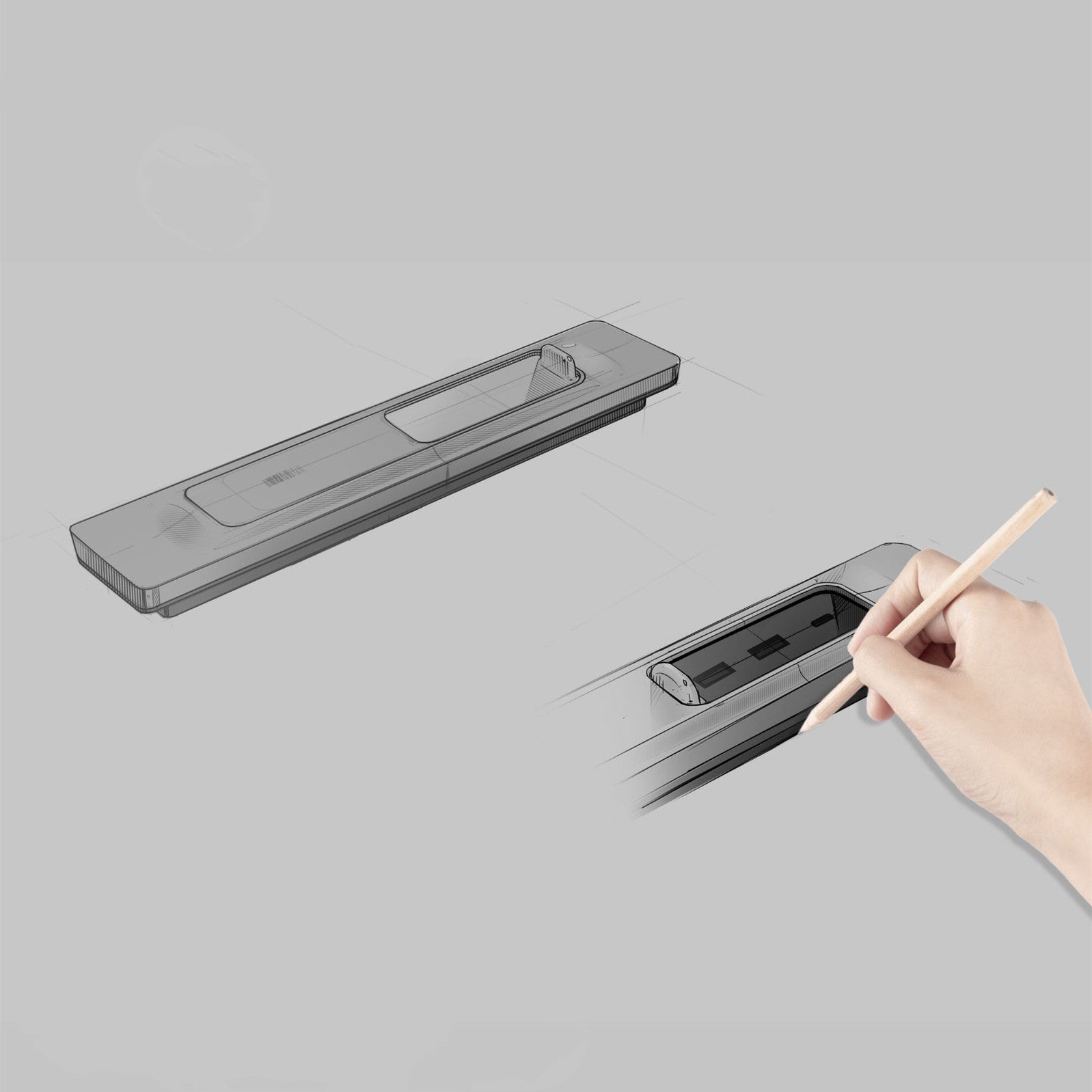
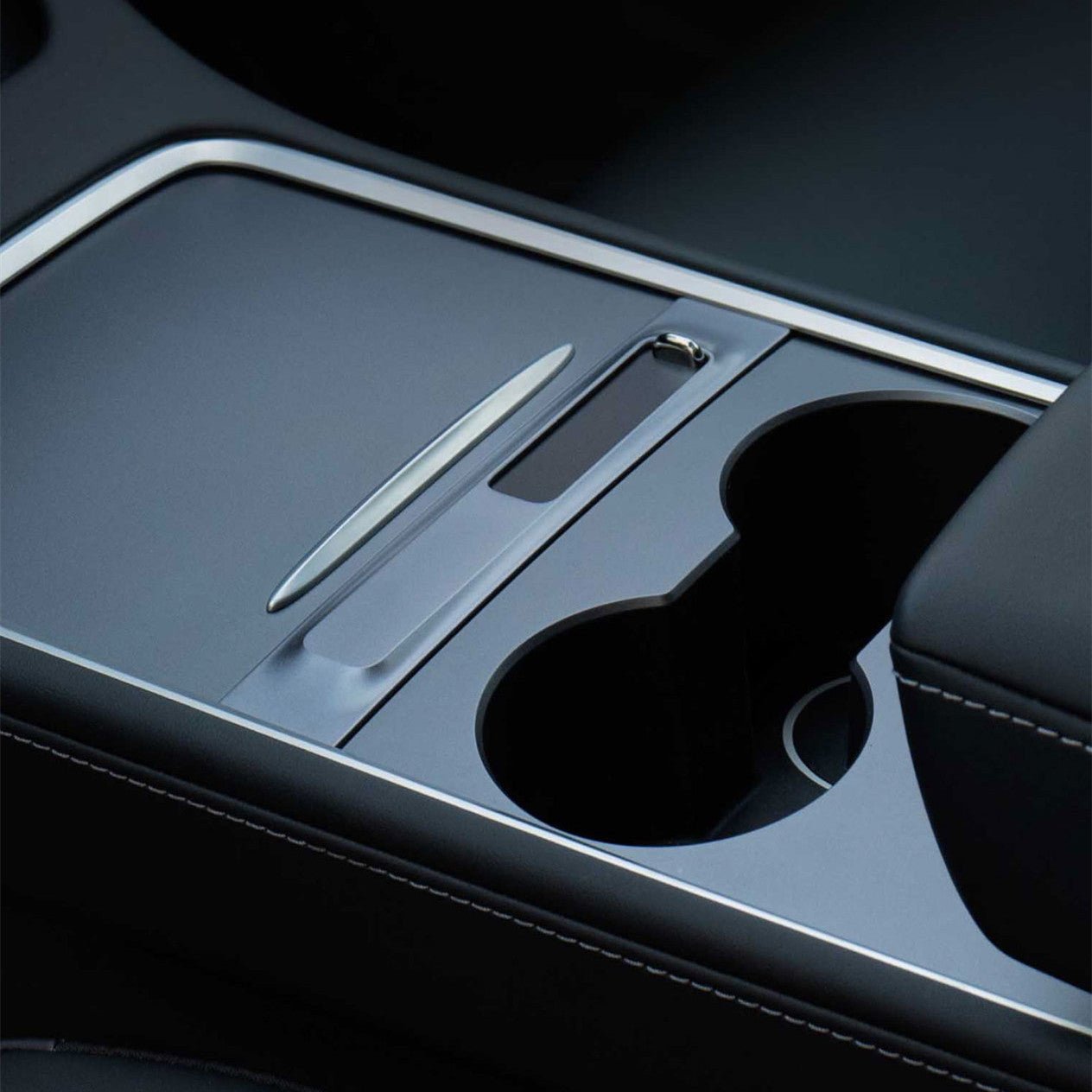
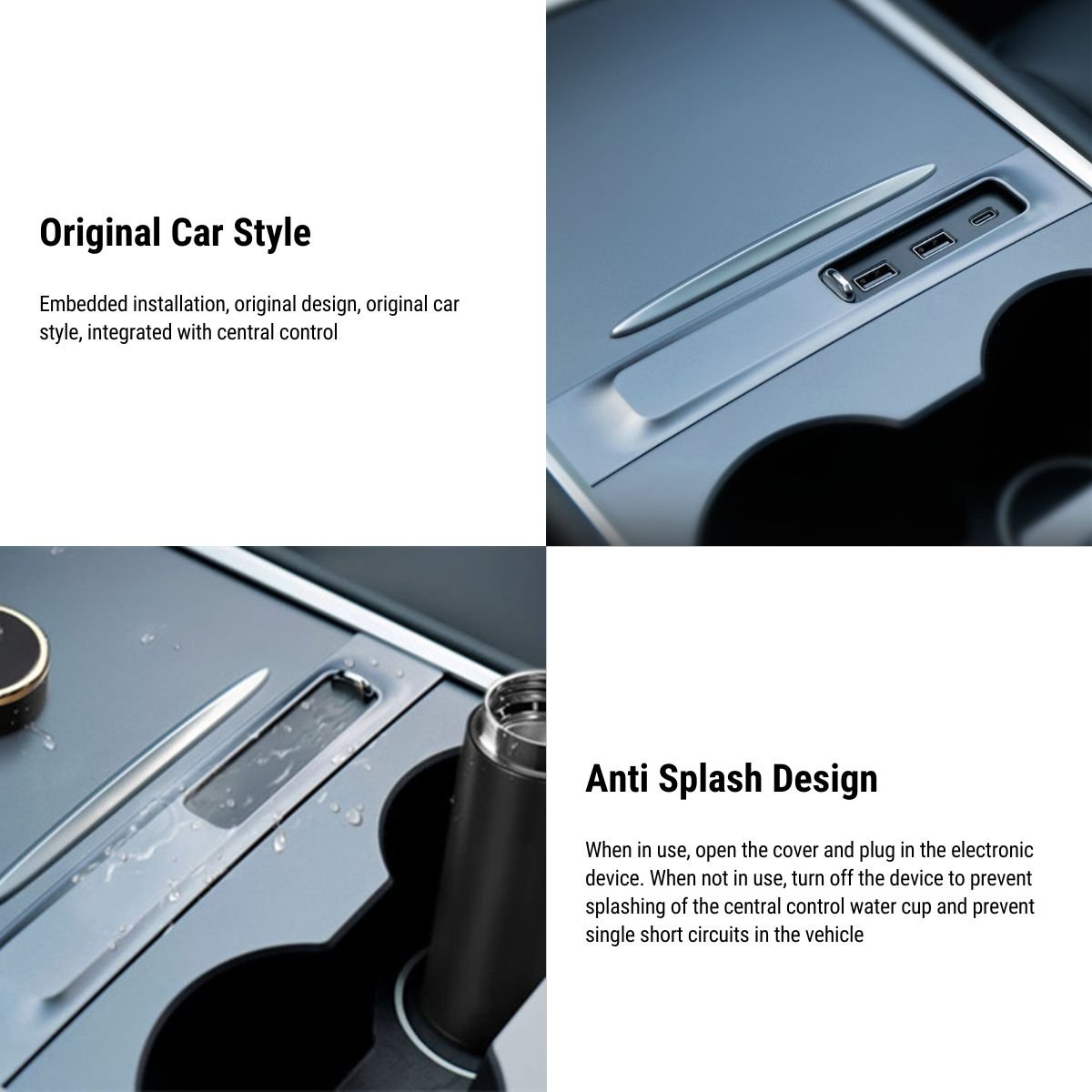
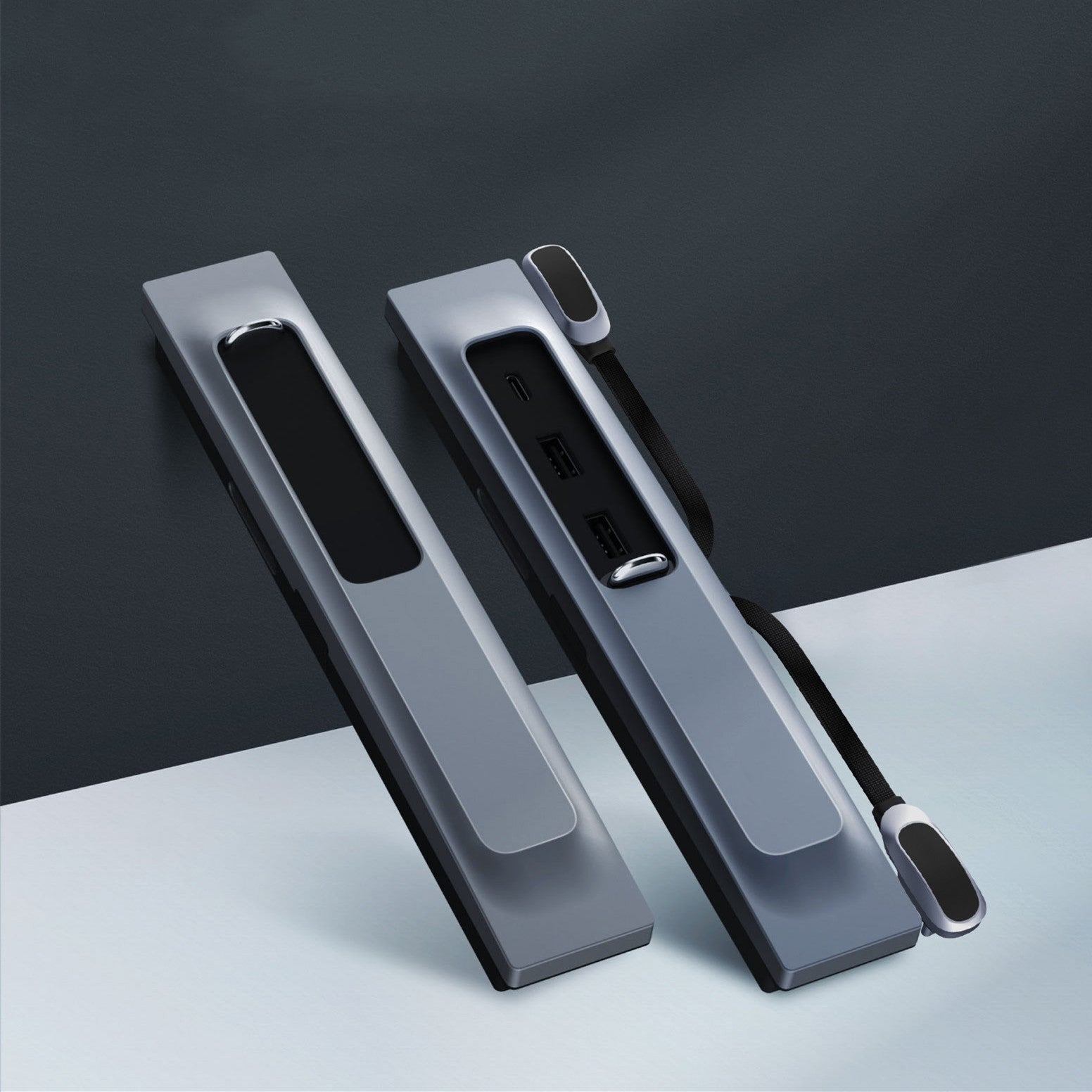
Card-Slot Housing Design
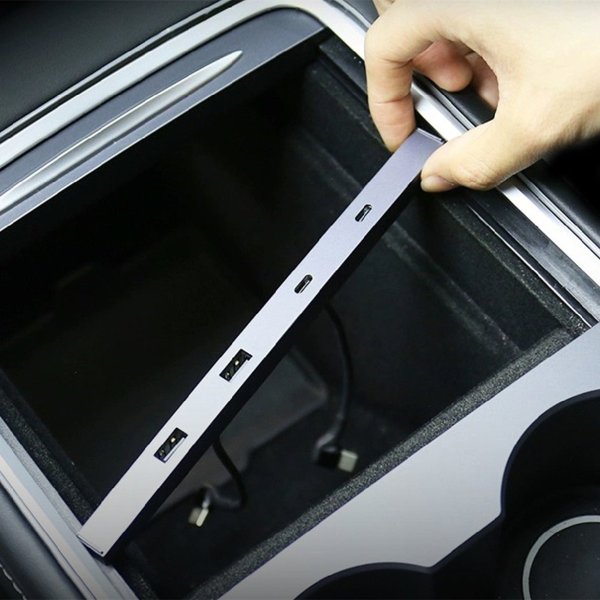
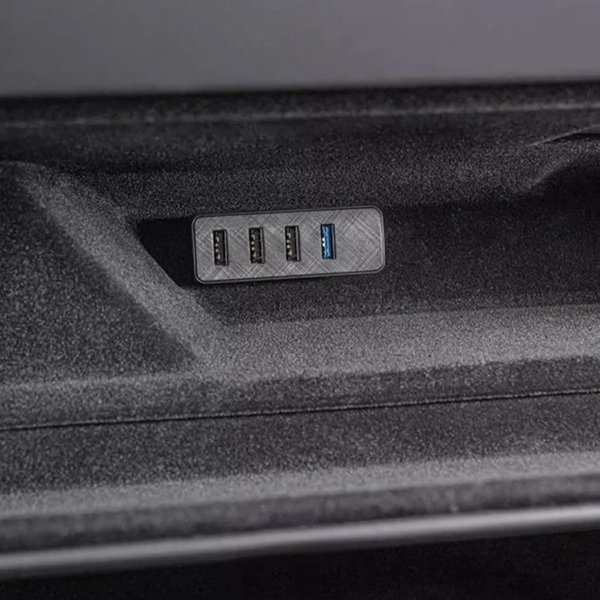
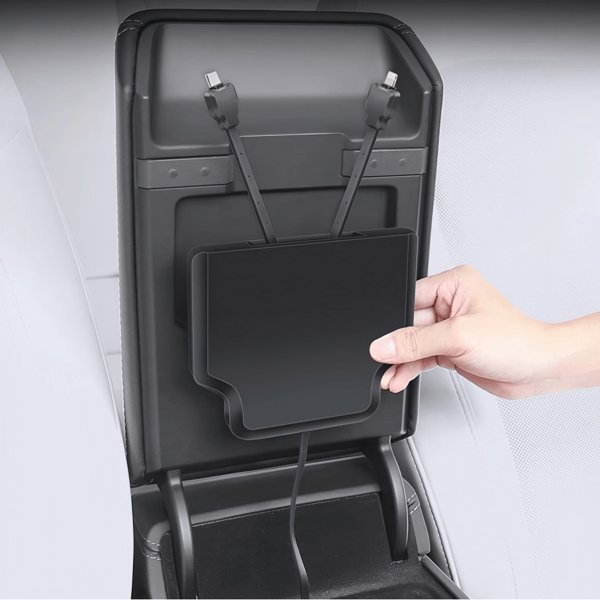
The design illustration shows the slim console housing and recessed port opening. It fits the pre-refresh console slot and leaves the sliding cover and storage access unobstructed.
Compatibility
| Model | Years / Version | Notes |
|---|---|---|
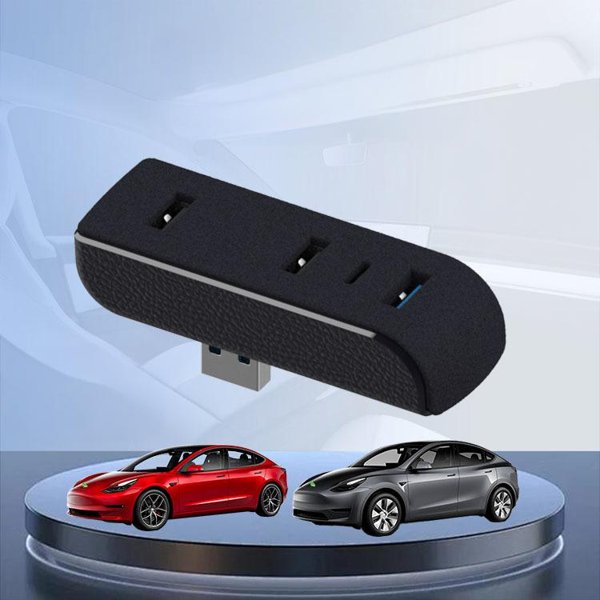
| Model 3 | 2021–2023.10 | Pre-Highland console. Does not fit Highland. |
| Model Y | 2020–2025.03 | Pre-Juniper console. Does not fit Juniper. |
Not for Model 3 Highland or Model Y Juniper consoles. Model year alone does not establish the installed USB type, available power or data support.
Specifications
| Product Type | Center-console USB hub with LED light |
|---|---|
| Compatible Models | Model 3 2021–2023.10 / Model Y 2020–2025.03, pre-refresh console only |
| Position / Location | Center-console card slot |
| Material | ABS and PC housing |
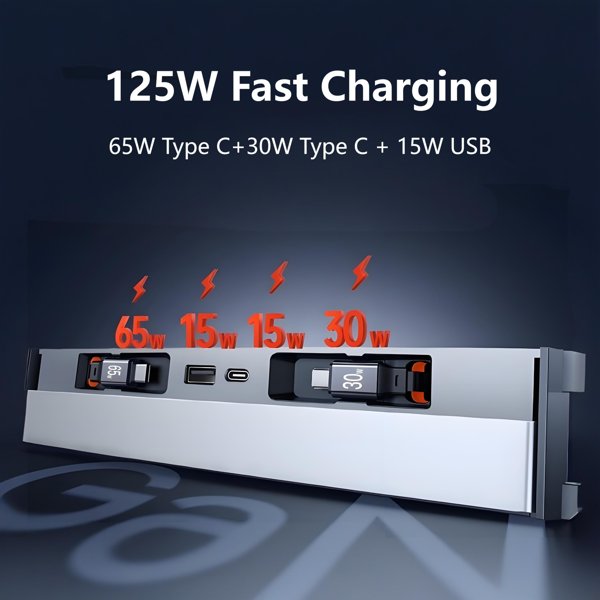
| Power | Listed 27 W PD USB-C capability; actual output depends on vehicle input, cable and device, with no simultaneous-output guarantee |
| Connector Type | 1 USB-C and 2 USB-A downstream ports |
| Light Source | Button-controlled LED with 2-minute auto-off |
| Installation Type | Card-slot insertion without console disassembly |
What’s in the Box
- 1×USB hub with LED light
- Installation instructions
Installation
- Clean the center-console area.
- Position the hub at the card-slot opening and align it with the slot guides.
- Gently insert the hub into the card slot and push until it sits flush with the console.
Good to Know
Caution
- Caution: Tesla instructs not to use USB hubs to connect multiple devices; connected devices may fail to charge or be recognized. The presence of three ports does not override this requirement.
- Caution: Vehicle USB power and data capability vary by manufacture date. Some consoles built after November 1, 2021 have charge-only USB ports. For Dashcam, Sentry or other data functions, use the vehicle-designated data port and compatible storage directly as the vehicle manual requires.
- Caution: The listed 27 W PD capability is the USB-C port rating, not the delivery from a vehicle port. The two inputs do not form a shared 30 W supply or independent data channels.
Care
- Clean with a dry microfiber cloth and keep liquids and debris out of the ports.
- Disconnect devices before removal. Stop using the hub if a plug, cable or housing is damaged or becomes unusually hot.
- Test the LED button after fitting.
FAQ
Does this fit Highland or Juniper?
No. It is intended for the listed pre-refresh Model 3 and Model Y console shapes.
Does it guarantee 27 W charging in the vehicle?
No. 27 W PD is the listed USB-C capability; actual power depends on the vehicle input, compatible cable and device negotiation.
Can I connect multiple devices at once?
Tesla instructs not to use USB hubs to connect multiple devices because they may not charge or be recognized. Do not infer permission from the number of ports.
Can I rely on this for Sentry or Dashcam recording?
No. Some vehicle console ports are charge-only; use the vehicle-designated data port and compatible storage directly as the vehicle manual requires.
How does the LED work?
Press the button to switch it on. It turns off automatically after two minutes, or you can switch it off manually.

 English
  German
  Spanish