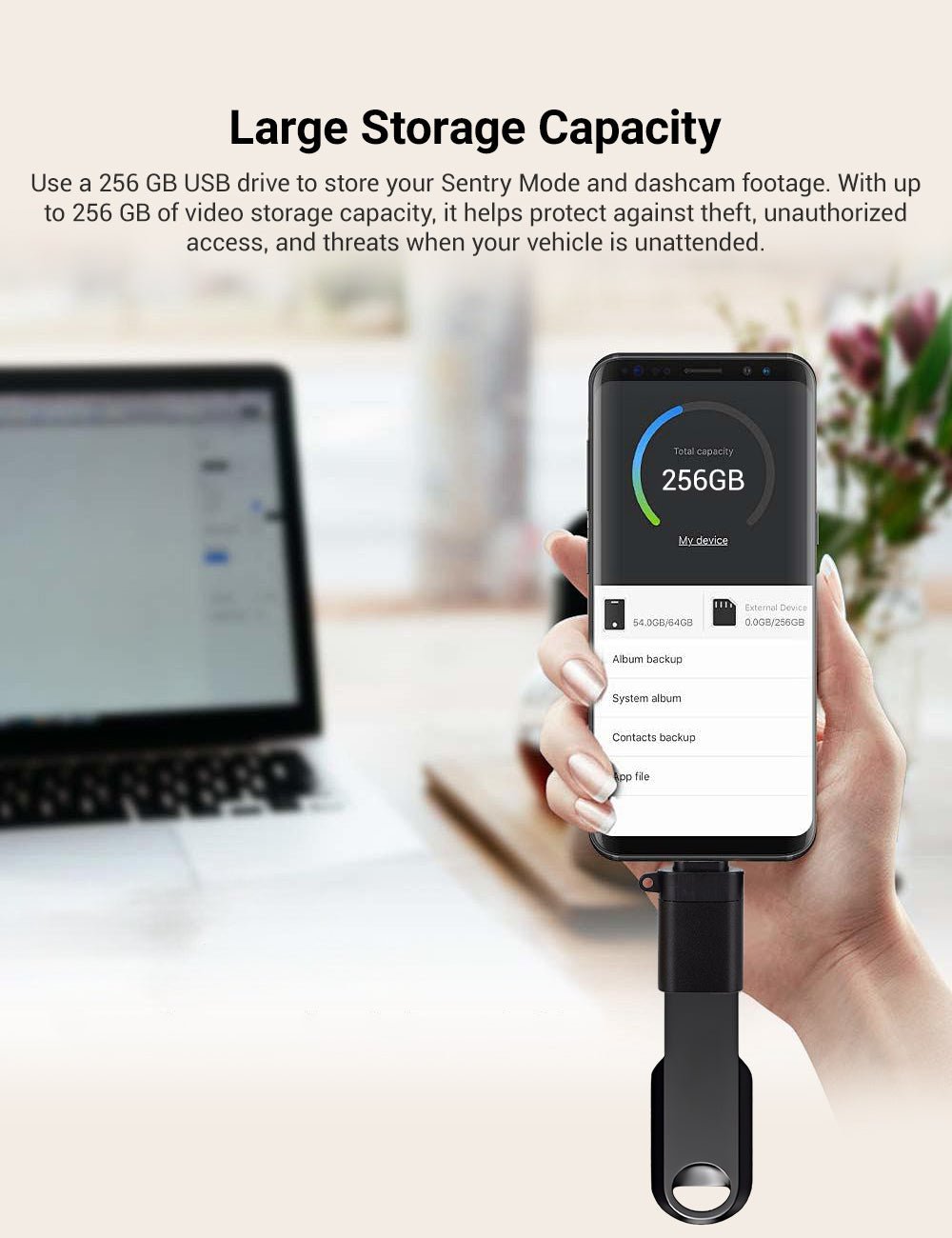
USB Storage for Vehicle Recordings
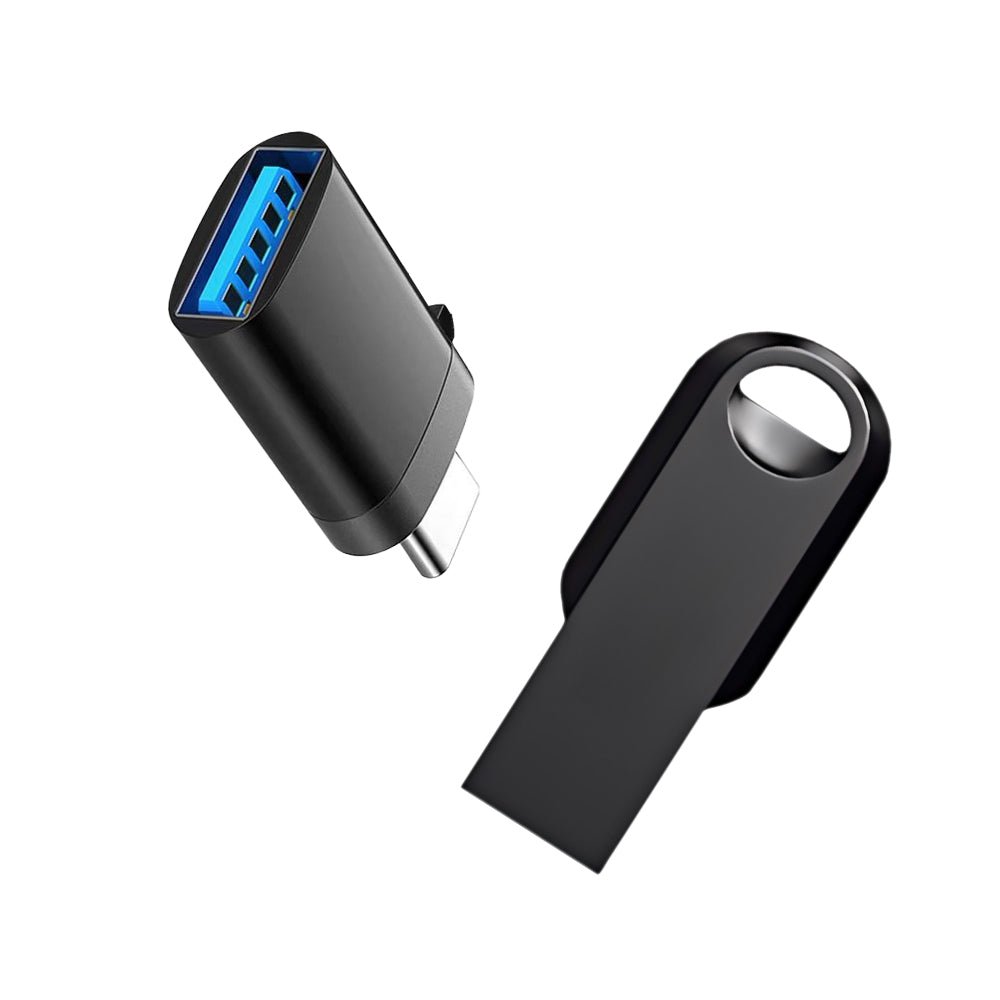
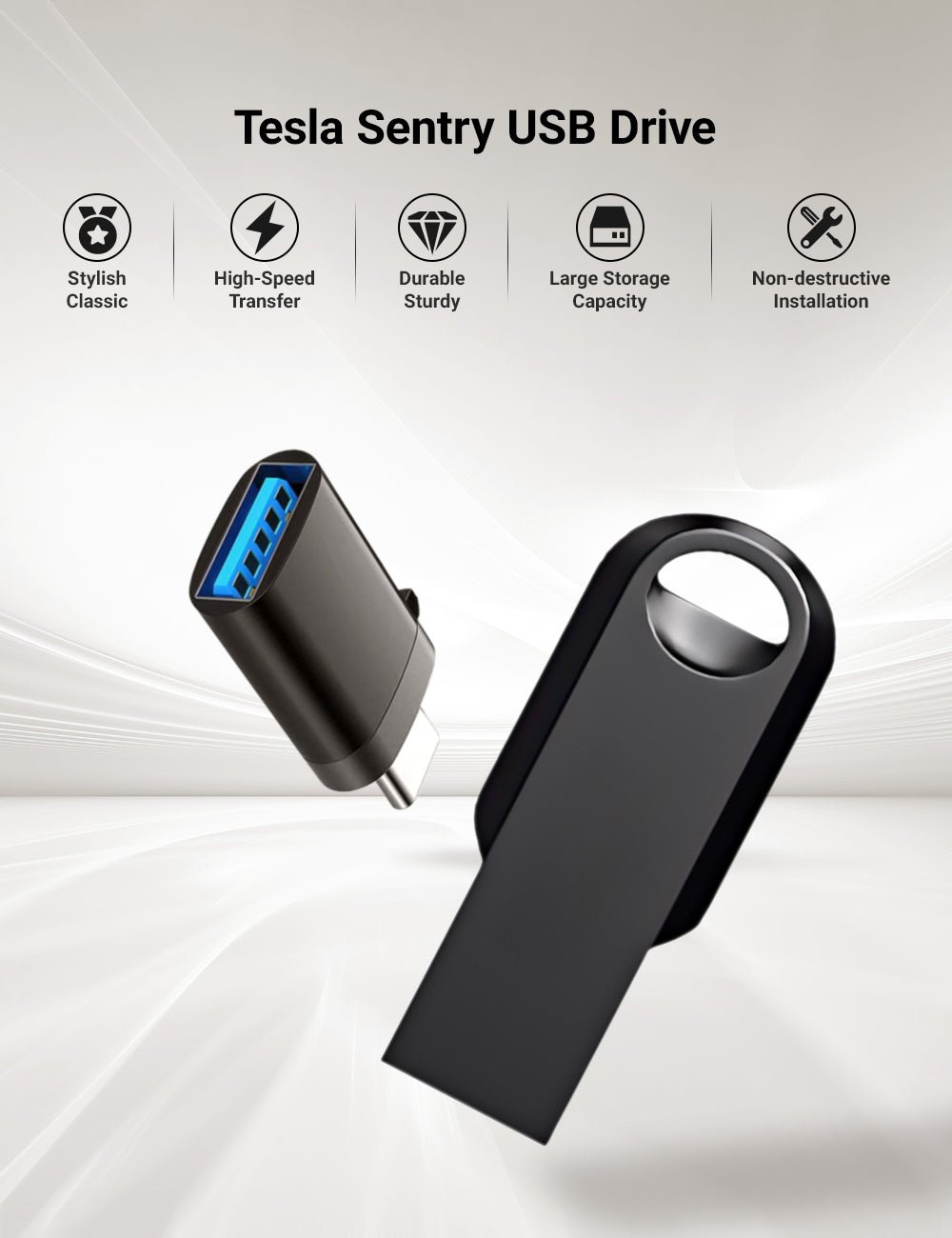
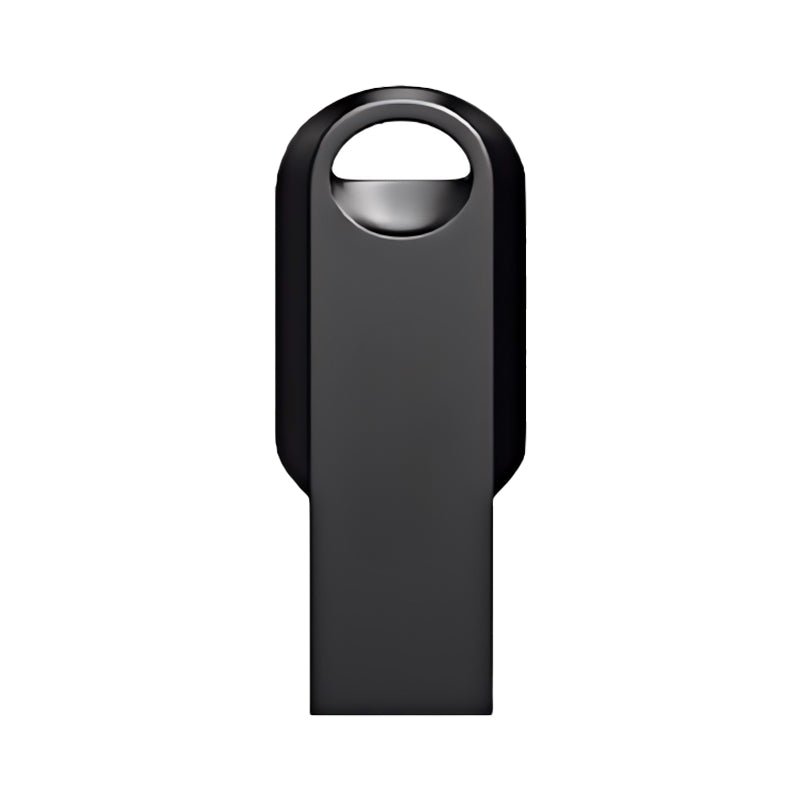
This black metal USB-A drive offers 128 GB or 256 GB storage for Tesla vehicle recording. The housing has an opening for attachment to a key ring. It plugs into the vehicle’s USB-A data port.
- Metal Housing
- 128 GB or 256 GB
- USB-A Connection
- Attachment Opening
Características principales
-
Metal Body
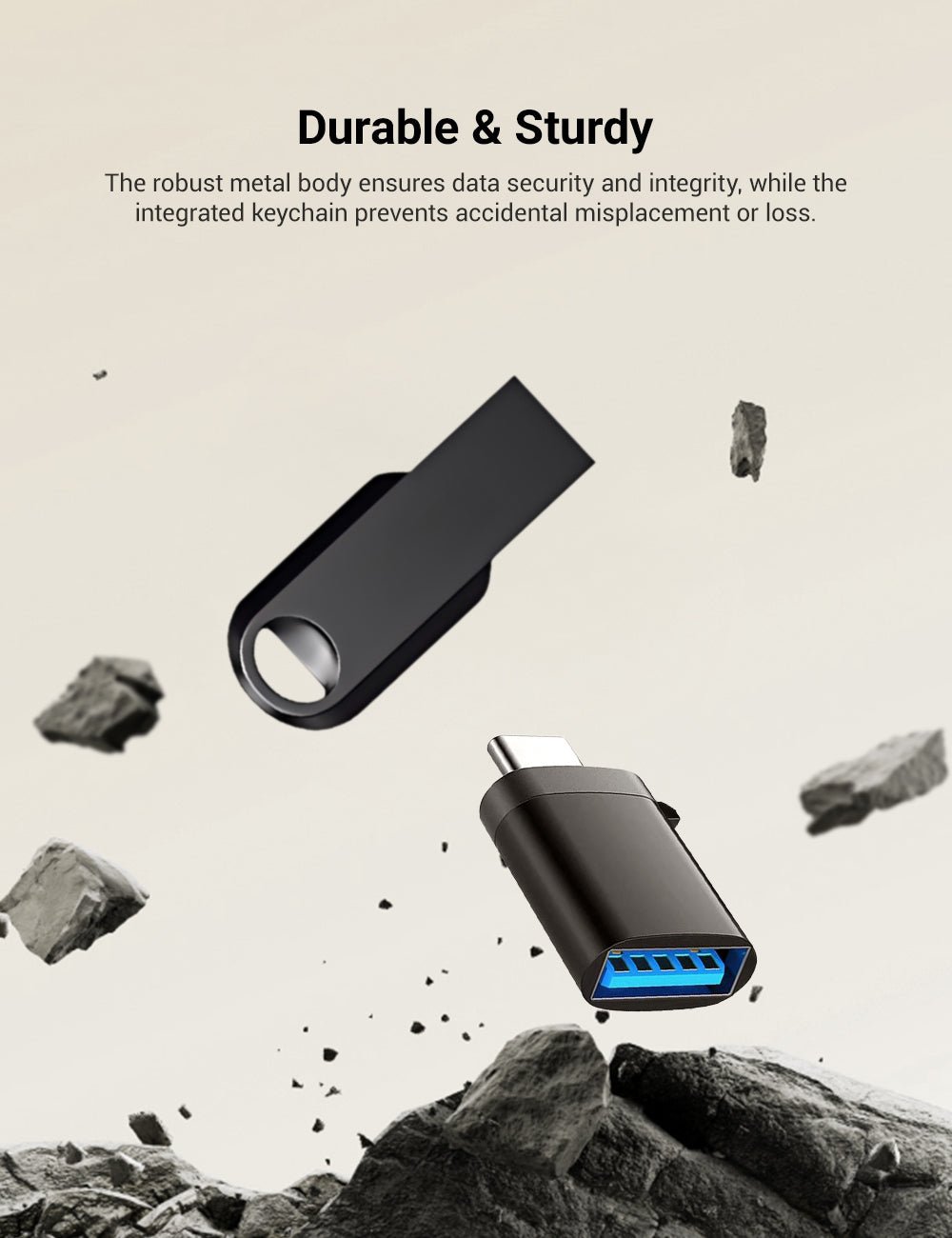
A black metal housing with an opening for attachment to a key ring.
-
Capacity Options
Choose the 128 GB or 256 GB version; usable storage varies with formatting.
-
USB-A Connection
Use a vehicle USB-A data port that supports recording, rather than a charging-only port.
-
Recording Preparation
Format the drive in the vehicle to start recording.
-
Portable Storage
Remove the drive after stopping recording to review or back up saved files.
-
Peso del envío
The variant shipping weight is 26 g; this is not a measured net product weight.
Aspectos destacados
Metal Housing
The black metal storage body has an integrated opening for attachment to a key ring. Its slim end connects to the matching USB-A data port.
Two Capacity Choices
Choose the 128 GB or 256 GB option. Formatting and system files reduce available storage; capacity alone does not establish continuous-recording performance.
Use a Recording Data Port
Connect to the USB-A port designated for recording in your vehicle manual. Charging-only ports cannot save footage; port location and recording availability vary by vehicle configuration.
Compatibilidad
| Modelo | Years / Version | Notas |
|---|---|---|
| Model 3 | Requires a vehicle recording feature and a USB-A data port. | |
| Model Y | Requires a vehicle recording feature and a USB-A data port. | |
| Model S | Requires a vehicle recording feature and a USB-A data port. | |
| Model X | Requires a vehicle recording feature and a USB-A data port. | |
| Cybertruck | Requires a vehicle recording feature and a USB-A data port. |
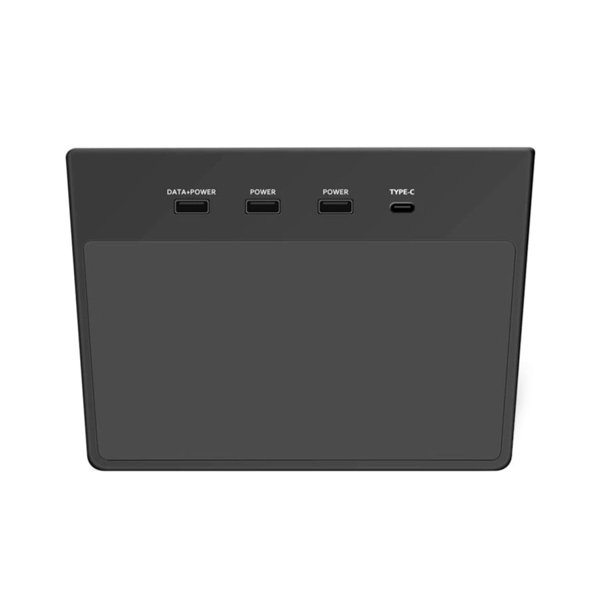
For current Model 3, the glovebox USB-A port is the recording port; console and rear-screen USB-C ports do not support saving footage.
Especificaciones
| Tipo de producto | Metal USB flash drive with keychain for Sentry Mode and dashcam footage |
|---|---|
| Compatible Models | Tesla Model 3, Model Y, Model S, Model X, Cybertruck |
| Position / Location | Vehicle USB-A recording data port; location depends on model and production configuration |
| Material | Metal body |
| Color | Negro |
| Capacidad | 128 GB or 256 GB |
| Connector Type | USB-A |
| Peso del envío | 26 g (0.06 lb) |
Instalación
- Current Model 3 recording requires at least 4 MB/s sustained write speed and USB 2.0 compatibility.
- Back up existing files. With the vehicle parked, connect to its designated recording data port and use the vehicle format command where supported; formatting erases the drive.
- If manual formatting is required, follow the actual vehicle manual for the file system and recording folder. Current Model 3 supports exFAT and requires a TeslaCam folder.
- Enable the recording features supported by your vehicle.
Conviene saber
Precaución
- Back up existing files before formatting; formatting erases the drive.
- A charging-only port does not support video recording.
- The drive stores files; it does not prevent theft or guarantee that every event will be recorded.
Cuidado
- Stop or pause recording before removing the drive. Keep contacts clean and dry.
- Back up important clips and monitor remaining storage; files may be overwritten or recording may stop when storage is full.
Preguntas frecuentes
Which capacities are available?
128 GB and 256 GB. Available storage after formatting is lower than the nominal capacity.
Will any USB port work?
No. Use the port designated for recording in the actual vehicle manual. A charging-only port cannot save footage; current Model 3 uses the glovebox USB-A port.
Does capacity guarantee recording compatibility?
No. Recording also depends on sustained write speed, USB compatibility, file system and the vehicle recording feature. No fixed transfer speed or recording duration is specified for this drive.
Does formatting delete existing files?
Yes. Formatting erases existing files.


 English
  German
  Spanish