
Four-Port USB Hub for the Glove Box
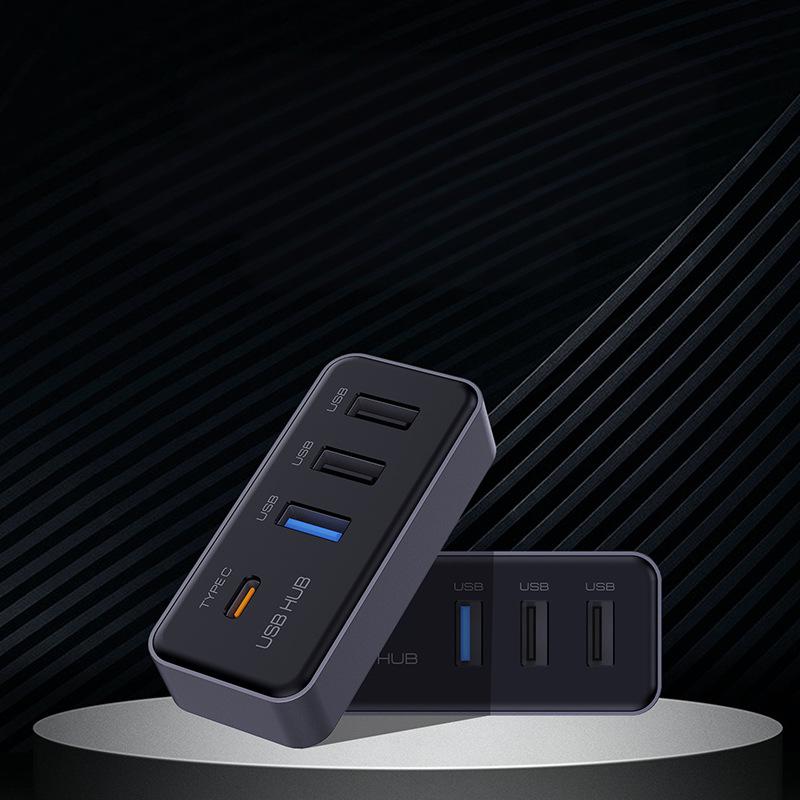
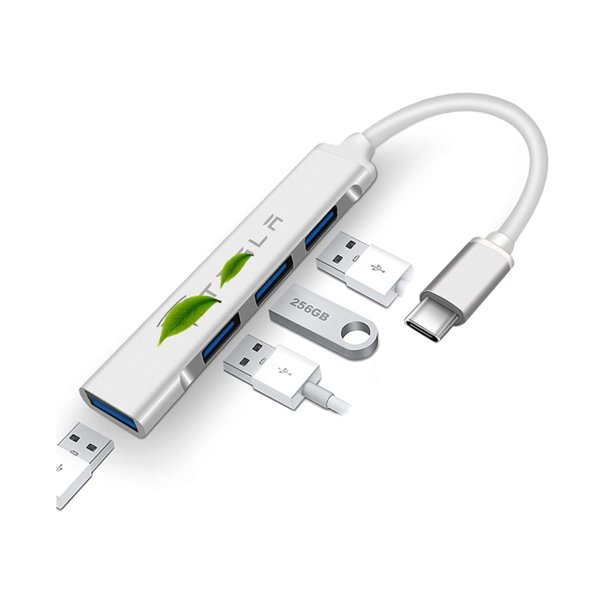
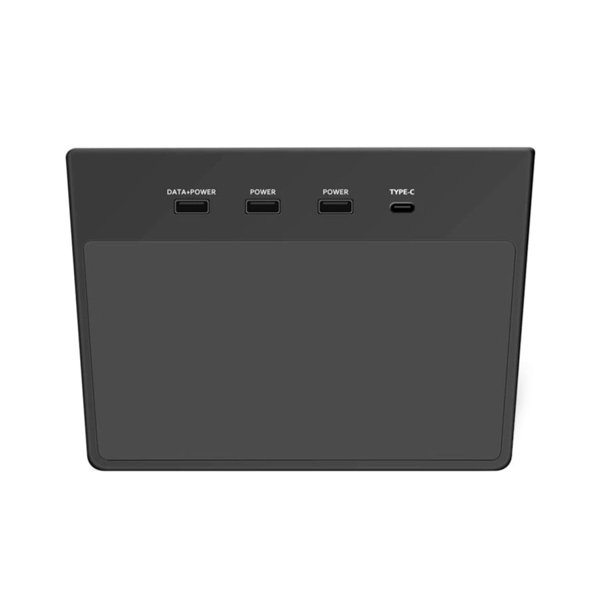
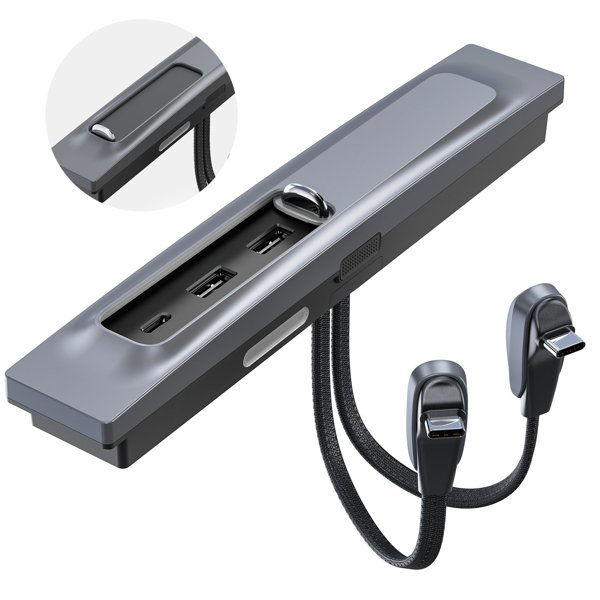
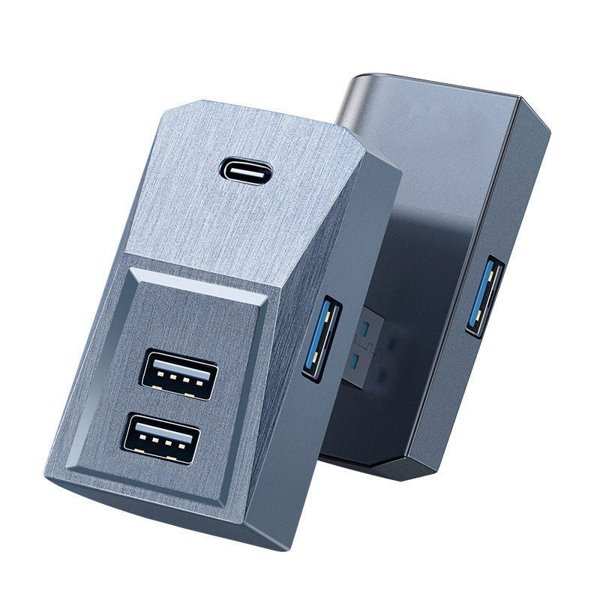
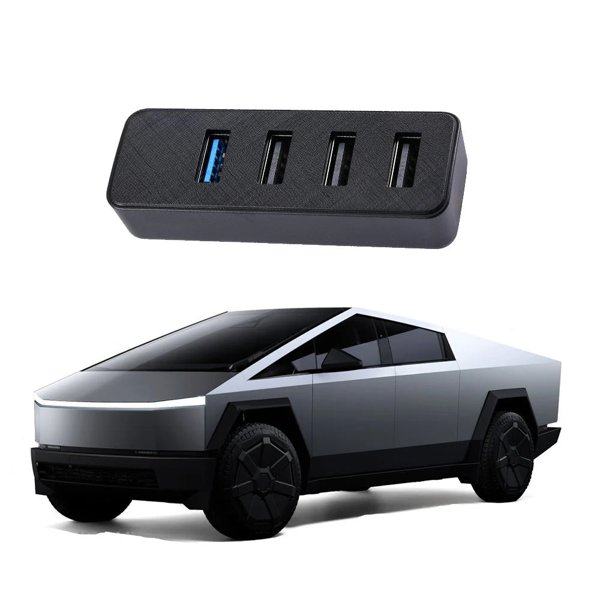
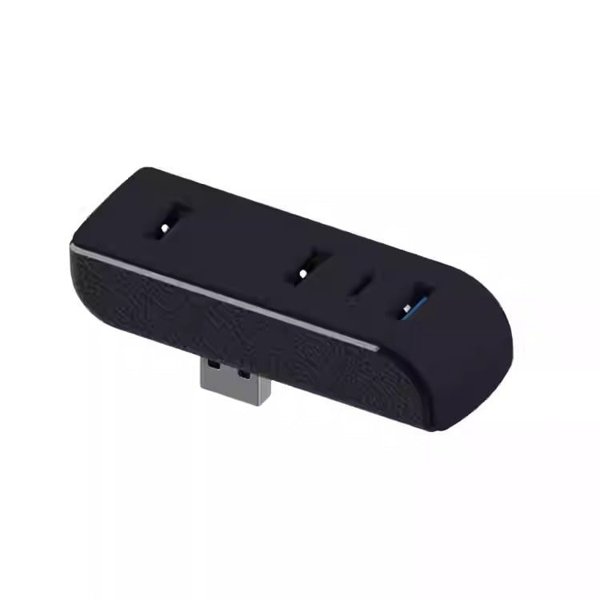
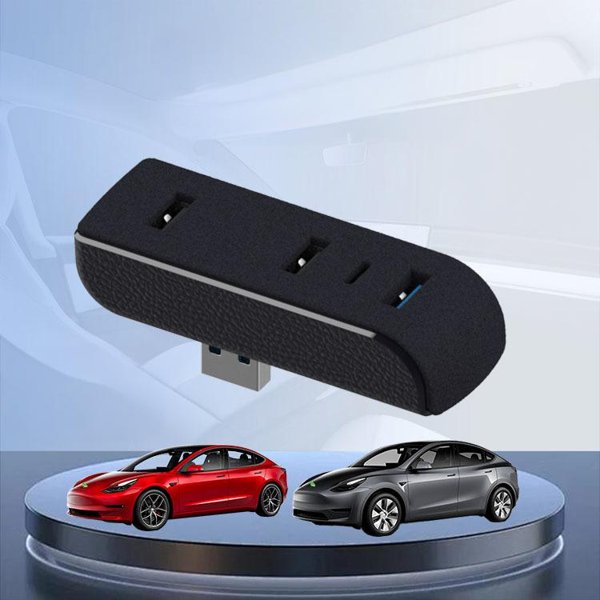
A glove box hub with a rear USB-A plug, three USB-A output sockets and one USB-C output socket. The purchase option lists Model 3 and Model Y from November 2021 onward. Use the blue USB-A socket for the recording drive.
- 3 USB-A Outputs
- 1 USB-C Output
- Glove Box USB-A
- Blue Recording Socket
Características principales
-
Four output sockets
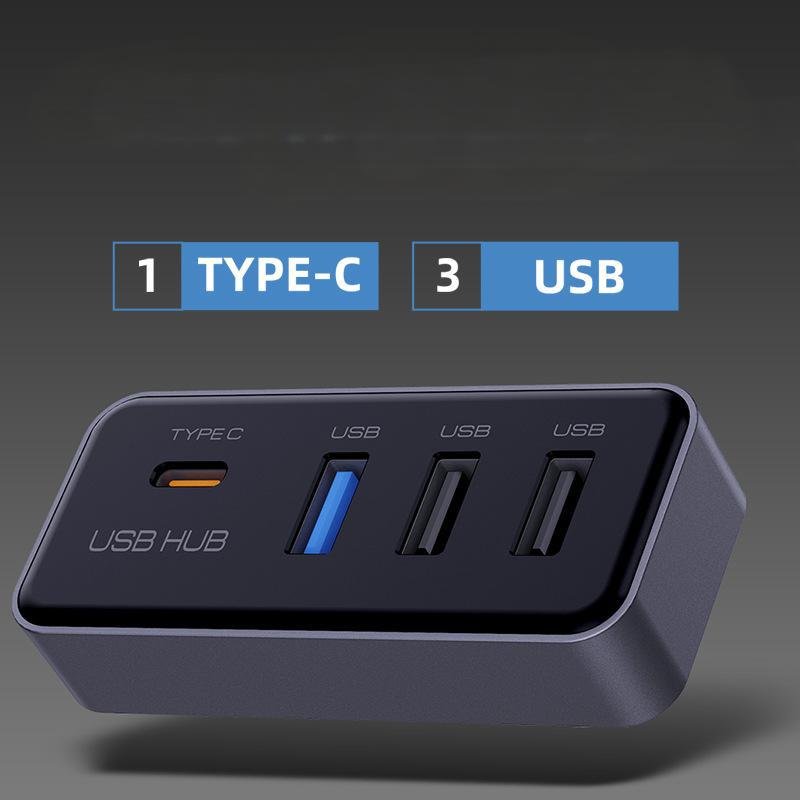
The front face provides three USB-A sockets and one USB-C socket, with a rear USB-A plug that connects to the factory glove box port.
-
Blue USB-A socket
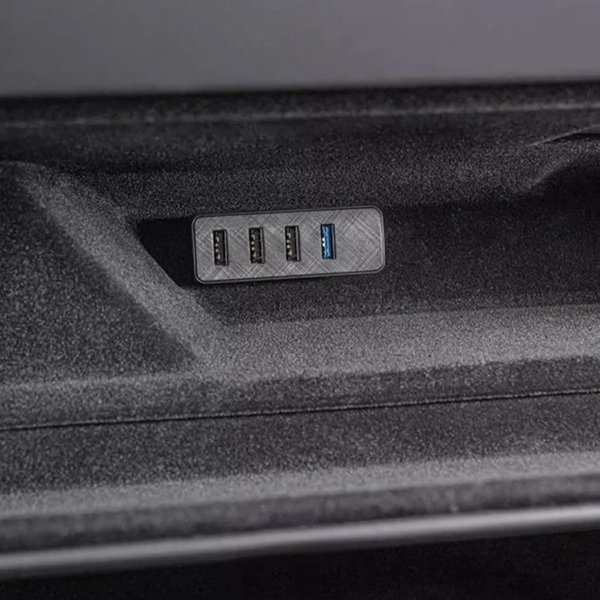
Use the blue socket identified for the recording drive, rather than choosing a port only by its left-to-right position; blue coloring does not establish USB speed.
-
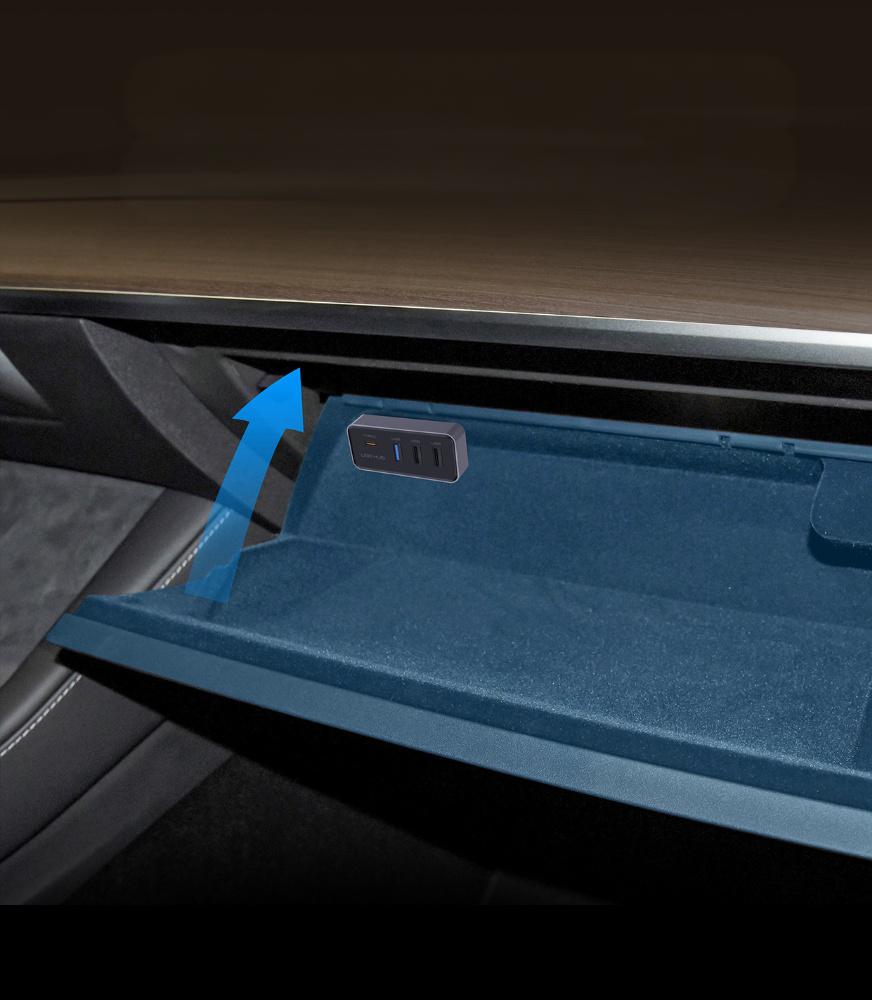
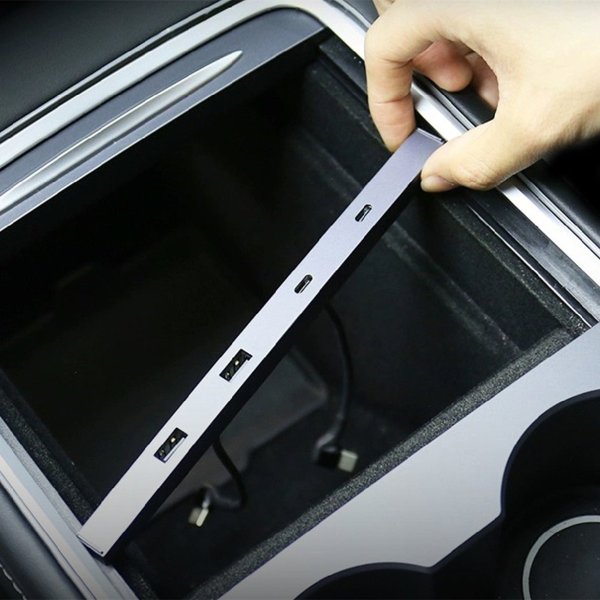
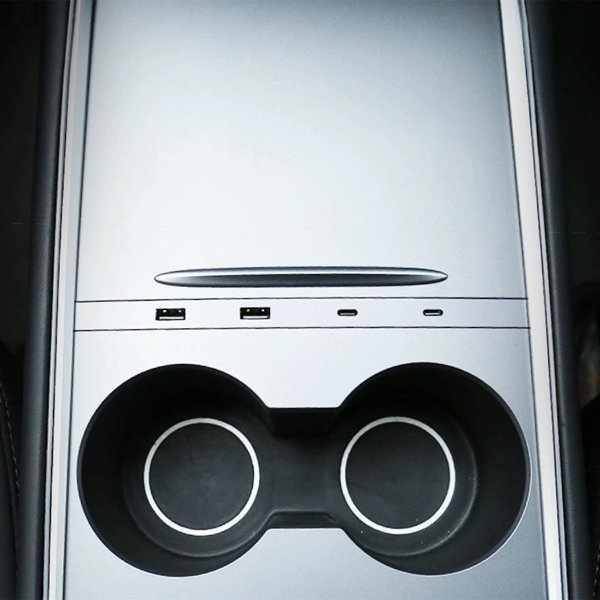
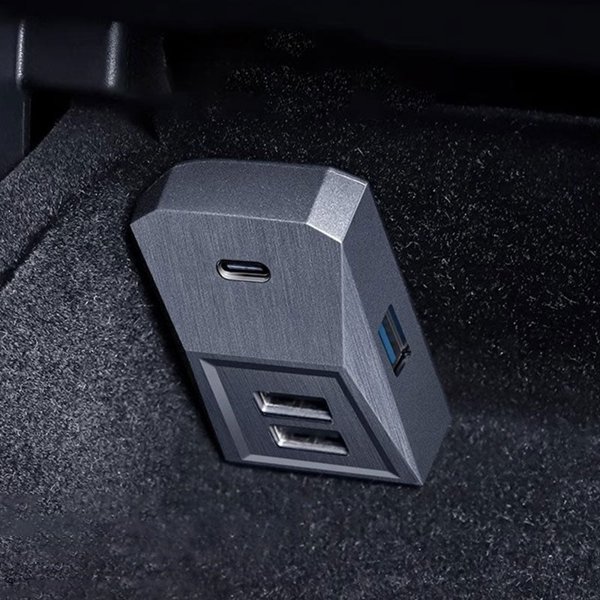
Glove box placement
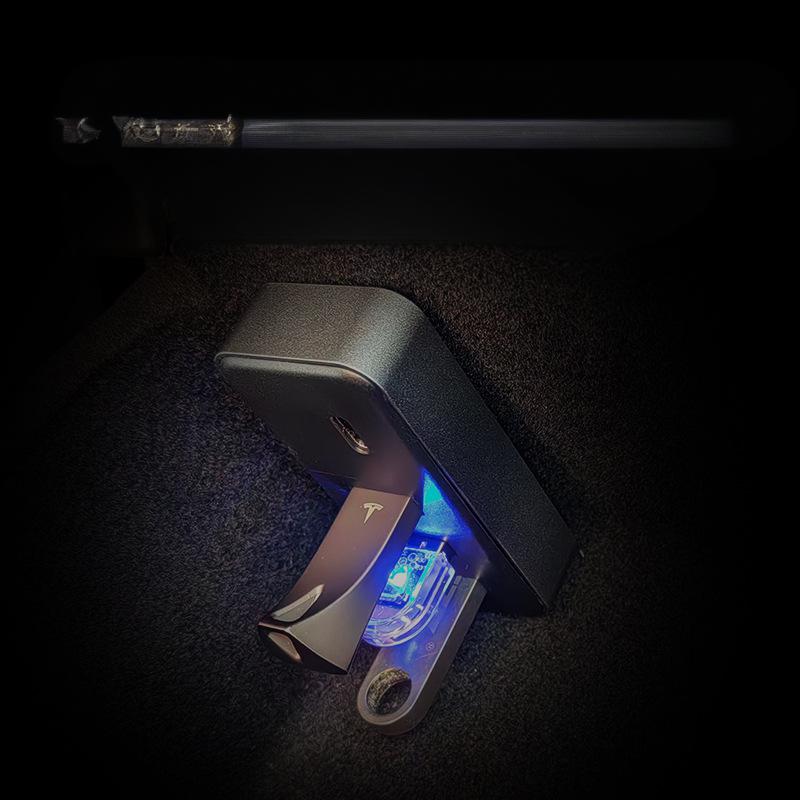
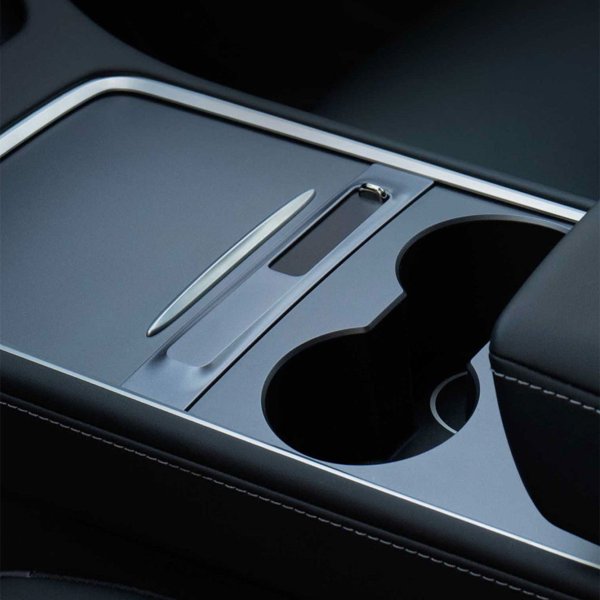
The rectangular hub stays inside the glove box.
-
Device-dependent functions
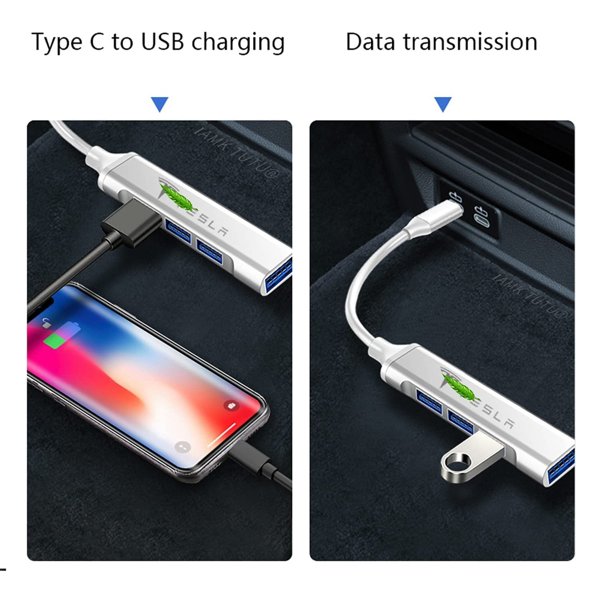
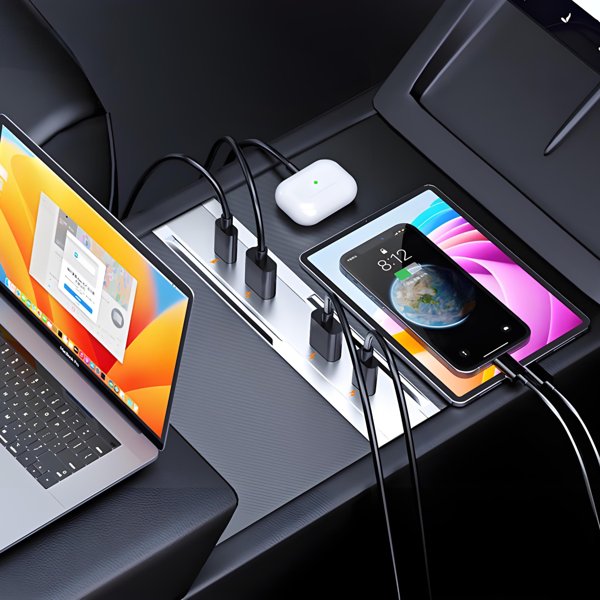
Music drives, controllers and USB-C devices depend on the vehicle features, software, data support and available shared USB power.
-
Recording-drive socket
The blue USB-A socket is for the recording drive.
-
Single hub package
One glove box hub and installation instructions are included; storage drives, controllers, phones and cables shown in use are separate devices.
Aspectos destacados
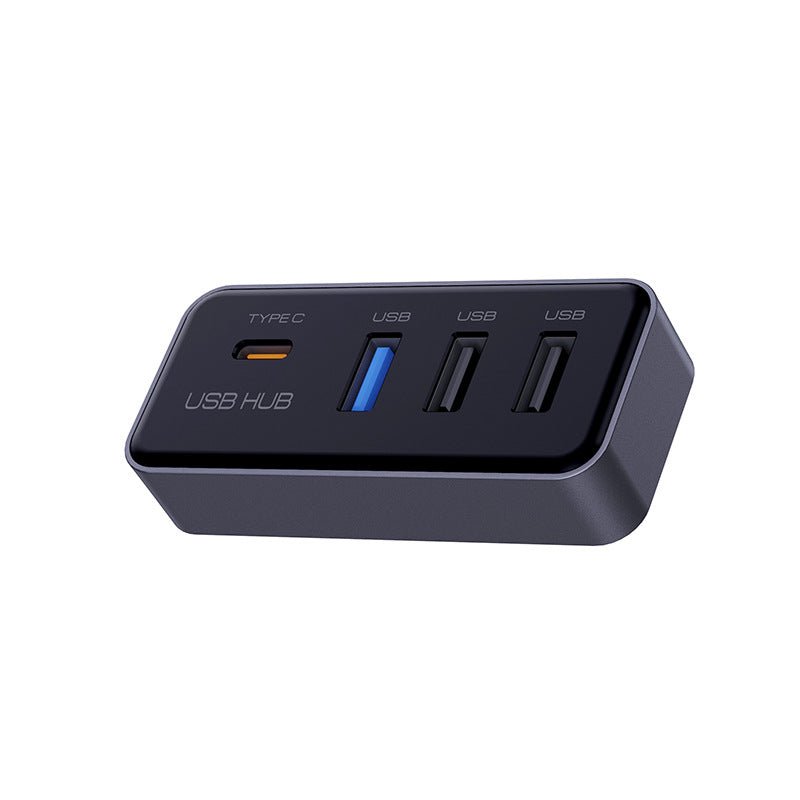
Three USB-A and One USB-C
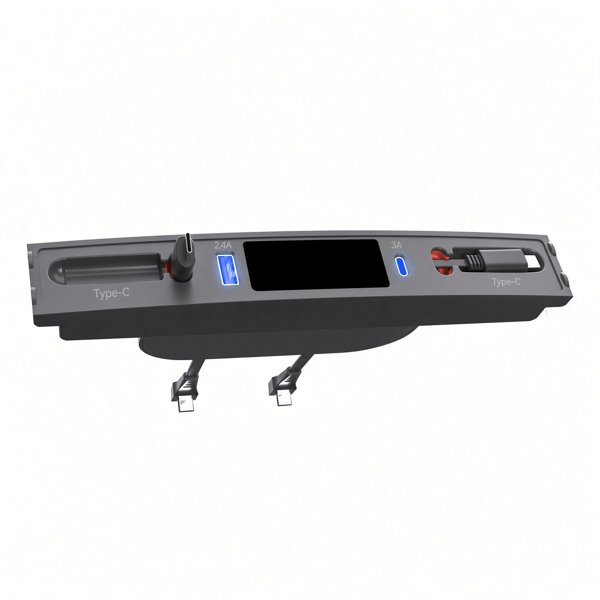
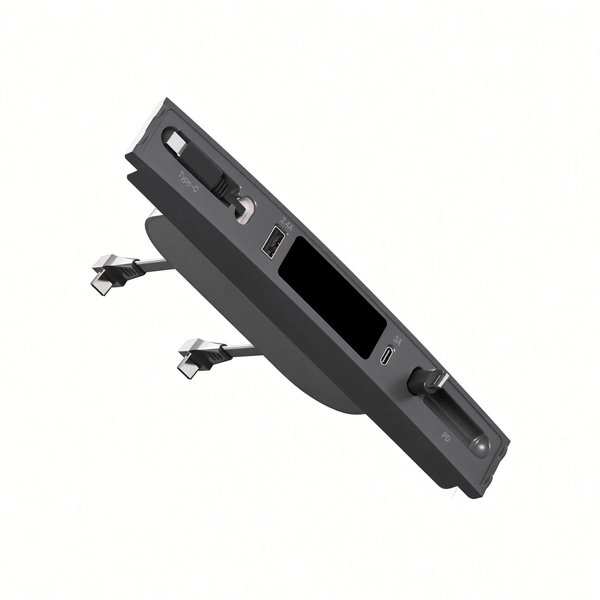
The front face has four output sockets. The blue USB-A socket is the one identified for the recording drive; socket color alone does not establish a USB version or transfer speed.
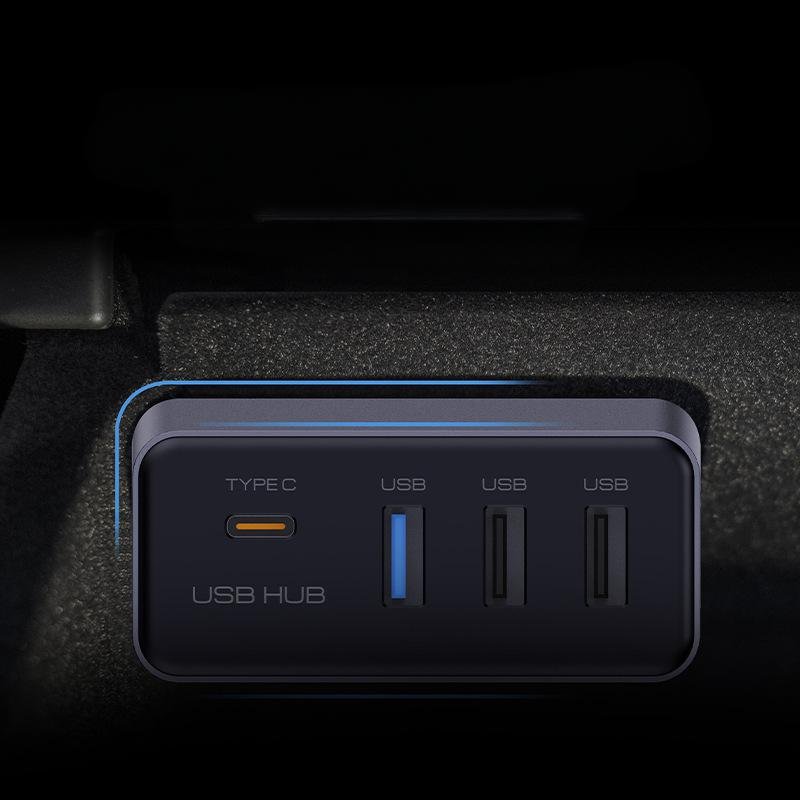
Inside the Glove Box
The rear USB-A plug connects to the glove box USB-A port.
Device Functions
Music, controller, charging and recording functions depend on the vehicle and connected device.
Compatibilidad
| Modelo | Years / Version | Notas |
|---|---|---|
| Model 3 | November 2021 onward purchase option | Plugs into the glove box USB-A data port. |
| Model Y | November 2021 onward purchase option | Plugs into the glove box USB-A data port. |
A USB-C socket on the hub does not add fast charging or a data feature that the vehicle and connected device do not support.
Especificaciones
| Tipo de producto | Glove box USB hub |
|---|---|
| Compatible Models | Model 3 / Model Y, November 2021 onward purchase option |
| Position / Location | Factory USB-A data port inside the glove box |
| Color | Gray-black body with a blue USB-A socket |
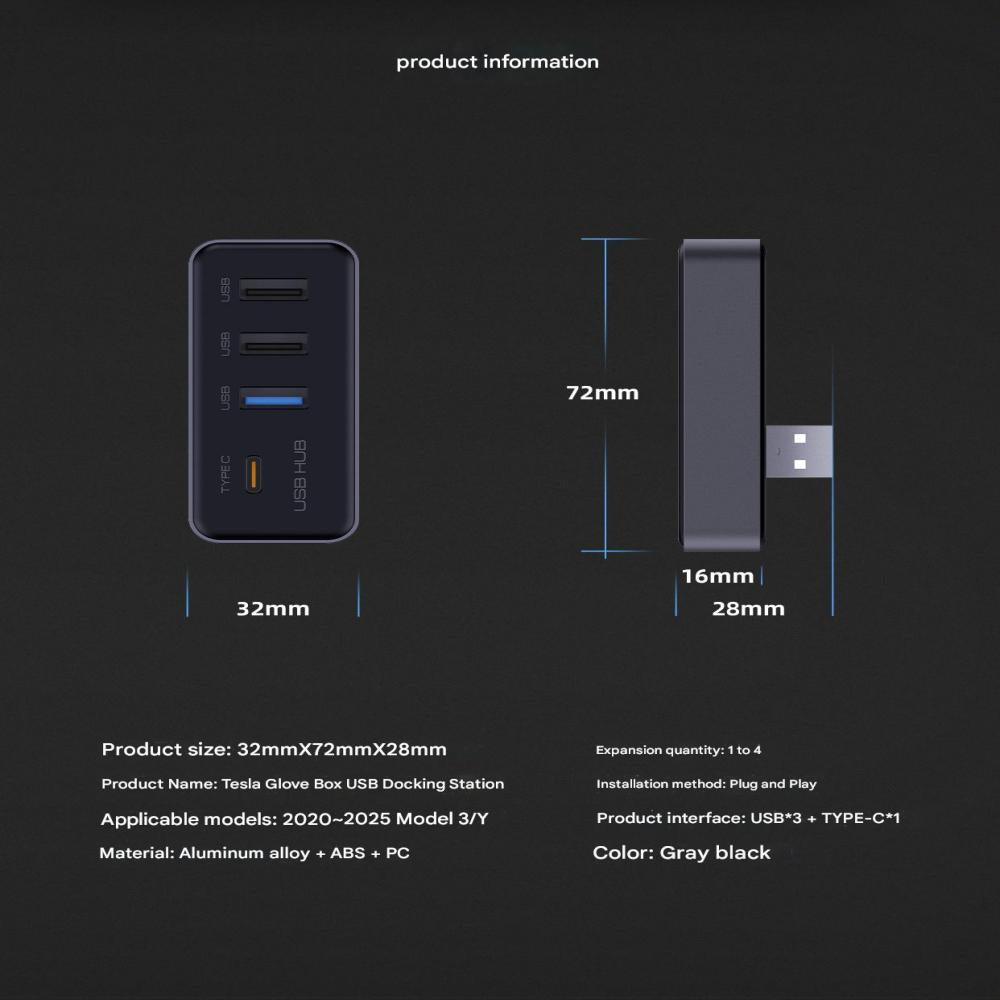
| Dimensiones | Approx. 72 × 32 × 16 mm body; 28 mm overall depth including the rear plug |
| Conectividad | Rear USB-A plug |
| Puertos | 3 USB-A output sockets and 1 USB-C output socket |
| Installation Type | Plug into the corresponding factory glove box USB-A port |
| Contenido del paquete | 1 hub and installation instructions |
What's in the Box
- 1×glove box USB hub
- Installation instructions
Instalación
- Park the vehicle, open the glove box and plug the hub into the USB-A data port.
- If a recording drive is connected, pause recording using the vehicle controls before removing it; keep any saved files backed up.
- Align the rear USB-A plug and insert it gently without forcing or modifying the port.
- Connect the recording drive to the blue USB-A socket. Use the requirements and formatting instructions in the manual for the actual vehicle.
- Connect the recording drive to the blue socket, then connect other devices individually.
- Close and reopen the glove box gently. Stop if the lid contacts a device, the hub loosens or recording errors appear.
Conviene saber
Precaución
- Do not force the plug.
- Use a compatible recording drive and the vehicle-supported data port. A hub cannot add vehicle features, recording memory, or USB power beyond the factory supply.
- Back up files before formatting a drive because formatting erases its contents. Stop using the hub if connections loosen, recording errors recur, or a device becomes unusually hot.
Cuidado
- Keep sockets dry and free of dust; clean the outside with a dry cloth.
- Grip device plugs when disconnecting rather than pulling the cables.
- Pause recording before removing its drive, and back up clips you want to keep.
Preguntas frecuentes
Which socket is for the recording drive?
Use the blue USB-A socket identified for the recording drive. In the pictured front view, the USB-C socket sits to its left.
Does the hub increase recording storage or guarantee uninterrupted recording?
No. Storage comes from the connected drive, and recording depends on the vehicle, drive and USB connection.
What does the recording drive need?
Follow the actual vehicle manual. The current Model 3 and Model Y manuals specify at least 64 GB, sustained writing of at least 4 MB/s, USB 2.0 compatibility and correct formatting. These are drive requirements, not a measured hub speed.
Are devices or charging cables included?
The package contains one hub and installation instructions. Recording drives, controllers, phones and cables are separate.

 English
  German
  Spanish