
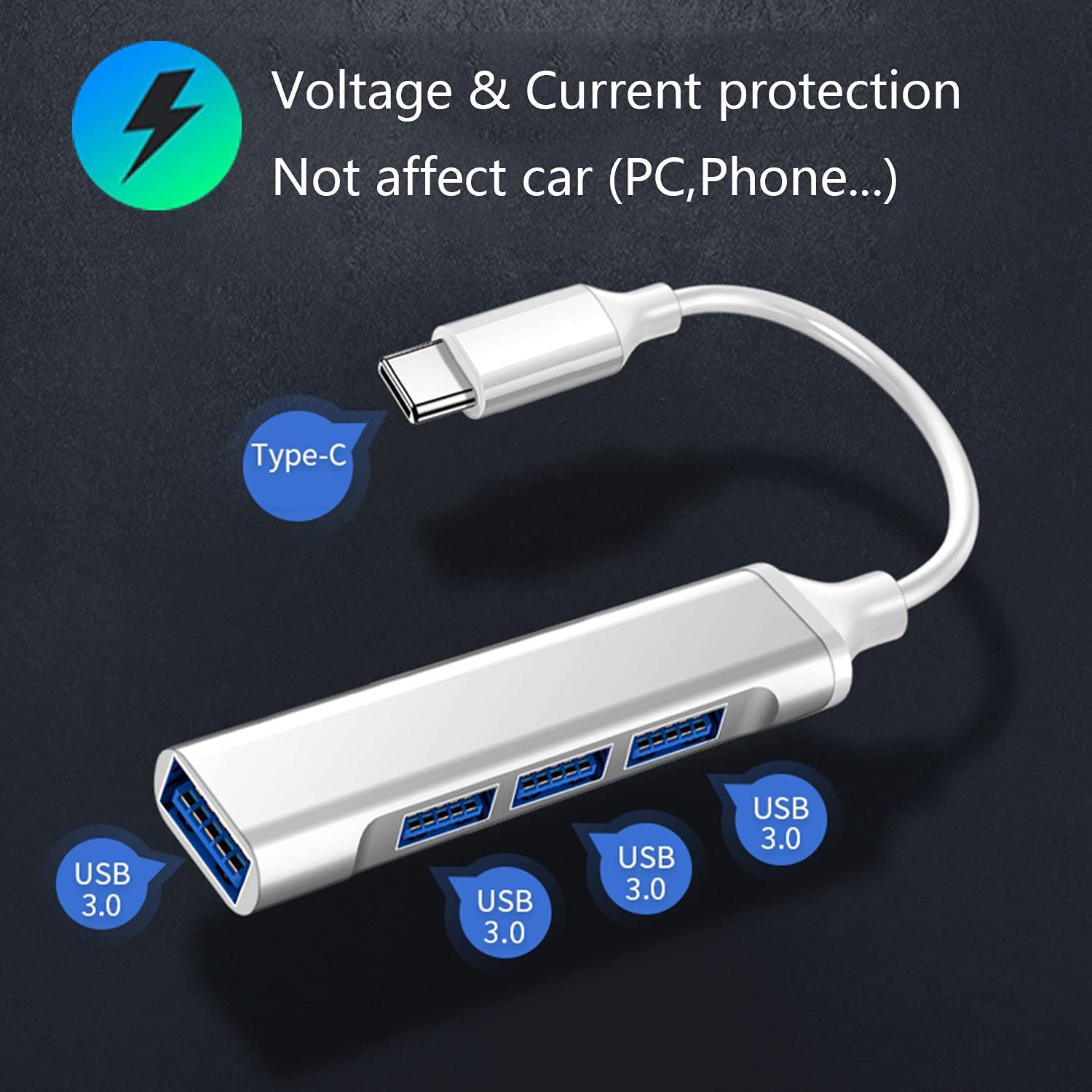
Four-Port USB Hub with a USB-C Input
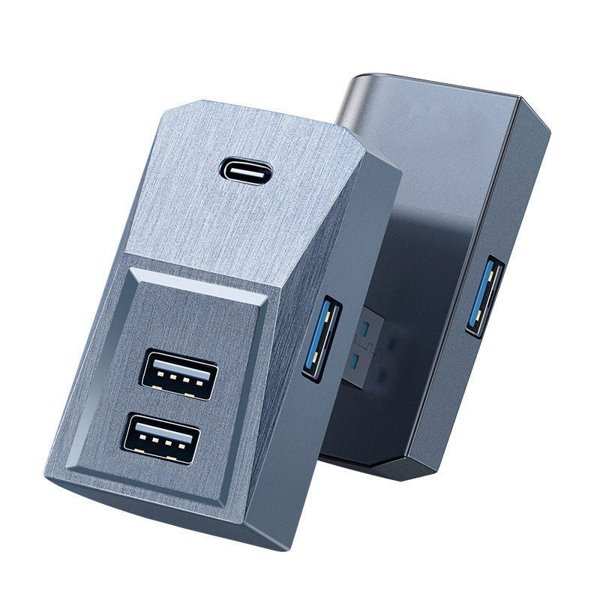
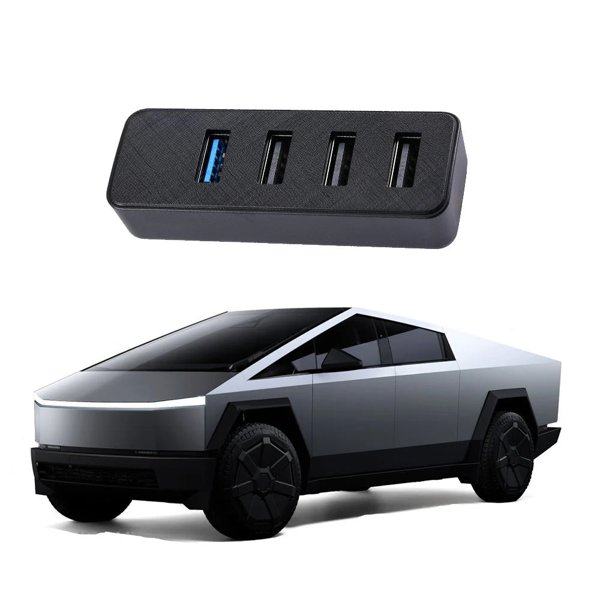
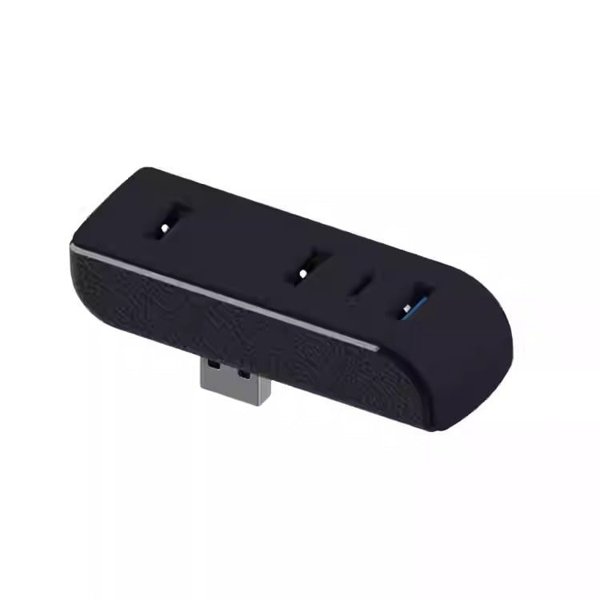
This hub has a short USB-C input cable and four USB-A output ports. USB 3.0 is the named interface, with one hub supplied. Four receptacles do not mean simultaneous support for multiple devices.
- USB-C Input
- Four USB-A Outputs
- Short Cable
- One Hub
Características principales
-
Four-Port Hub
One USB-C input connects to a hub with four USB-A output receptacles.
-
Short Input Cable
The attached cable allows the hub body to sit separately from the vehicle socket; it is not a fixed console-wall dock.
-
USB Interface
USB 3.0 is the named interface; actual transfer depends on the vehicle port, device and cable.
-
USB-C Input
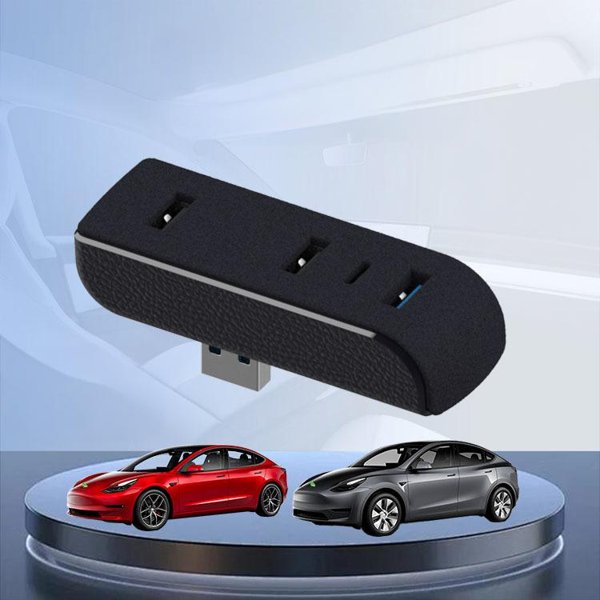
Model 3, Model Y, Model S and Model X are named applications, but actual port type and functions vary by build.
-
Single-Hub Package
One hub is supplied; phones, storage drives and connected cables in examples are not added to the package.
-
Factory USB Limits
Observe the vehicle instructions for hub and multi-device use rather than treating four receptacles as guaranteed simultaneous support.
Aspectos destacados
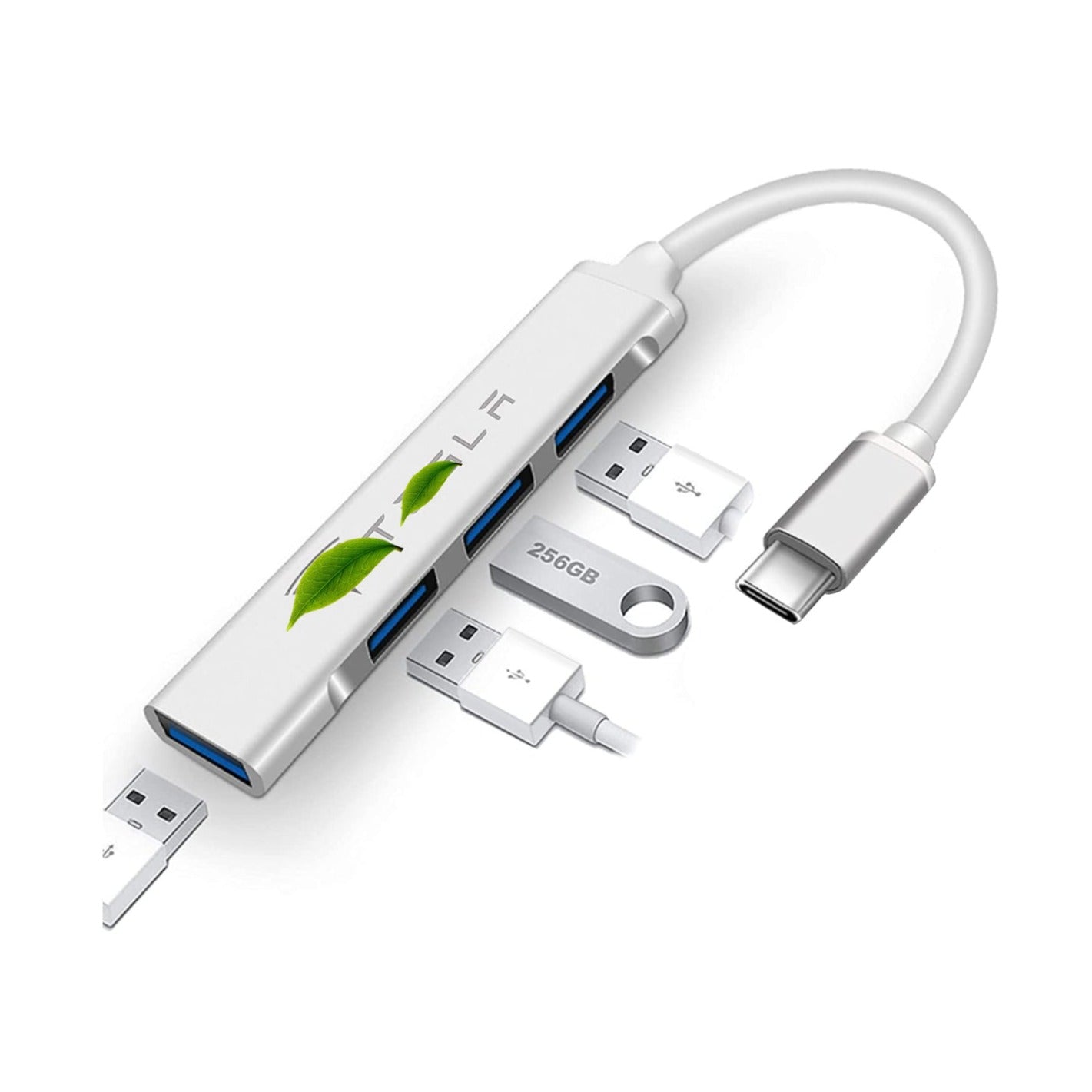
Port and Cable Layout
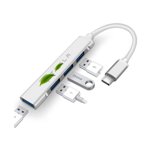
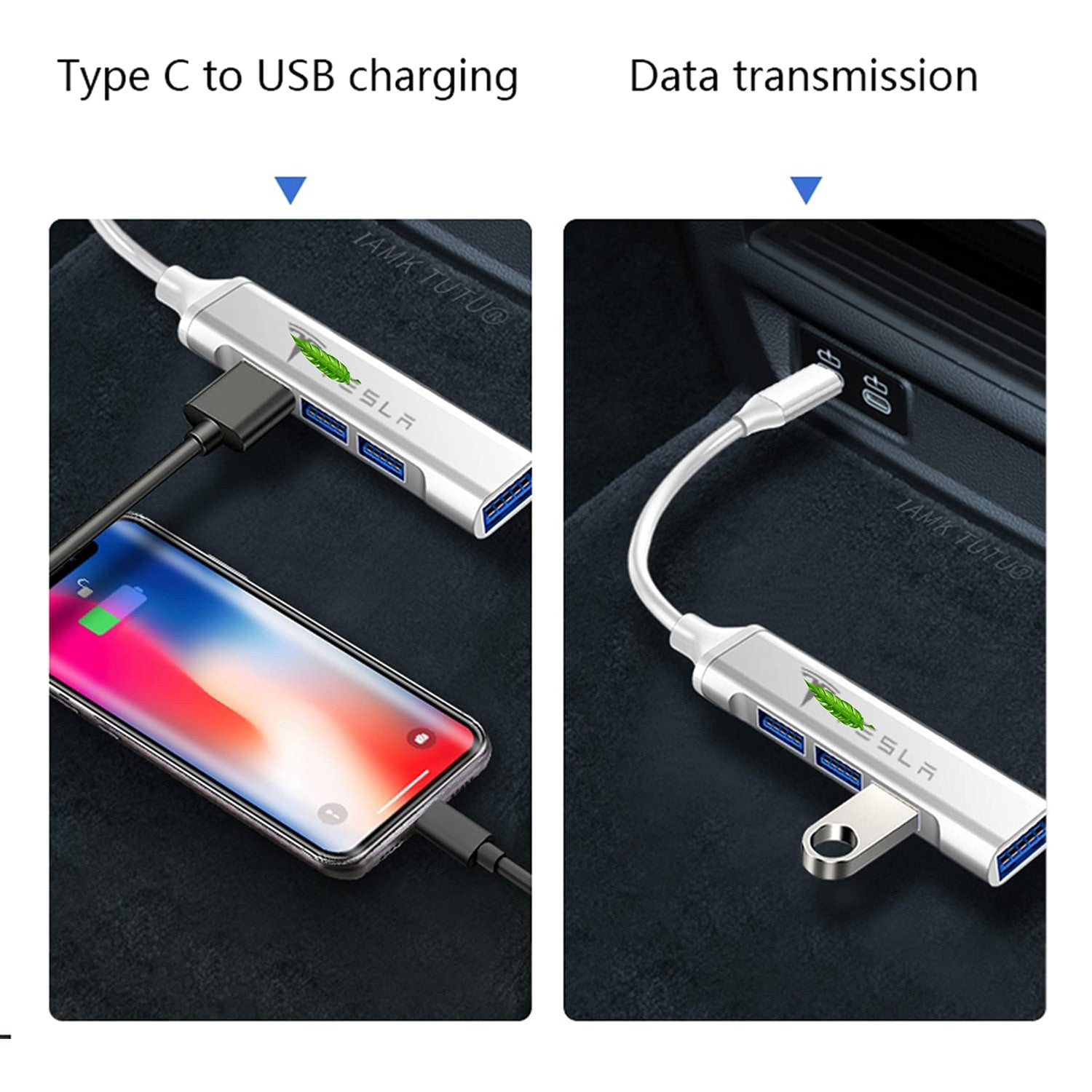
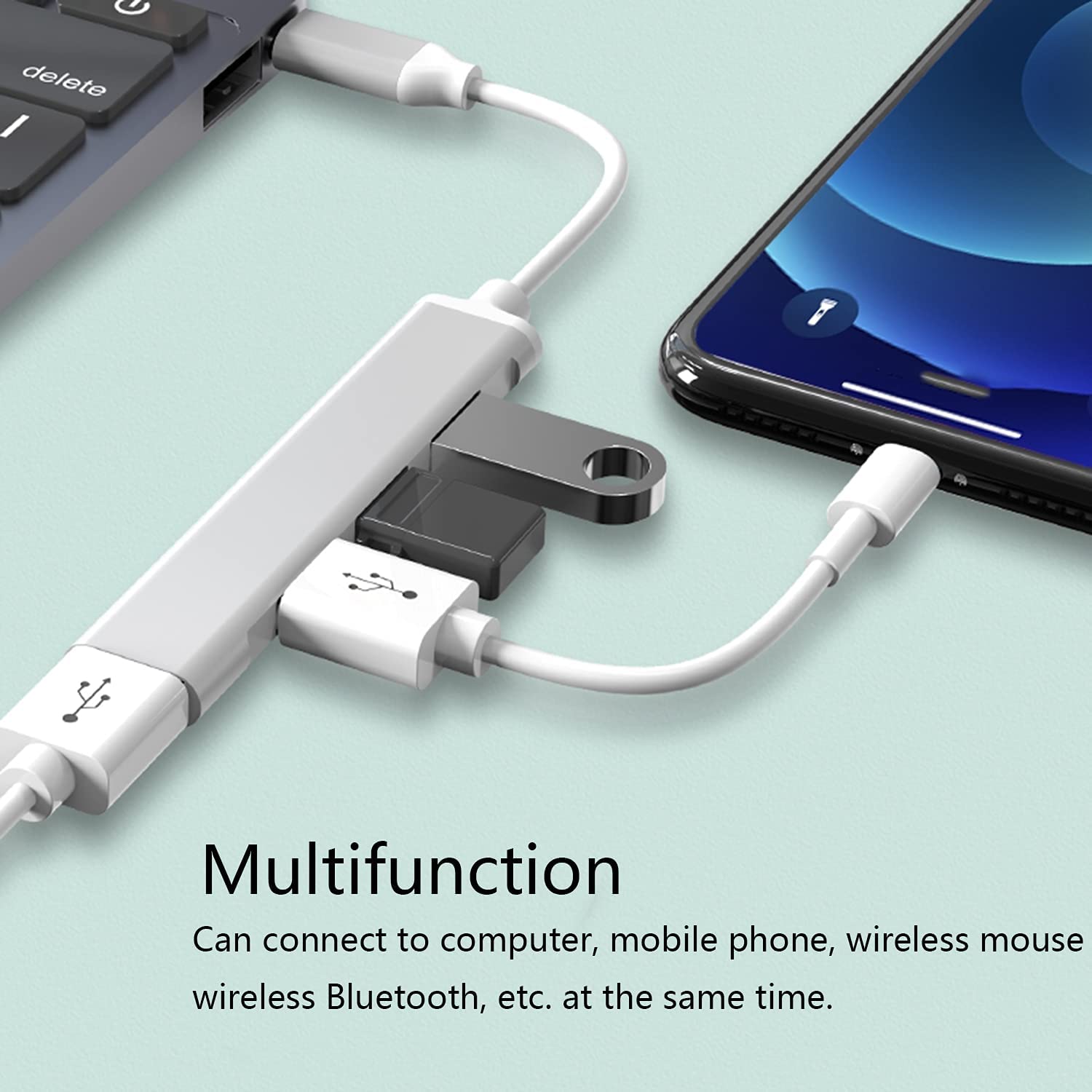
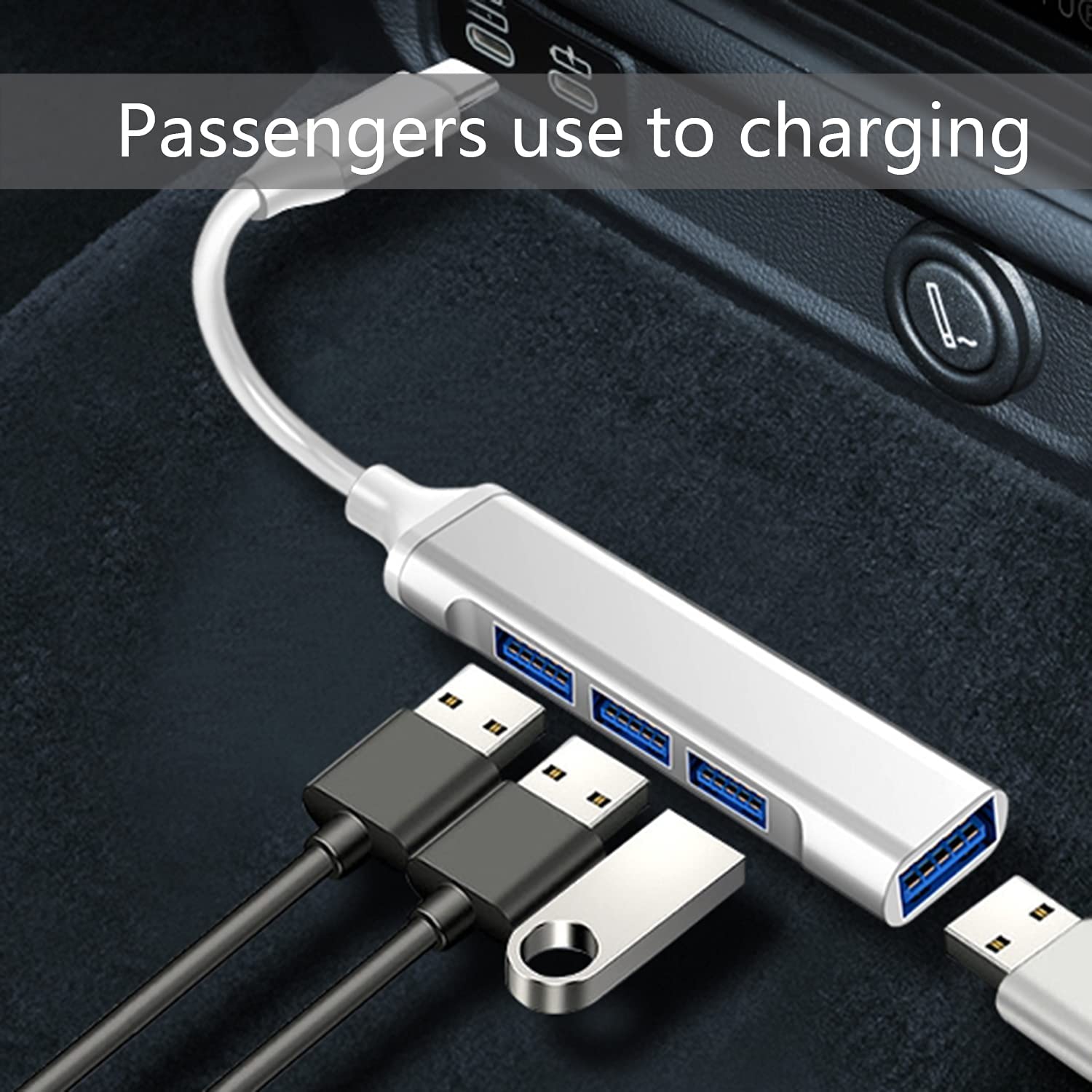
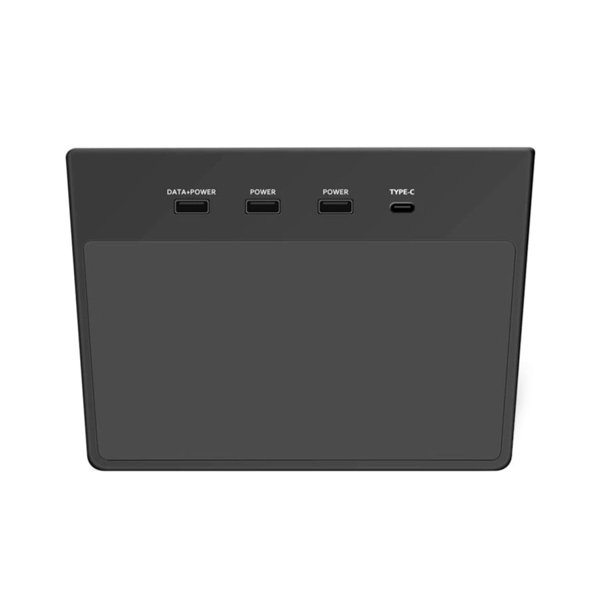
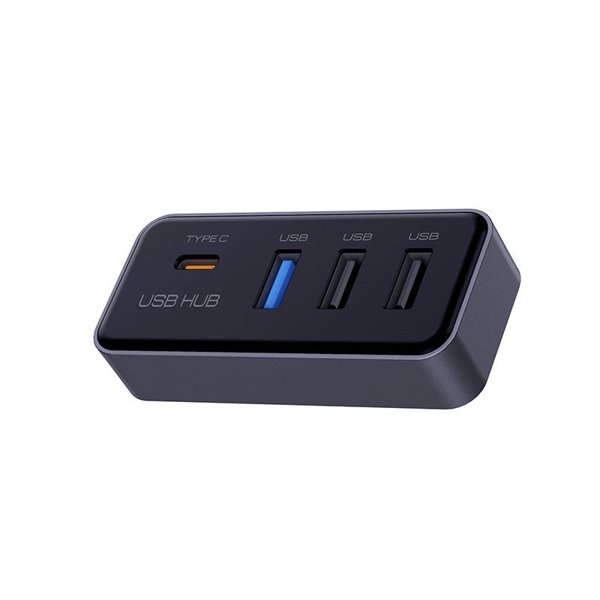
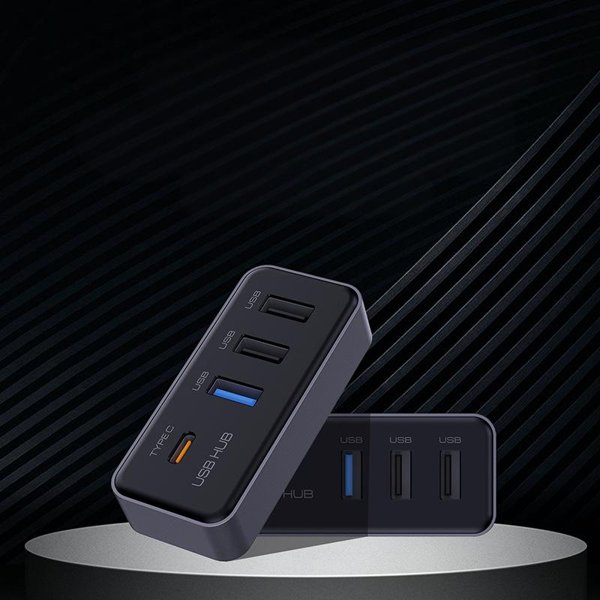
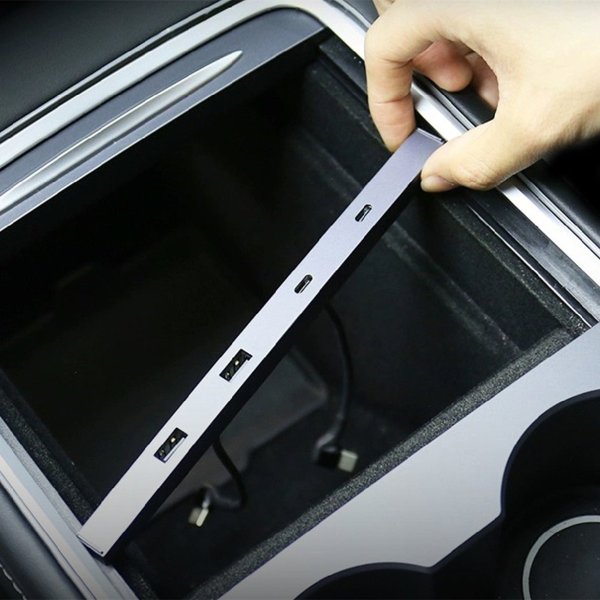
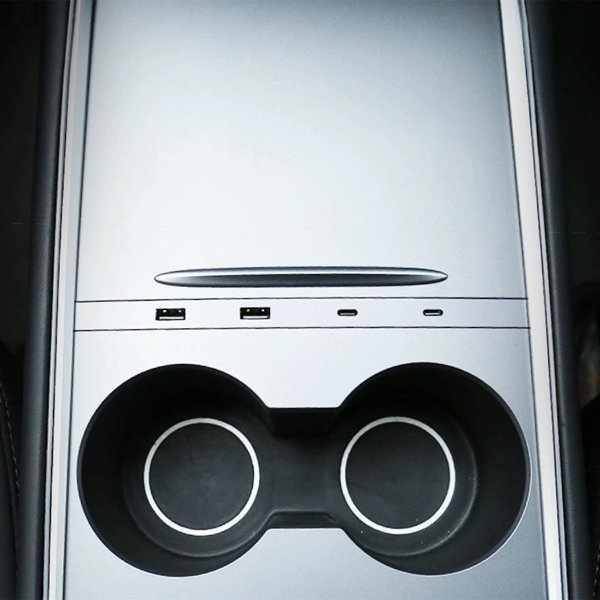
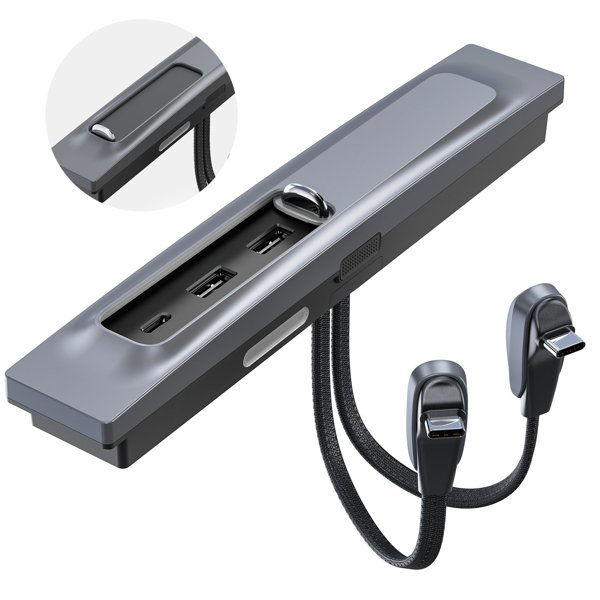
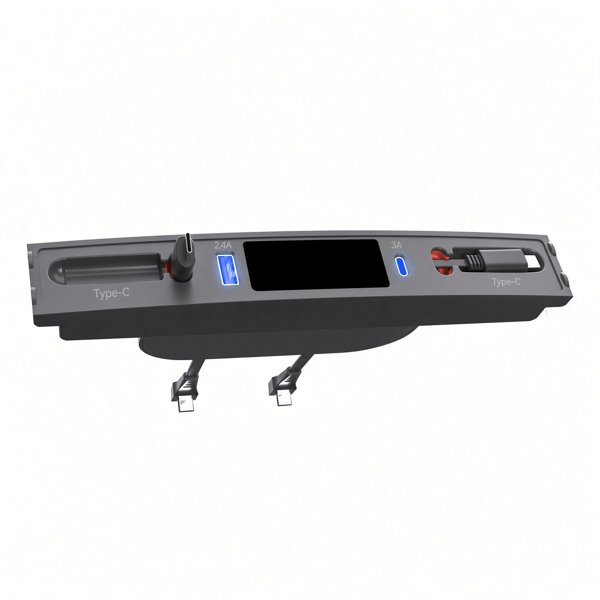
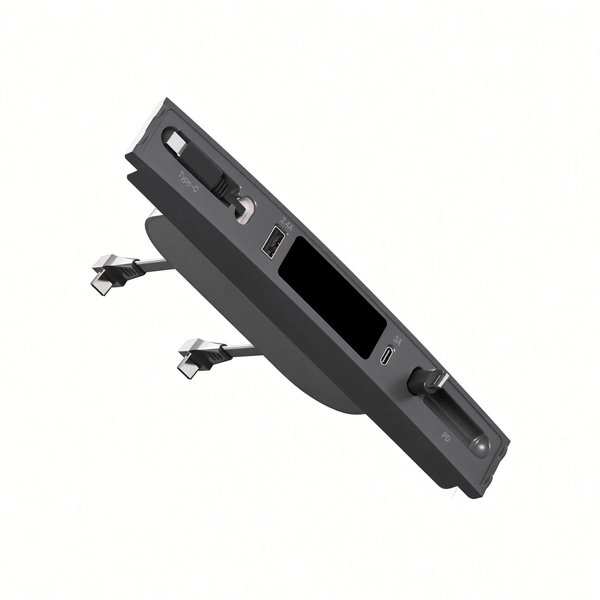
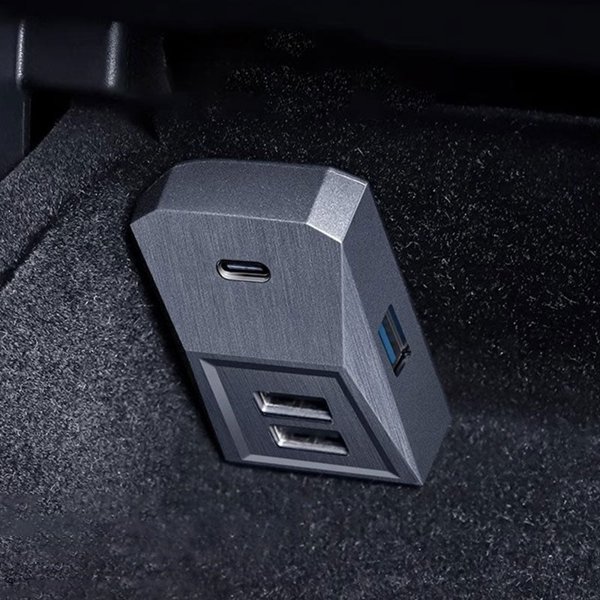
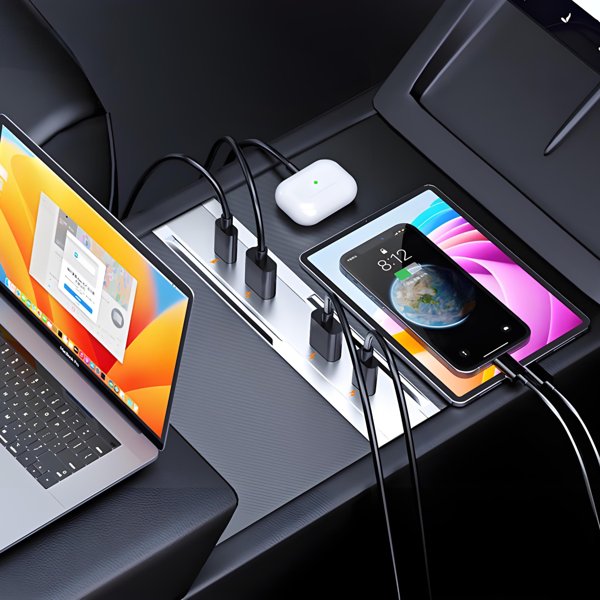
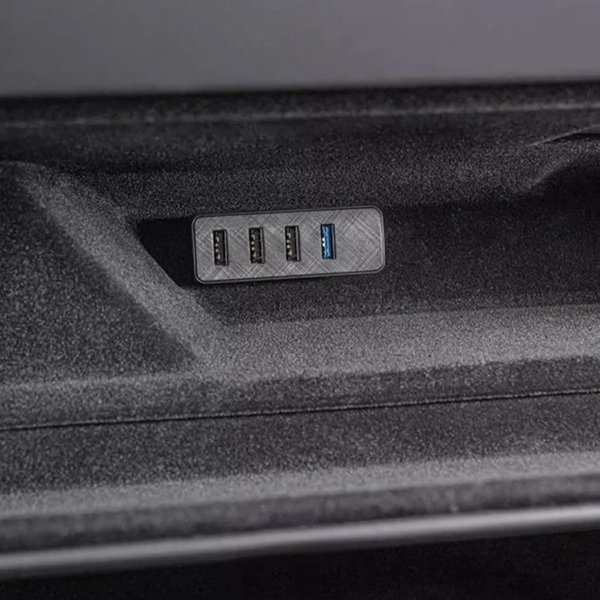
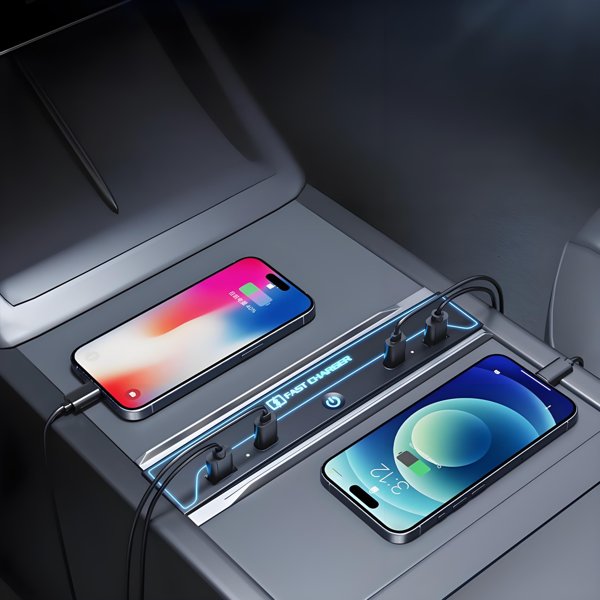
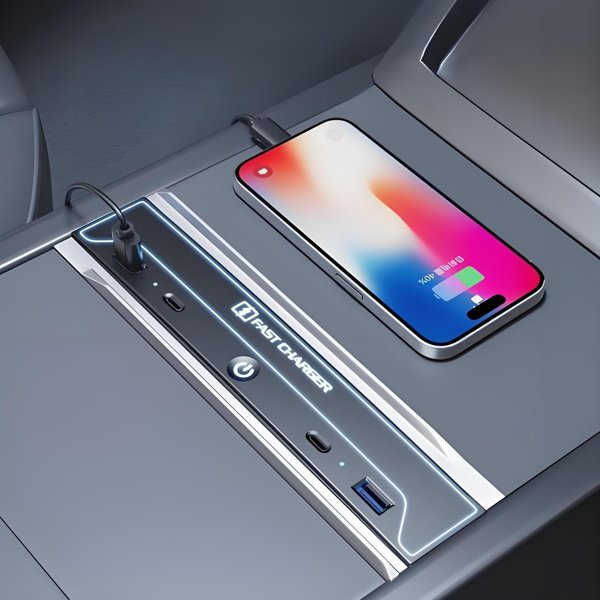
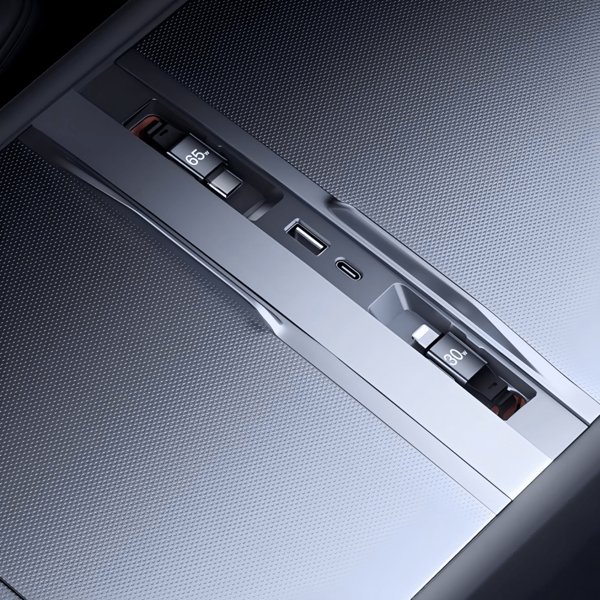
The picture shows the hub and its input cable. Storage drives and device plugs illustrate connection positions rather than included accessories or approved simultaneous vehicle use.
Host Port Determines Functions
Use requires an appropriate USB-C host. Charging-only vehicle ports remain charging-only through a hub; actual data functions depend on a supported data port.
Keep USB Restrictions Visible
This hub does not establish simultaneous phone charging, TeslaCam recording, music and controller operation.
Compatibilidad
| Modelo | Years / Version | Notas |
|---|---|---|
| Model 3 | Plugs into the vehicle USB-C port; Tesla restricts hub use. | |
| Model Y | Plugs into the vehicle USB-C port; Tesla restricts hub use. | |
| Model S | Plugs into the vehicle USB-C port; Tesla restricts hub use. | |
| Model X | Plugs into the vehicle USB-C port; Tesla restricts hub use. |
The named vehicle applications do not define every year, console revision or glovebox port. Do not add a year-to-port mapping or treat a physical USB-C connection as functional approval.
Especificaciones
| Tipo de producto | Four-port USB hub with short input cable |
|---|---|
| Compatible Models | Model 3, Model Y, Model S and Model X; actual USB port and factory limits apply |
| Position / Location | Vehicle USB-C port application |
| Cantidad | 1 hub |
| Conectividad | USB 3.0 named interface; data requires a supported vehicle data port |
| Puertos | 4 USB-A output receptacles |
| Connector Type | USB-C input plug |
| Peso del envío | 18 g (0.04 lb); shipping entry |
What's in the Box
- 1 USB-C-input hub with four USB-A outputs; illustrated drives, phones and device cables are not included.
Instalación
- Identify the actual USB-C host port and read the vehicle instructions for permitted hub use, data and charging before connecting.
- Tesla instructions restrict connecting multiple devices through a hub.
Conviene saber
Precaución
- Tesla USB instructions warn against using a USB hub to connect multiple devices because connected devices may fail to charge or be recognized.
- Rear USB-C ports and some console-port configurations support charging only. A hub cannot add data capability to a charge-only host, and a USB-C shape alone does not establish TeslaCam or controller support.
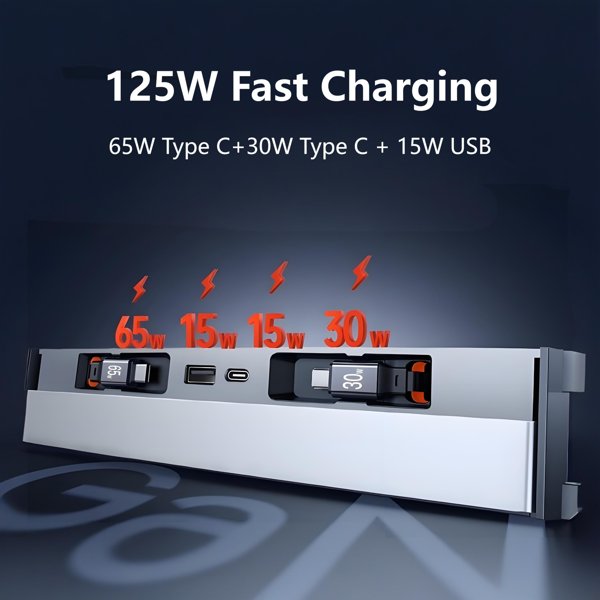
- No per-port fast-charge power, protection certification or protection against low-voltage battery discharge is established.
Cuidado
- Keep connectors dry and remove debris without metal tools.
- Avoid cable tension or sharp bends and disconnect if abnormal heat or operation occurs.
Preguntas frecuentes
How many ports are provided?
Four USB-A output ports with one USB-C input plug on a short cable. One hub is supplied.
Does it turn a charge-only port into a data port?
No. The vehicle host must support the required data function; a hub does not add data capability.
Can I connect several Tesla accessories at once?
Tesla warns against using a USB hub to connect multiple devices because charging or recognition can fail. Simultaneous operation is not supported.
Is continuous TeslaCam recording or battery protection guaranteed?
No. Recording depends on the supported host and drive requirements. No uninterrupted recording, per-port charging power or guarantee against battery discharge is established here.

 English
  German
  Spanish