USB Connector Choices at the Center Console
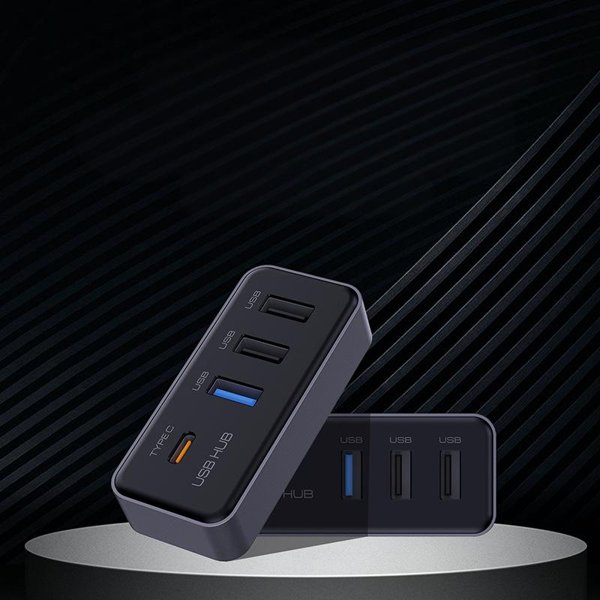
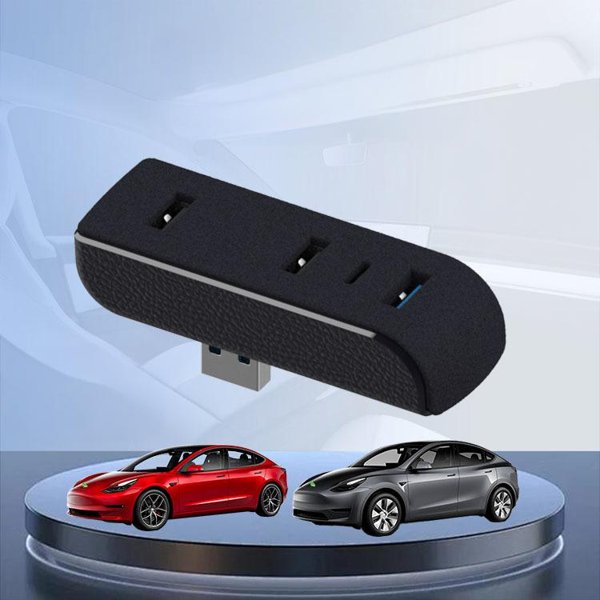
This ABS USB dock places two USB-C and two USB-A connectors at the center console. It comes in a Model 3 Highland (2024+) version and a Model Y Juniper (2025+) version. Charging remains subject to the vehicle USB supply and the connected device requirements.
- 2 USB-C + 2 USB-A
- ABS Housing
- Modellspezifische Auswahl
Hauptmerkmale
-
Port Layout
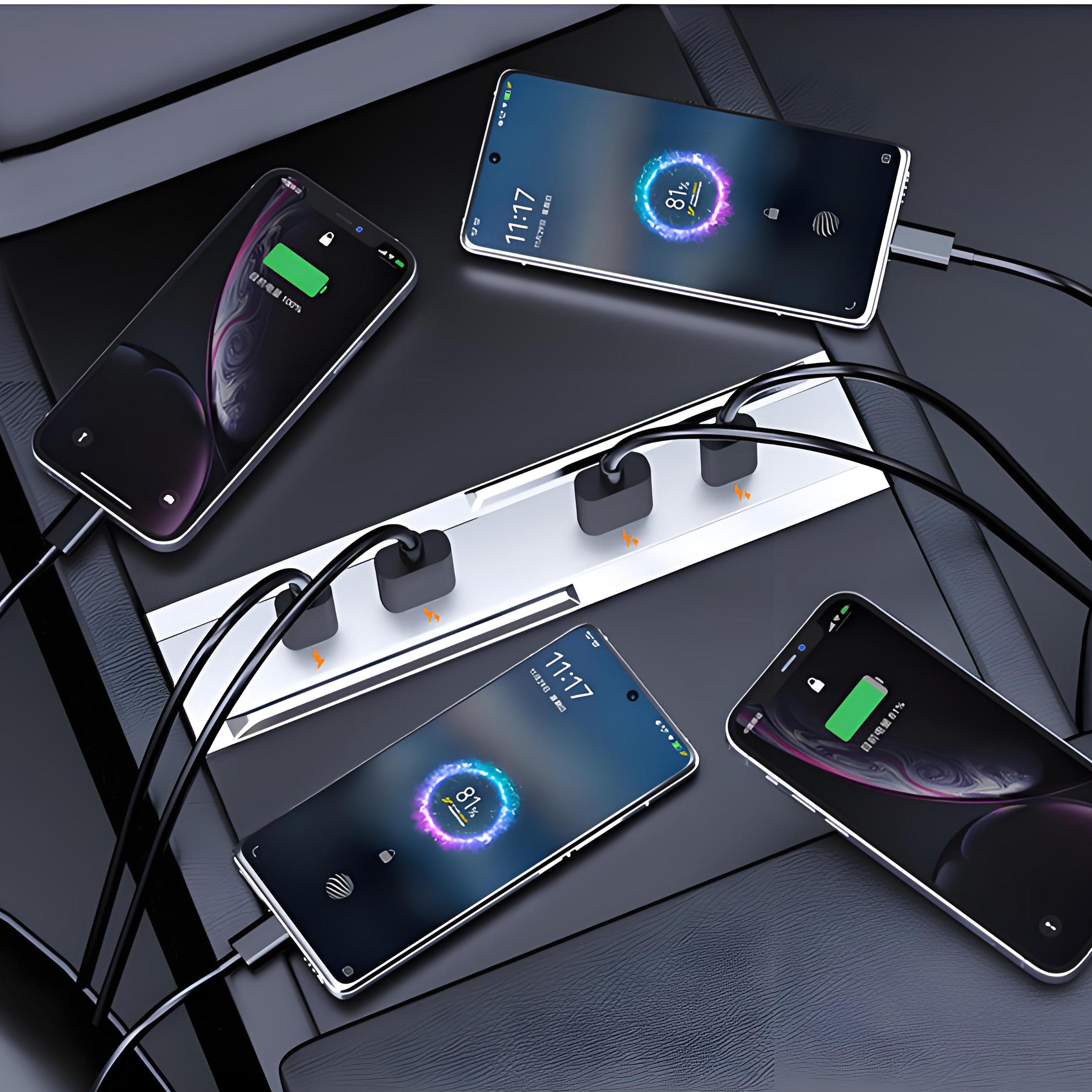
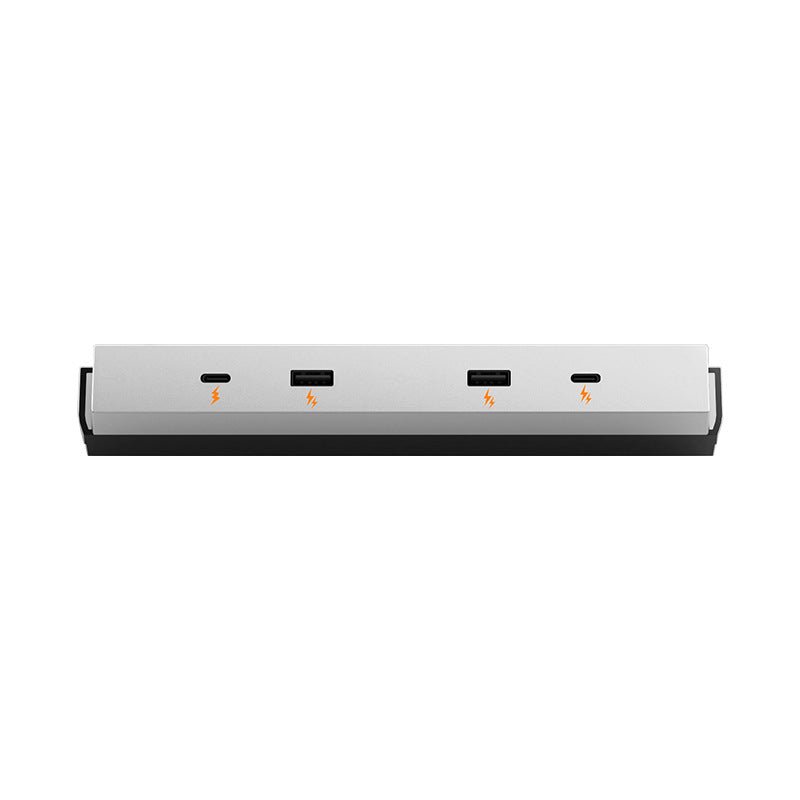
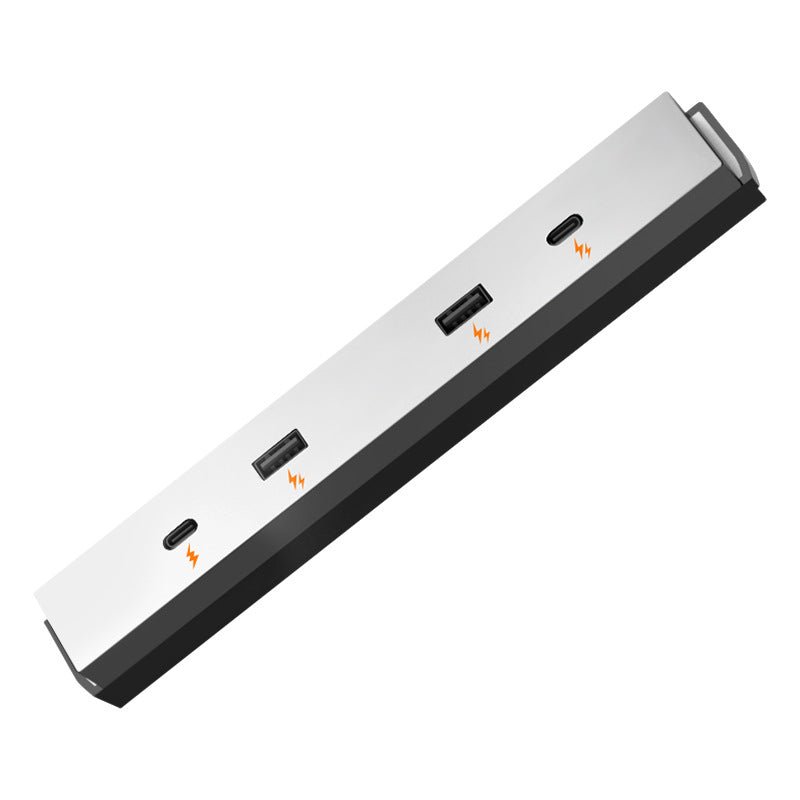
Two USB-C and two USB-A connectors on a console-mounted dock
-
Modellauswahl
Separate Highland and Juniper versions, each shaped to its console layout
-
ABS Housing
Plastic body surrounds the USB connectors
-
Console Placement
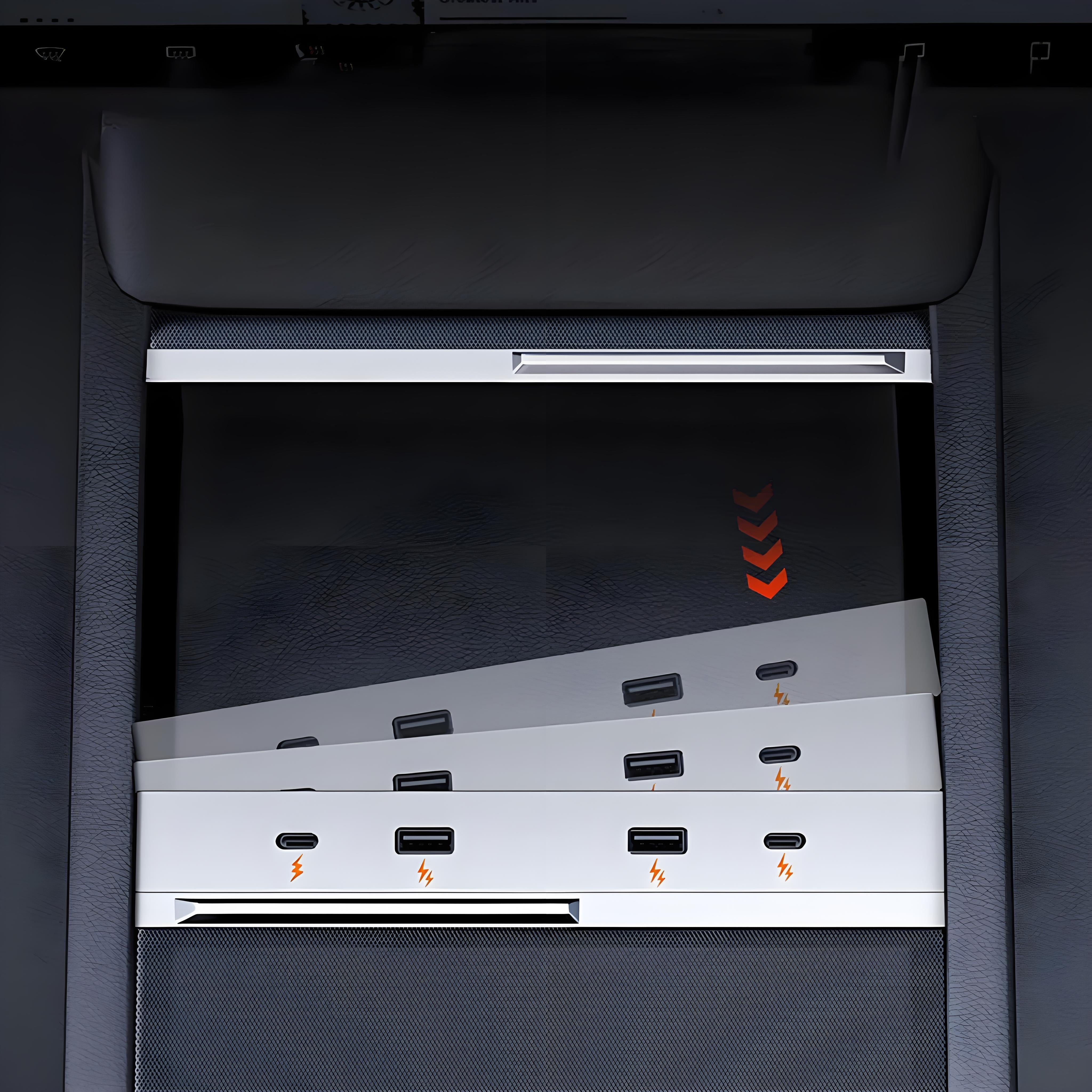
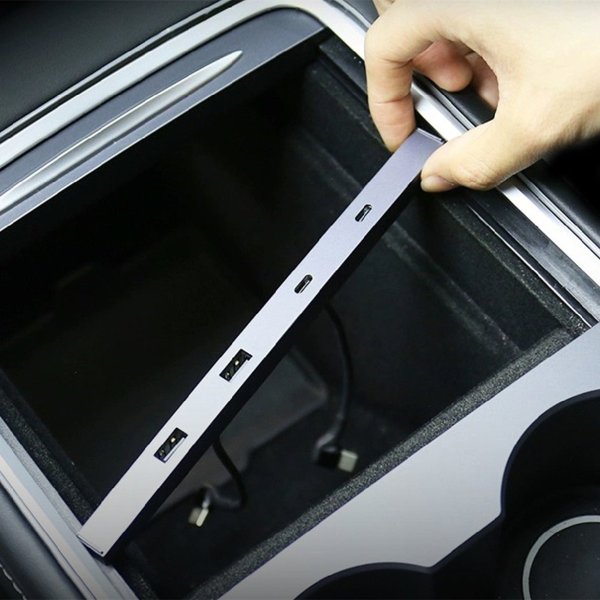
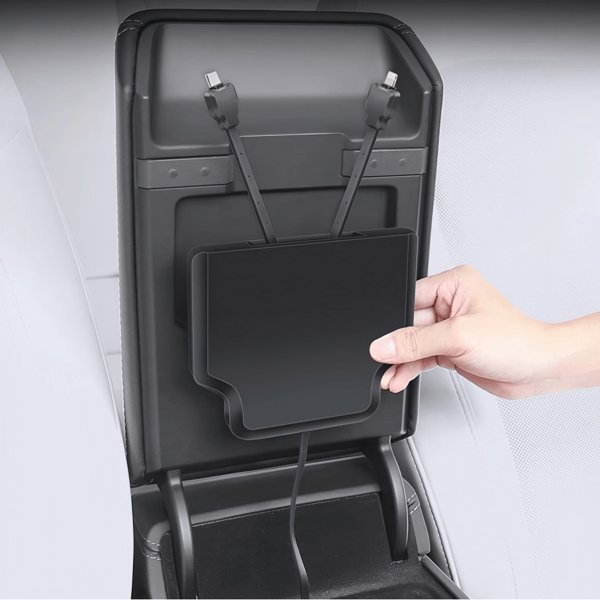
Diagonal insertion and a gentle horizontal push position the dock
-
Factory Connection
The dock uses the vehicle USB connection; available charging depends on that supply
-
Dry Care
Wipe with a dry microfiber cloth and disconnect devices before removal
Highlights
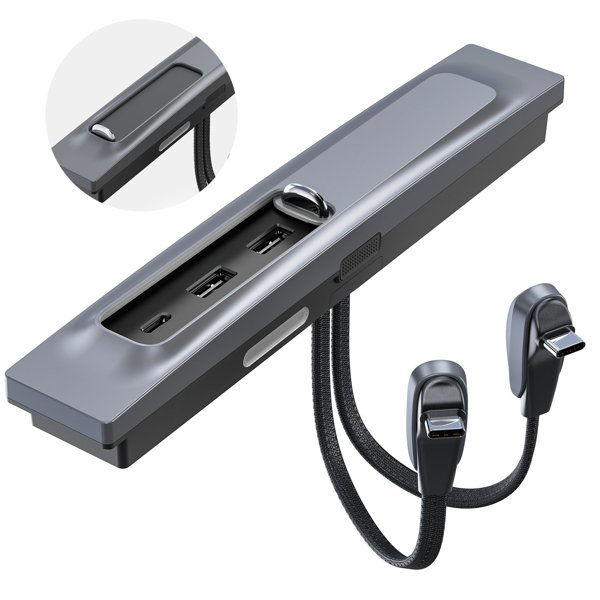
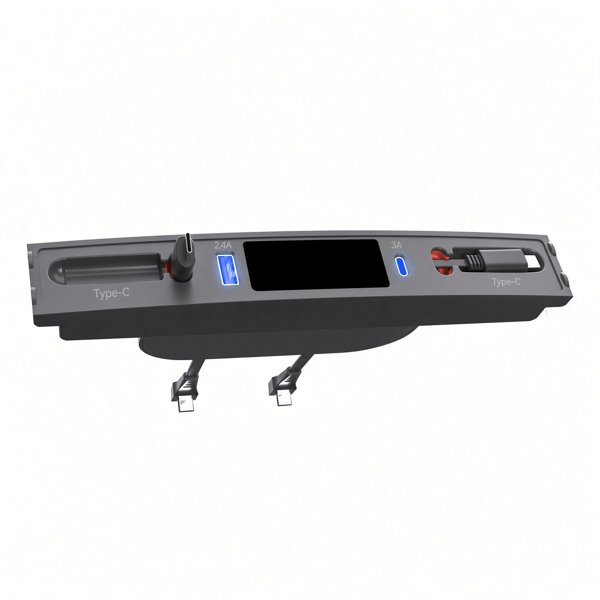
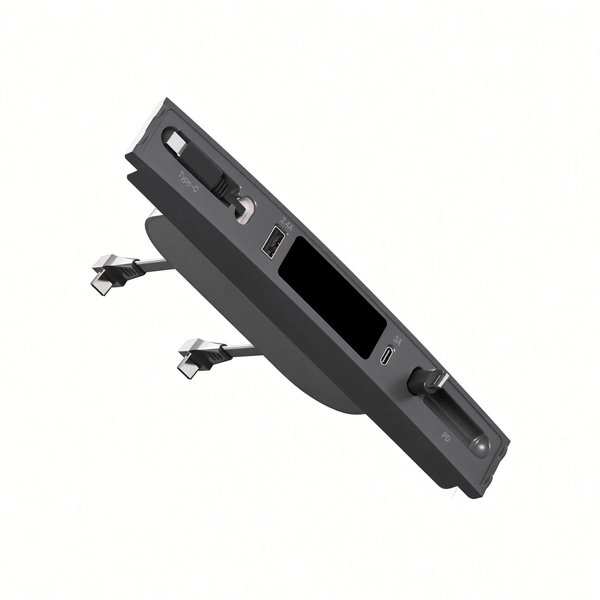
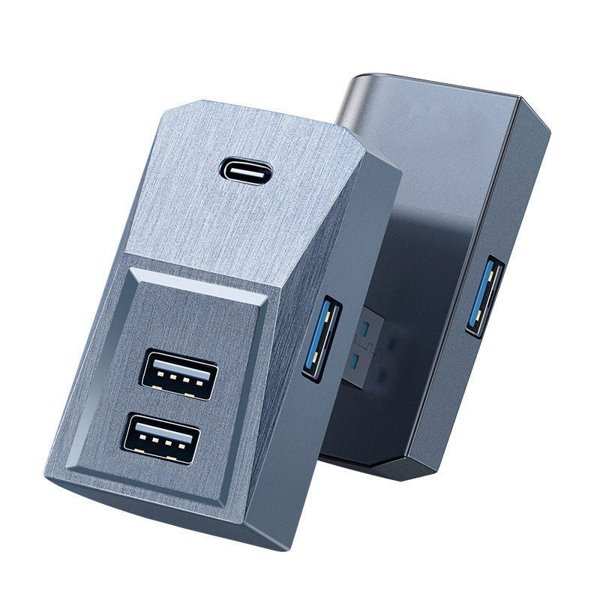
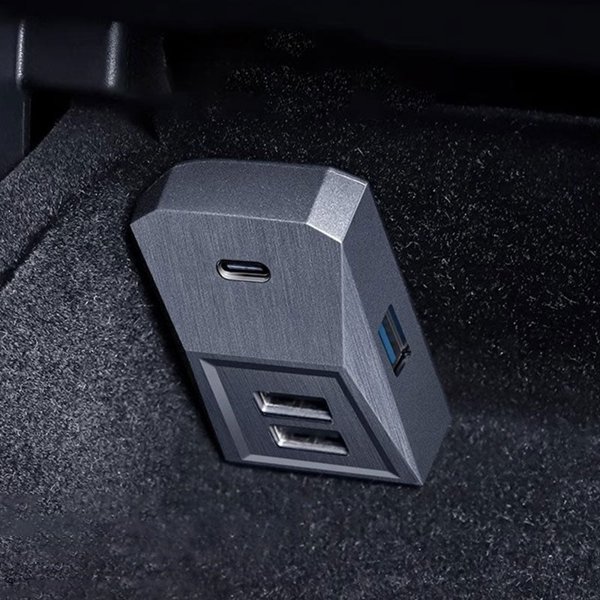
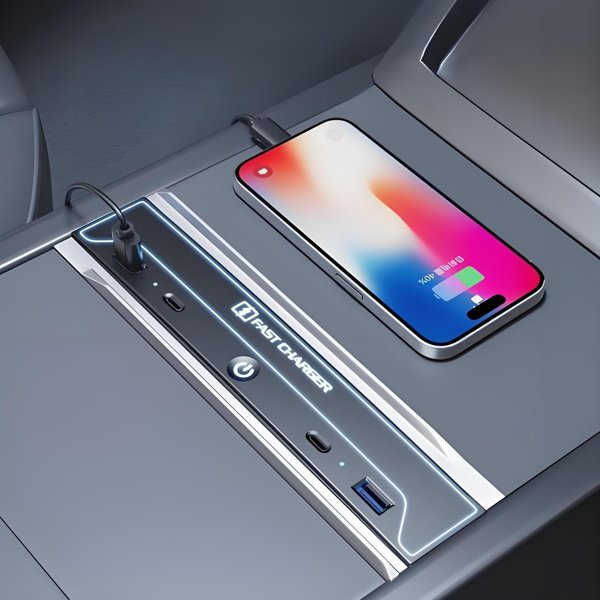
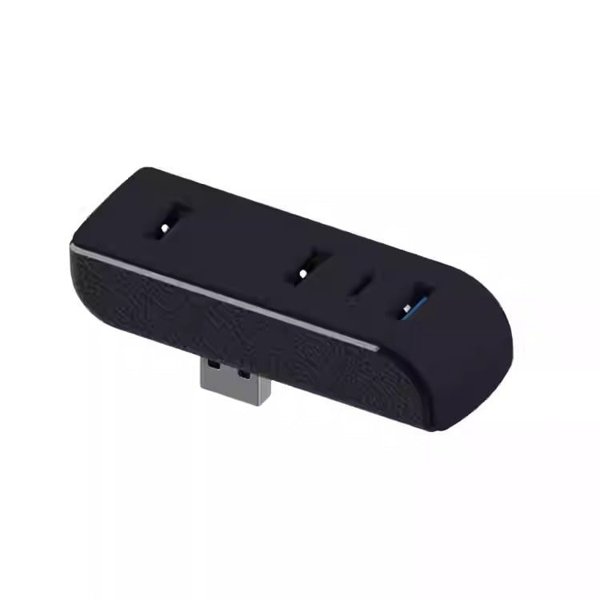
Two USB-C and Two USB-A Connectors
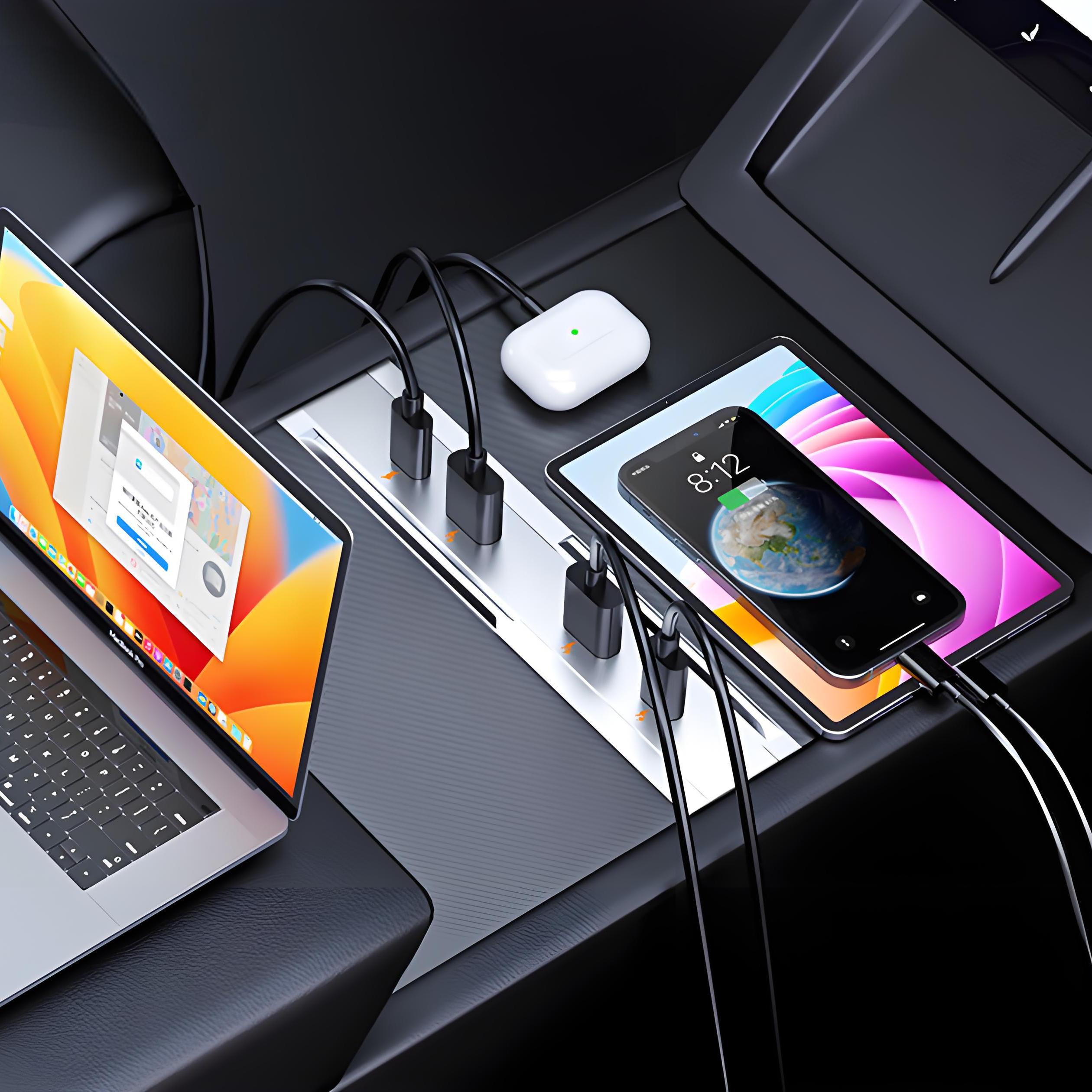
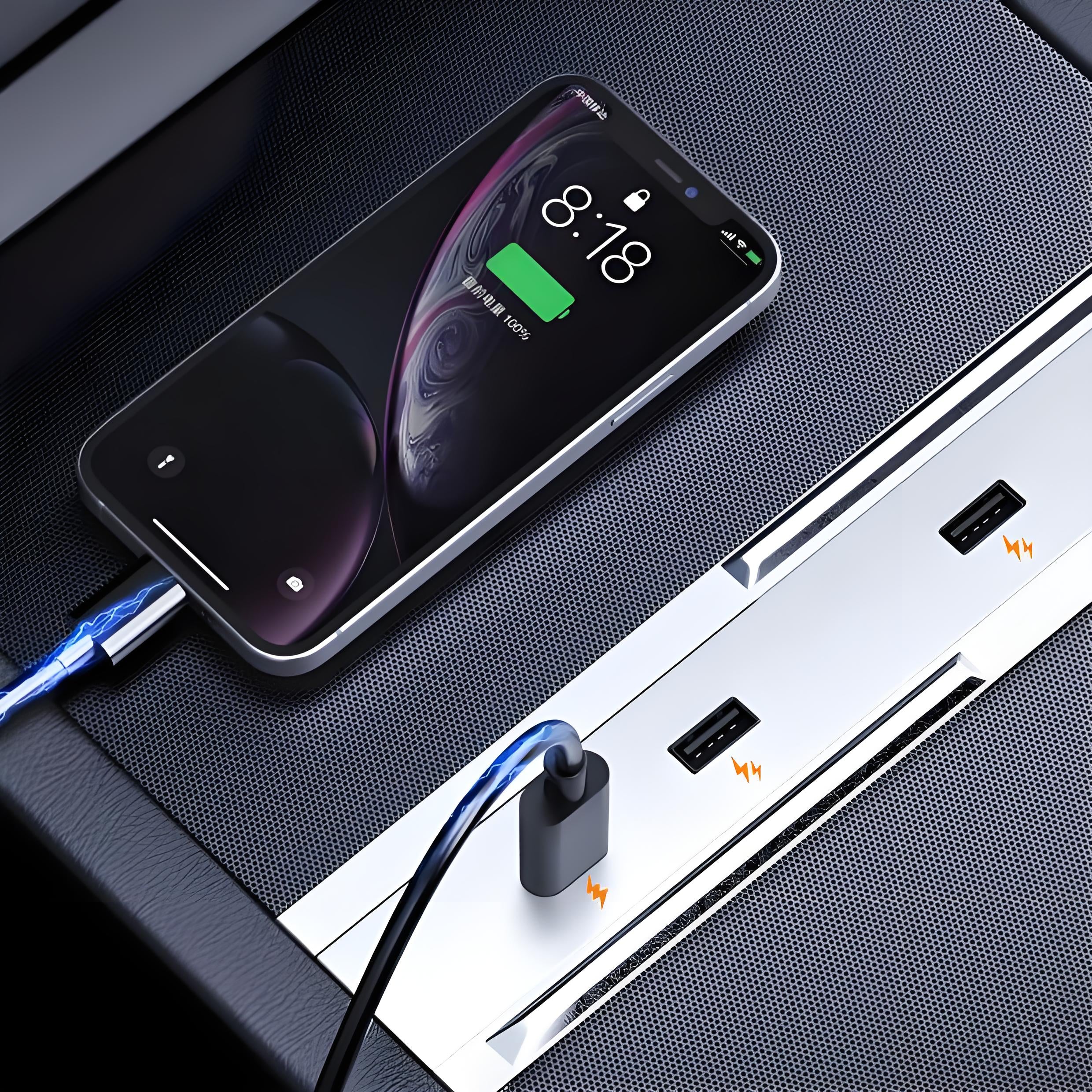
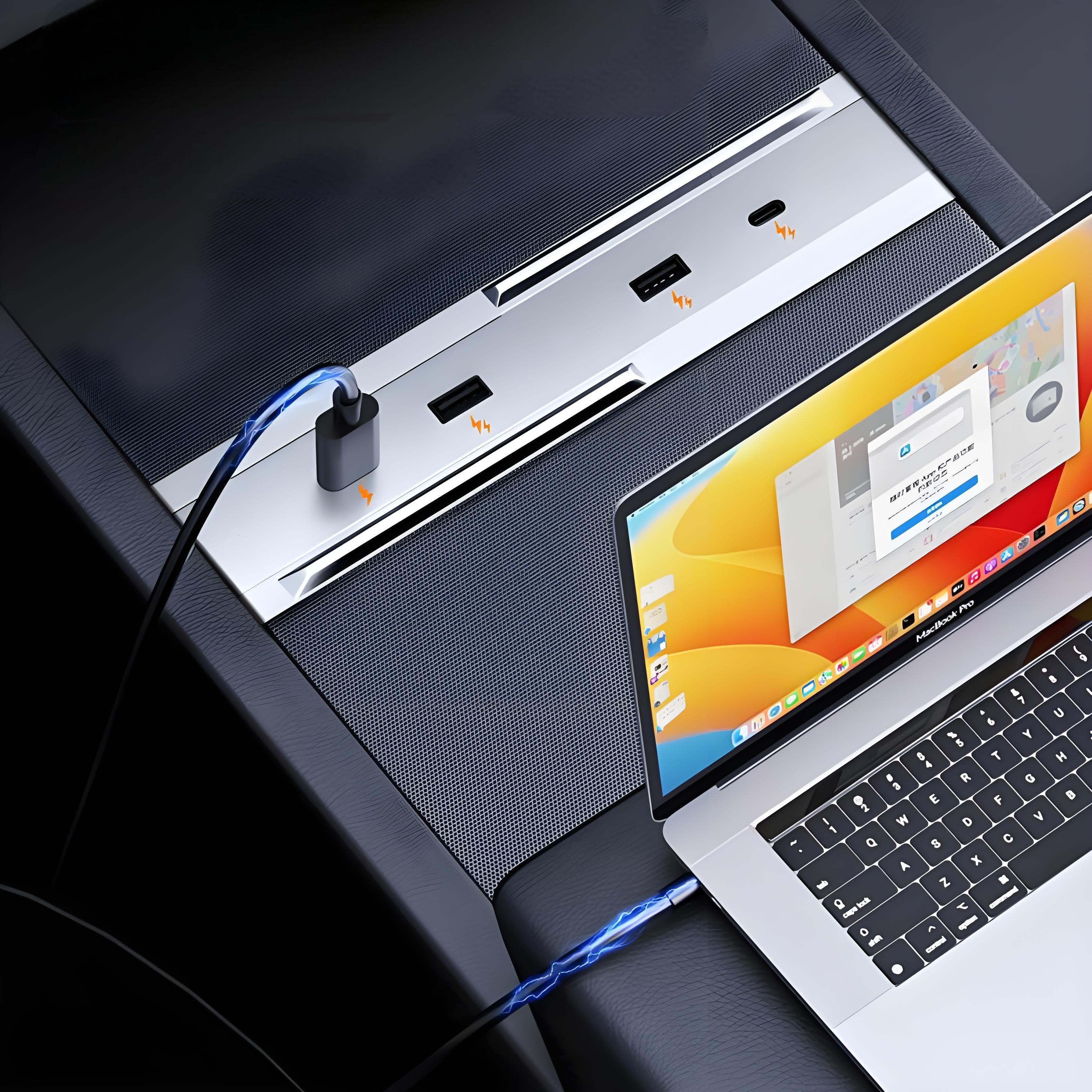
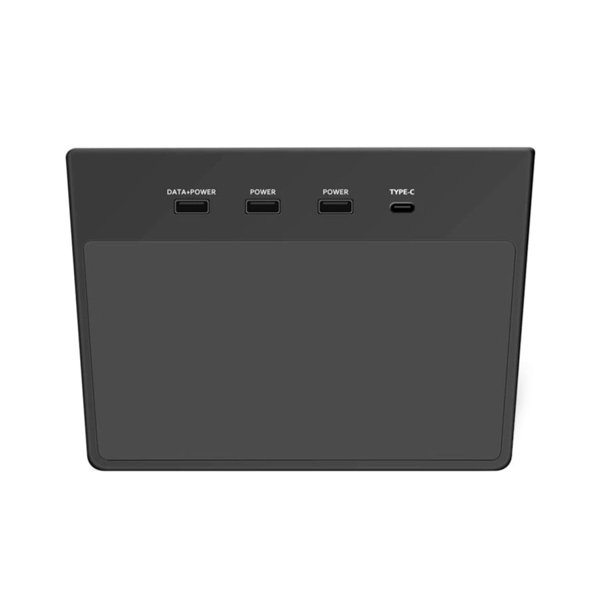
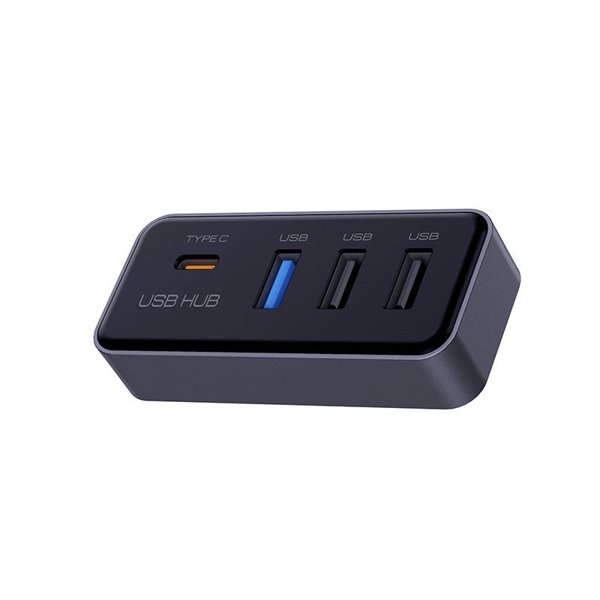
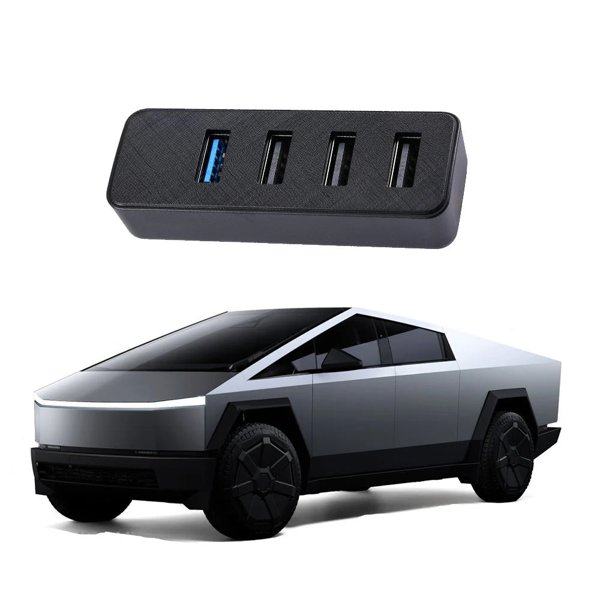
The dock combines two USB-C sockets and two USB-A sockets in a single elongated face. The connector arrangement is shown here; charging capability depends on the vehicle USB supply and the connected device.
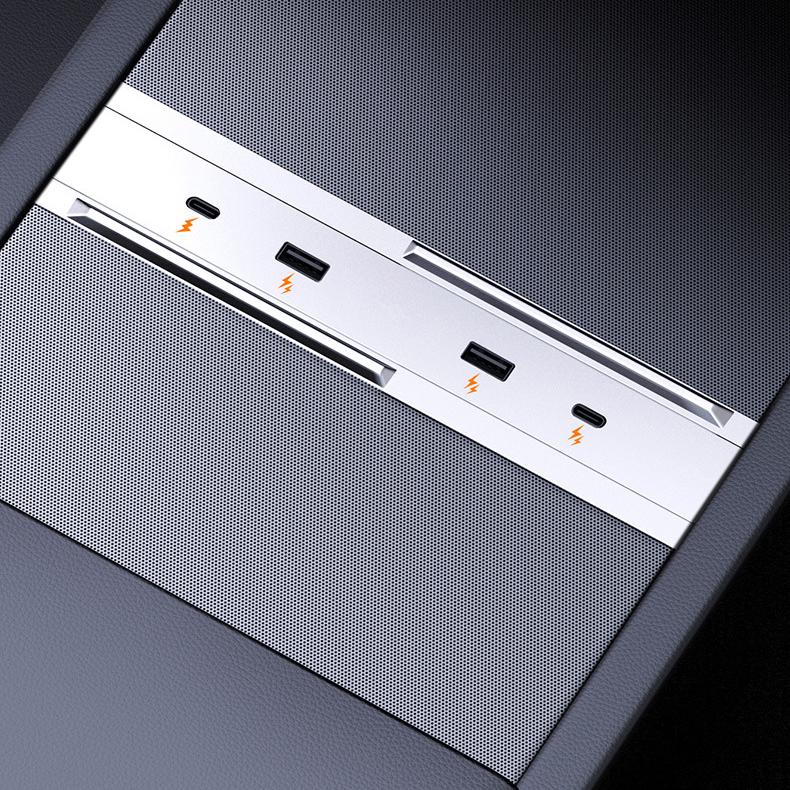
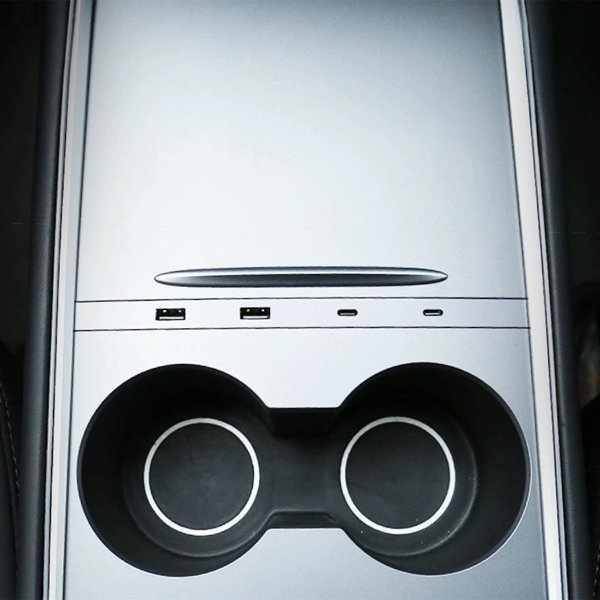
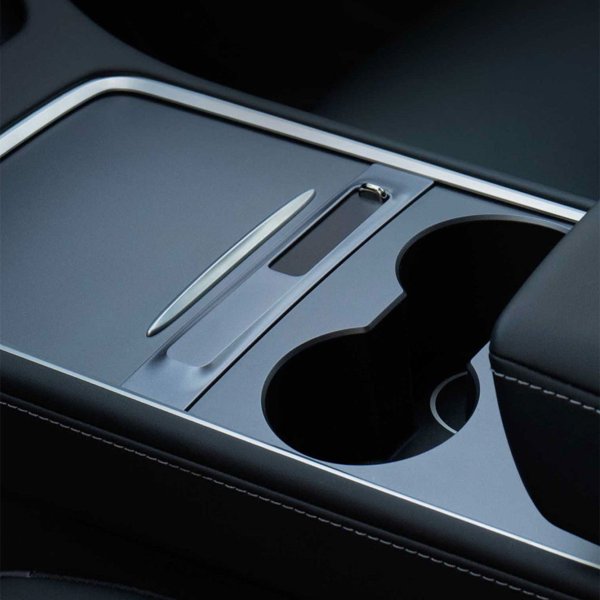
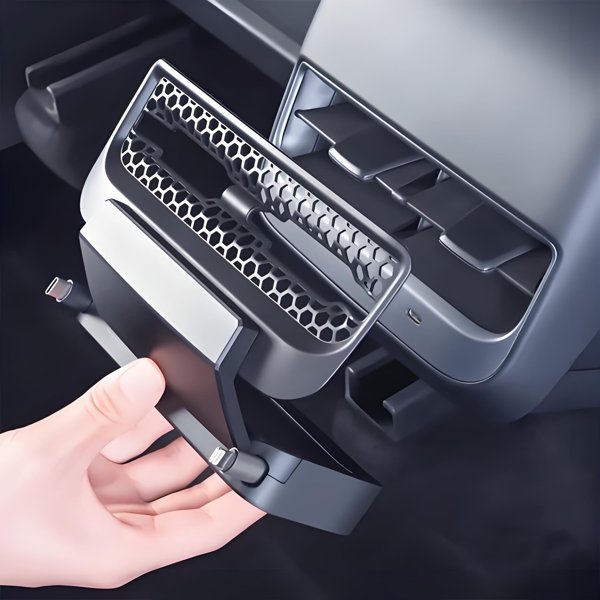
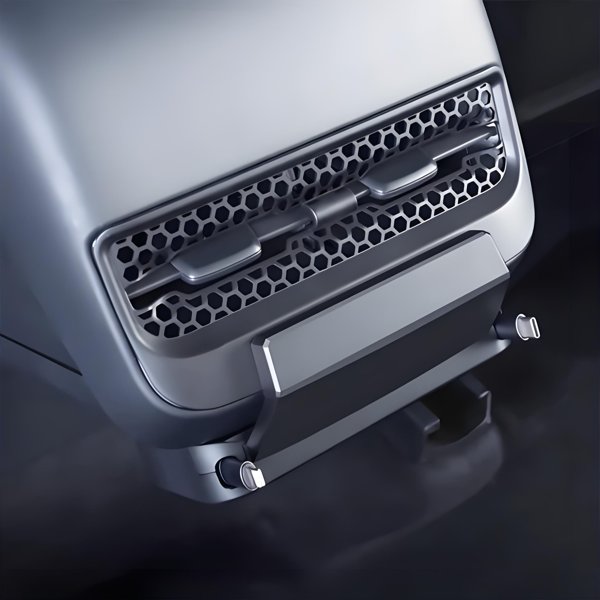
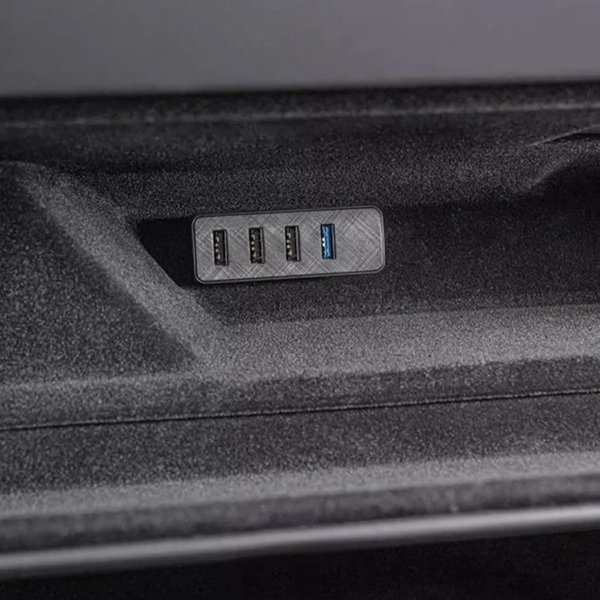
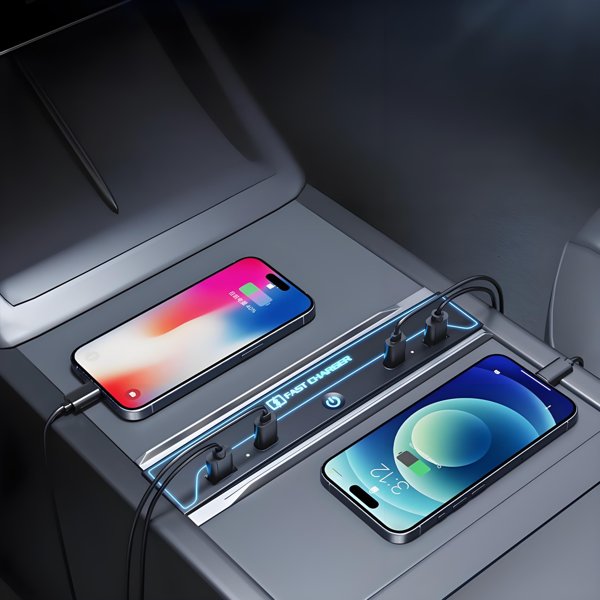
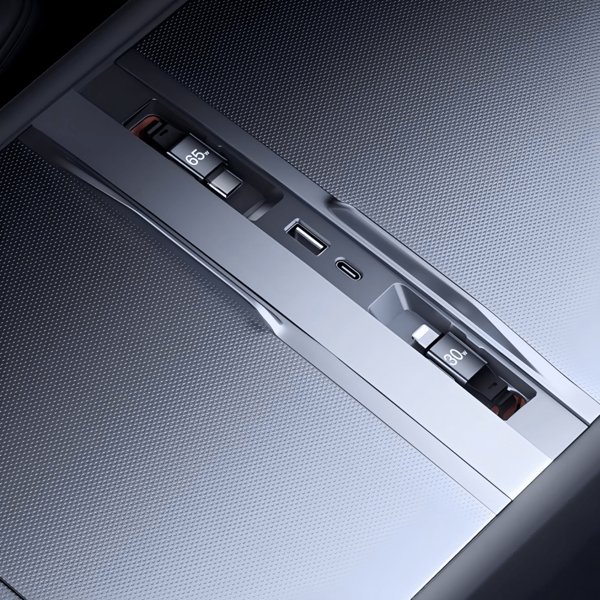
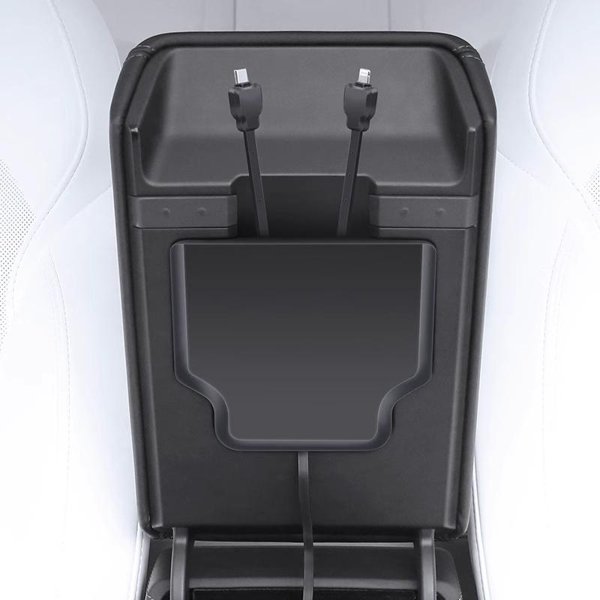
A Dock at the Console Opening
The installed view shows the slim dock across the center-console opening. The picture illustrates placement, not a charging-power rating.
Kompatibilität
| Modell | Years / Version | Hinweise |
|---|---|---|
| Model 3 Highland | 2024+ | Highland version |
| Model Y Juniper | 2025+ | Juniper version |
Fits Model 3 Highland 2024+ and Model Y Juniper 2025+, each with its own version.
Technische Daten
| Produkttyp | Center-console USB hub dock |
|---|---|
| Compatible Models | Model 3 Highland (2024+); Model Y Juniper (2025+) |
| Position / Location | Center console, factory USB connection |
| Material | ABS plastic |
| Anschlüsse | 2 USB-C + 2 USB-A |
| Lieferumfang | 1 dock in the selected model version; installation instructions |
| Versandgewicht | 350 g (0.77 lb) |
What’s in the Box
- 1 center-console USB hub dock, model as selected
- Installation instructions
Installation
- Clean the center-console area and remove loose items from the console.
- Insert the hub diagonally into the console opening.
- Gently push the hub into a horizontal position.
- Connect the hub to the factory USB ports.
Gut zu wissen
Achtung
- Choose the version that matches your model and year.
- Power available depends on the vehicle USB supply.
Pflege
- Center-console USB-C charging does not establish Sentry Mode or Dashcam data support. Connect recording storage directly to the designated vehicle data port as instructed in the vehicle manual.
- Charging output depends on the vehicle supply, cable and device.
- Keep the dock dry, wipe with a dry microfiber cloth and disconnect devices before removing it.
FAQ
How many connectors are on the dock?
Two USB-C and two USB-A connectors.
Which versions are offered?
Highland for Model 3 Highland (2024+) and Juniper for Model Y Juniper (2025+).
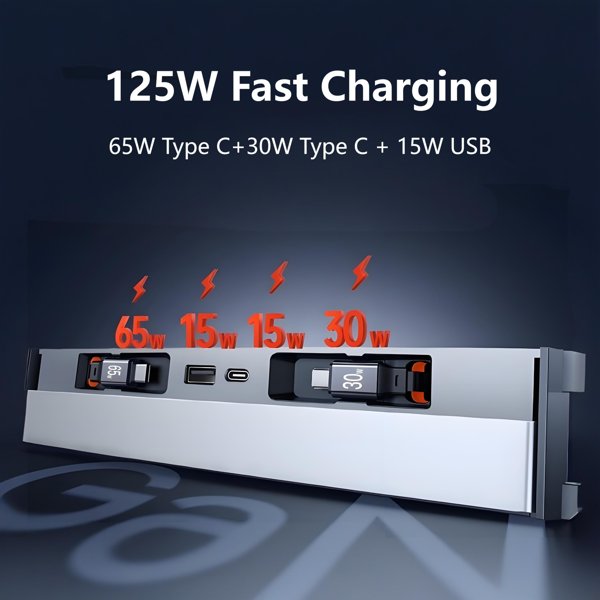
Does it provide 65W to a laptop?
No 65W output is specified. Charging depends on the vehicle supply and the cable and device requirements.
Can I use it for Sentry Mode storage?
Use the designated vehicle data port directly according to the vehicle manual; console charging ports do not establish recording-storage support.

 English
  German
  Spanish