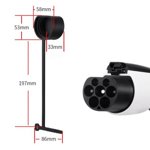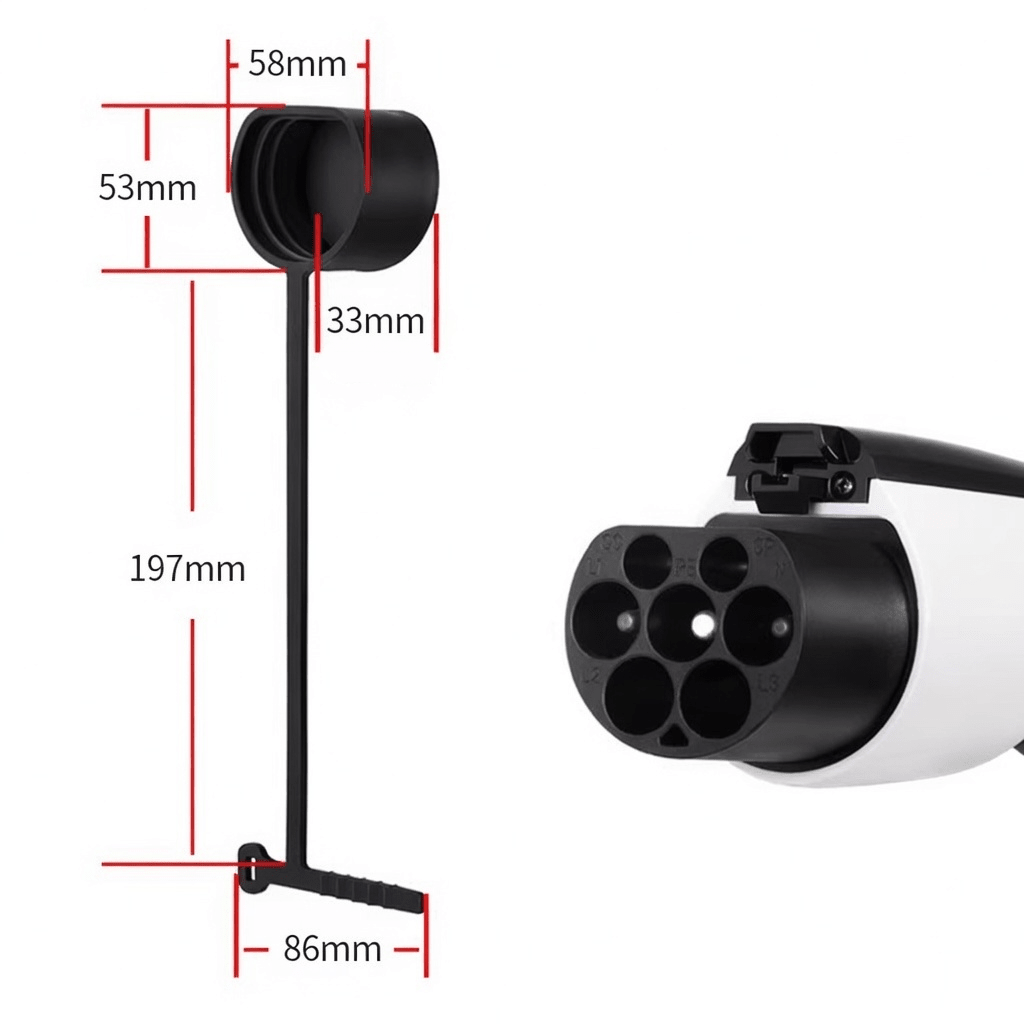
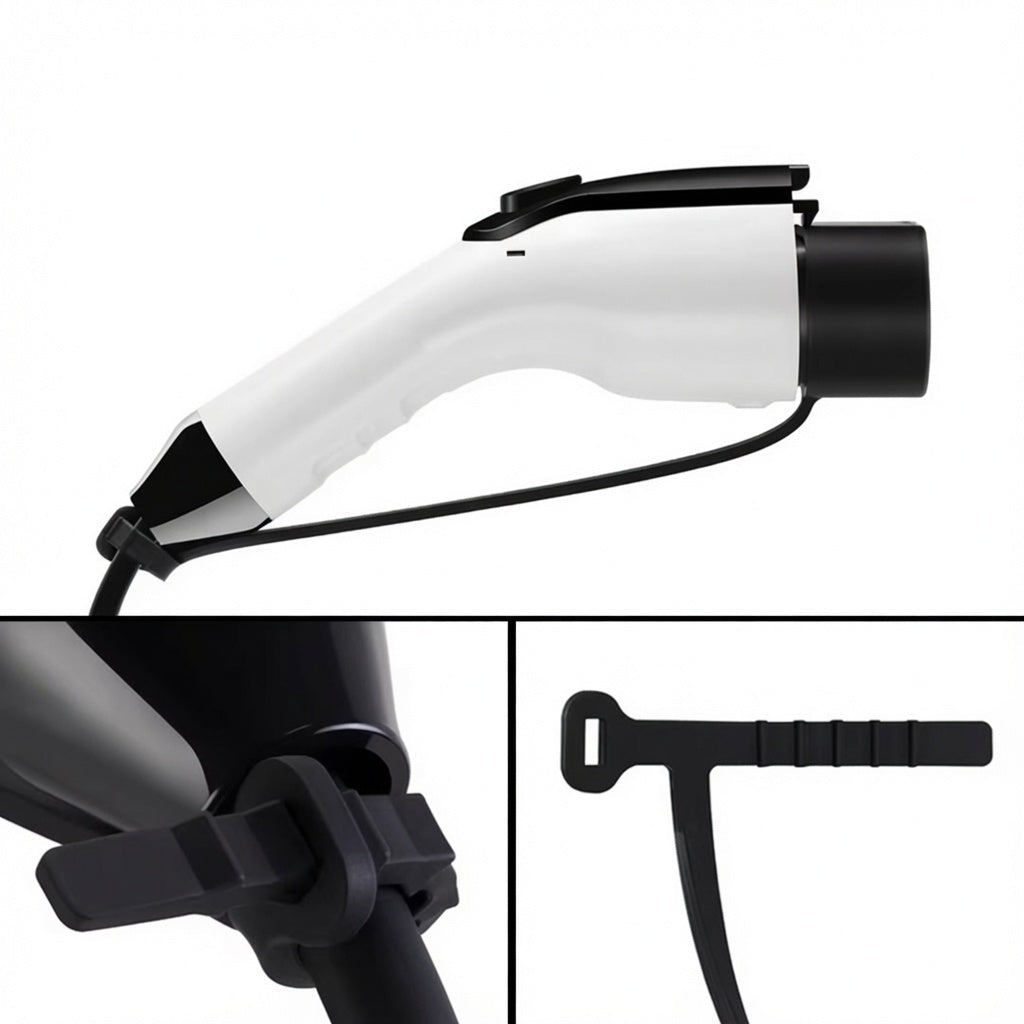
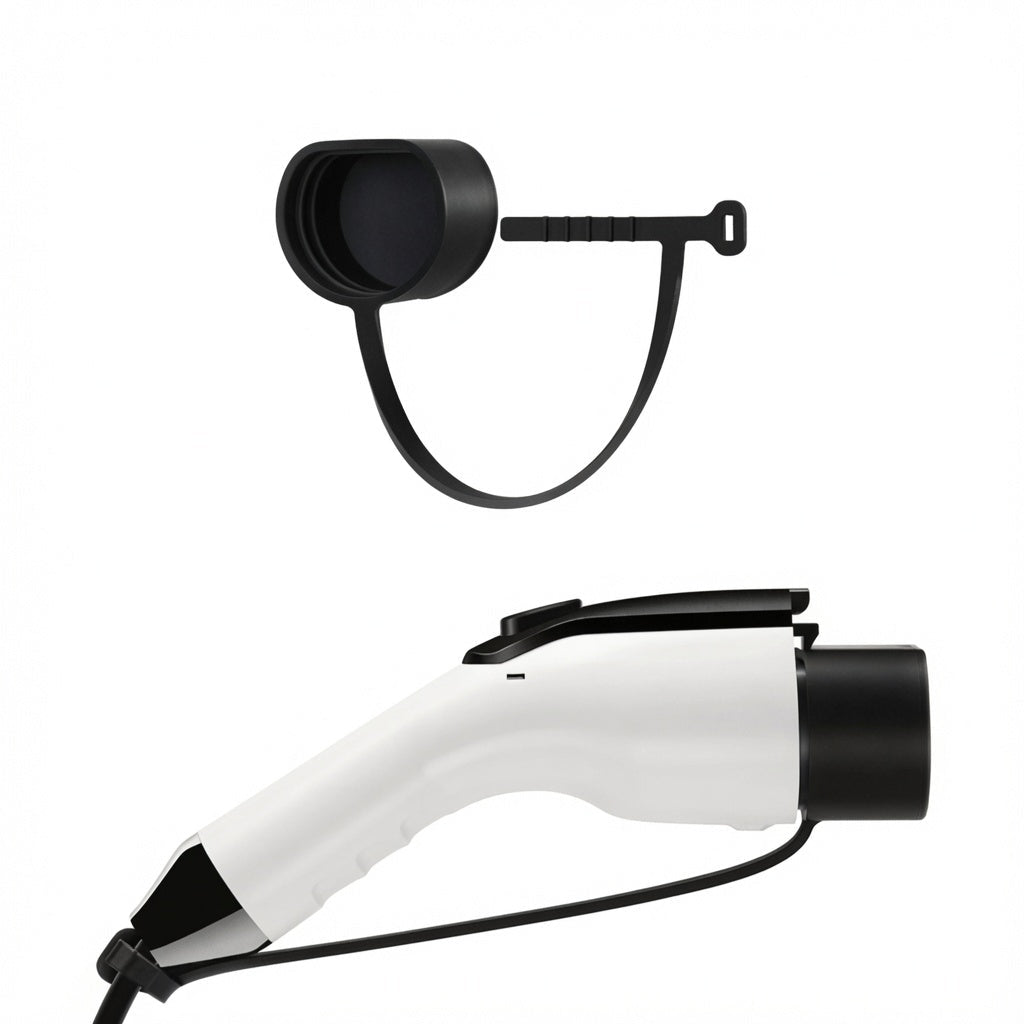
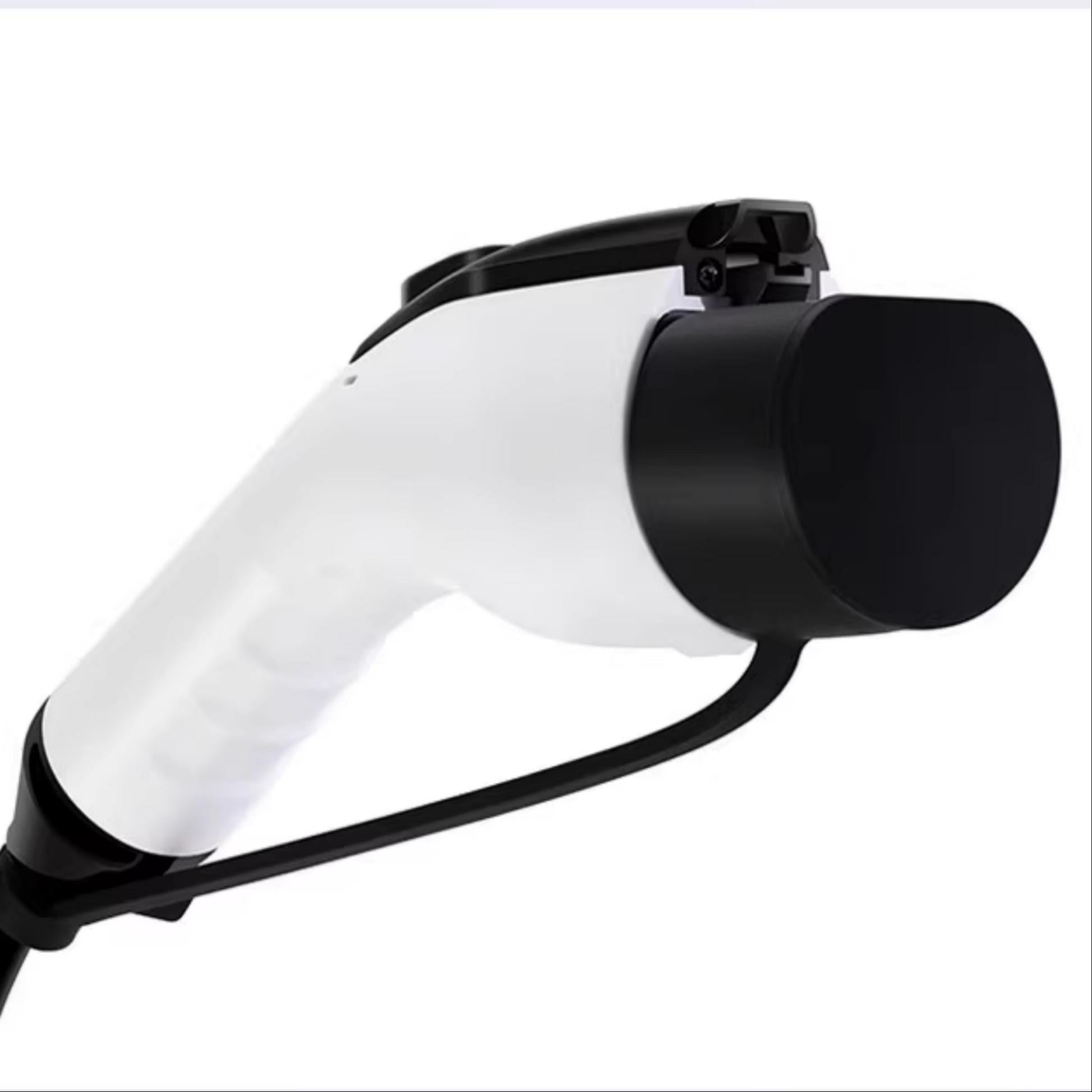
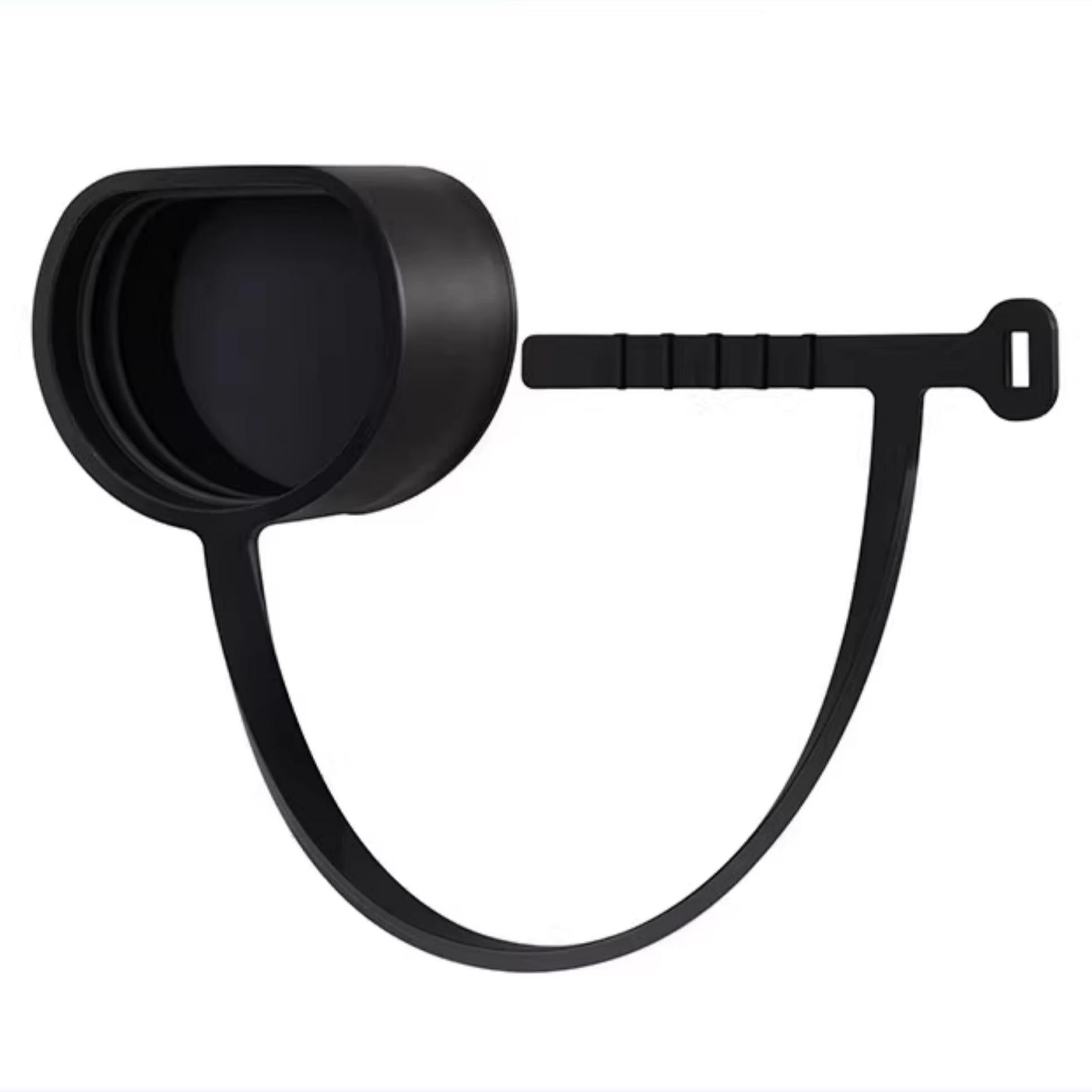
Removable Silicone Dust Cover for the Charging Port
A soft silicone dust cover for the vehicle charging port while parked and disconnected. It is intended to reduce exposure of the unused opening to dust and debris and removes by hand before charging.
- Soft silicone
- Parked use
- Remove before charging
Key Features
-
Material
A soft silicone cover forms the described dust barrier.
-
Design
The cover is intended to shield the unused charging-port opening while parked.
-
Compatibility
Fits the vehicle charging-port opening.
-
Installation
The removable hand-fit design must not press on electrical contacts.
-
Use Conditions
Remove the cover before connecting a charger.
-
Care
Keep the cover clean and dry so it does not trap moisture or debris at the interface.
Highlights
Cover the unused opening
The described vehicle-port application is for parked storage, with no charger connected. The cover is a dust barrier rather than a certified weather seal or a solution for charging faults.
Vehicle-port interface
The cover fits the vehicle charging-port opening. A cap designed to go over a charging-gun end has a different fitting interface and is a different part.
Remove before charging
Take the cover off completely before inserting a charging connector.
Compatibility
| Model | Years / Version | Notes |
|---|---|---|
| Model 3 | Including Highland | |
| Model Y | Including Juniper and Model Y Standard | |
| Model S | ||
| Model X |
These are the listed vehicle applications. Port shapes and charging standards vary by market and revision.
Specifications
| Product Type | Silicone charging-port dust cover |
|---|---|
| Compatible Models | Listed Model 3 / Highland, Model Y / Juniper / Standard, Model S and Model X |
| Position / Location | Vehicle charging-port application described, while parked |
| Material | Soft silicone |
| Installation Type | Removable hand-fit cover; actual port interface must match |
| Care Instructions | Keep cover and charging interface clean and dry |
| Use Conditions | Parked and disconnected; remove before charging |
Installation
- Seat the cover gently without loading contacts or obstructing latches.
- Remove the cover completely before charging or driving, and follow the normal vehicle charging and port-door instructions.
Good to Know
Caution
- Vehicle charge-port shape and charging standards vary by market and revision. A charger-plug cap is not interchangeable with a vehicle-port cover.
- Use only while parked and disconnected. Remove the cover fully before charging; keep electrical contacts, latches and the port-door mechanism unobstructed. Do not force the cover into an opening or press it against contact pins.
- This dust cover is not a rated waterproof seal or a repair for wet, damaged or contaminated charging contacts. No extreme-temperature rating, lifespan increase or damage-free fit is established here.
Care
- Clean the removed silicone cover gently and dry it fully.
- Do not trap water, grit or cleaner against electrical contacts; use the vehicle instructions for charging-port maintenance.
FAQ
When should the cover be removed?
Remove it completely before charging or driving. It is described for parked, disconnected use.
Is a charging-gun cap the same part?
No. A cap over the charger connector and a vehicle-port cover have different interfaces.
Can I close the charging-port door over it?
No. The port door does not close over the cover.
Does it make the port waterproof in extreme weather?
No rated waterproof seal or extreme-temperature performance is established here.


 English
  German
  Spanish