Sliding Dust Covers for the Rear USB-C Ports
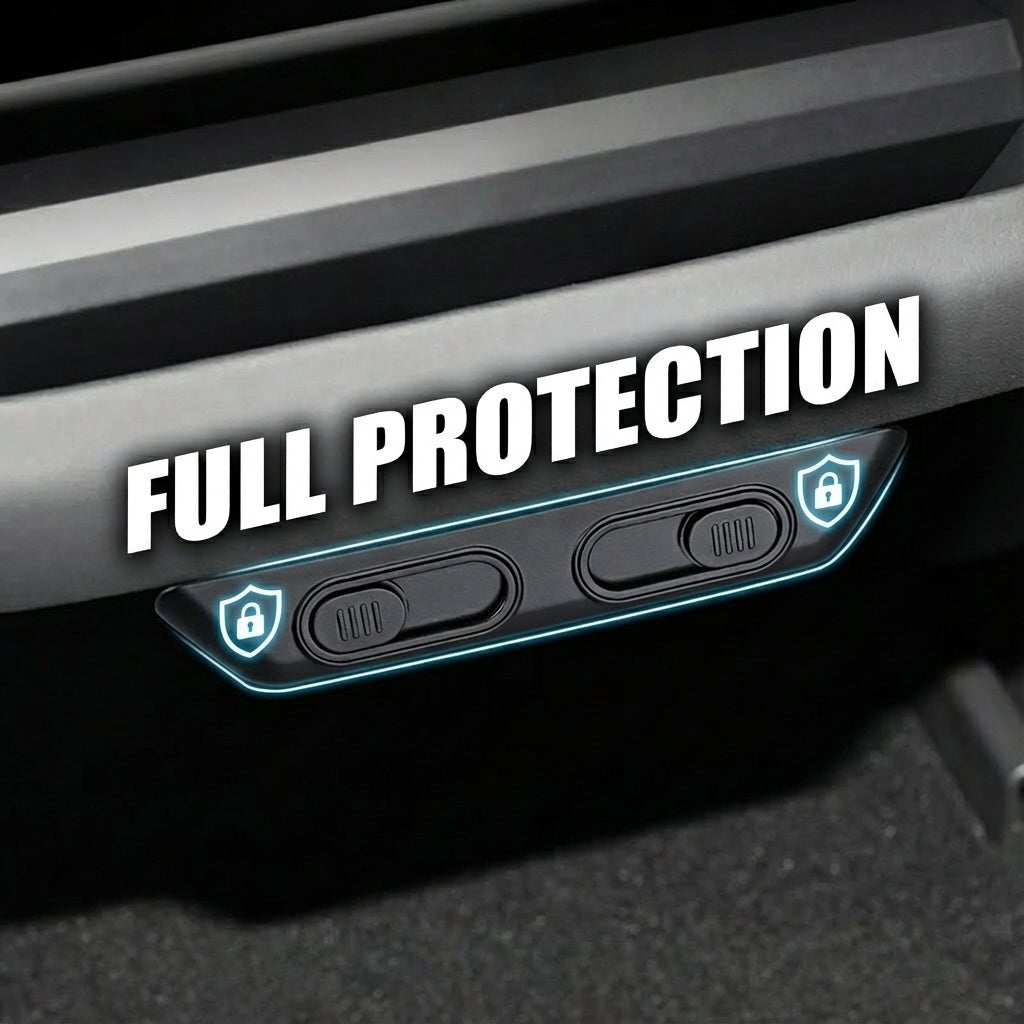
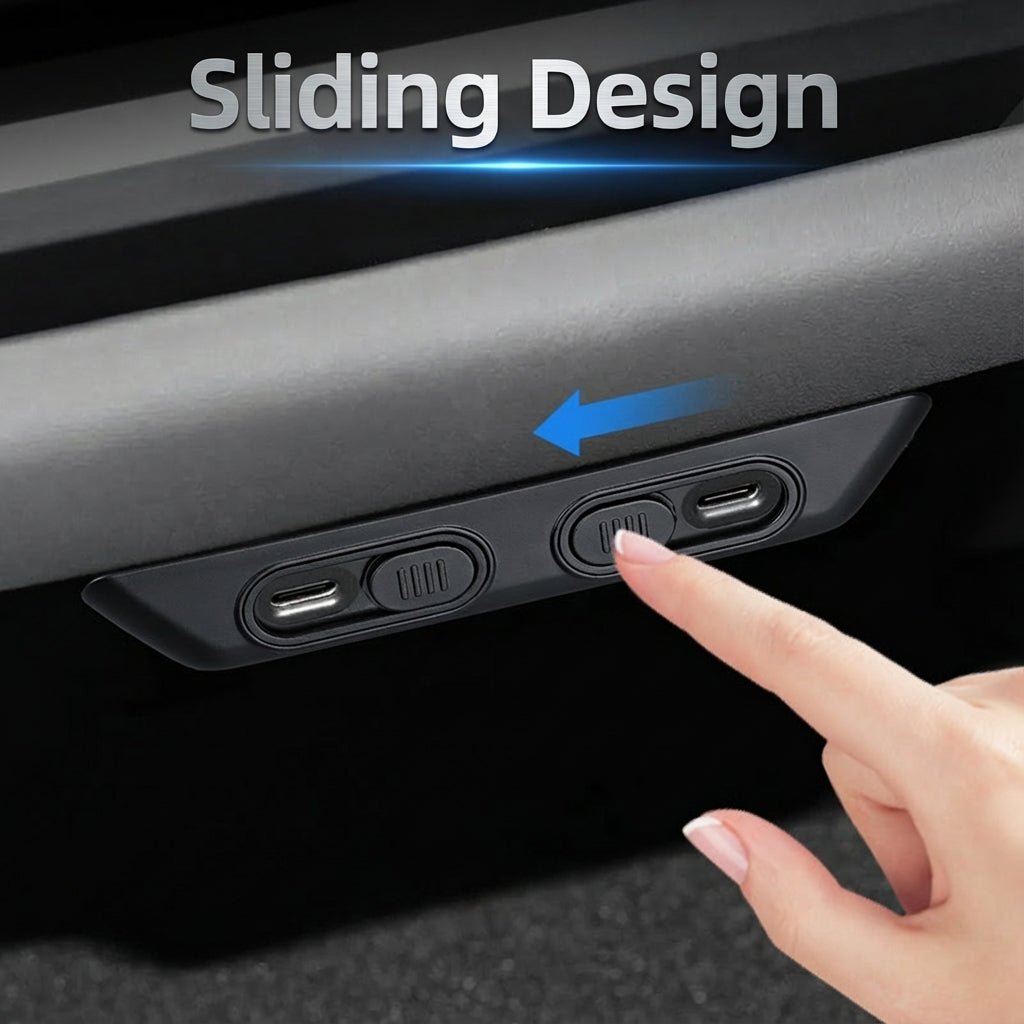
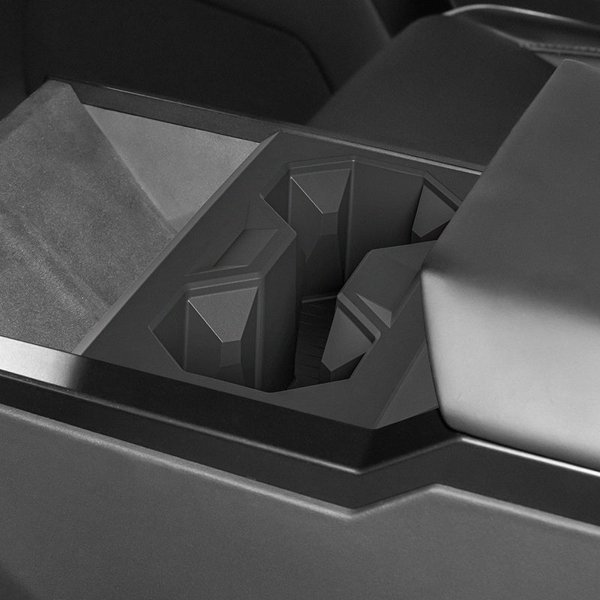
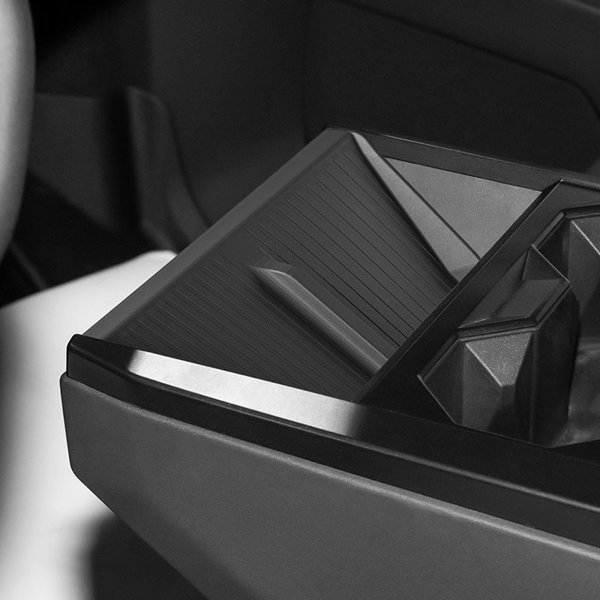
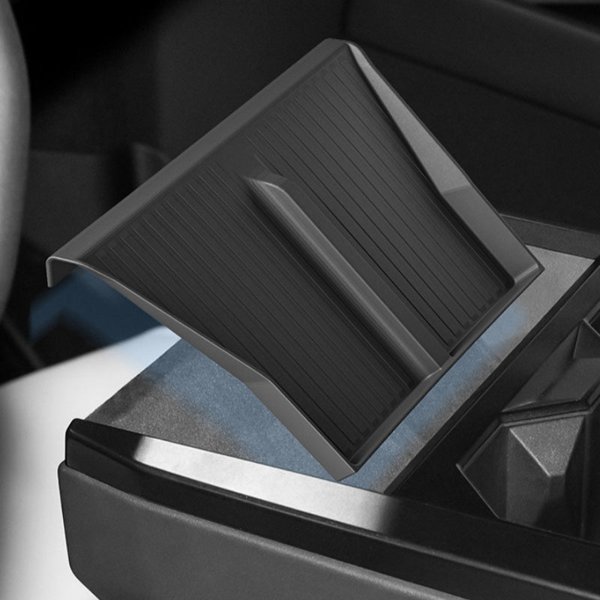
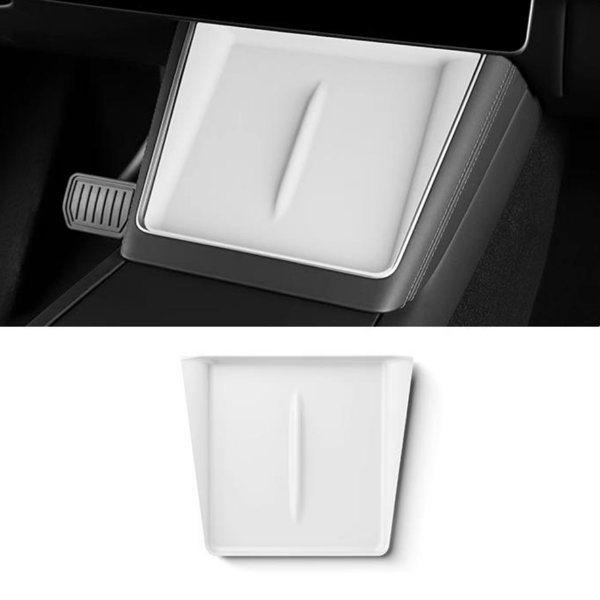
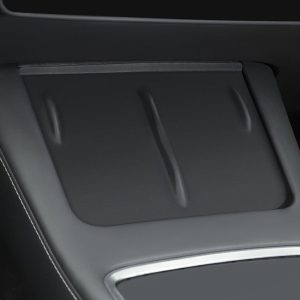
This black adhesive frame adds two sliding shutters over the rear USB-C port openings on Model 3 Highland and Model Y Juniper consoles. Open a shutter to connect a cable, then close it after unplugging to cover the unused opening. The cover mounts to the surrounding trim below the rear air outlet.
- Rear USB-C Ports
- Two Sliders
- Adhesive Mount
- Black Finish
Key Features
-
Rear USB-C Dust Cover
Covers the rear console port openings when they are not in use
-
Two Sliding Shutters
Open the individual shutters to reach the ports without removing the frame
-
Adhesive Mount
Double-sided adhesive fixes the frame to the surrounding console surface
-
Black Finish
A black frame and matching sliders sit below the rear air outlet
-
Refreshed Console Application
For Model 3 Highland and Model Y Juniper rear USB-C layouts
-
Routine Cleaning
Keep the slider tracks clean and the ports dry
Highlights
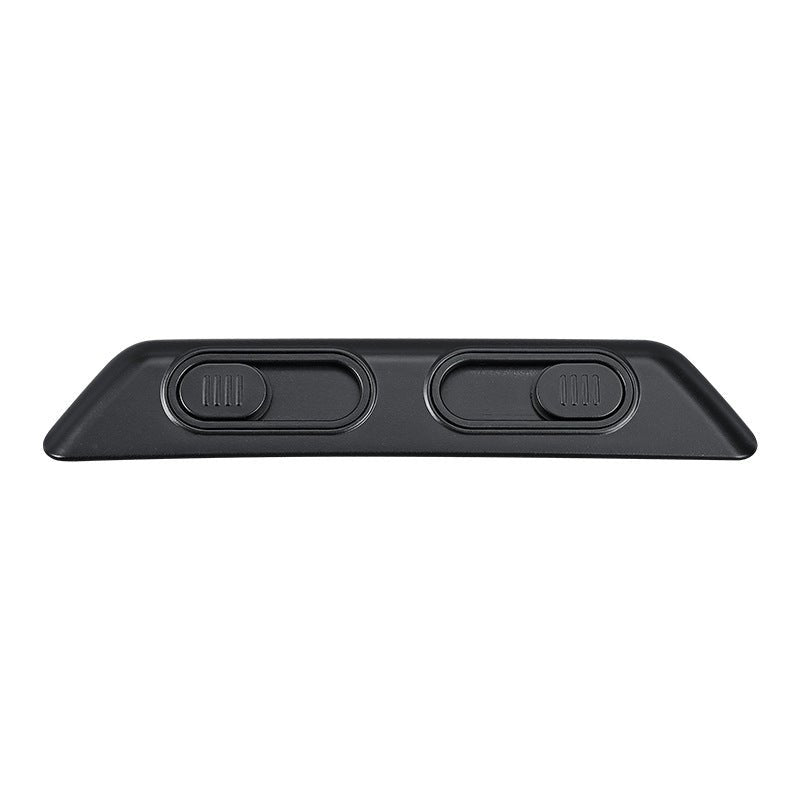
Two Sliding Shutters
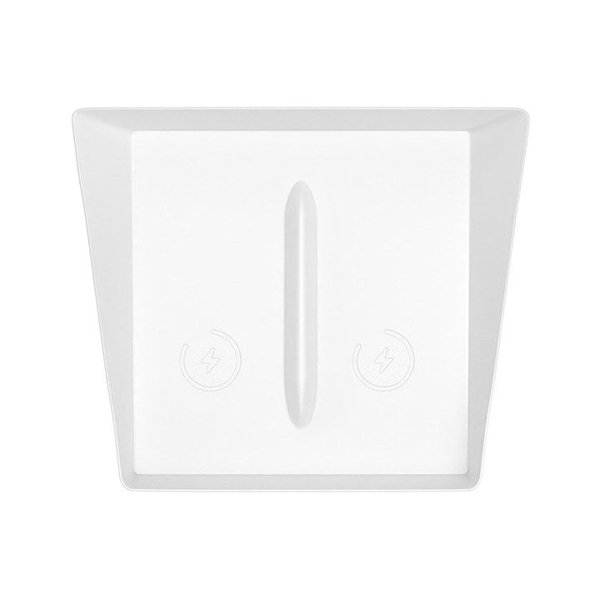
The complete frame has a separate manual slider for each opening. It stays in place while a shutter is open for cable access.
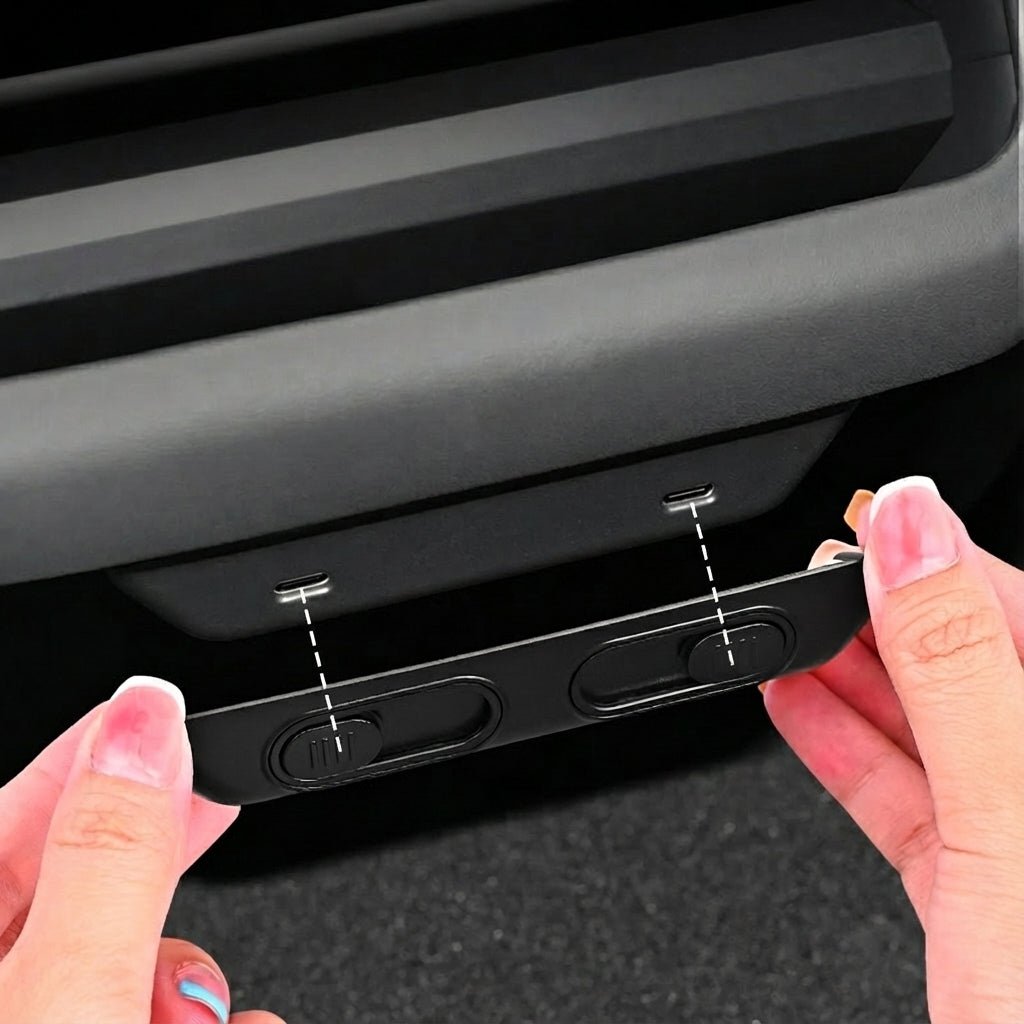
Align with the Rear Ports
The openings line up with the rear USB-C ports. Keep the rear air outlet and the full connector path unobstructed.
Adhesive on the Surround
Dry-fit, then peel the adhesive backing. Bond to the surrounding trim, with no adhesive or cleaner entering the ports.
For Unused Port Openings
Close the shutters after disconnecting cables. The cover is a dust guard, with no charging electronics or waterproof seal.
Compatibility
| Model | Years / Version | Notes |
|---|---|---|
| Model 3 Highland | Rear USB-C surround; match port spacing and trim outline | |
| Model Y Juniper | Rear USB-C surround; match port spacing and trim outline |
This cover is not intended for the earlier Model 3 or Model Y console; vehicle names alone do not establish a match to every console revision.
Specifications
| Product Type | Rear USB-C port sliding dust cover |
|---|---|
| Compatible Models | Model 3 Highland; Model Y Juniper |
| Position / Location | Rear console USB-C port surround, below the rear air outlet |
| Color | Black |
| Quantity | 1 cover assembly |
| Installation Type | Double-sided adhesive on the rear console surround |
| Shipping Weight | 200 g (0.44 lb); shipping record, not product net weight |
| Opening Mechanism | Two manual sliding shutters |
Installation
- With cables unplugged, test the frame position and both sliders. The air outlet stays clear, and USB-C plugs seat fully with the shutters open.
- Clean the surrounding trim using the vehicle-approved method and let it dry fully. Keep moisture out of the ports; avoid alcohol and solvent cleaners on the interior trim.
- Peel the adhesive liner, align the openings and press the frame onto the trim for 30 seconds. Follow the adhesive instructions for any curing period.
- Open both shutters for cable access. Unplug before closing.
Good to Know
Caution
- Earlier Model 3 and Model Y consoles are outside this application.
- Keep the shutters fully open whenever a cable is connected. The plug must seat fully without pressure from the frame.
- This dust cover has no water-ingress rating. Keep liquids away from the USB ports and do not treat it as a spill barrier.
Care
- Wipe dust from the frame and slider tracks with a soft cloth; do not force a jammed slider.
- Keep the console and ports dry. Residue or a change to the trim finish may occur on removal.
FAQ
Which consoles is it for?
Model 3 Highland and Model Y Juniper rear USB-C surrounds. Model 3 Highland and Model Y Juniper rear consoles; not the earlier Model 3 or Model Y console. Earlier Model 3 and Model Y versions are outside this application.
Do I remove the frame to connect a cable?
No. No. Open the relevant shutter fully to connect. Leave that shutter open while the cable is connected.
Does it protect the ports from liquids?
It covers unused openings as a dust guard. It has no stated water-ingress rating, and liquids must still be kept away from the ports.
Does it add charging power or electronics?
No. This is a mechanical cover. Charging uses the original vehicle port and your cable.
Can it be removed without marks?
Residue or a change to the trim finish is possible. Follow the adhesive removal instructions and the vehicle trim-care guidance; do not pry against the ports.

 English
  German
  Spanish