Wireless CarPlay Adapter with Tesla Browser Display
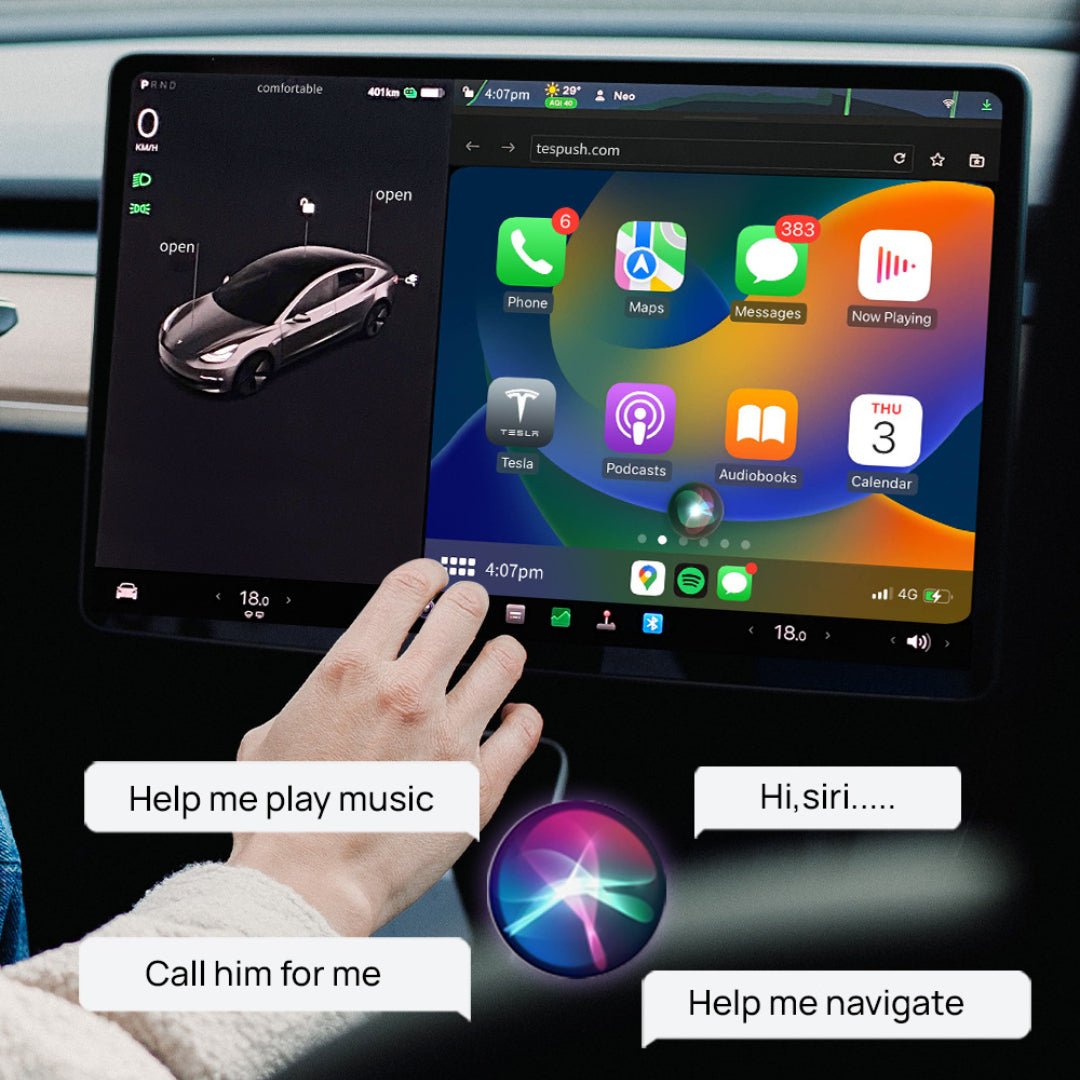
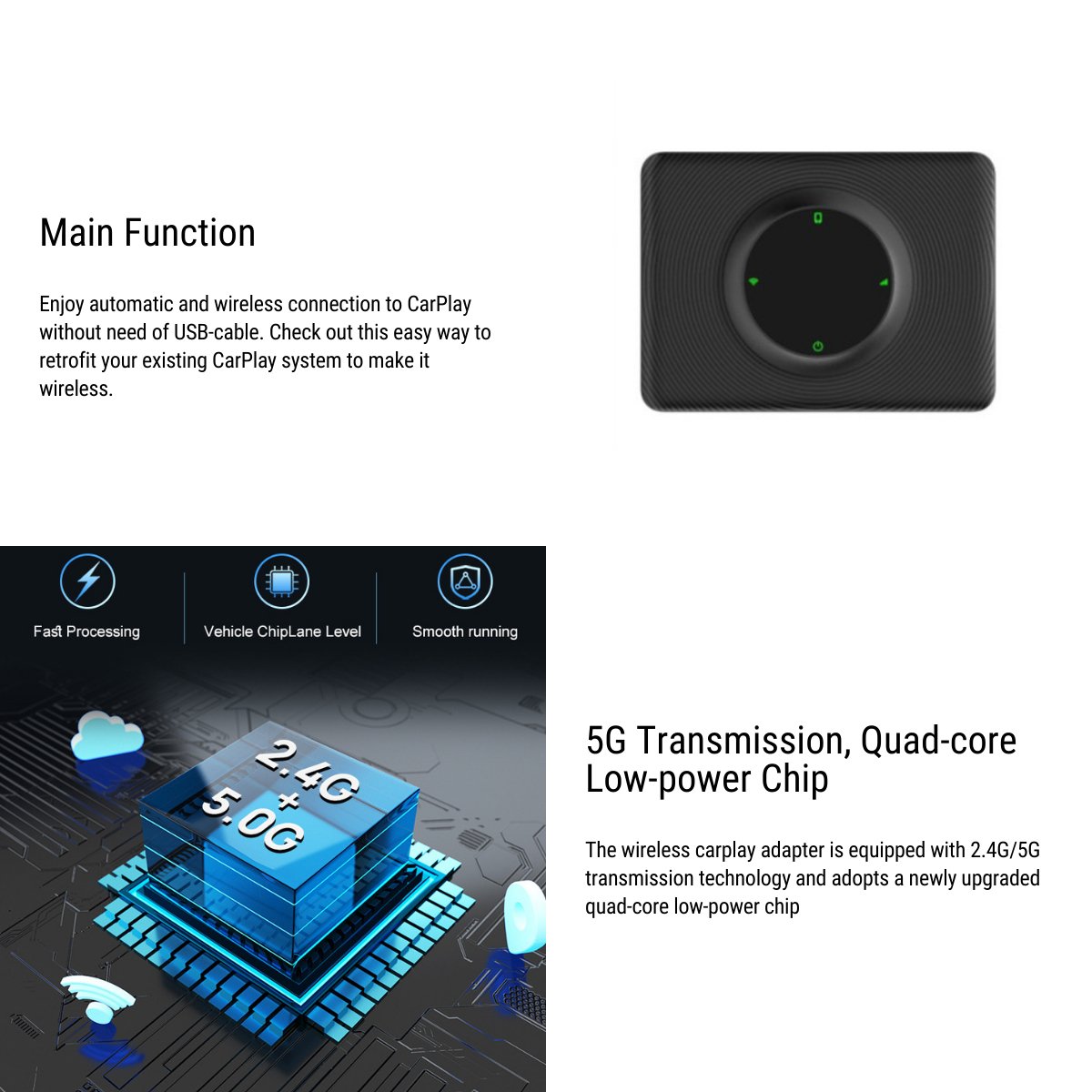
Connect an iPhone to a CarPlay interface displayed through the Tesla browser. The adapter uses USB power, pairs with the phone and provides a Wi-Fi connection to the vehicle; the illustrated setup uses the phone hotspot for network access and vehicle Bluetooth for audio.
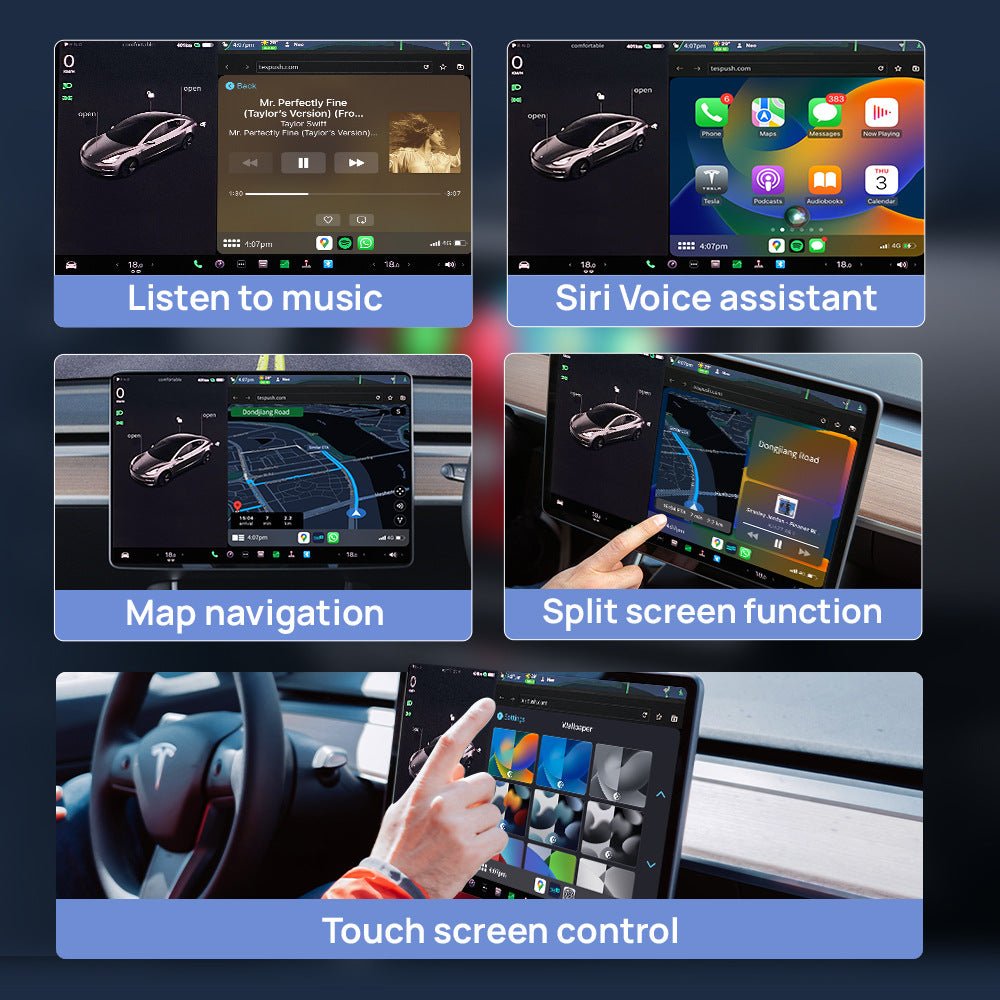
- Browser Display
- iPhone Connection
- USB Power
- Two Cables Included
Hauptmerkmale
-
Browser Display
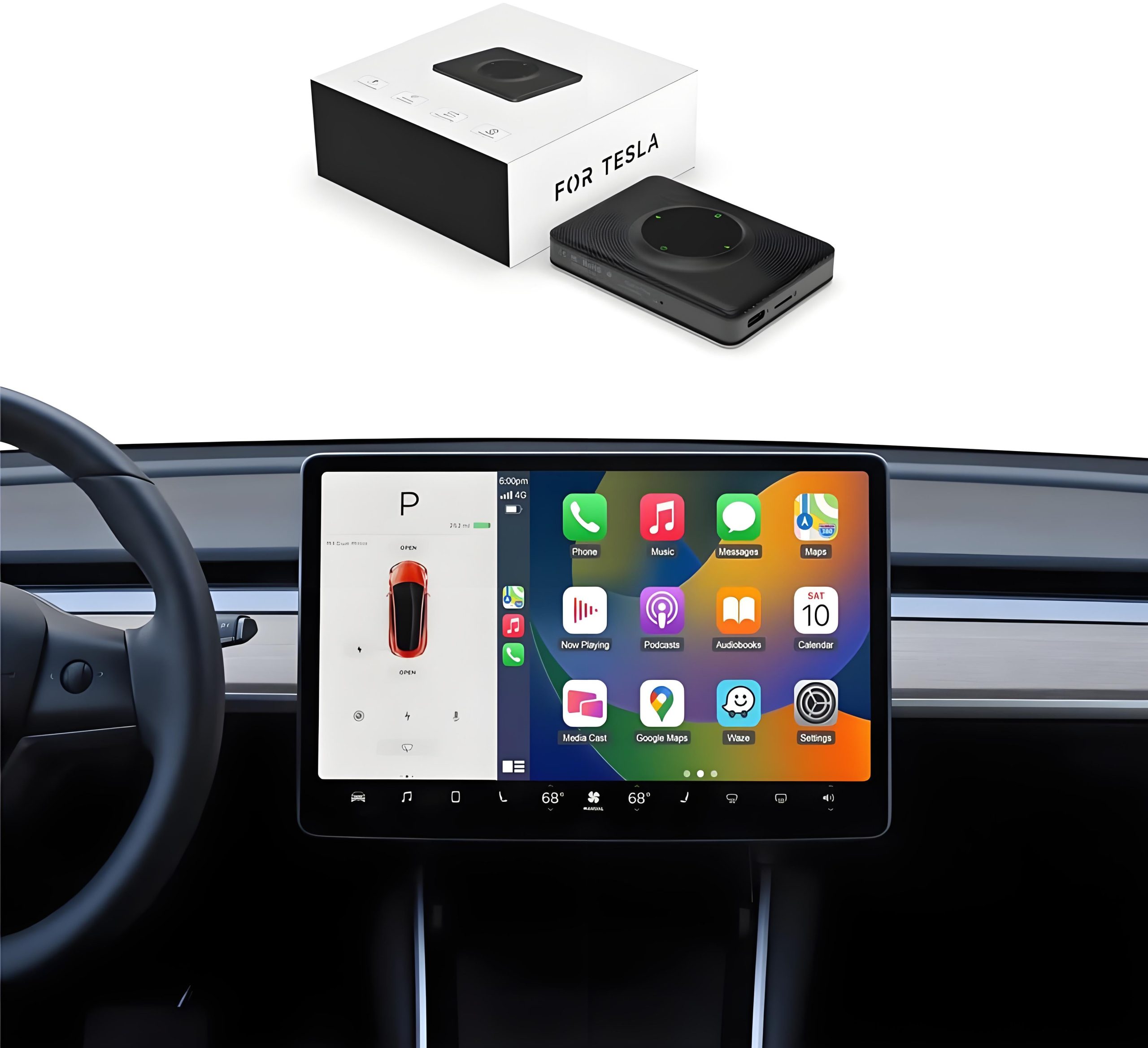
The CarPlay interface is opened through the Tesla browser over the adapter Wi-Fi connection; this is separate from the factory vehicle interface.
-
iPhone Pairing
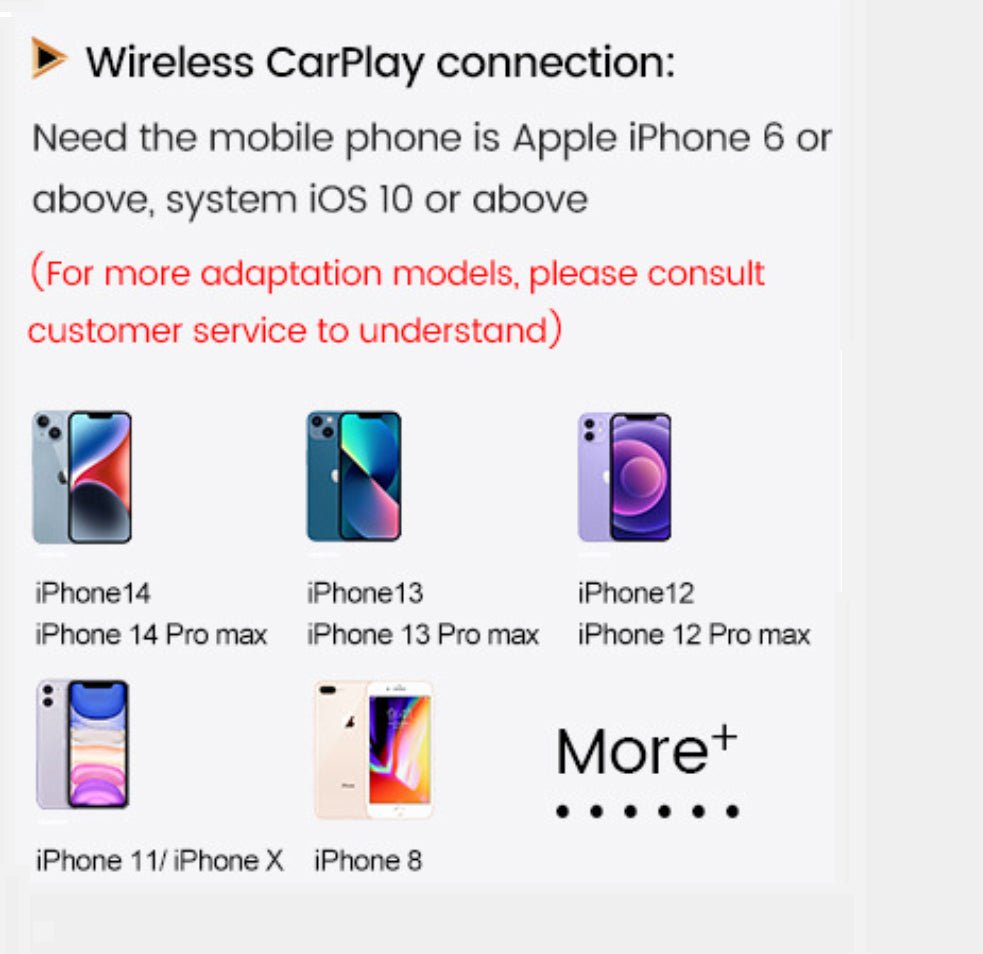
Pair the compatible iPhone with the adapter under its instructions, then enable CarPlay and the required phone network connection.
-
Vehicle Audio
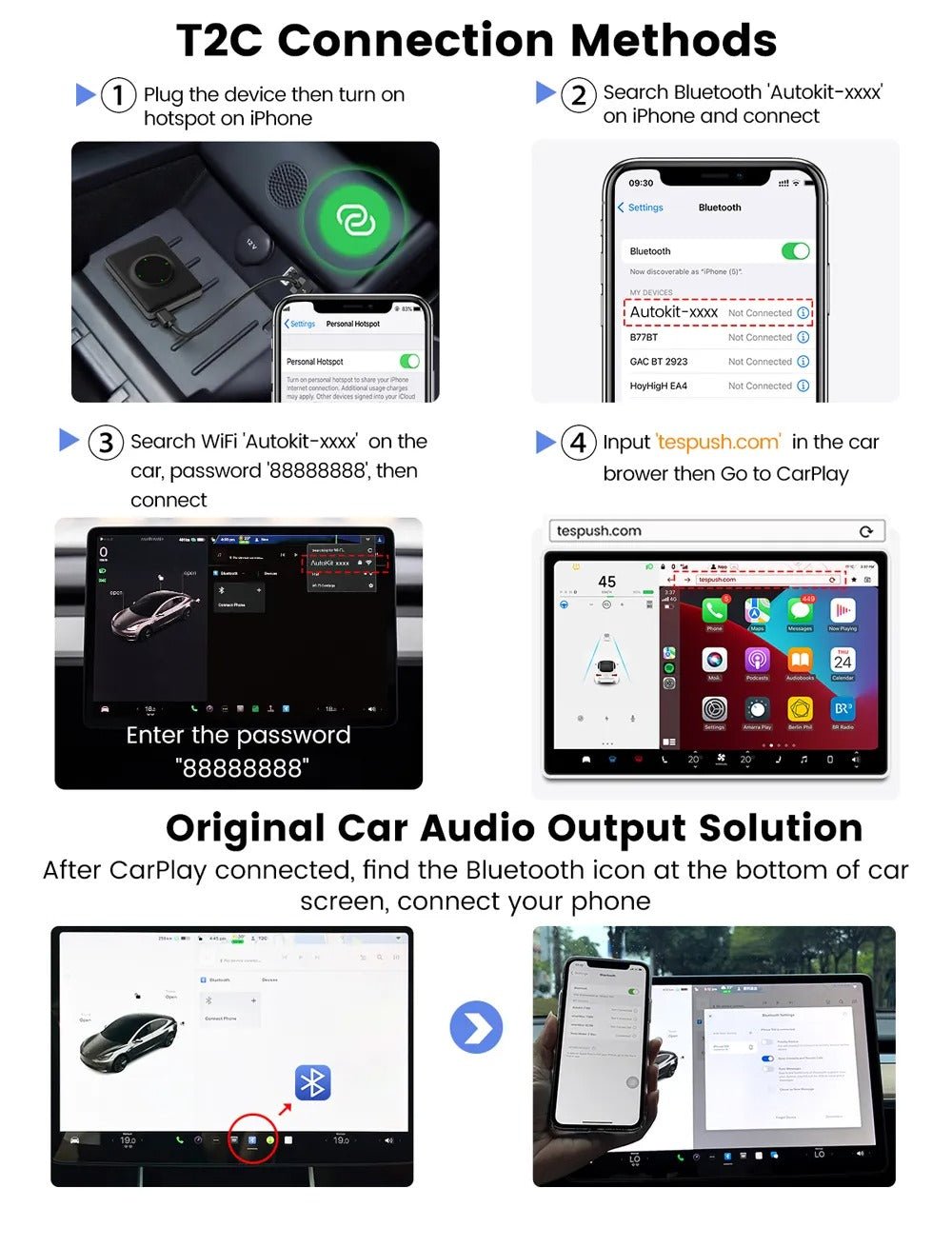
The illustrated setup connects the phone to the vehicle Bluetooth for audio after the CarPlay display connection is established.
-
USB Power
The adapter uses a vehicle USB connection for power, with USB-A to USB-C and USB-C to USB-C cables supplied for the appropriate port.
-
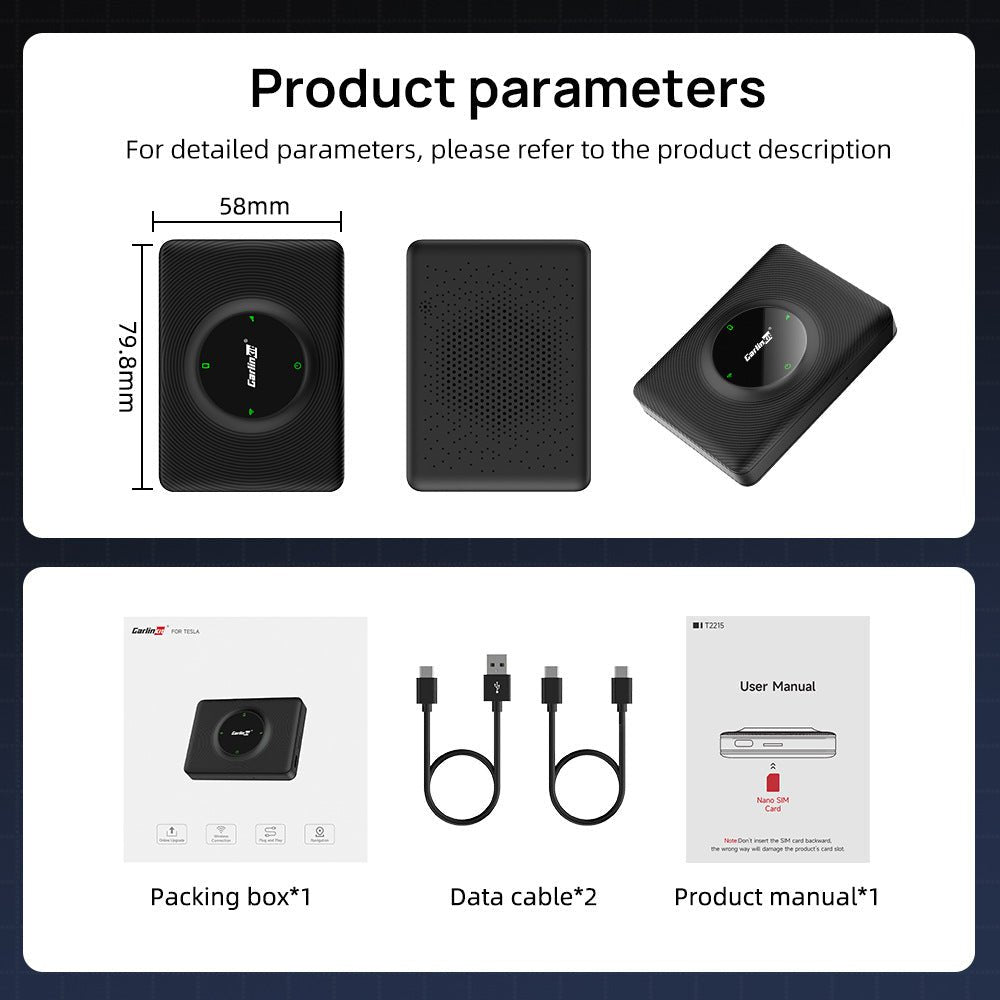
Compact ABS and PC Body
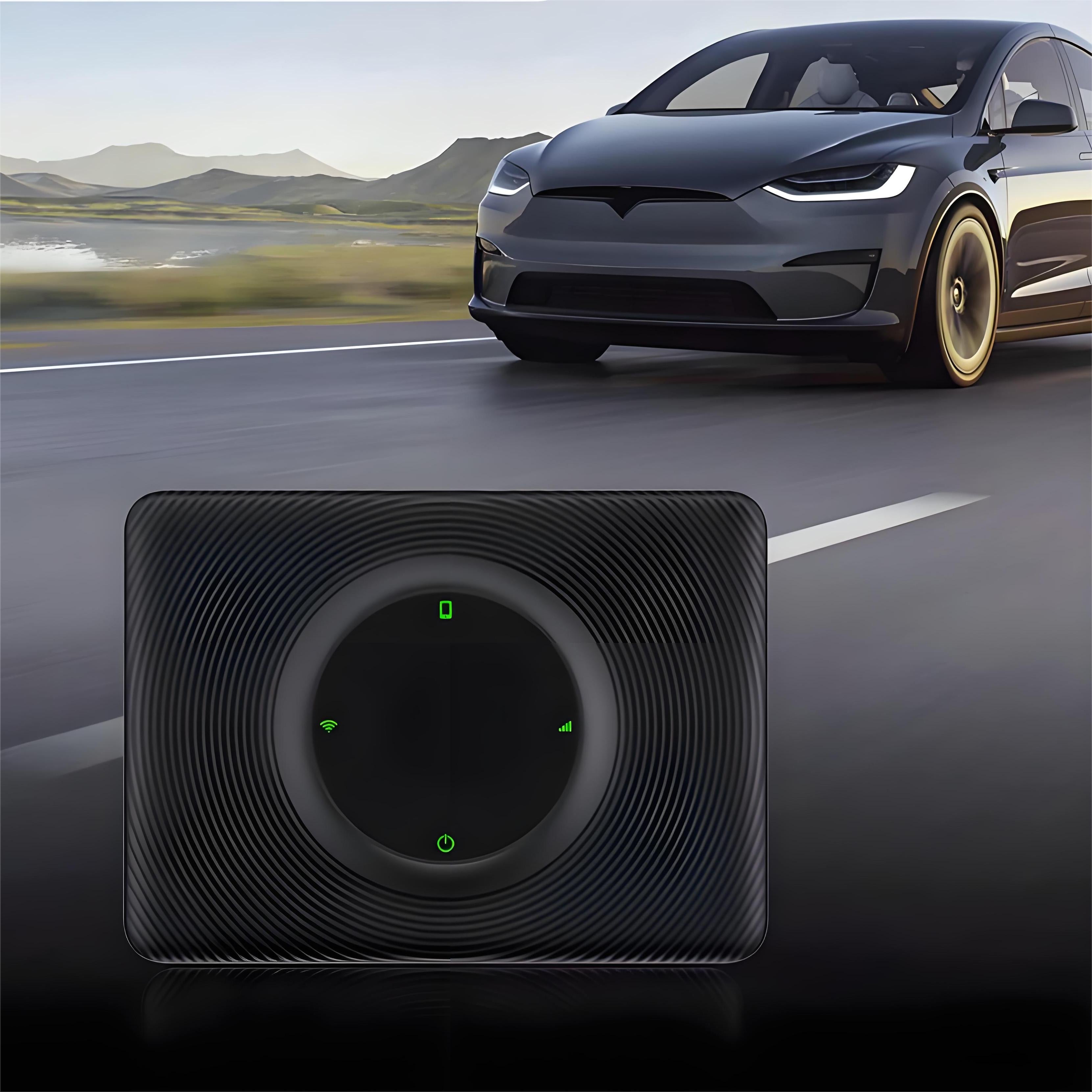
The black adapter has an ABS plus PC housing. Place it securely with its cable clear of controls and phone-charging surfaces.
-
Software-Dependent Fit
Vehicle browser access, adapter firmware and the actual phone software must support the connection; a model name alone does not guarantee operation.
Highlights
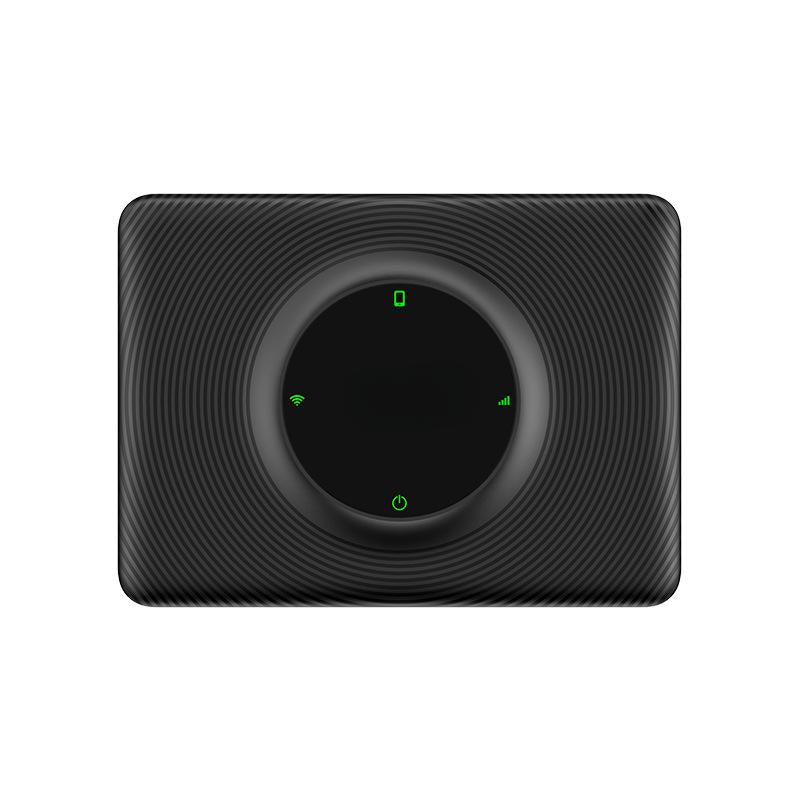
Compact USB-Powered Adapter
The black ABS and PC adapter connects to a compatible vehicle USB power port using the appropriate supplied cable. Position it securely with the cable and original charging surfaces clear.
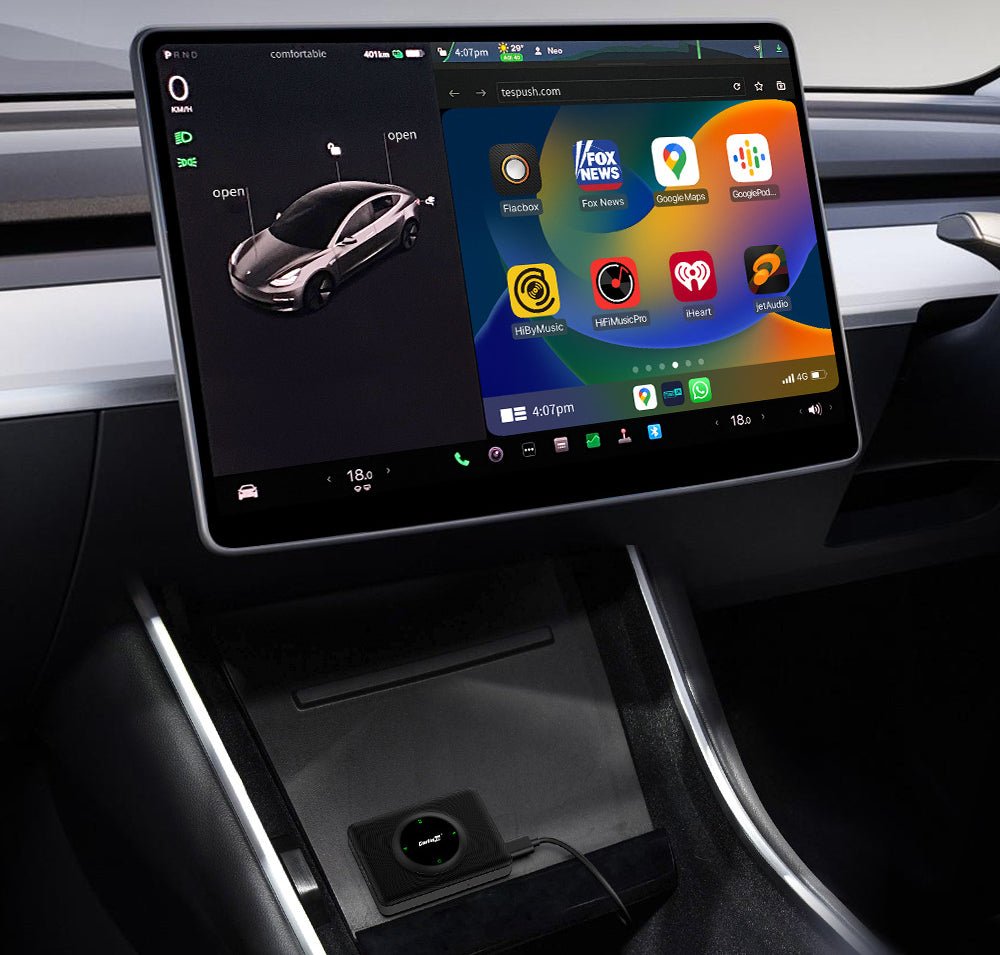
CarPlay Through the Browser
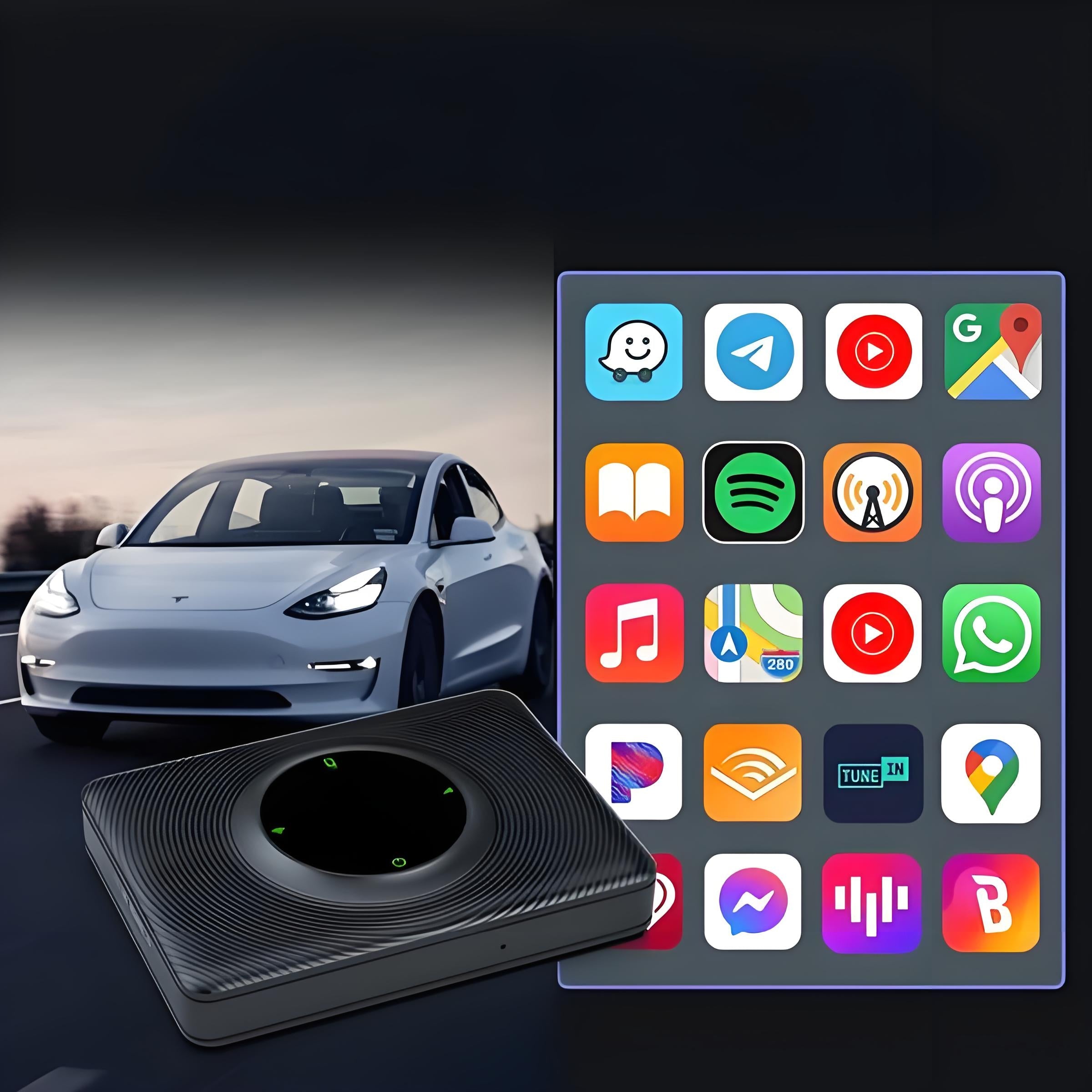
The parked installation example shows the CarPlay interface inside the Tesla browser. The vehicle connects to the adapter Wi-Fi; browser access and display support depend on the actual vehicle and software.
Cables and Manual in the Package
One adapter, one USB-A to USB-C cable, one USB-C to USB-C cable and one user manual are included.
Kompatibilität
| Modell | Years / Version | Hinweise |
|---|---|---|
| Model 3 | 2018–2025 | Left-hand-drive application; compatible browser, adapter firmware and phone software required. |
| Model Y | 2020–2025 | Left-hand-drive application; compatible browser, adapter firmware and phone software required. |
| Model S | 2018–2025 | Left-hand-drive application; compatible browser, adapter firmware and phone software required. |
| Model X | 2018–2025 | Left-hand-drive application; compatible browser, adapter firmware and phone software required. |
This is a browser-based adapter and does not add native factory CarPlay. Vehicle or phone updates can change its operation.
Technische Daten
| Produkttyp | Browser-based wireless CarPlay adapter for Tesla |
|---|---|
| Compatible Models | Left-hand-drive Model 3 / S / X 2018–2025; Model Y 2020–2025; browser and firmware compatibility required |
| Material | ABS + PC |
| Farbe | Schwarz |
| Betriebssystem | Compatible iPhone with CarPlay, Wi-Fi, Bluetooth and a supported network connection |
| Konnektivität | iPhone Bluetooth pairing, adapter Wi-Fi to vehicle browser; phone Bluetooth for vehicle audio |
| Connector Type | USB-C adapter connection; supplied USB-A to USB-C and USB-C to USB-C cables |
| Lieferumfang | 1 adapter, 1 USB-A to USB-C cable, 1 USB-C to USB-C cable and 1 user manual |
| Versandgewicht | 150 g |
| Stromquelle | Vehicle USB power through the appropriate supplied cable |
What's in the Box
- 1×Wireless CarPlay adapter
- 1×USB C to A cable
- 1×USB C to C cable
- 1×Bedienungsanleitung
Installation
- Connect the adapter to a vehicle USB power port with the supplied cable.
- Enable the phone network connection, pair the iPhone with the adapter and accept the CarPlay prompt.
- Connect the vehicle Wi-Fi to the adapter and open the browser address provided for the supplied firmware. Follow the vehicle browser-access restrictions.
- Connect the phone to the vehicle Bluetooth for audio as instructed.
Gut zu wissen
Achtung
- Requires vehicle browser access. Vehicle or phone updates can change connection and display behavior.
- Set up and adjust connections while parked.
- Use the appropriate supplied cable and a compatible vehicle USB power connection. The adapter does not go between a phone and the original wireless charging surface.
- The hotspot connection uses your own mobile-data service. A SIM card or data plan is not included in the package list.
FAQ
Does this convert a factory wired Tesla CarPlay connection?
It displays the CarPlay interface through the vehicle browser over the adapter Wi-Fi. It does not add native factory CarPlay.
Does USB carry the CarPlay display into the vehicle?
The pictured setup uses USB for adapter power and Wi-Fi for the browser display. The phone connects to vehicle Bluetooth for audio.
Will it work after every vehicle or iPhone update?
No. Updates can change display decoding or connection behavior.
Is a SIM card or mobile-data plan included?
The package list includes the adapter, two USB cables and the user manual. Network access uses your own service through the supported hotspot or SIM method.

 English
  German
  Spanish