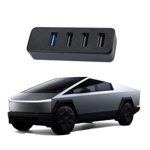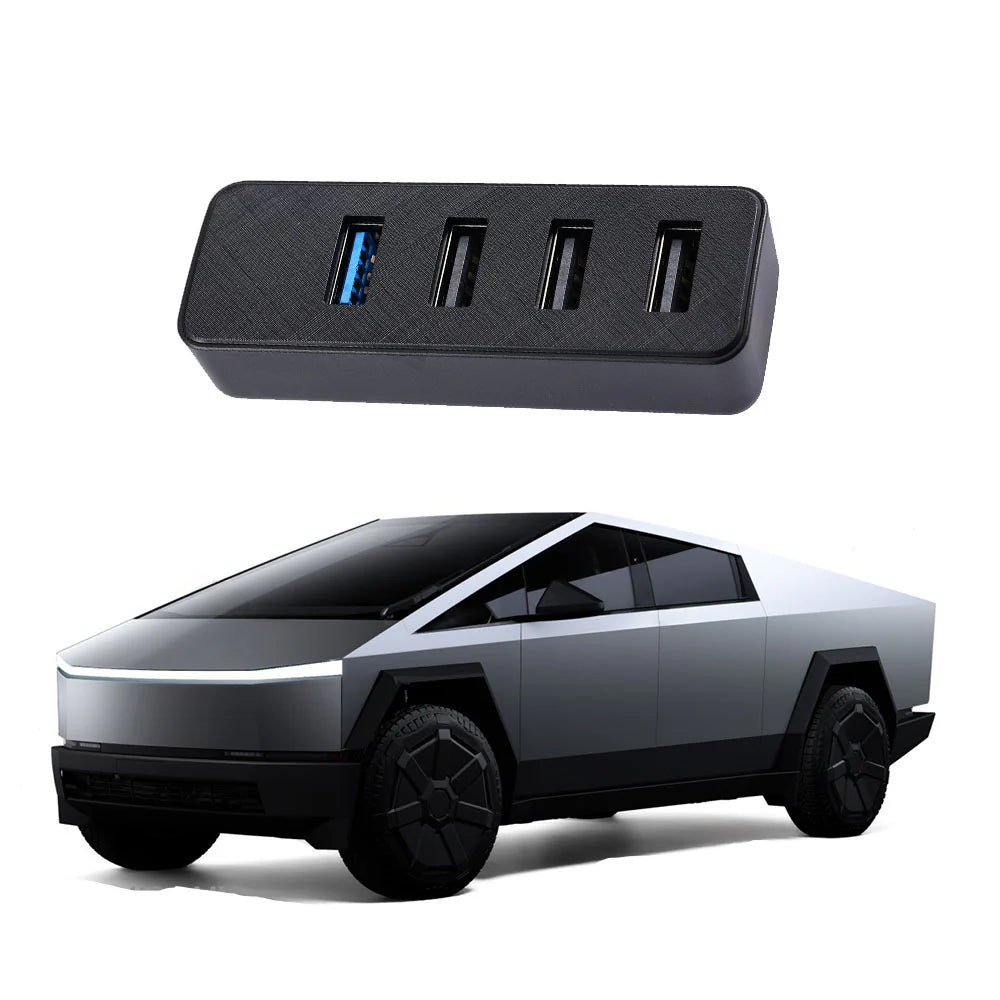
A 4-Port USB 3.0 Hub for the Cybertruck Glove Box
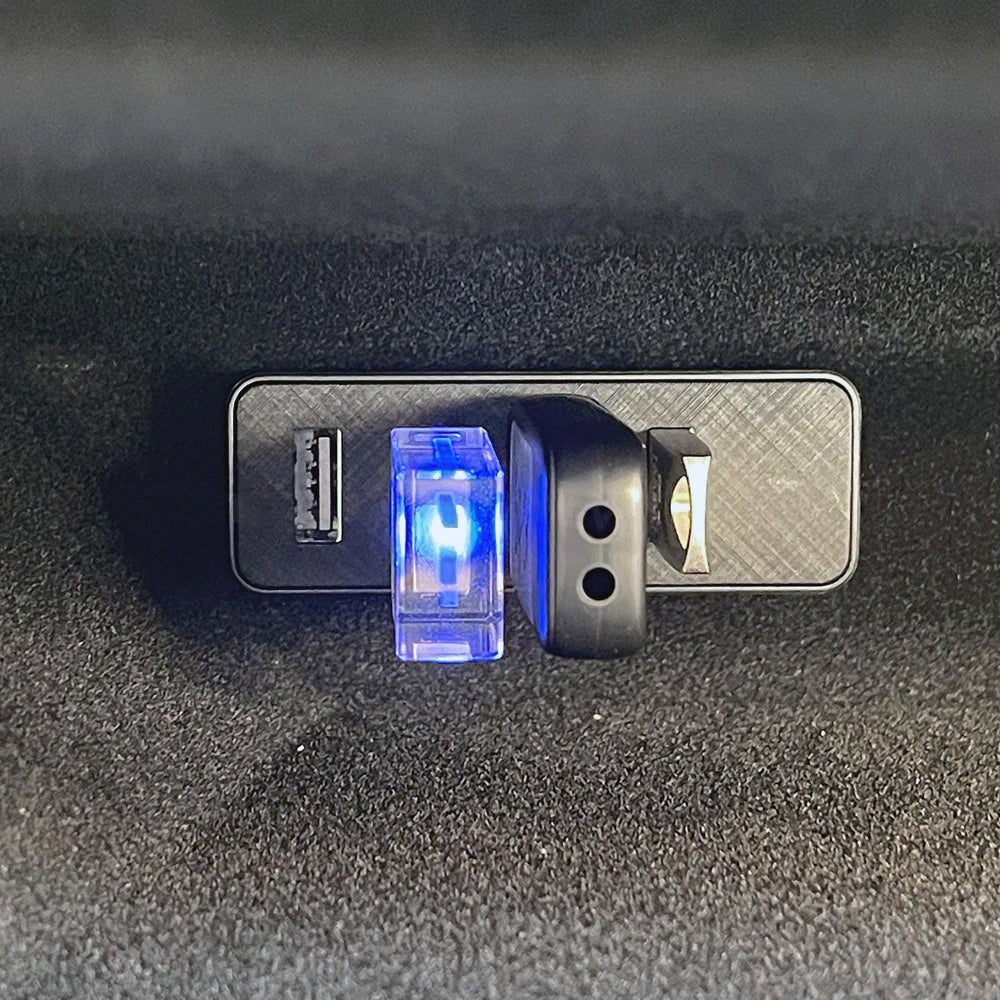
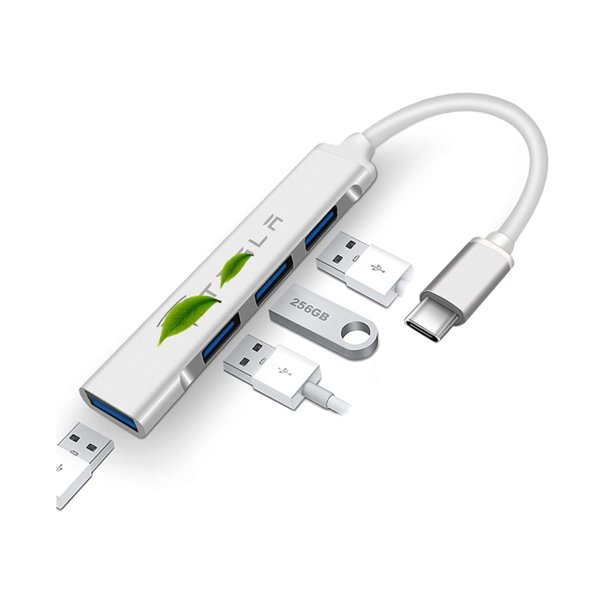
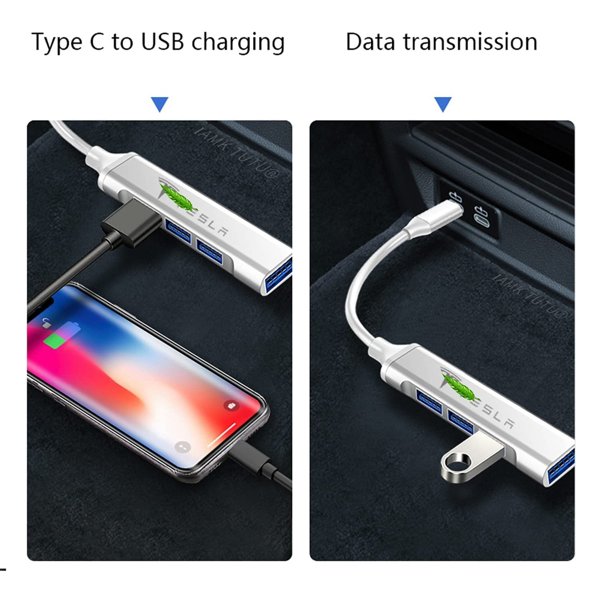
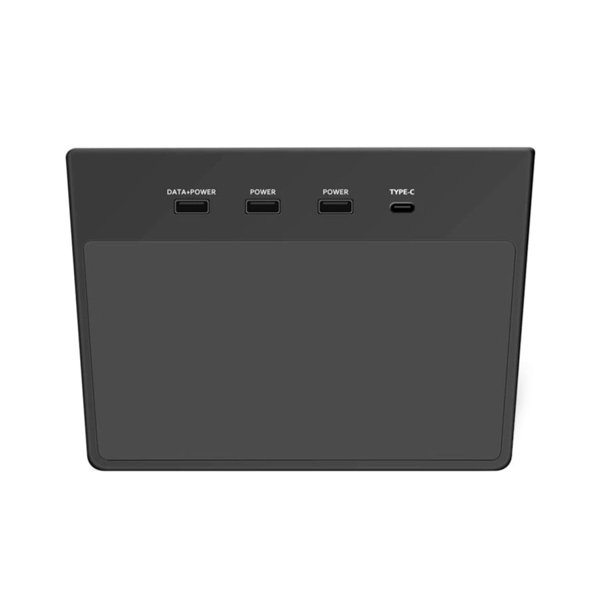
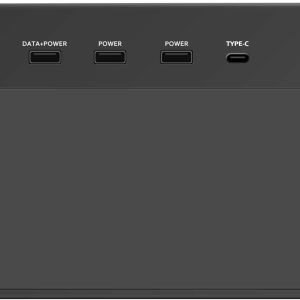
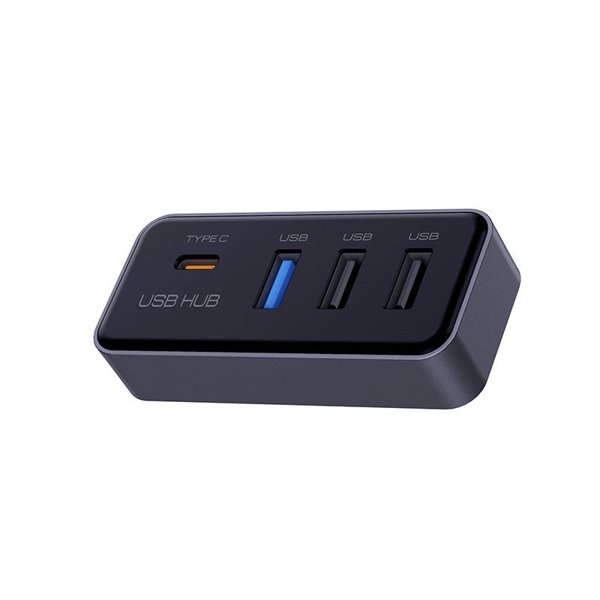
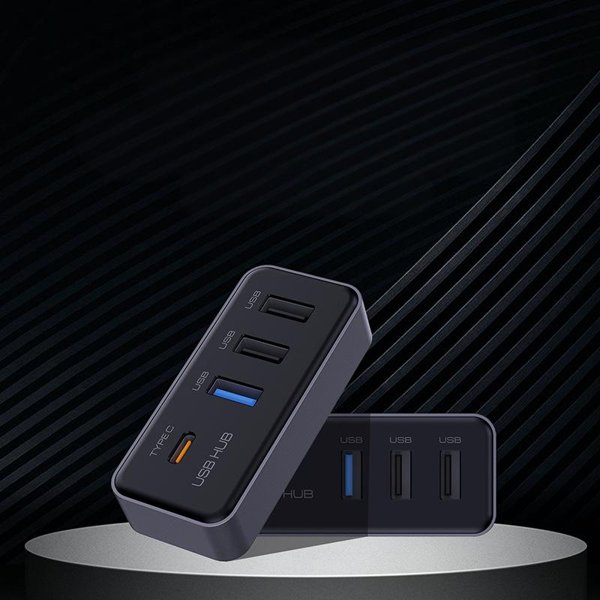
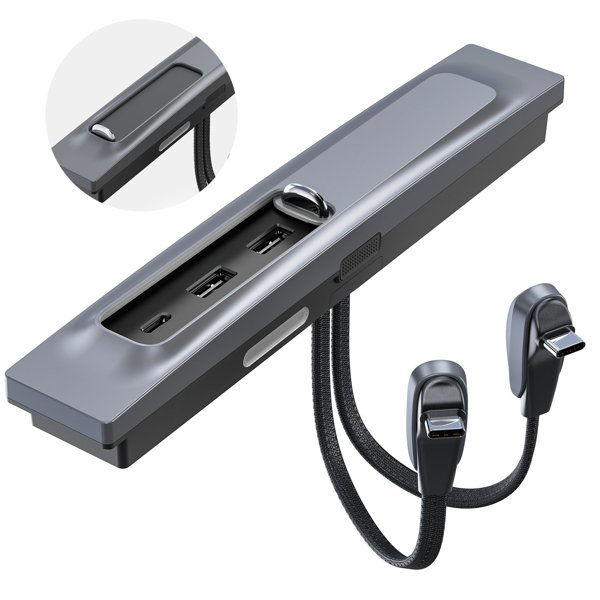
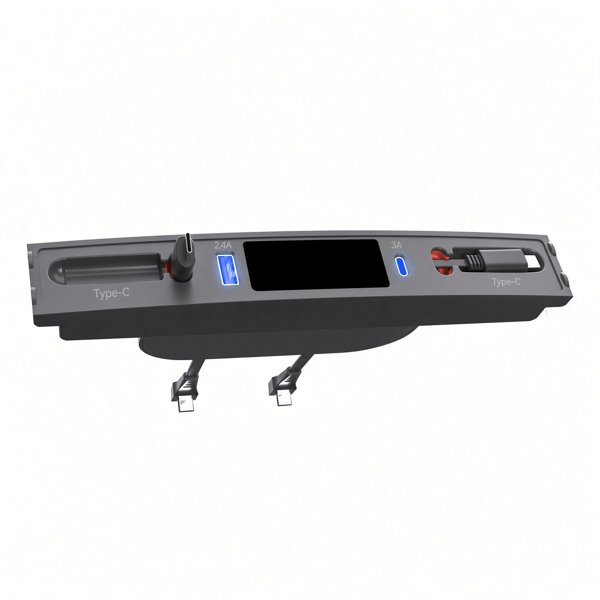
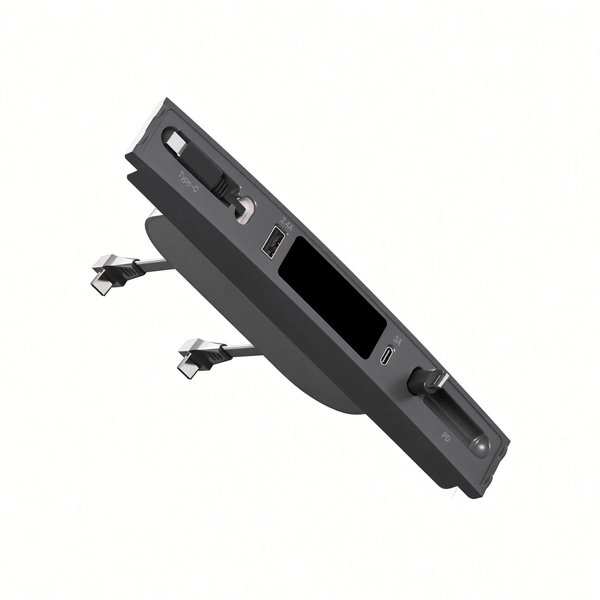
Add four USB-A connections to the factory glove-box USB port of Cybertruck 2024+. The compact ABS hub has a blue port designated for dashcam use and three additional ports for compatible accessories. It is listed with a USB 3.0 interface.
- 4 USB-A Ports
- Blue Dashcam Port
- USB 3.0 Interface
- Plug-In Hub
- Cybertruck 2024+
Hauptmerkmale
-
Four USB-A Ports
One blue port and three additional ports
-
Identified Dashcam Port
The blue port is designated for dashcam use
-
USB 3.0 Interface
The hub is listed with USB 3.0 connectivity
-
Cybertruck Glove Box
For the factory glove-box USB connection on Cybertruck 2024+
-
ABS Housing
Compact black ABS body
-
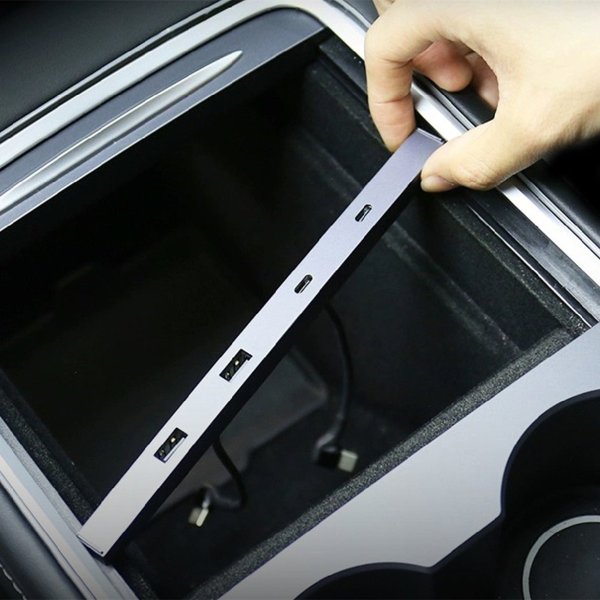
Plug-in-Installation
Connects directly to a matching factory USB port
Highlights
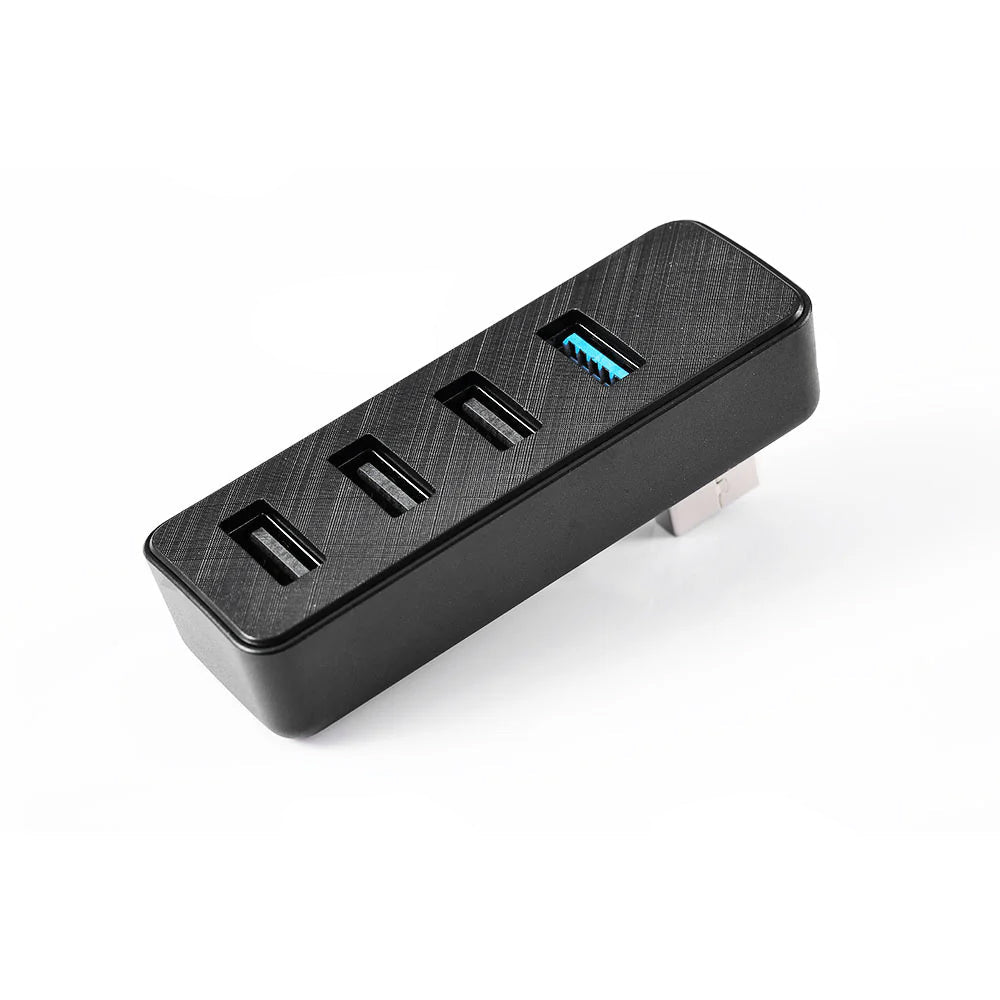
Four-Port Layout
The hub provides one blue dashcam-designated port and three additional USB-A ports. Select the connection appropriate to your recording storage or accessory.
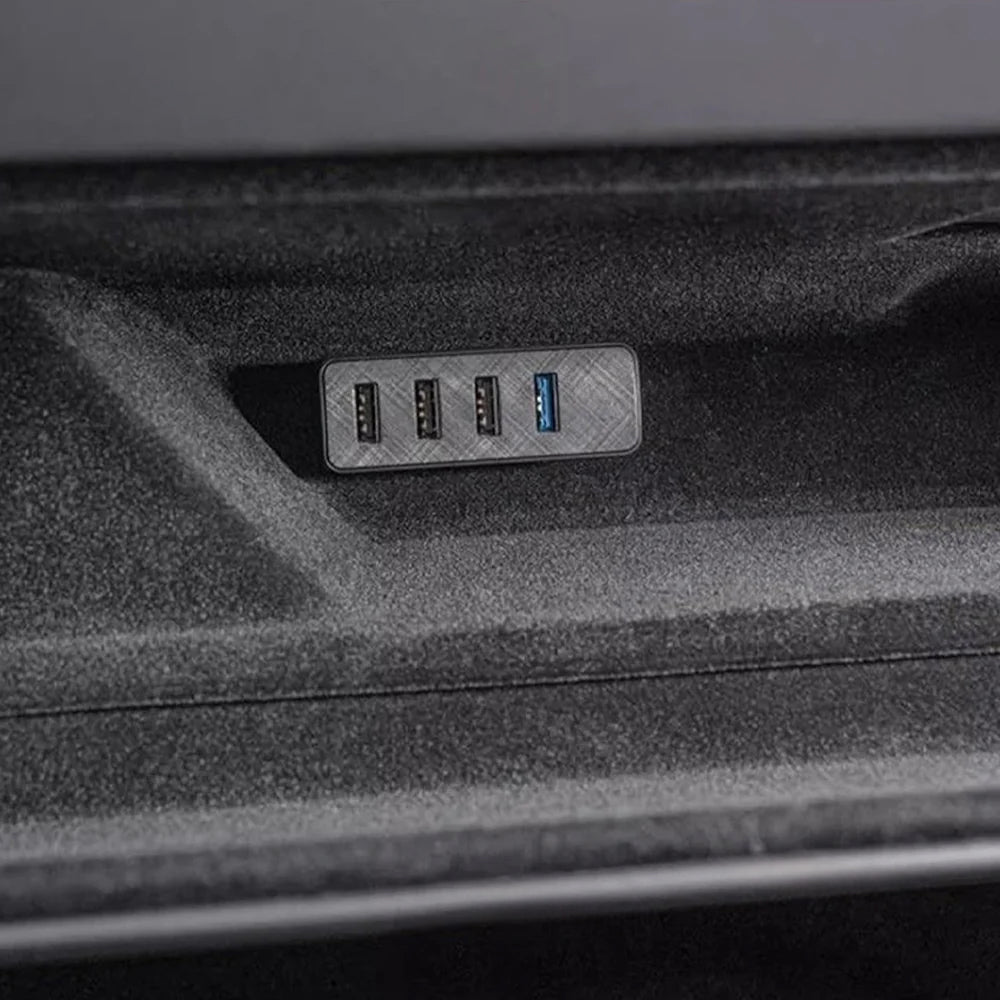
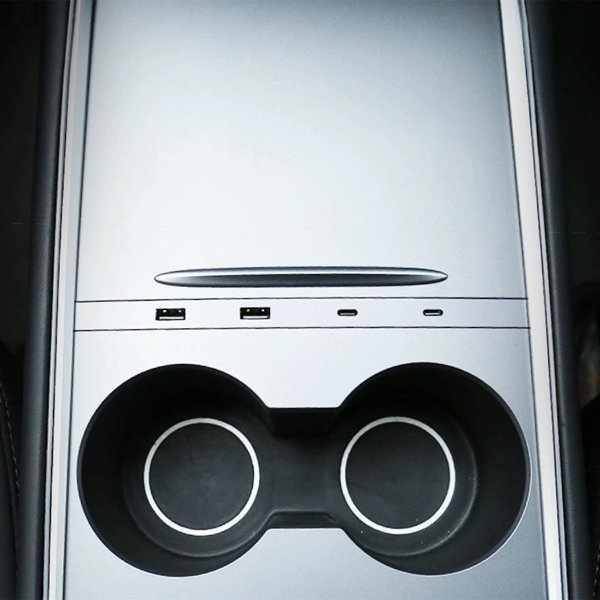
Glove-Box Position
The hub plugs into a matching factory glove-box USB port.
Compatible Accessories
Connect only devices supported by your vehicle and the selected port.
Shared USB Supply
The connected devices share the factory port’s available power.
Kompatibilität
| Modell | Years / Version | Hinweise |
|---|---|---|
| Tesla Cybertruck | 2024+ | Factory glove box USB port |
Fits Cybertruck 2024+. Connected devices share the glove box USB port power budget.
Technische Daten
| Produkttyp | 4-in-1 glove box USB 3.0 hub docking station |
|---|---|
| Compatible Models | Tesla Cybertruck 2024+ |
| Position / Location | Factory USB port inside the glove box |
| Material | ABS plastic |
| Konnektivität | USB 3.0 interface |
| Anschlüsse | 4 USB-A ports: blue dashcam-designated port plus 3 additional ports |
| Installation Type | Plug into the factory glove box USB port, no tools |
| Lieferumfang | 1 Cybertruck-specific 4-in-1 glove box USB hub and installation instructions |
| Versandgewicht | 150 g (0.33 lb) |
What's in the Box
- 1×4-in-1 glove box USB hub (Cybertruck specific)
- Installation instructions
Installation
- Open the glove box.
- Align and insert the hub without forcing the connector.
- Connect recording storage and accessories to the appropriate ports.
Gut zu wissen
Pflege
- Keep the ports free of dust and debris, and clean the hub with a dry cloth if needed.
FAQ
Which port is marked for dashcam use?
The blue port is designated for dashcam use.
Can I use a Sentry Mode storage drive?
Yes, through the blue dashcam-designated port. Compatibility depends on the vehicle, storage device and port function.
How is it installed?
Plug it into a matching factory glove-box USB port.
Can all connected devices draw full power independently?
No. The devices share the factory USB port’s available power.



 English
  German
  Spanish