A Removable Silicone Mat for the Model YL Console
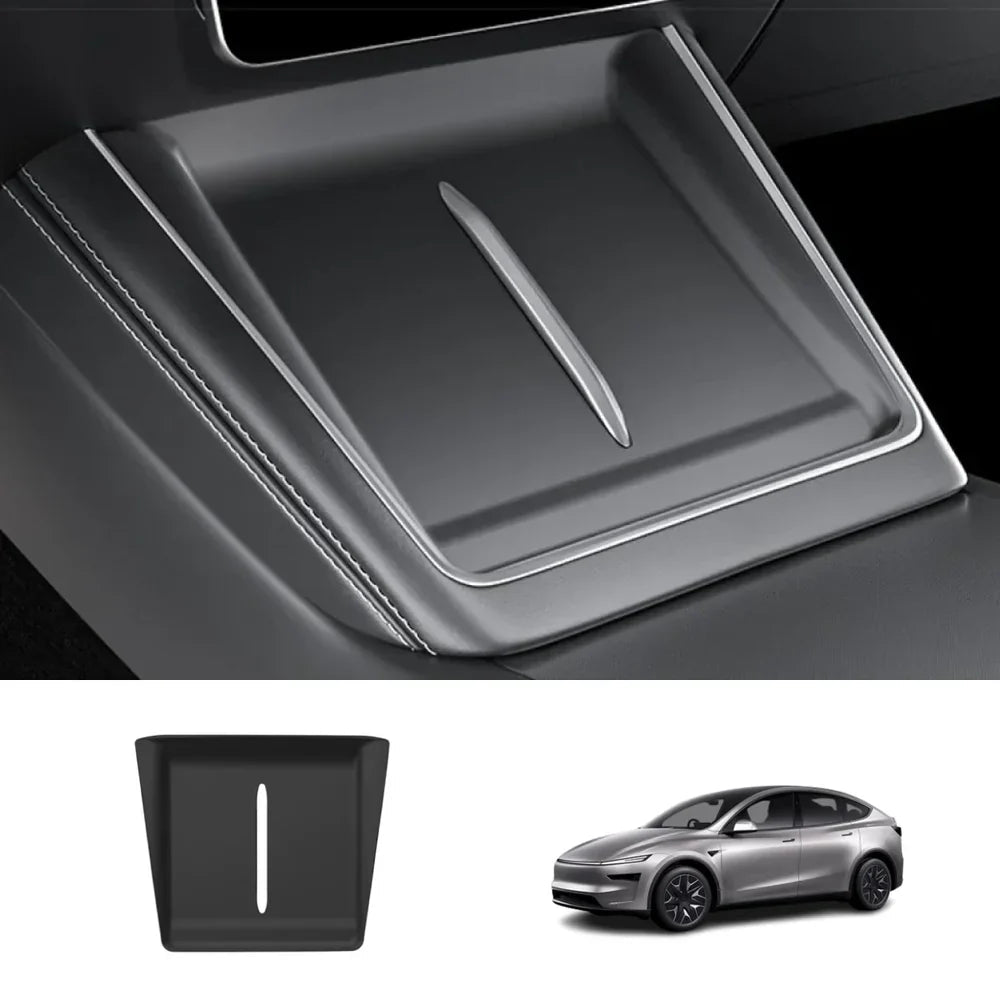
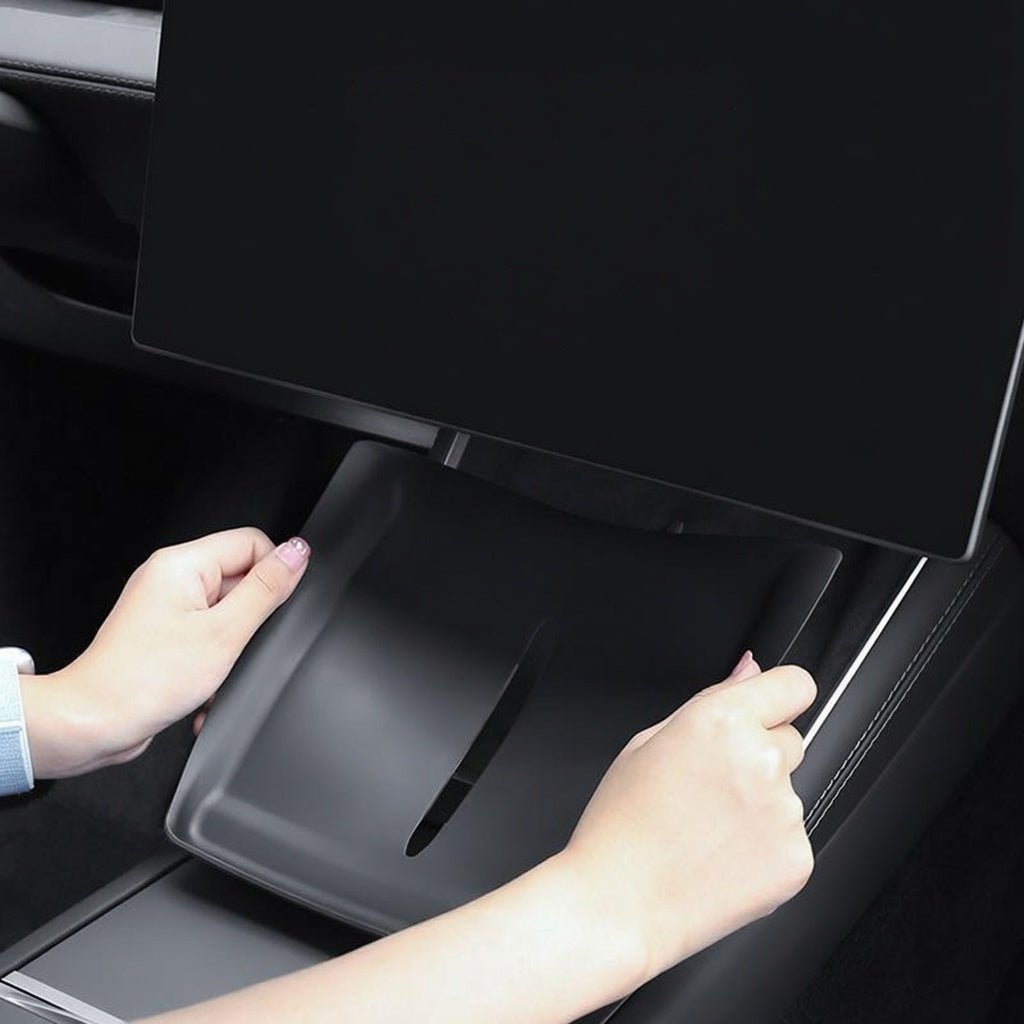
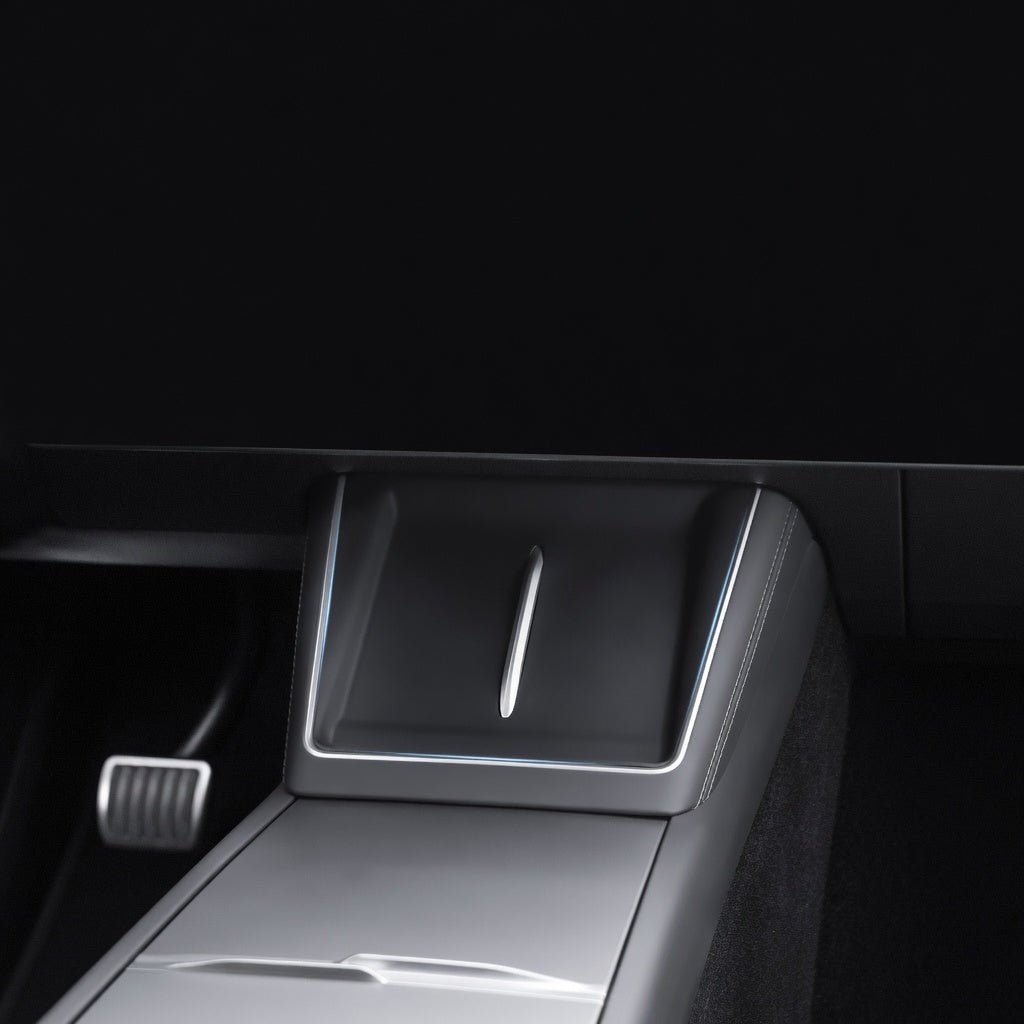
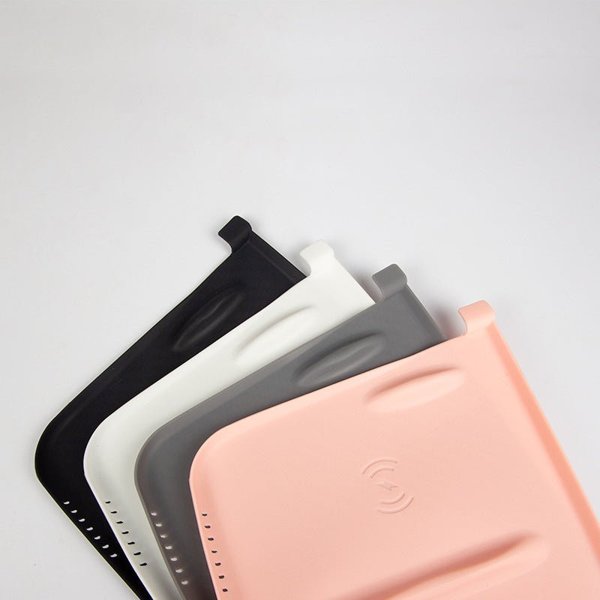
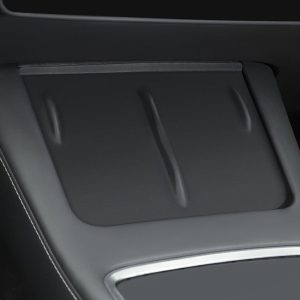
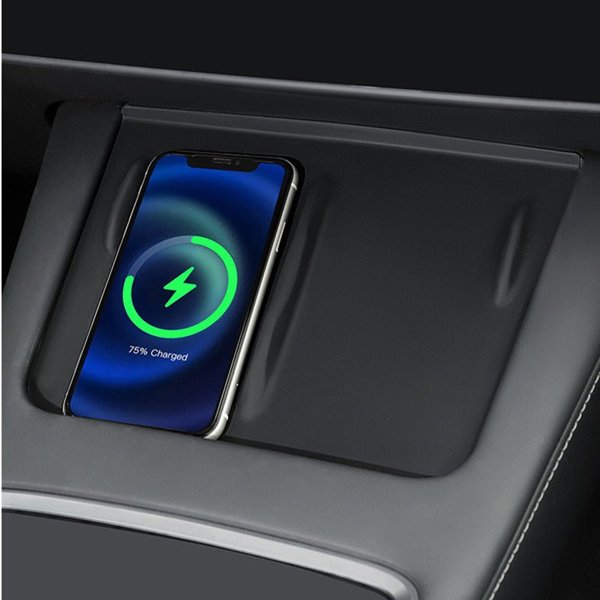
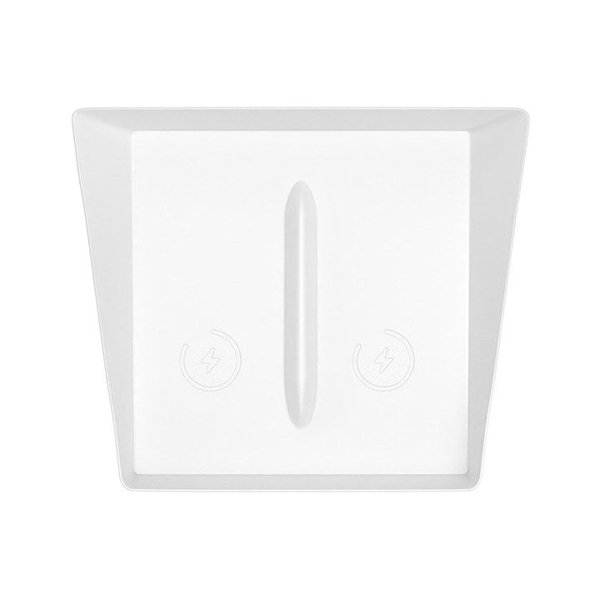
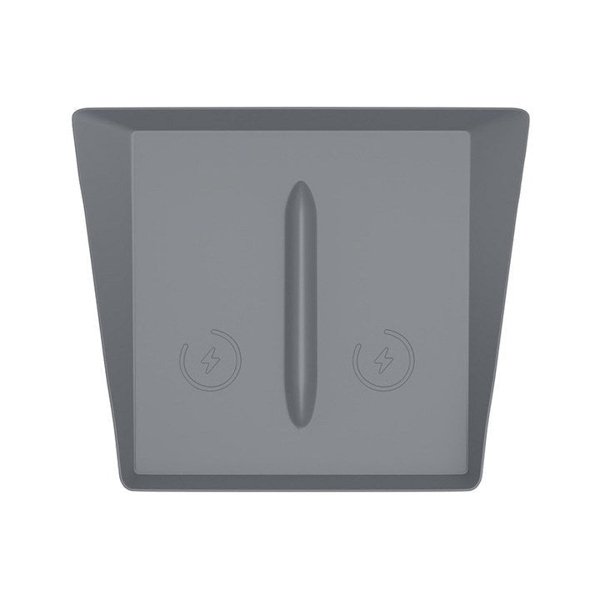
Choose a black or white silicone mat listed for the Model YL 2026+ open console phone-pad area. The pictured shape has raised edges and a center opening, and the source describes placement without tape or glue. The mat comes off the phone’s charging position for wireless charging, keeping direct contact with the original charger.
- Silicone
- Black or White
- No Adhesive
- Abnehmbar
Hauptmerkmale
-
Console Surface Layer
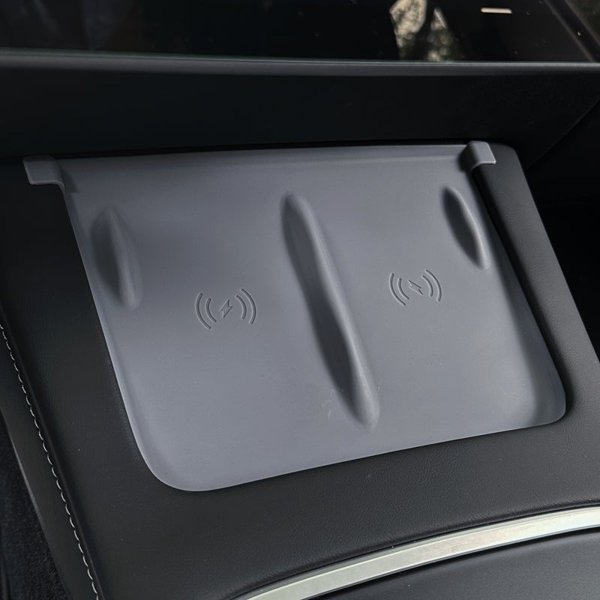
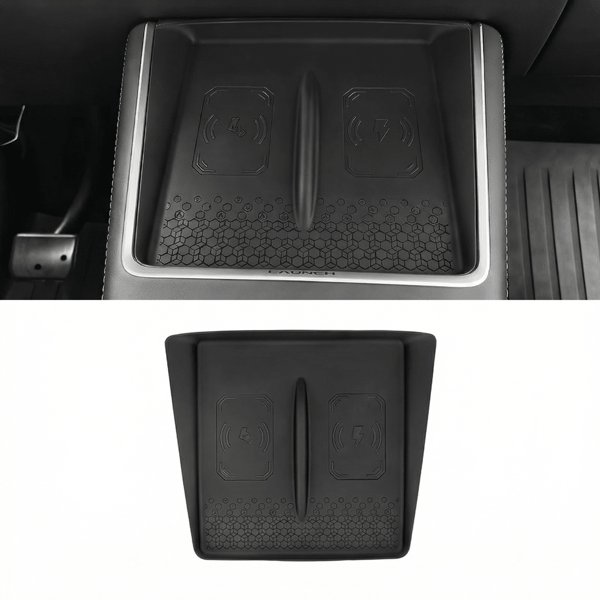
This passive silicone mat lays over the pictured phone-pad area. It does not supply wireless charging power or replace the factory charger.
-
Selected Color
Choose black TPC018-BK or white TPC018-WH. The two colors are alternatives; photographs of both do not describe a two-color bundle.
-
Center Opening
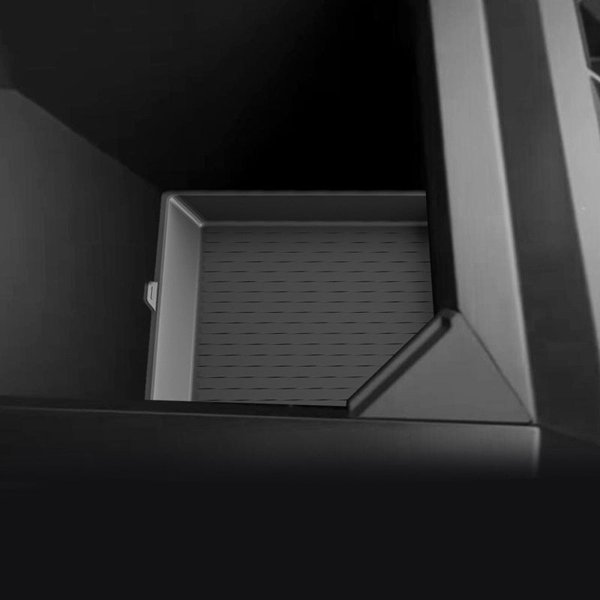
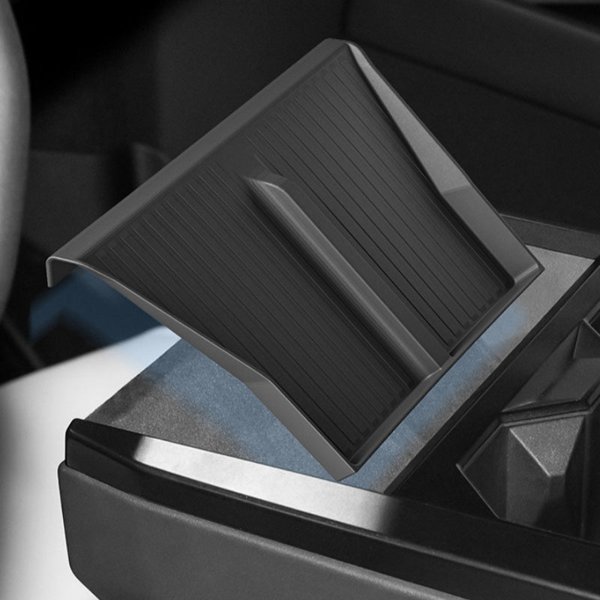
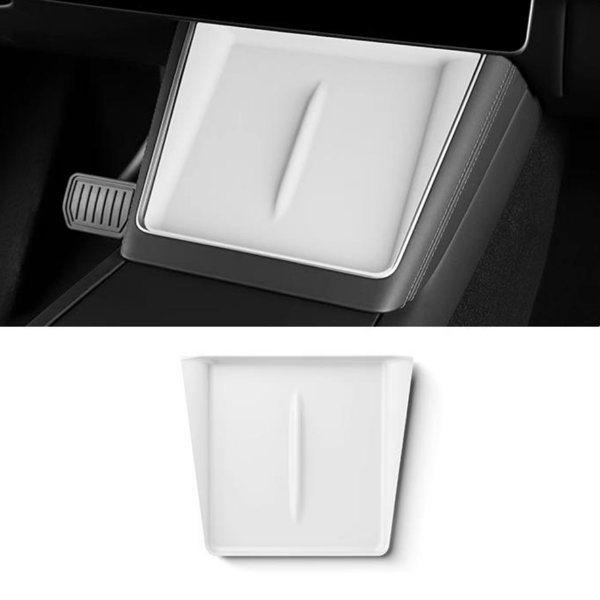
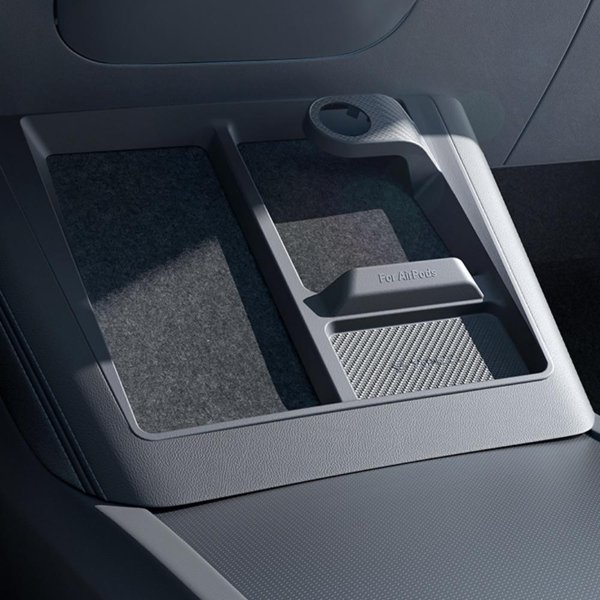
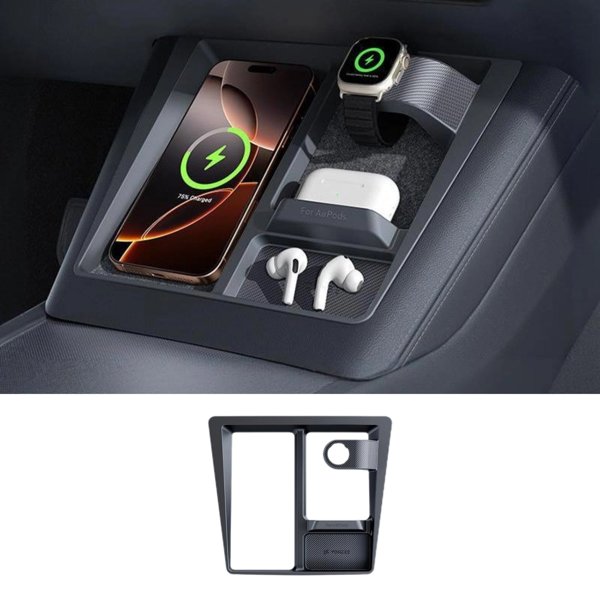
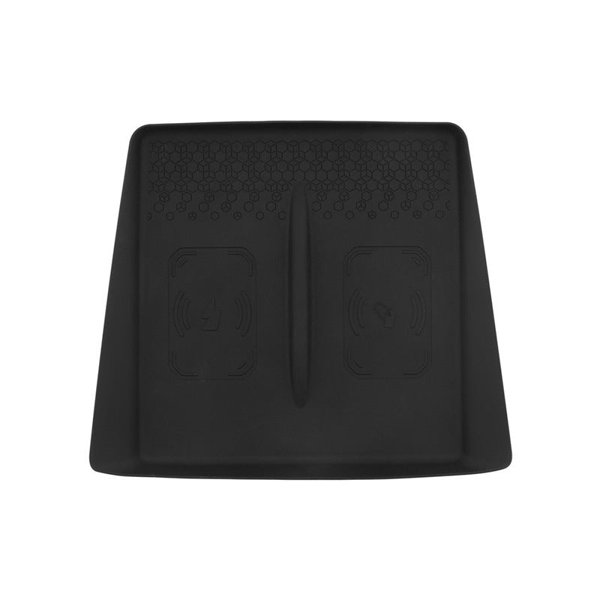
The full mat photo shows a center slot and raised edges. Match their shape to the original console rather than treating the slot as proof of NFC or cooling compatibility.
-
Adhesive-Free Placement
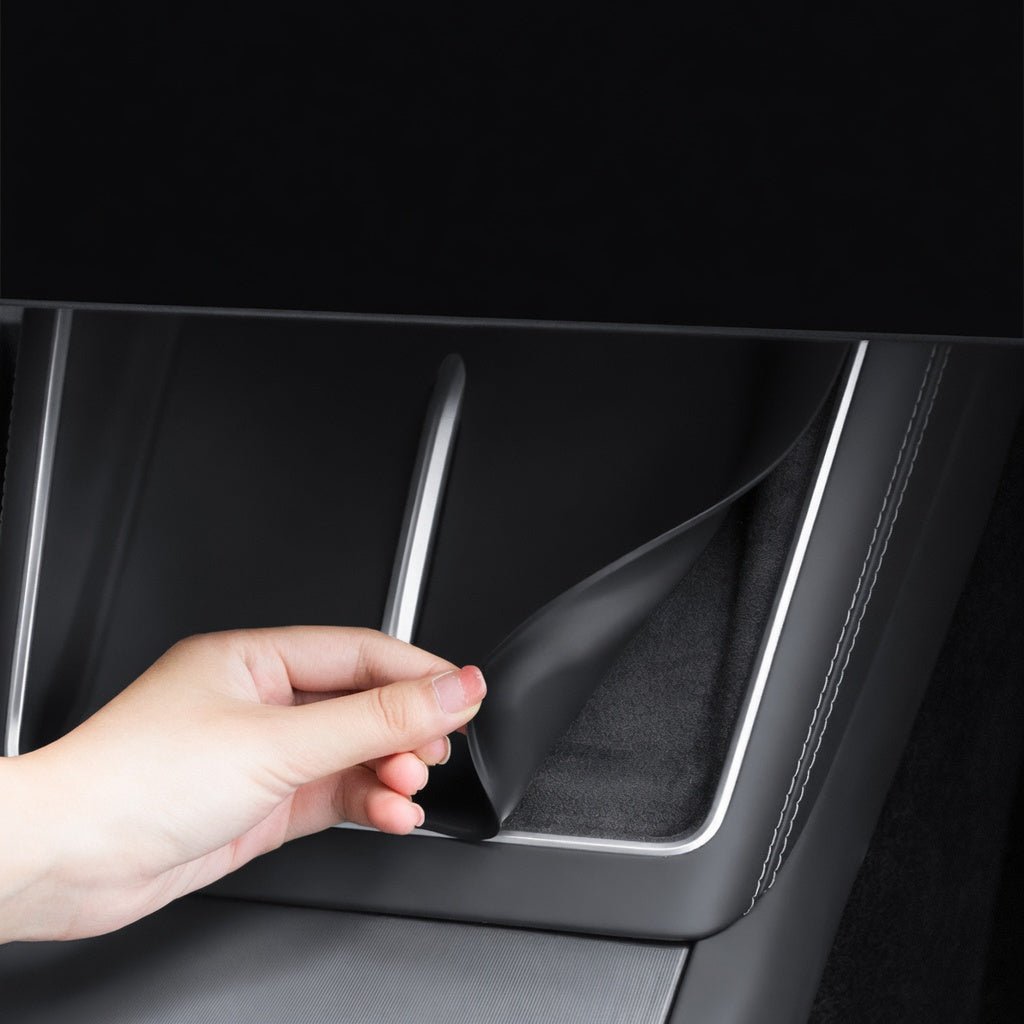
The source describes laying the mat in place without tape or glue. Seat it flat.
-
Charging Contact
Remove the mat from the phone’s charging position before wireless charging to keep the phone directly against the original charger.
-
Lift Out for Cleaning
Remove the mat for wiping or rinsing. Dry it fully before returning it to the console; no food-grade, aging or scratch-proof performance is promised.
Highlights
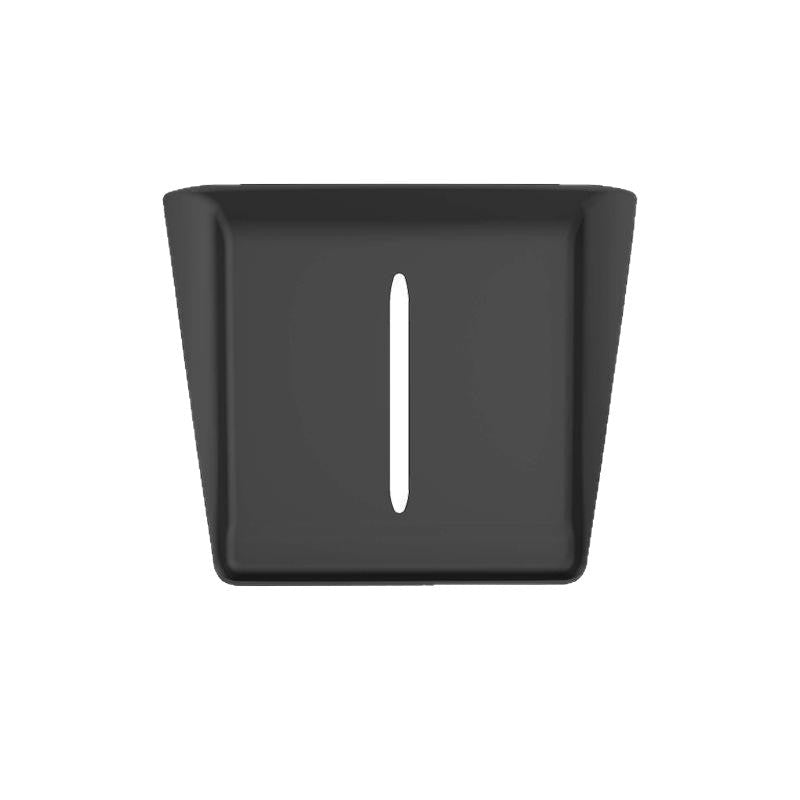
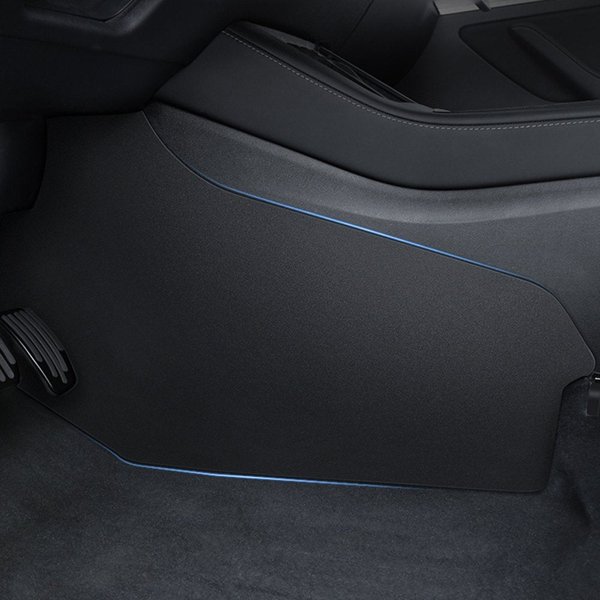
Complete Mat Shape
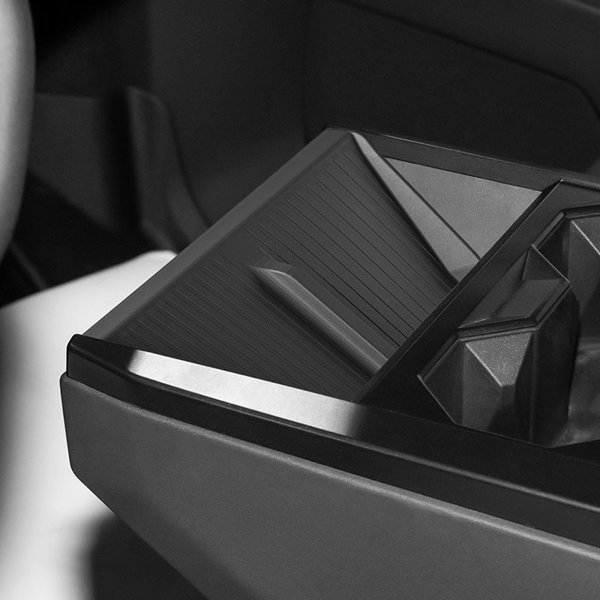
The full black mat photo shows its raised perimeter and center slot. Match these details to the actual console; the slot does not establish key-card signal or cooling compatibility.
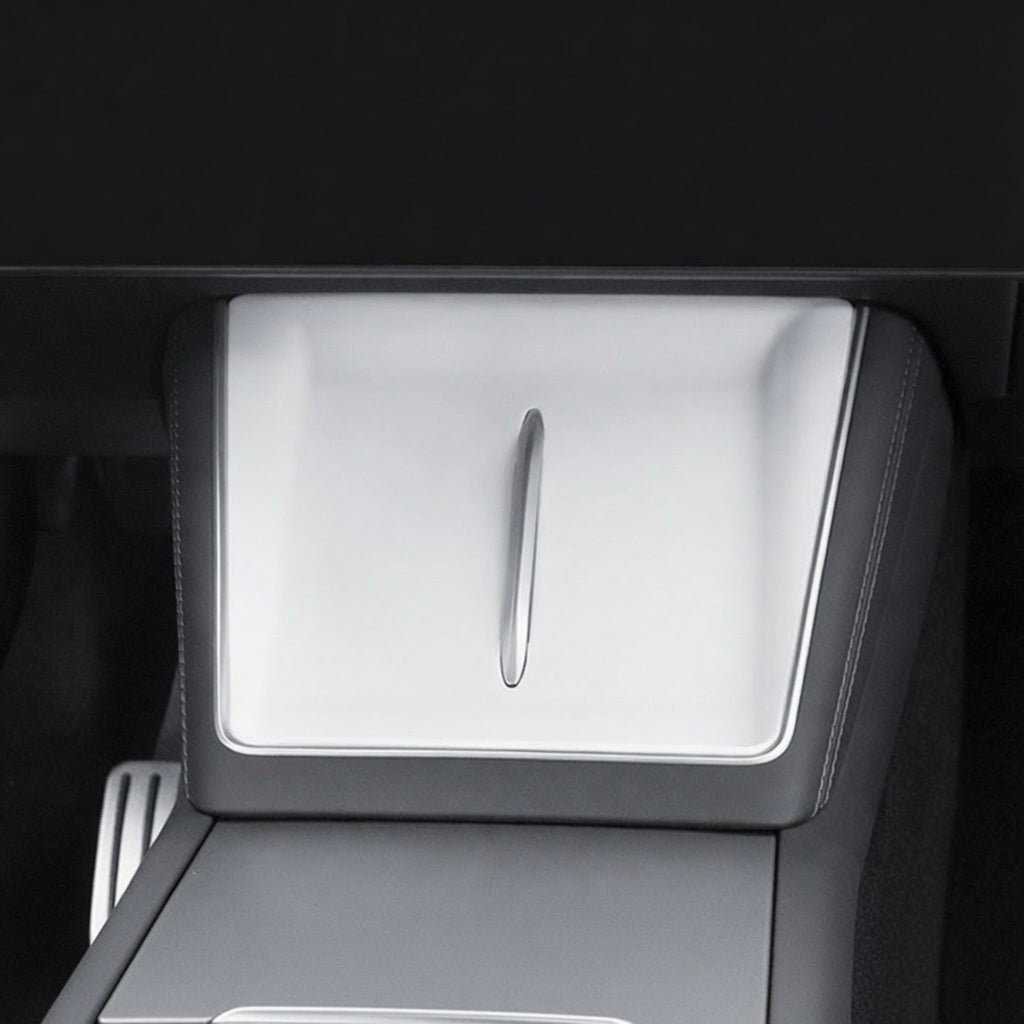
White Color Example
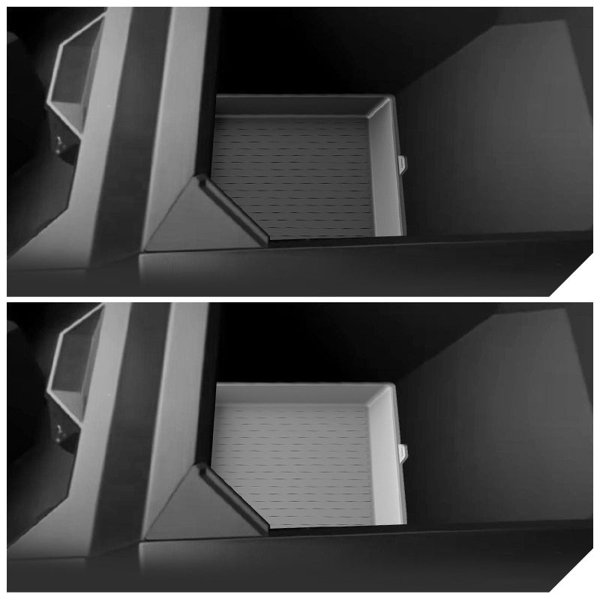
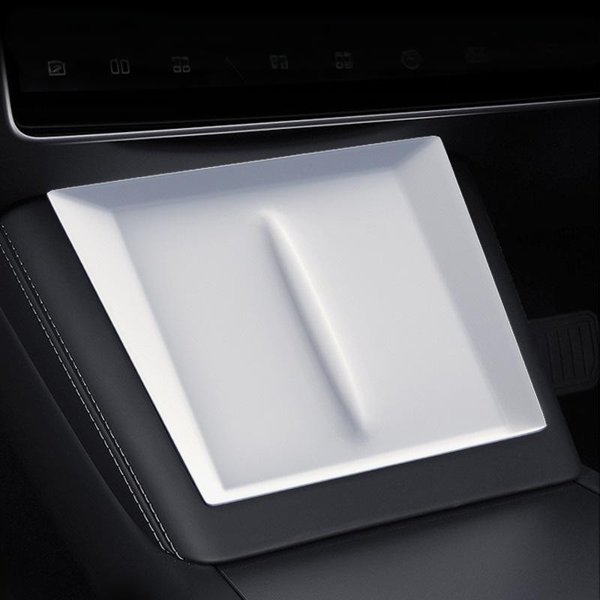
The installed white example shows the mat positioned in the open phone-pad area. Choose one listed color; the photo does not supply a phone, charger or a second mat color.
Clear the Charging Position
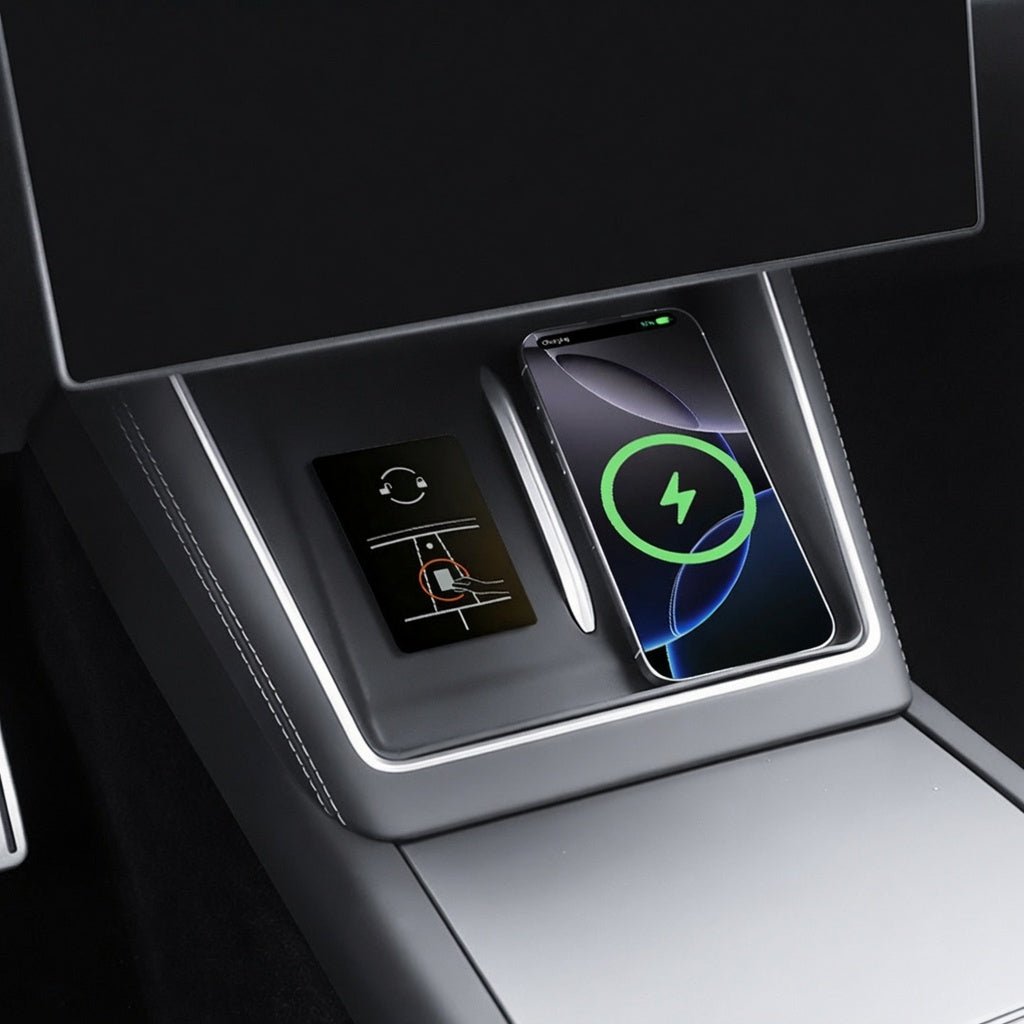
Lift the mat out before wireless charging and keep the phone directly against the original charger. Remove metal objects and NFC cards from the charging path.
Kompatibilität
| Modell | Years / Version | Hinweise |
|---|---|---|
| Model YL | 2026+ listing group | Pictured console shape with center opening; charging and cooling paths stay clear. |
The source excludes earlier Model Y and Model 3 consoles. Wireless charging, NFC operation and phone-case fit are not part of this mat.
Technische Daten
| Produkttyp | Passive silicone console mat |
|---|---|
| Compatible Models | Model YL 2026+ with the pictured console shape |
| Position / Location | Open console phone-pad area |
| Material | Silicone |
| Farbe | Black or white, as selected |
| Lieferumfang | Silicone mat in the selected color; electronic devices excluded |
| Care Instructions | Remove for wiping or rinsing; dry fully before replacement |
| Installationsmethode | Lay in place without tape or glue; lift out before wireless charging |
What's in the Box
- Silicone mat in the selected black or white color
Installation
- Clean and dry the console surface, then place the mat.
- Lay the mat flat without tape or glue. Keep surrounding controls, cooling openings and the actual key-reader area clear.
- Before wireless charging, lift the mat out of the phone’s charging position and follow the actual vehicle instructions for direct contact, phone-case compatibility and a clear charging path.
Gut zu wissen
Achtung
- Remove the mat from the phone’s charging position before wireless charging so the phone contacts the original charger directly.
- Keep coins, keys, metal objects and NFC cards out of the charging path. Do not place a key card between the phone and charger or rely on this mat to prove NFC signal compatibility.
- Fits the Model YL console. The source excludes earlier Model Y and Model 3 consoles.
- The mat is not a restraint.
Pflege
- Lift the mat out for wiping with a damp cloth or rinsing. Avoid abrasive cleaners.
- Dry it completely before returning it to the console.
FAQ
Which colors can I choose?
Black or white. They are separate color selections, rather than a two-color bundle.
Does the mat use tape or glue?
No. The source describes drop-in placement without adhesive.
Can it remain between the phone and wireless charger?
Remove it from that position before charging so the phone contacts the original charger directly.
Does the center slot certify NFC key-card operation?
No. Keep NFC cards out of the phone’s charging path.
Will it hold a device during hard braking?
No. It is not a restraint.

 English
  German
  Spanish