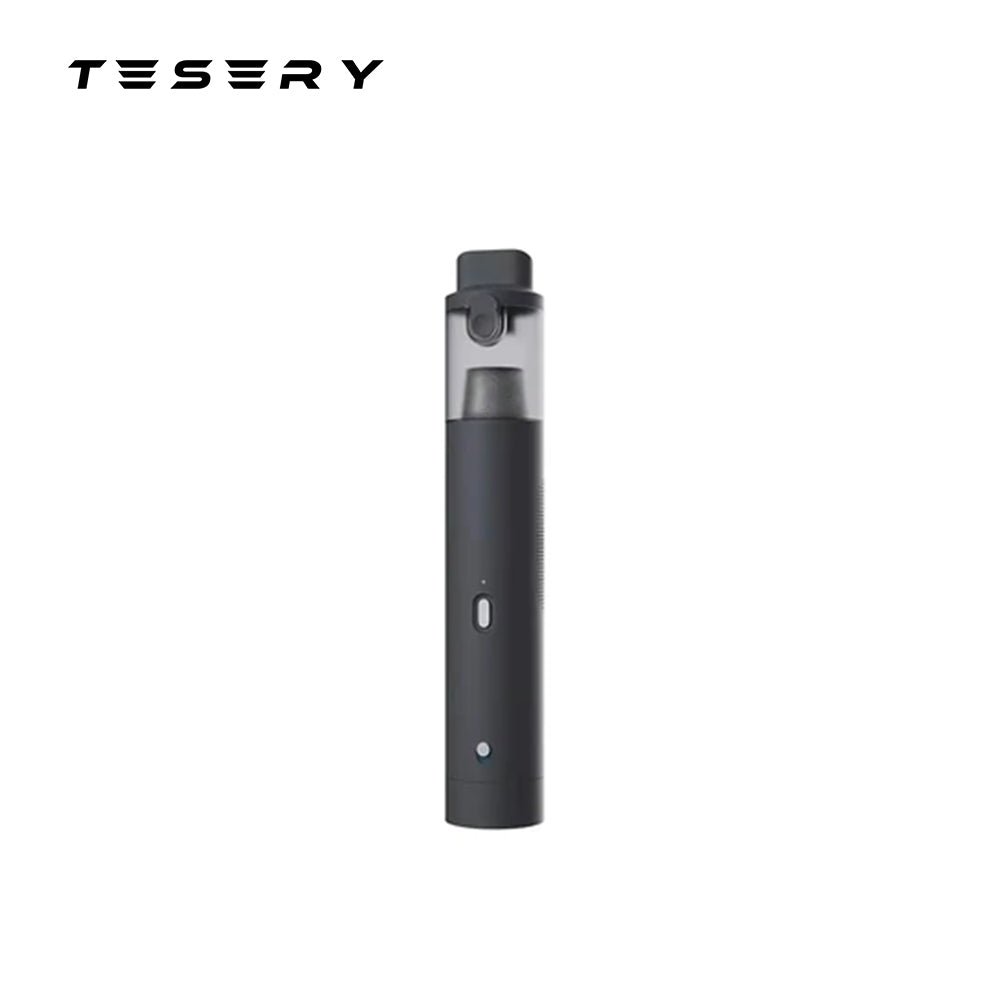
Cordless Cleaning and Inflation in One Handheld Tool
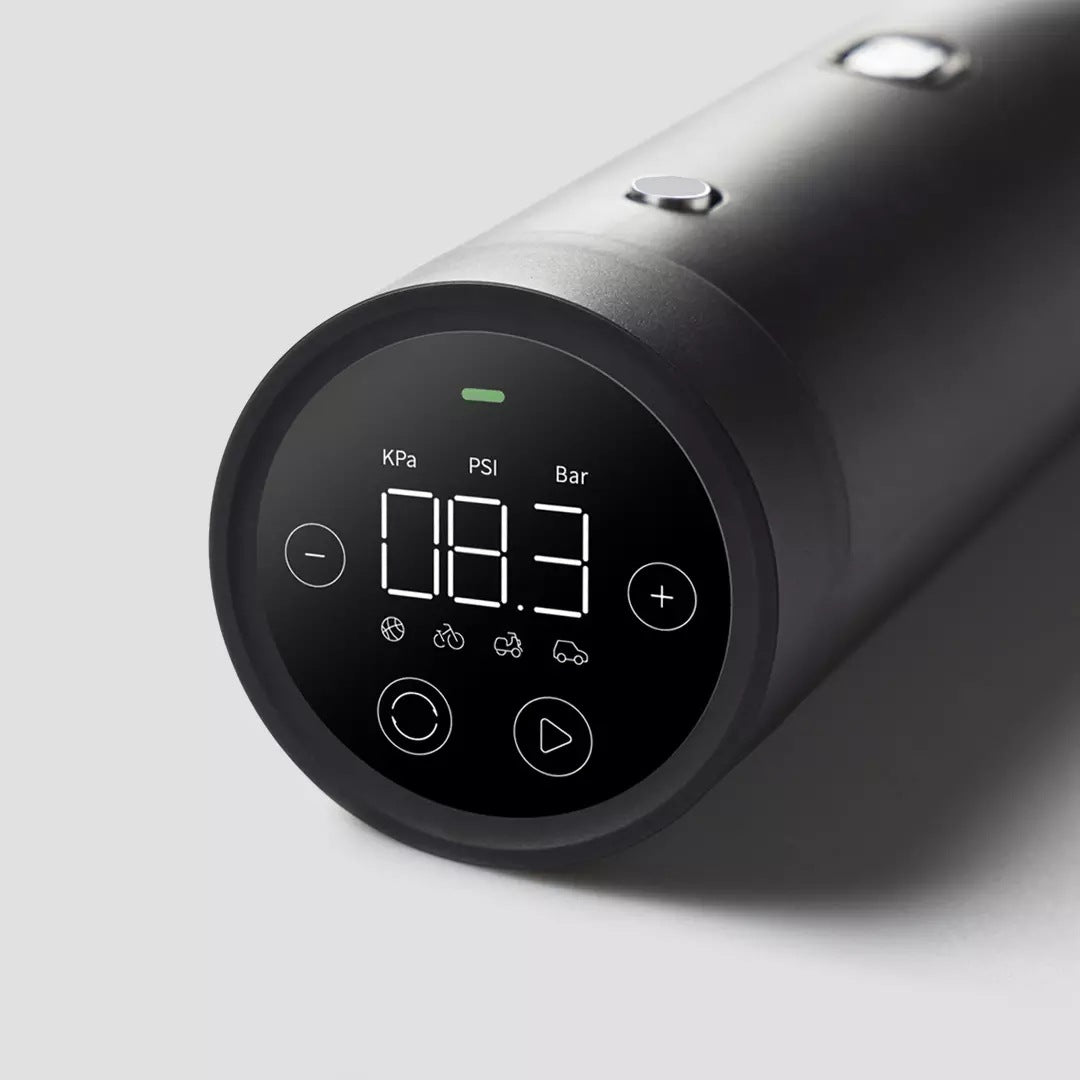
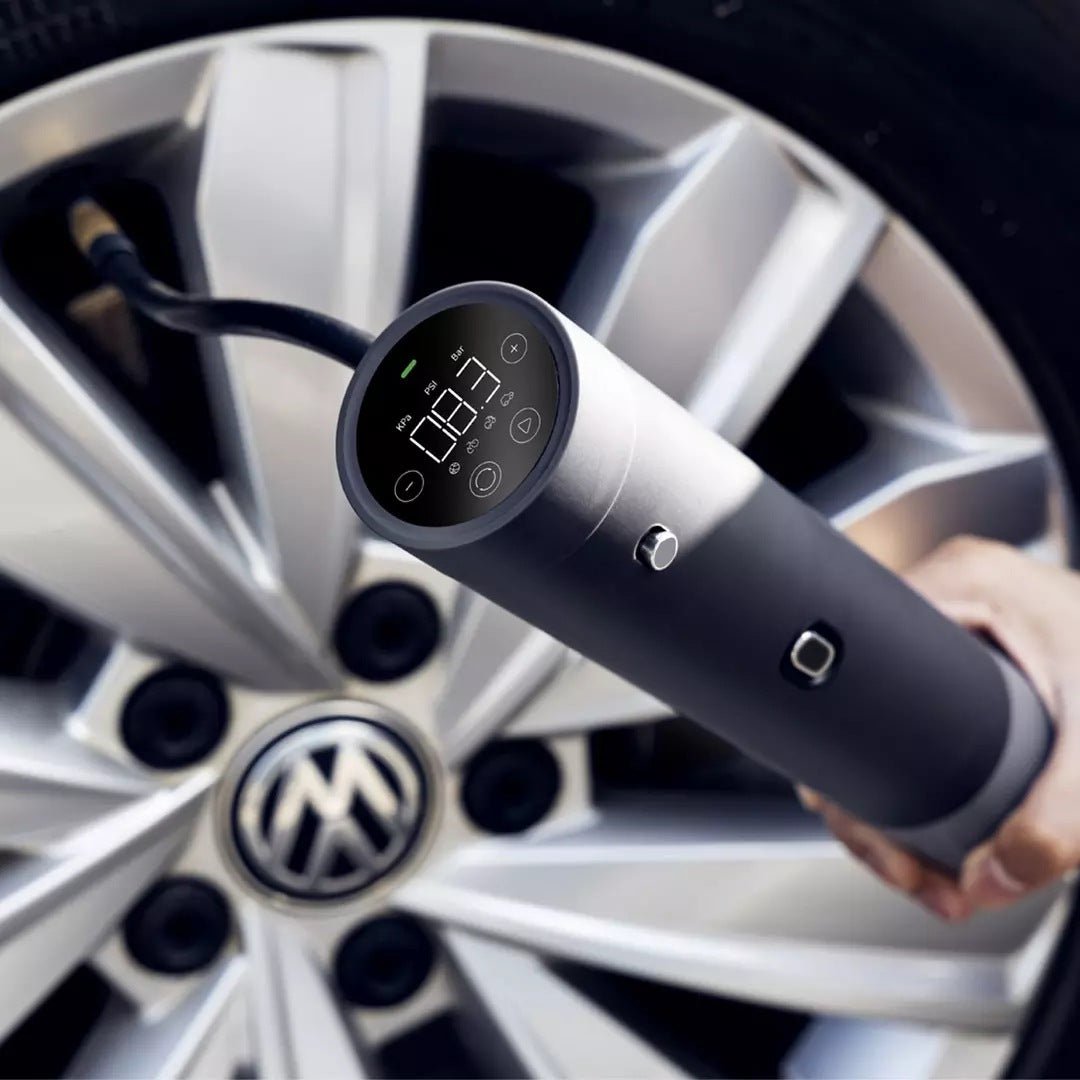
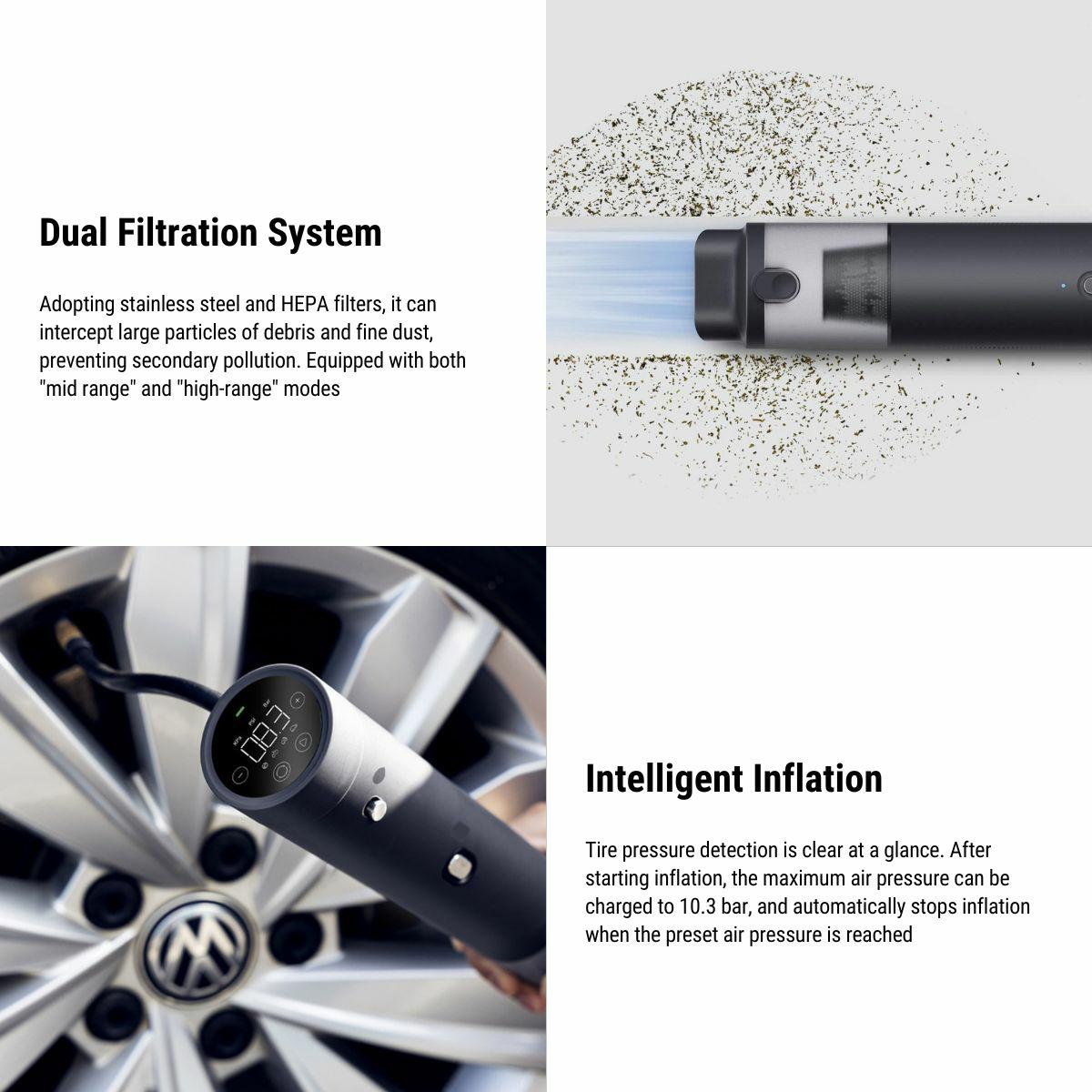
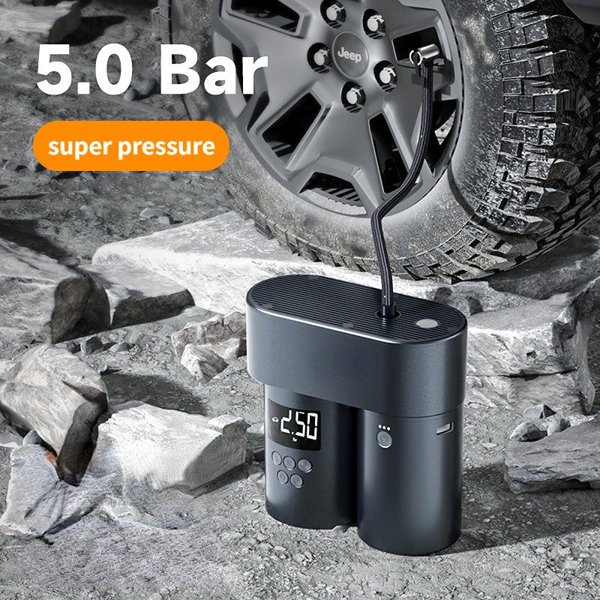
Switch between vacuuming loose dry debris and inflating through a compatible nozzle attachment. A round LED display shows pressure in kPa, PSI or bar, with a selectable target and automatic inflation stop. The unit recharges through a Type-C input and has a removable dual-filter assembly on the vacuum side.
- Vacuum + Inflator
- Pressure Preset
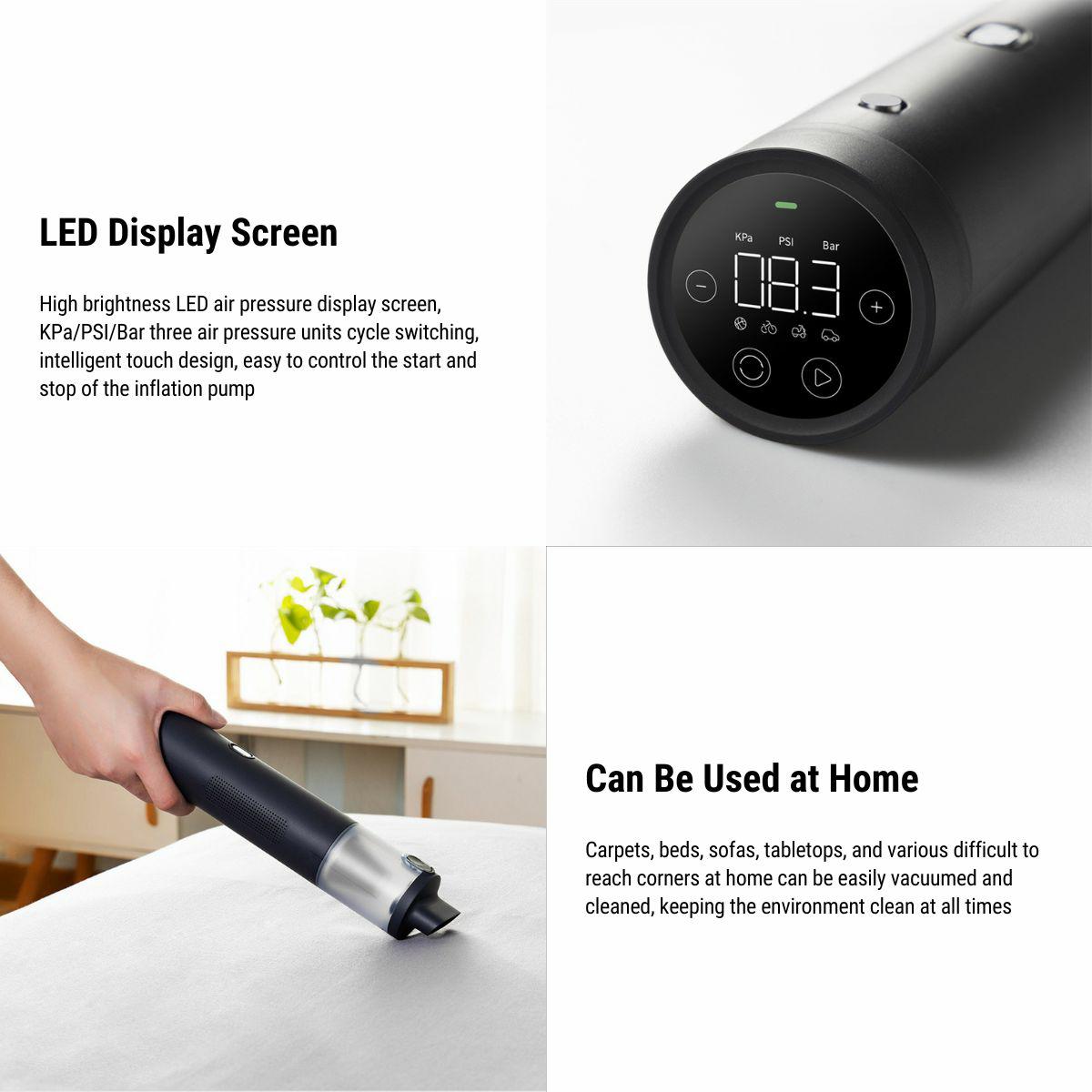
- LED Display
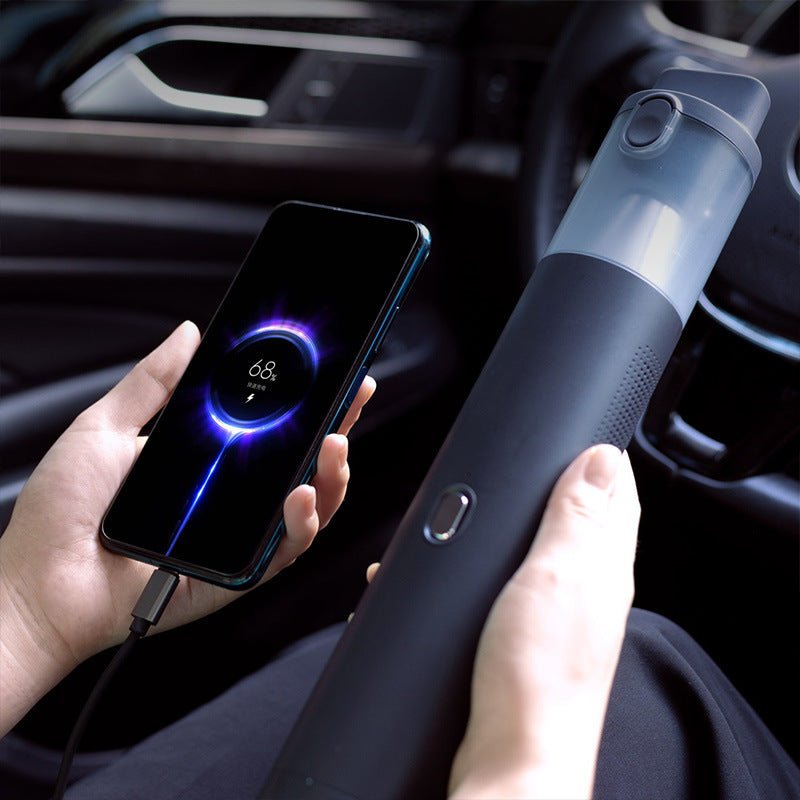
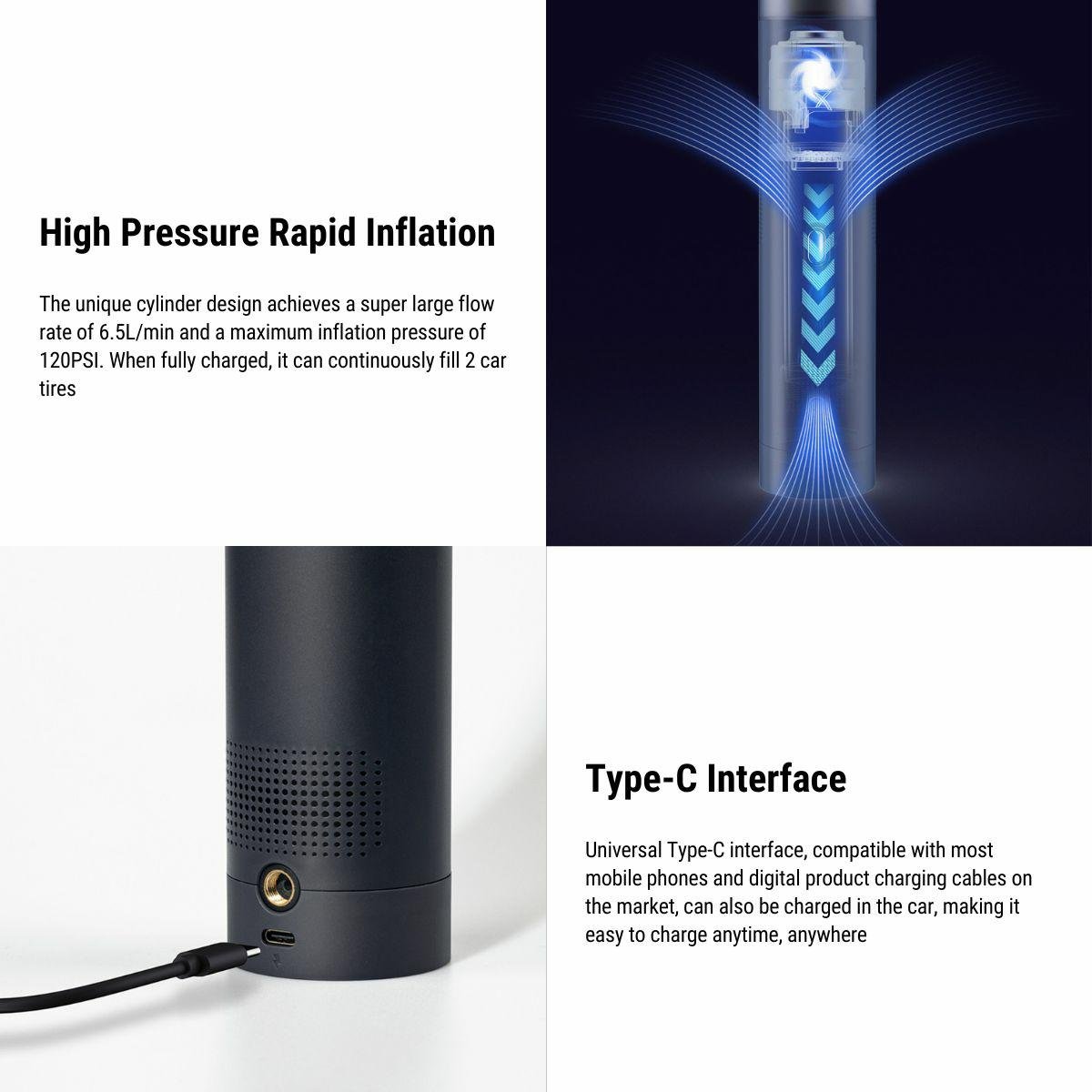
- Type-C Charging
Key Features
-
Two Functions
Switch the handheld unit between vacuum and inflation modes using its mode control.
-
Pressure Preset
Set the target pressure and unit before starting.
-
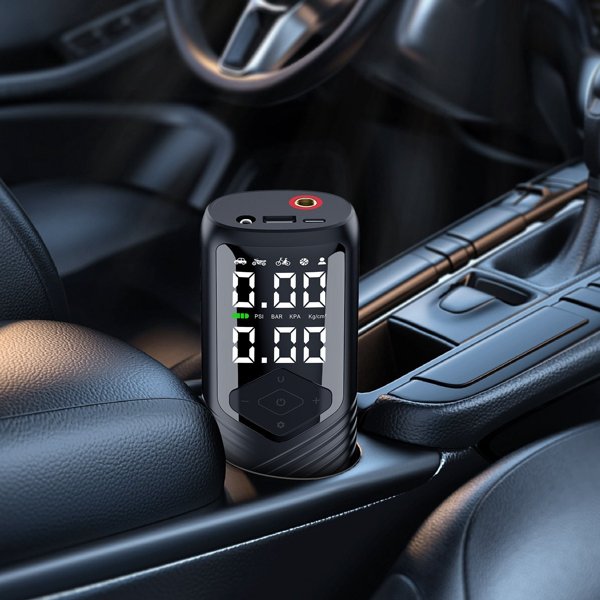
LED Display
The round end display provides kPa, PSI and bar selections for inflation.
-
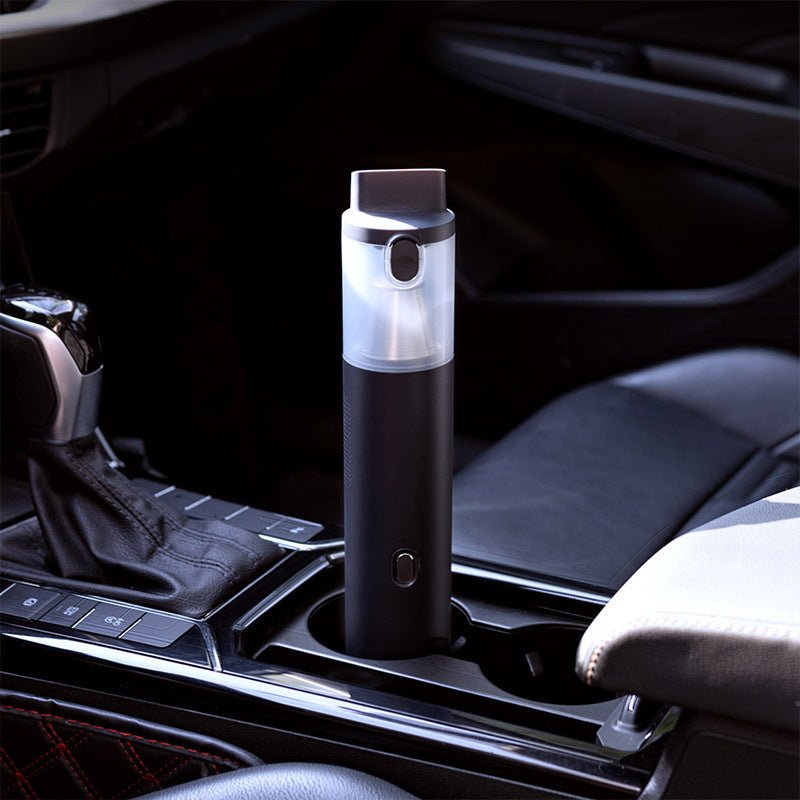
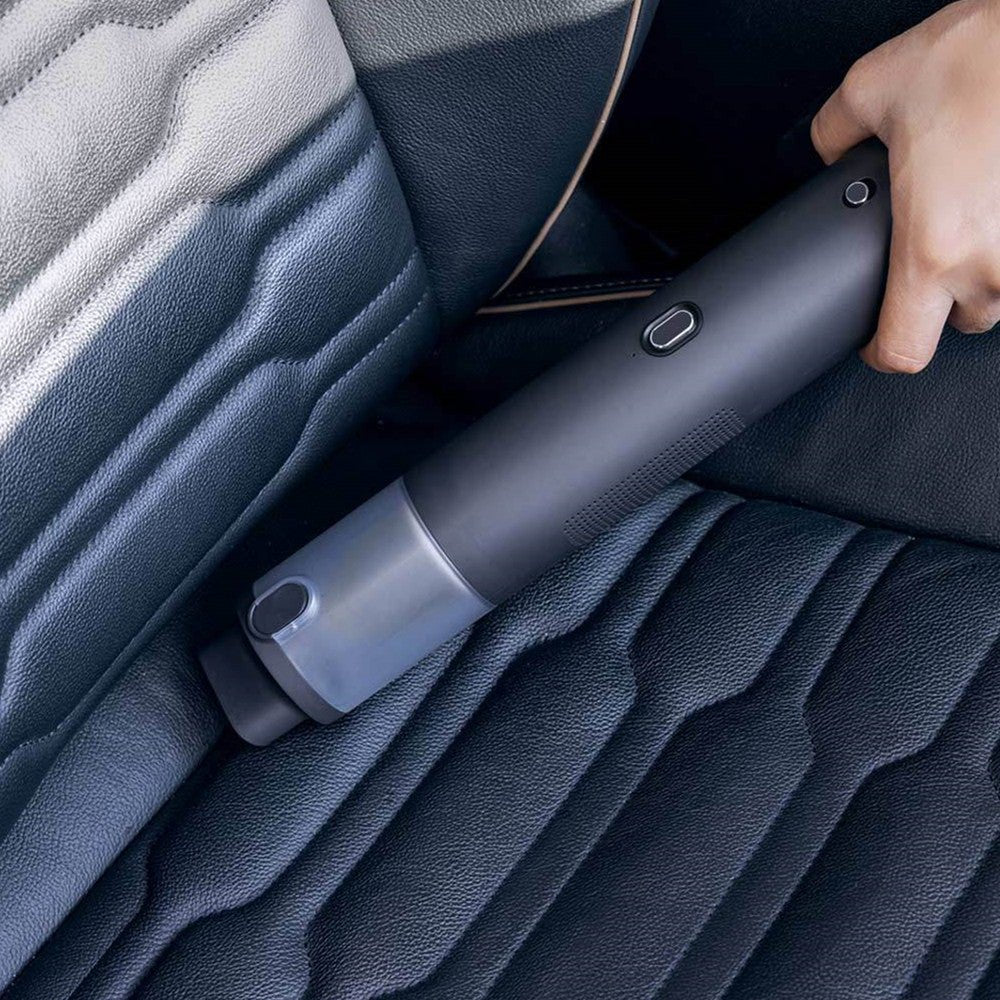
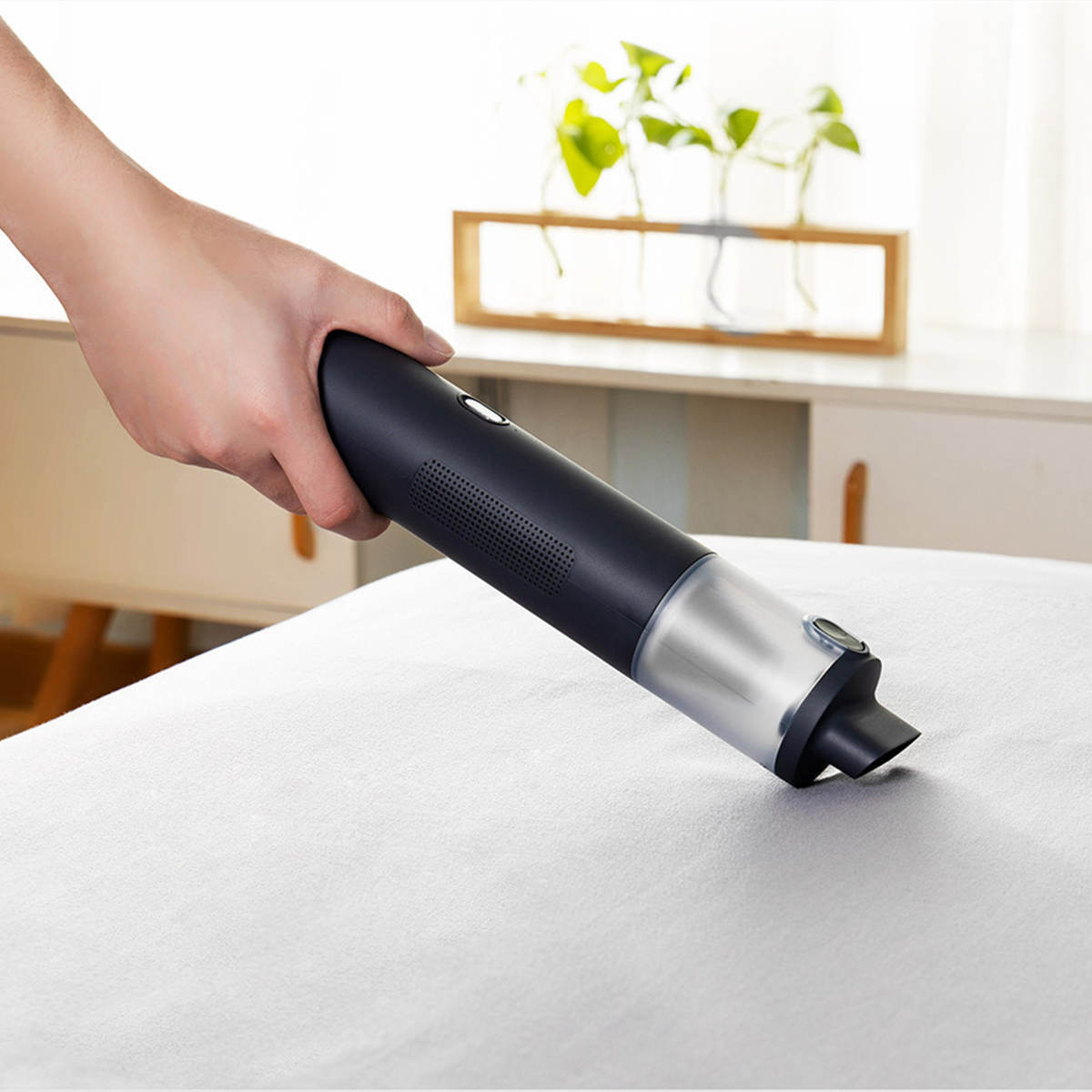
Dry Interior Cleaning
Use the vacuum nozzle for loose dry debris around accessible seats and console surfaces.
-
Removable Filters
The vacuum side contains a metal pre-filter and a second filter element for routine cleaning.
-
Type-C Charging
Recharge through the Type-C input using a compatible 5 V / 2 A power supply.
Highlights
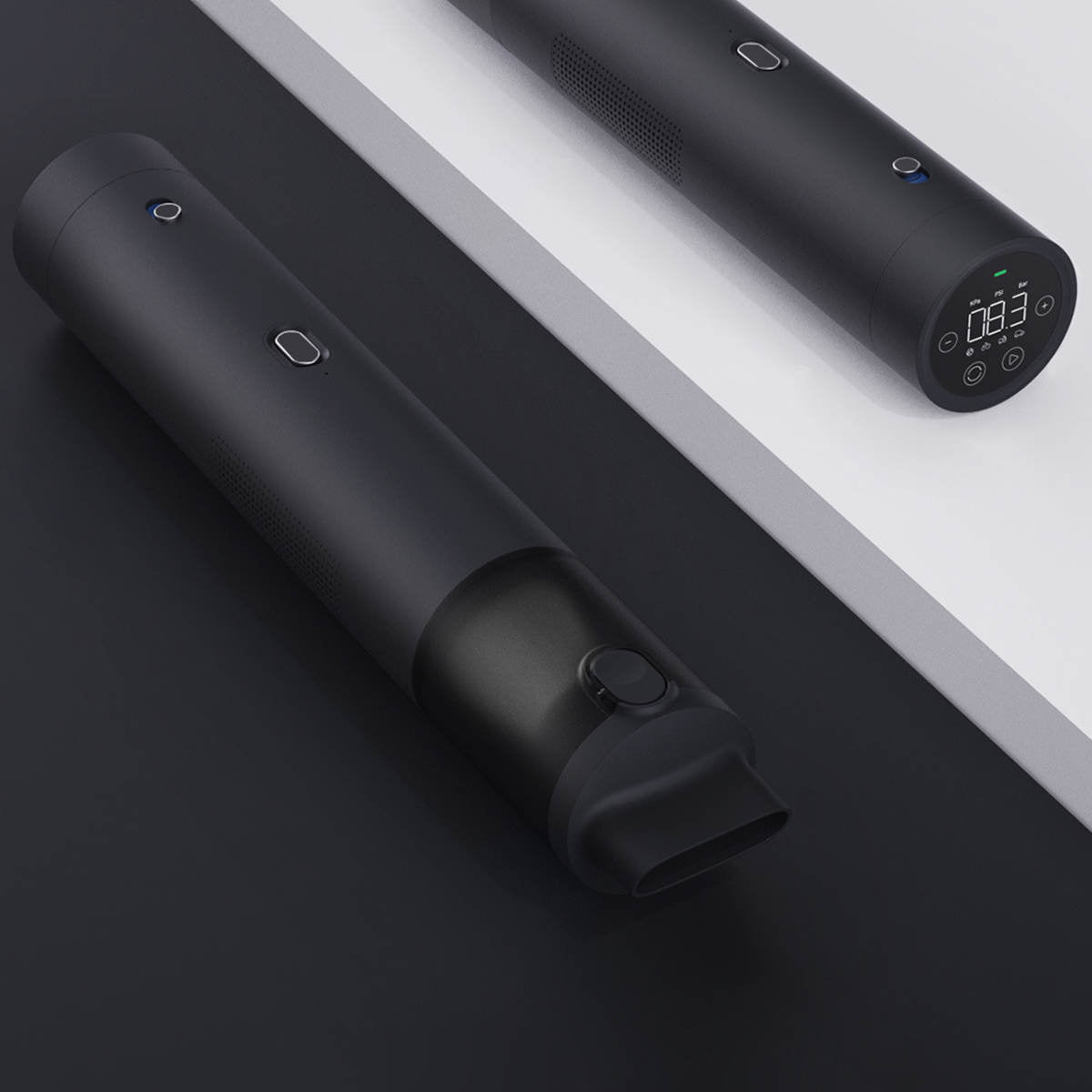
One Handheld Body
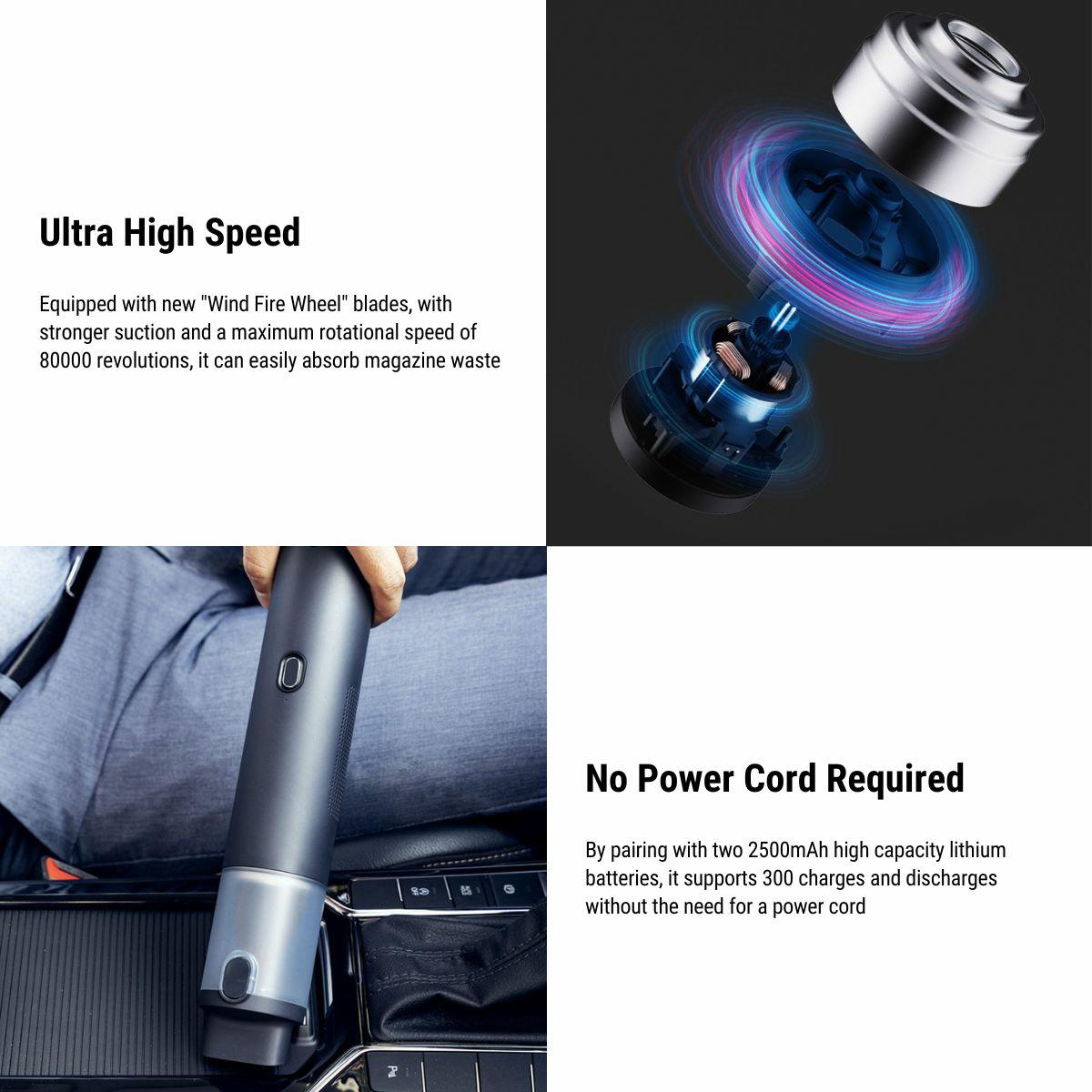
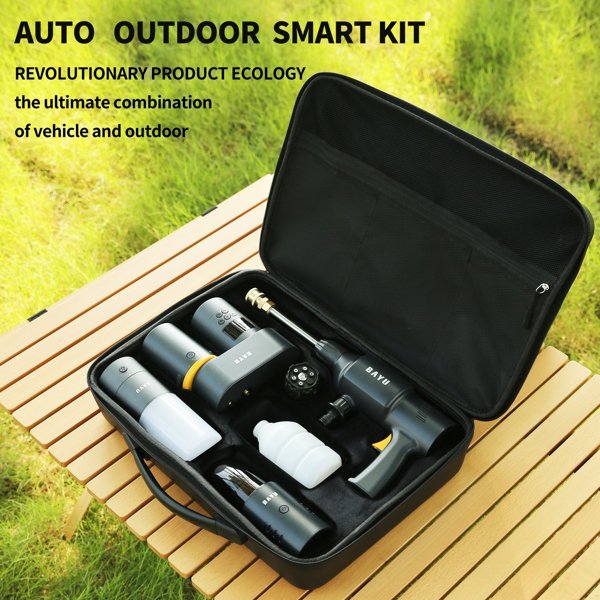
The vacuum and inflator functions share a cylindrical cordless body. Change the mode and attachment according to the task before starting.
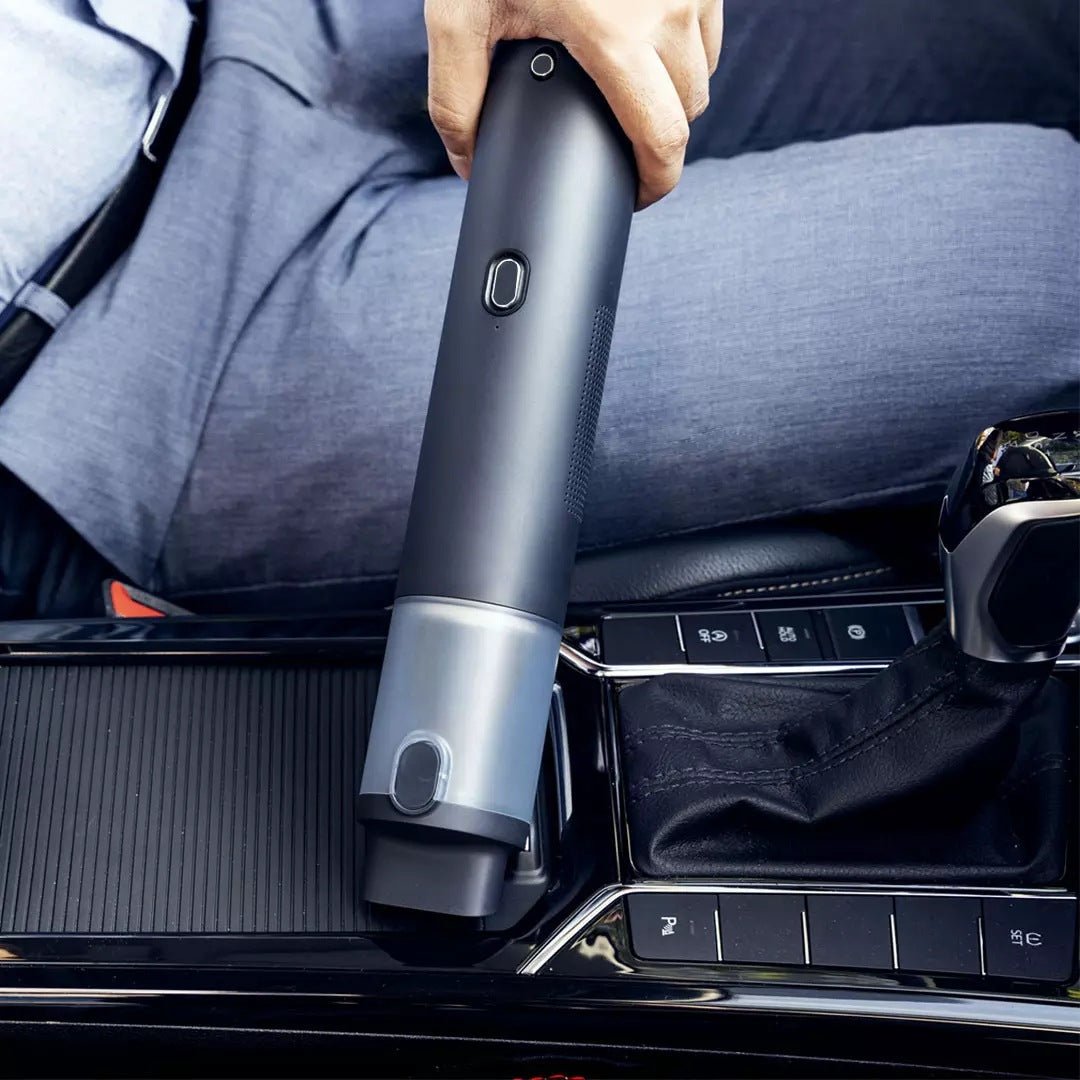
Vacuum Nozzle Access
The vacuum nozzle reaches accessible interior surfaces around seats and the console. Clear large or sharp objects by hand and use the tool for loose dry debris.
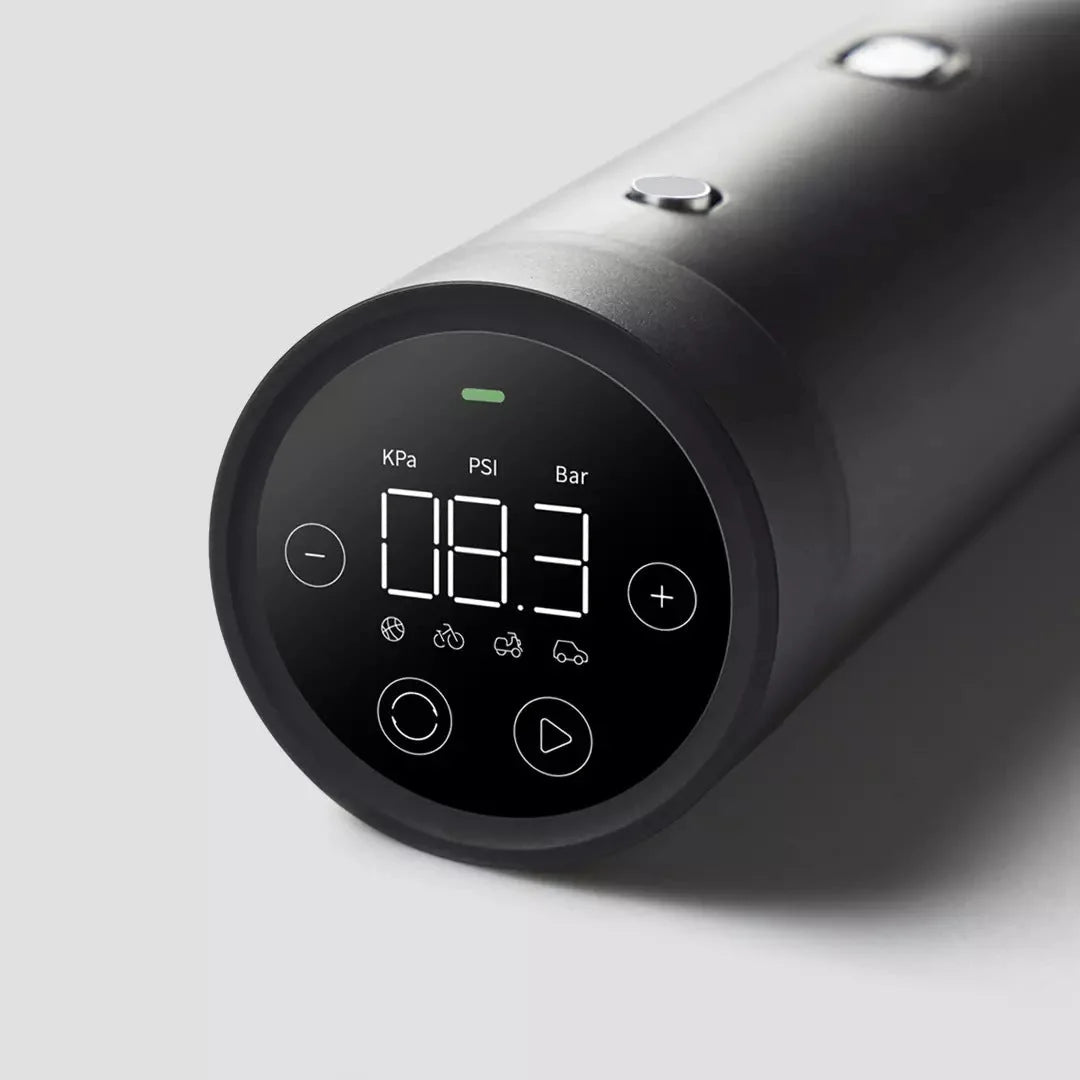
Pressure Display and Controls
The end display offers kPa, PSI and bar selections.
Compatibility
| Model | Years / Version | Notes |
|---|---|---|
| Universal | Portable vacuum and inflator |
For vehicle tires, use the cold pressure on the vehicle tire-information label for the fitted tire configuration. This handheld inflator does not connect to or replace the vehicle TPMS.
Specifications
| Product Type | Cordless handheld vacuum cleaner and inflator |
|---|---|
| Compatible Models | Portable tool |
| Material | Metal pre-filter with a second filter element |
| Display Type | LED pressure display with kPa, PSI and bar selections |
| Input | 5 V / 2 A charging supply |
| Connector Type | Type-C charging input |
| Control Method | Mode selection, pressure preset and automatic inflation stop |
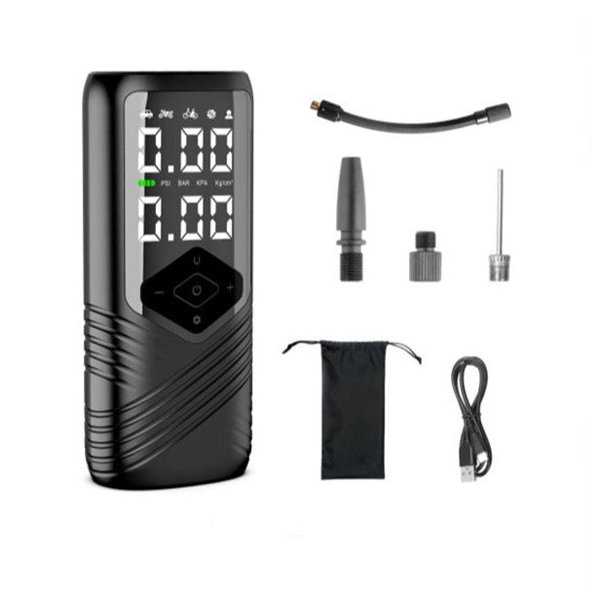
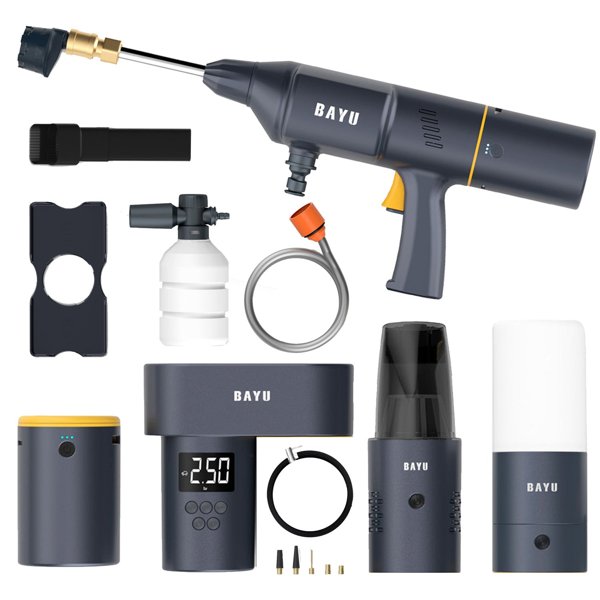
| Package Contents | Vacuum-inflator unit and inflation nozzle attachments |
| Shipping Weight | 560 g shipping weight; not tool net weight |
What's in the Box
- Vacuum-inflator unit
- Inflation nozzle attachments
Installation
- Charge through the Type-C input with a compatible 5 V / 2 A supply, following the unit charging instructions.
- For vacuuming, fit the filters and nozzle correctly and select vacuum mode. Collect loose dry debris without blocking the intake or exhaust.
- For inflation, fit the valve attachment, choose the inflation mode, set the pressure unit and set the target.
- Secure the attachment and start inflation. The unit stops automatically at the target.
- Switch off before detaching or cleaning. Follow the unit operating limits and cooling instructions between inflation tasks.
Good to Know
Caution
- Use only compatible valves, adapters and objects within the operating limits of the actual unit.
- Vacuum loose dry debris only; keep liquid, hot ash and flammable material out of the tool.
Care
- Switch off before removing the dust container or filters. Empty collected debris after use.
- Clean the removable filters and allow washable elements to dry completely before refitting. Keep water out of the motor, display, charging port and battery housing.
- Store the switched-off unit in a dry place.
FAQ
Is this a Tesla-specific installed accessory?
It is a portable handheld tool. Vacuum access depends on the surface being cleaned; inflation depends on the actual valve, nozzle and unit operating limits.
What pressure should I set for a car tire?
Use the cold pressure on the vehicle tire-information label for the fitted configuration.
Does the pressure display replace TPMS?
No. It is the inflator display and control interface; it does not connect to or replace the vehicle tire-pressure monitoring system.
How is the unit charged?
Use its Type-C input with a compatible 5 V / 2 A supply and follow the charging instructions for the actual unit.
How should the filters be cleaned?
Remove the filters with the unit switched off and follow their cleaning instructions. Dry washable elements completely before refitting, and keep the powered housing dry.

 English
  German
  Spanish