Light Bars That Move with Your Music
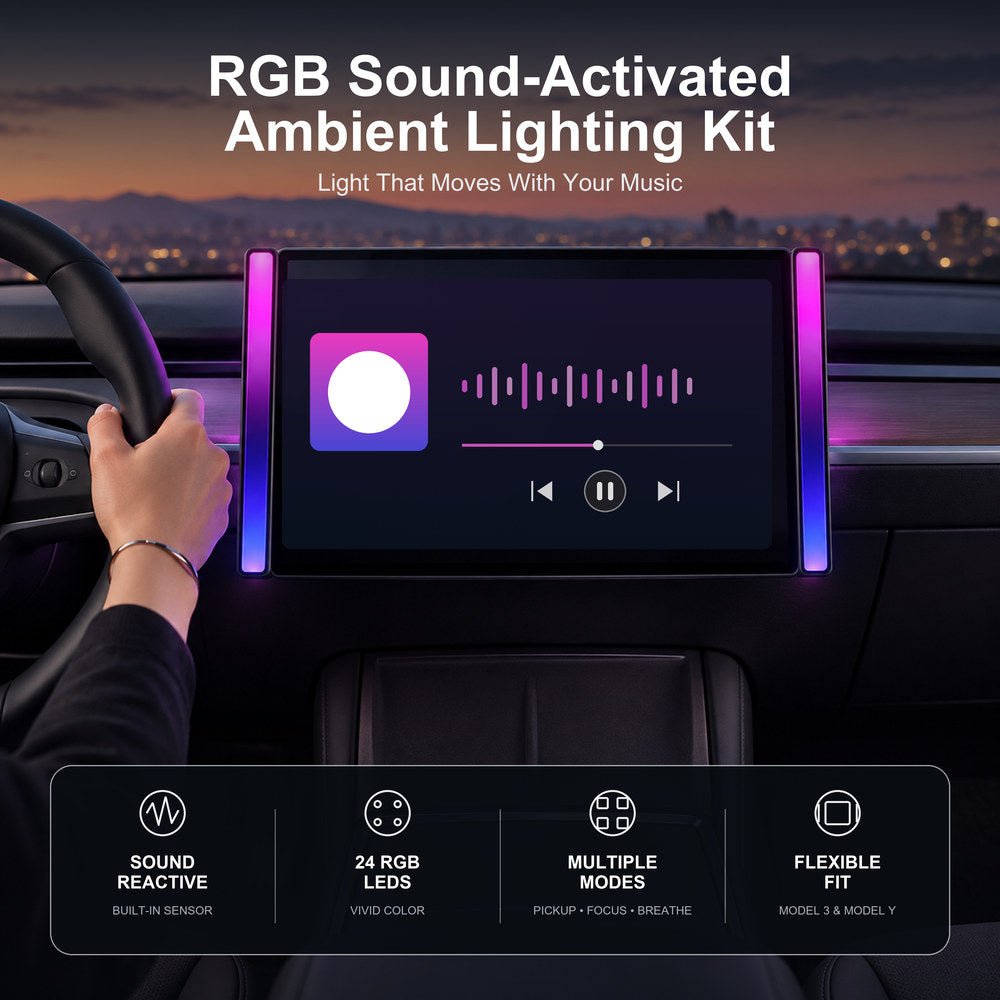
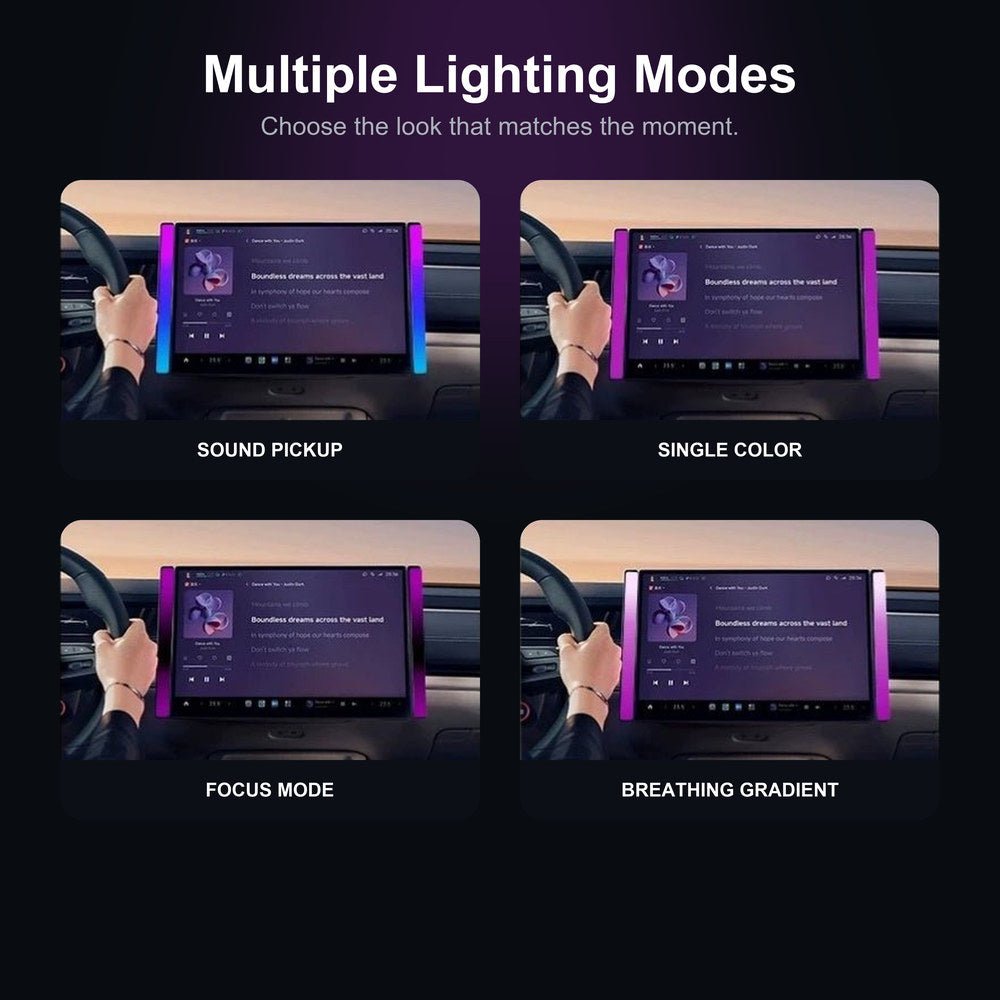
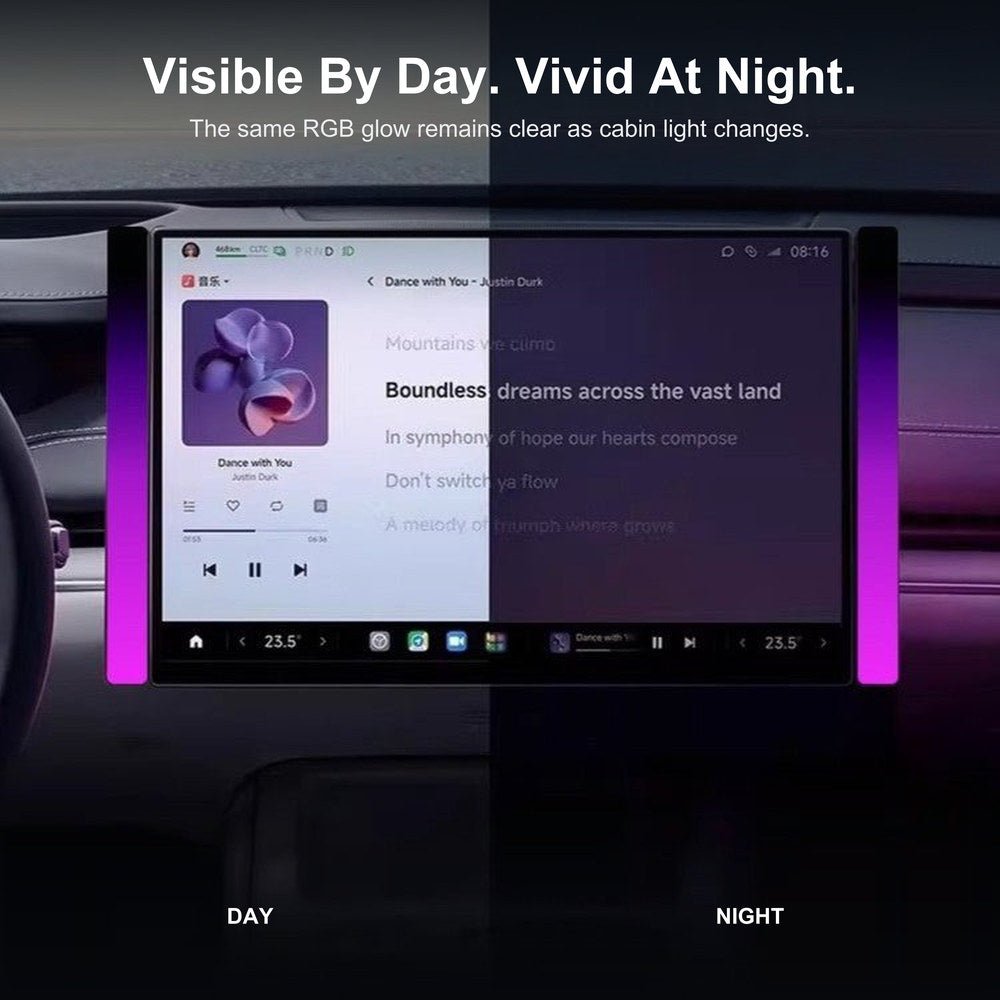
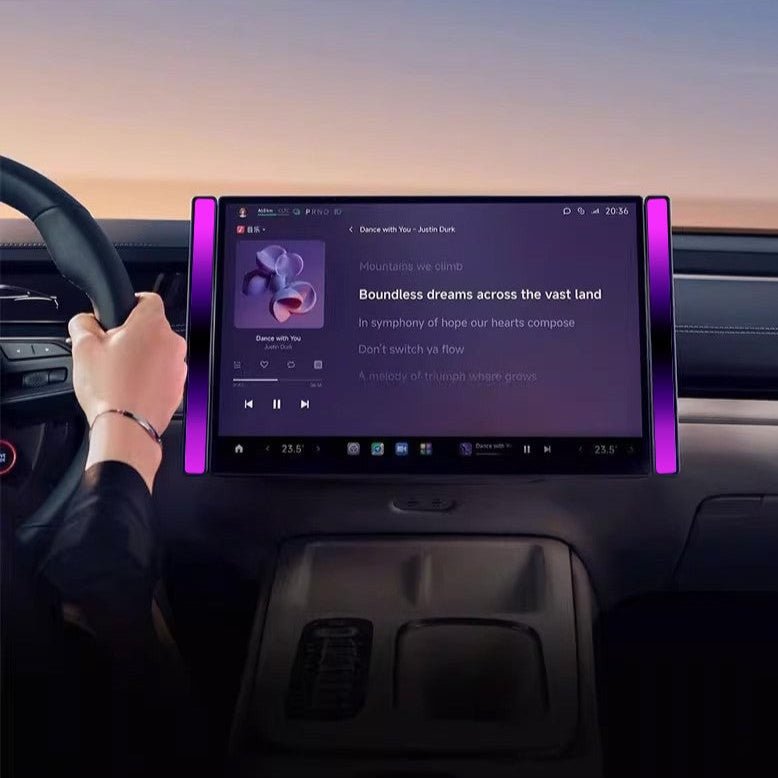
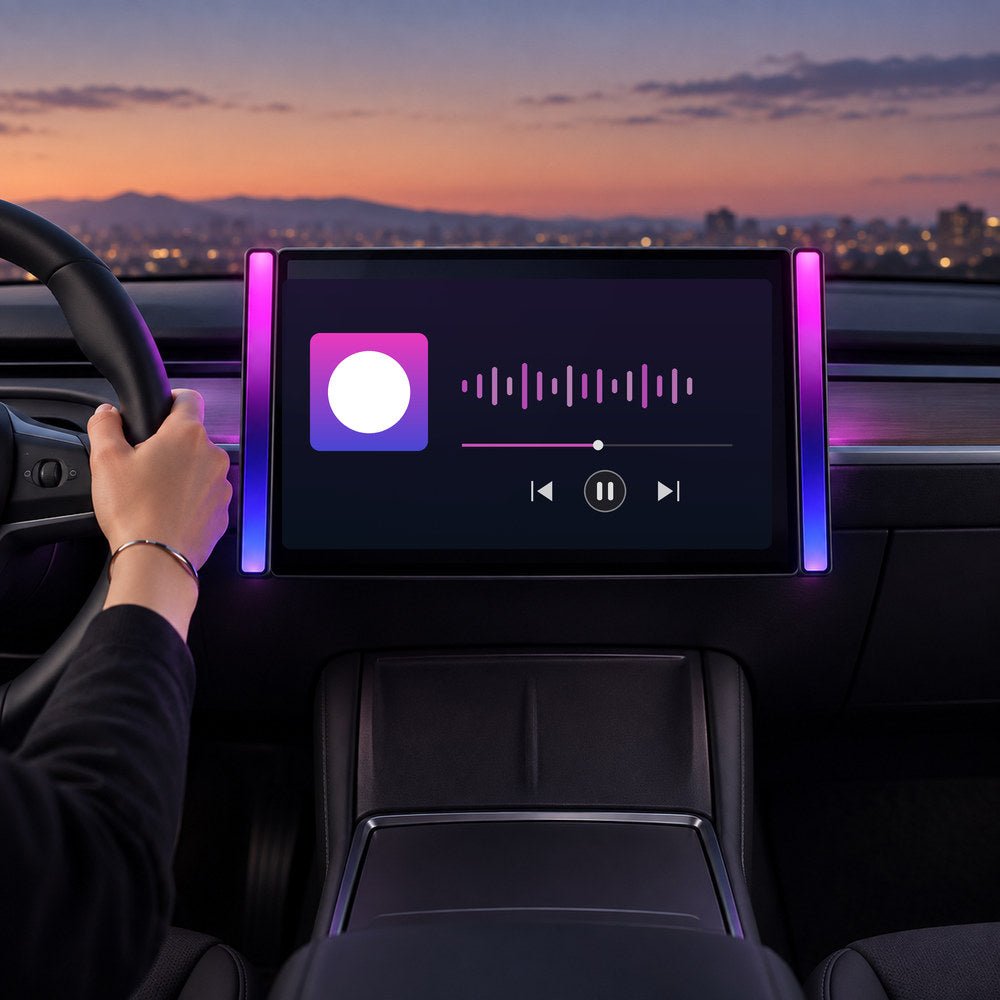
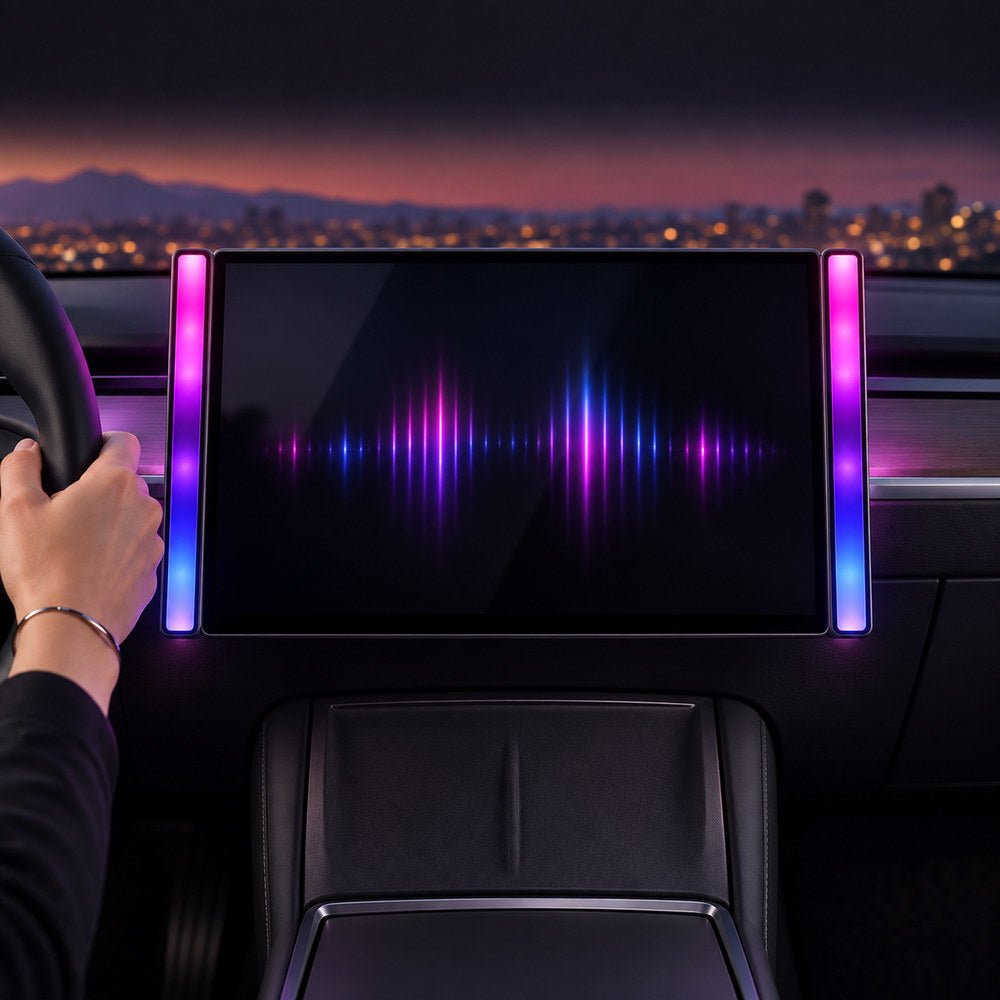
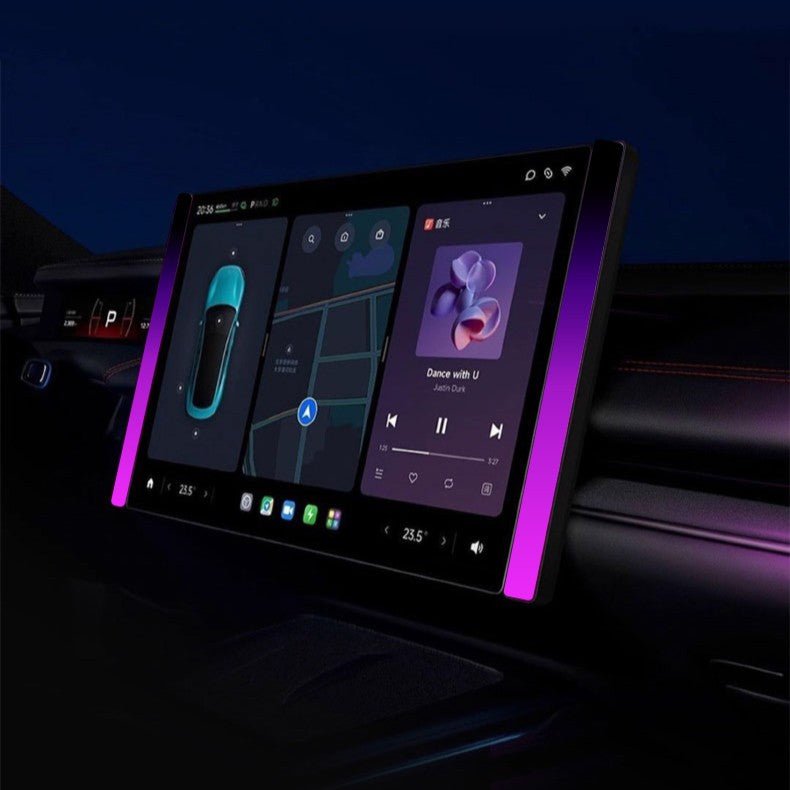
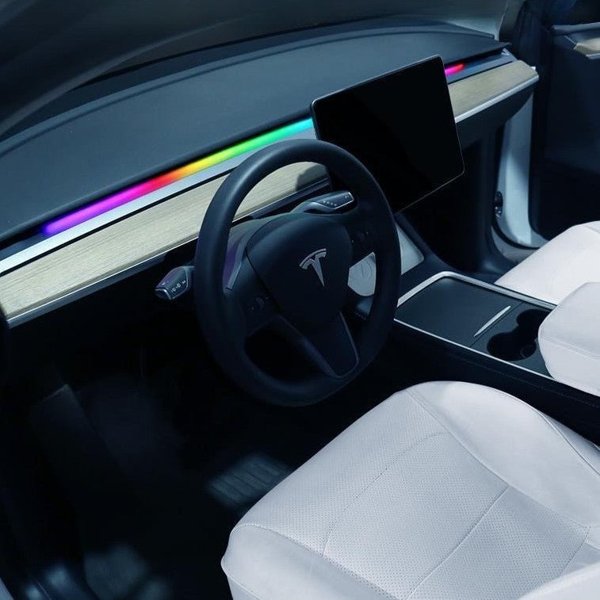
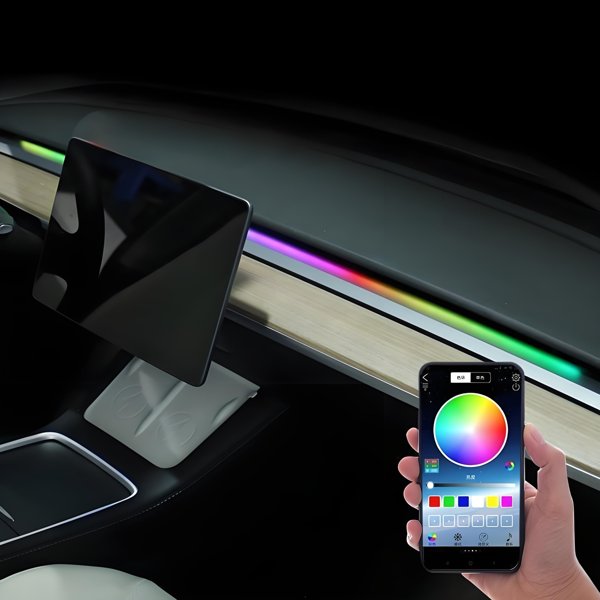
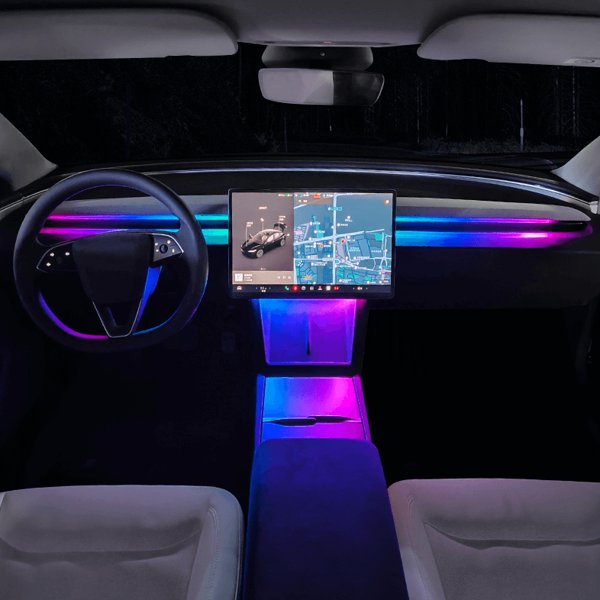
Two slim RGB bars add lighting around a compatible Model 3 or Model Y center-display edge. A built-in sound pickup responds to cabin music and audio, while the selectable modes include sound pickup, single color, focus and a breathing gradient. Each ash-gray bar uses ABS + PC construction and a Type-C power connection with a listed 5V / 0.5A input. The kit includes the power cable, adhesive strips and cable clips.
- Sound-Reactive
- Selectable Modes
- Type-C Powered
- Two Light Bars
Key Features
-
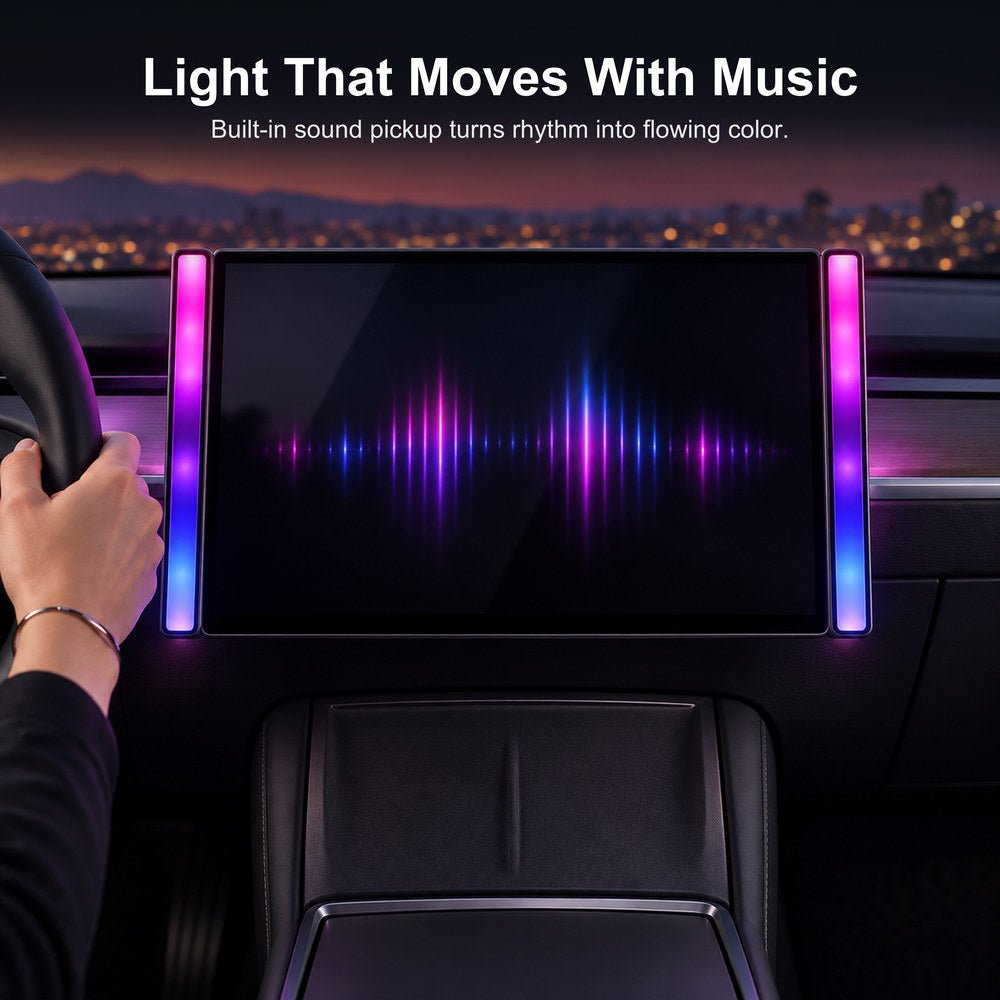
Sound-Reactive Lighting
A built-in sound sensor changes color and motion with music and cabin audio
-
Four Lighting Modes
Switch between sound pickup, single color, focus mode and a breathing gradient
-
RGB LED Lighting
24 RGB LEDs with selectable lighting modes
-
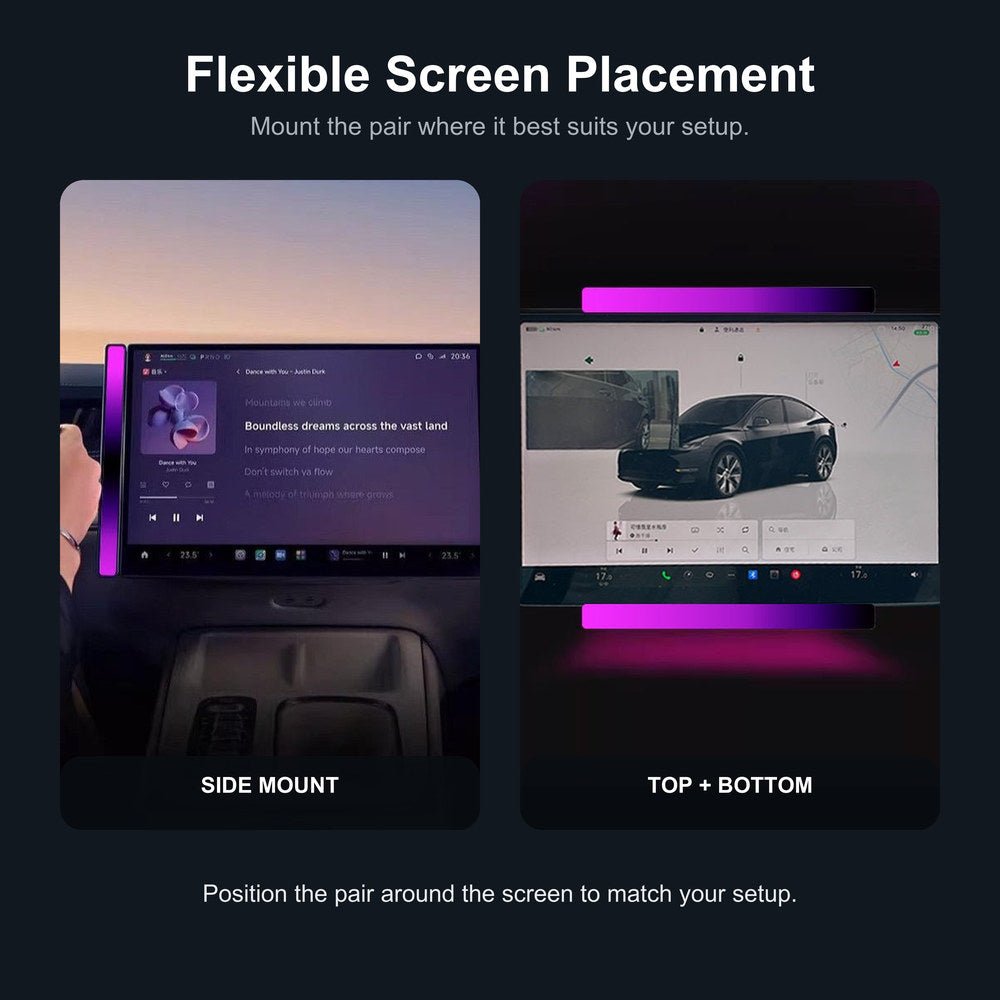
Screen-Edge Placement
Adhesive-backed bars can sit vertically or horizontally around a matching display profile
-
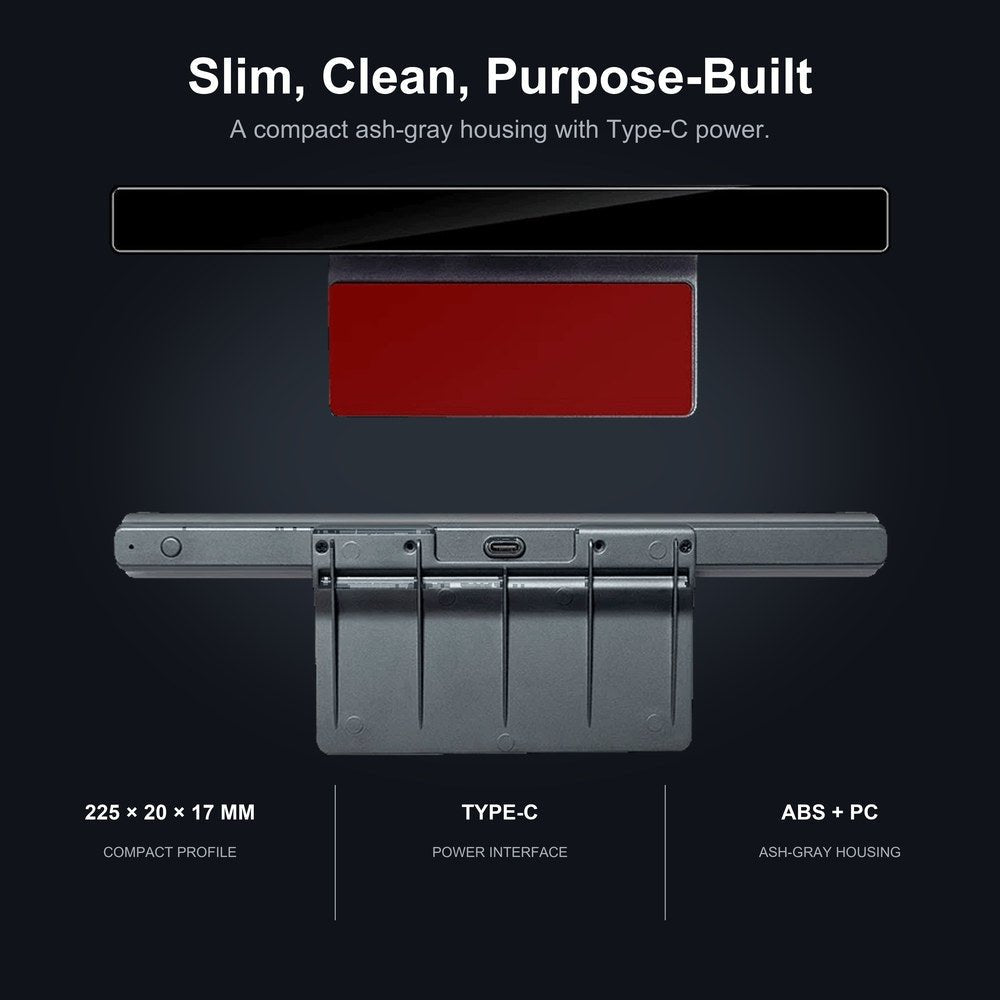
Slim Housing
Each 225 × 20 × 17 mm bar uses an ash-gray ABS + PC housing
-
Installation Accessories
Two bars, one USB power cable, two adhesive strips and four cable clips form the kit
-
Type-C Power
A Type-C interface takes 5 V / 0.5 A input
Highlights
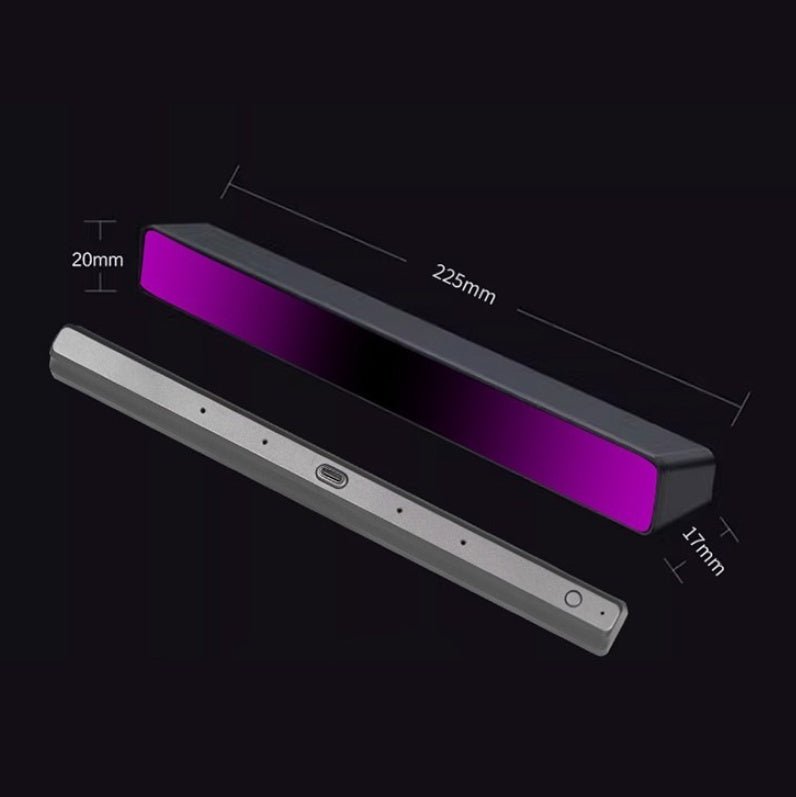
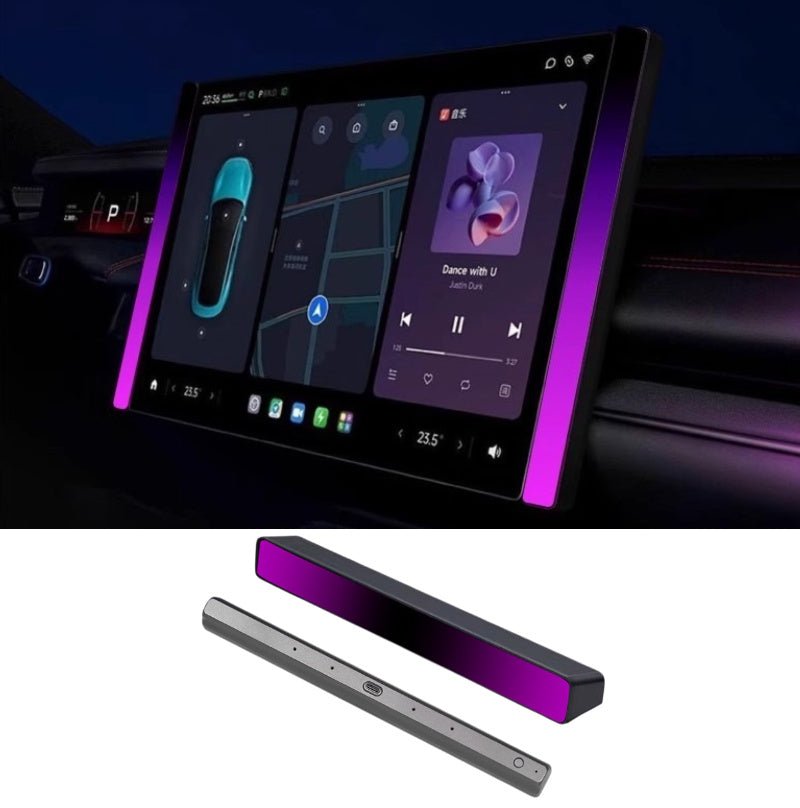
Compact Bar and Rear Controls
Each bar measures 225 × 20 × 17 mm, with an ash-gray housing and a Type-C connector. The bars sit on the display edge, leaving the screen’s active touch area and information visible.
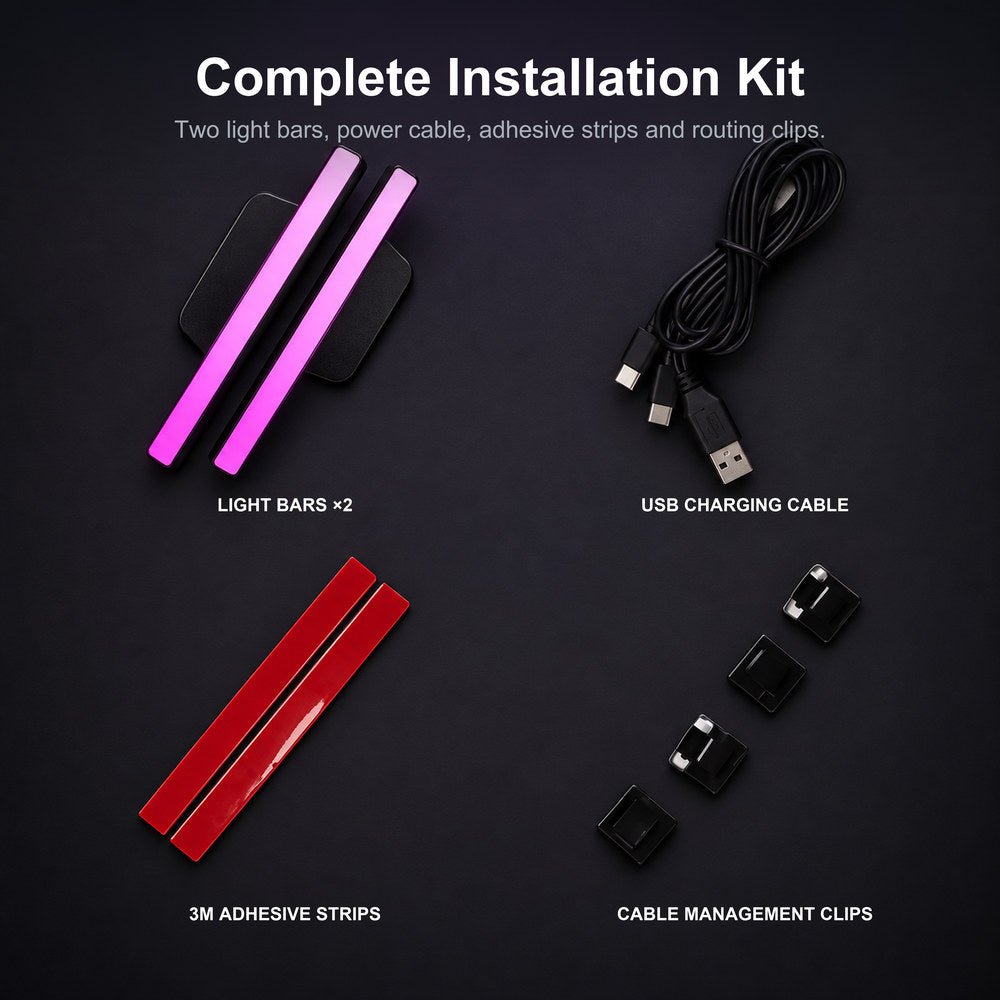
The Supplied Installation Kit
The kit contains two light bars, one USB power cable with connections for the bars, two adhesive strips and four cable-management clips. Input is 5V / 0.5A.
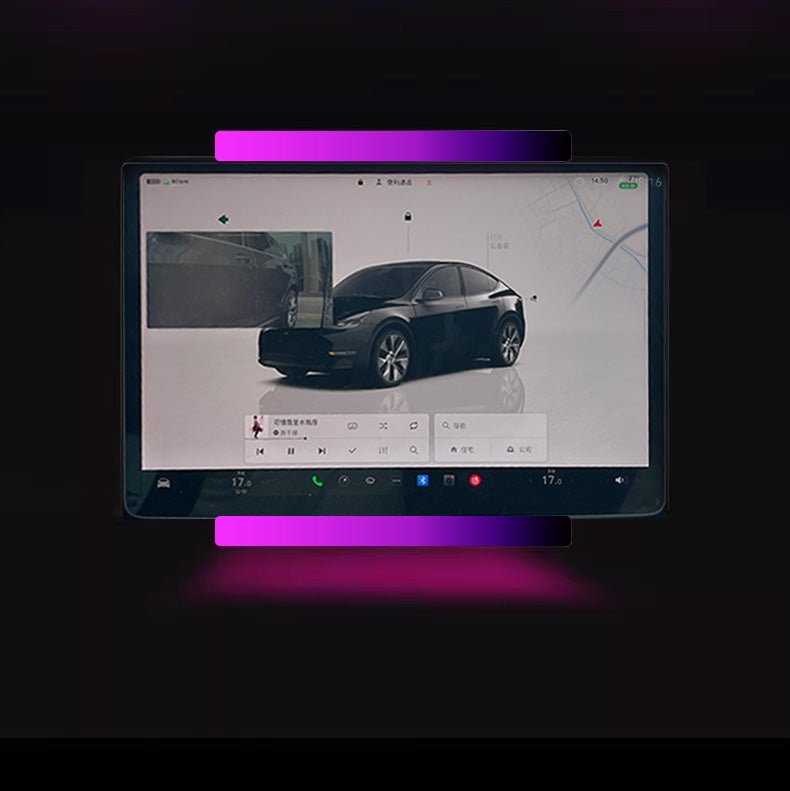
Horizontal Screen-Edge Layout
The bars can be arranged above and below a compatible screen edge as well as vertically beside it. Select a location that retains the original view, access and screen movement. Test the position and cable route before attaching; use dynamic effects only when they will not distract driving.
Select the Lighting Mode
Sound pickup responds to cabin audio, while single color, focus and a breathing gradient offer other patterns. Choose and adjust the mode while parked. If brightness, movement or reflections interfere with the driver’s view, use a subdued steady setting or switch the lights off.
Compatibility
| Model | Years / Version | Notes |
|---|---|---|
| Model 3 | 2017+ | Display edge mount, including Highland |
| Model Y | 2020+ | Display edge mount, including Juniper |
The bars bond to the screen surround, clear of the active display.
Specifications
| Product Type | Sound-activated RGB ambient light bars, pair |
|---|---|
| Compatible Models | Model 3 2017+ and Model Y 2020+, including Highland and Juniper |
| Position / Location | Around the center screen, vertical or horizontal placement |
| Material | ABS + PC |
| Color | Ash gray housing |
| Quantity | 2 light bars |
| Dimensions | 225 × 20 × 17 mm per bar (8.9 × 0.8 × 0.7 in) |
| Input | Type-C, 5 V / 0.5 A |
| Light Source | 24 RGB LEDs |
| Lighting Modes | Sound pickup, single color, focus mode and breathing gradient |
| Installation Type | Adhesive strips and cable clips on a compatible screen-edge surface |
| Package Contents | 2 RGB light bars, 1 USB power cable, 2 adhesive strips, 4 cable clips |
| Shipping Weight | 435 g (1.0 lb) |
What's in the Box
- 2×RGB light bars
- 1×USB power cable
- 2×Adhesive strips
- 4×Cable-management clips
Installation
- With the vehicle parked, test both bar locations and the complete cable route. Keep the active touch surface, screen information, vents, controls, airbags and driver sightlines open.
- Connect the bars with the supplied cable to a USB power source (5V / 0.5A input). No splicing into vehicle wiring.
- Clean and dry a suitable edge surface, then attach the strips following their instructions. Do not adhere the bars to the active touch area or force them into trim gaps.
- Secure the cable with the supplied clips, allowing required screen and seat movement without tension. Remove or reposition the kit if it loosens, interferes with a control or causes distracting reflections.
Good to Know
Caution
- Fit only to a compatible edge surface, keeping the active touch area, display information and original controls fully accessible.
- Adjust the lights while parked. Use a steady, subdued setting or switch them off if changing patterns or reflections distract the driver.
- Connect only to a compatible 5V USB power source meeting the stated input. Do not connect directly to a vehicle low-voltage battery or improvise wiring; keep the cable away from pedals and moving seat parts.
Care
- Disconnect power before cleaning. Keep moisture out of the connector and avoid soaking the bars.
FAQ
How does sound pickup work?
A built-in sound sensor responds to music and other cabin audio, changing the light pattern and color.
Is the cable a data hub?
The supplied cable powers the two light bars. No data-hub, TeslaCam or phone-charging function is included in this kit.
How are the lights powered?
The bars use Type-C connections with a listed 5V / 0.5A input. They run from a USB source with the supplied cable.
Can the bars cover the screen edges?
No. They mount on the surrounding edge, leaving the active touch area and displayed information fully accessible.
What comes in the package?
Two RGB light bars, one USB power cable, two adhesive strips and four cable-management clips.


 English
  German
  Spanish