8.66-Inch Android Display at the Rear Center Console
This Android 12 rear display combines an 8.66-inch entertainment screen with a fitted console-and-vent assembly for the listed original Model 3 and Model Y versions. It supports CarPlay and a phone Wi-Fi hotspot as separate modes, alongside vehicle-control menus supported by the connected vehicle. Versions are offered for Model Y 2020–2025.03, Model 3 2019–2023.10 and Model 3 2017–2019.
- 8.66-Inch Display
- Android 12
- CarPlay
- Rear Console Fit
- Vehicle-Specific Harness
Características principales
-
Rear Passenger Display
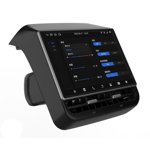
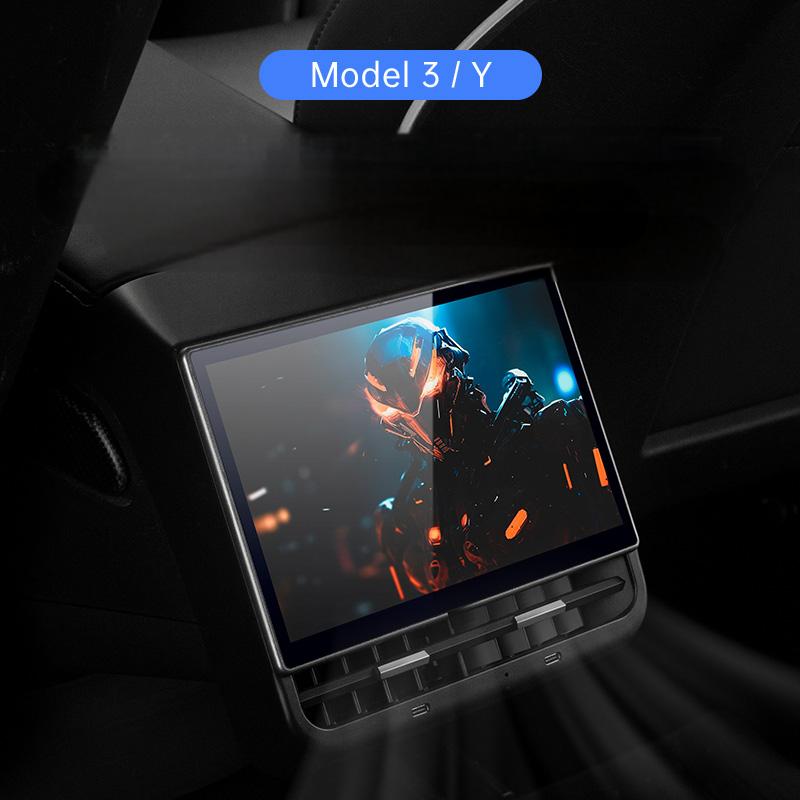
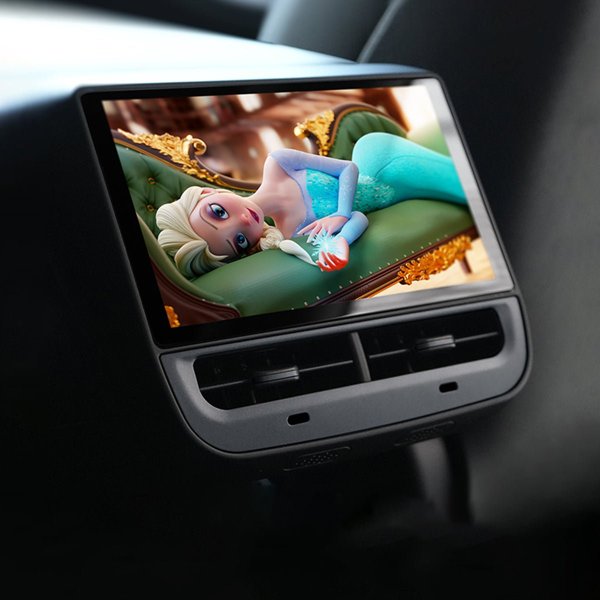
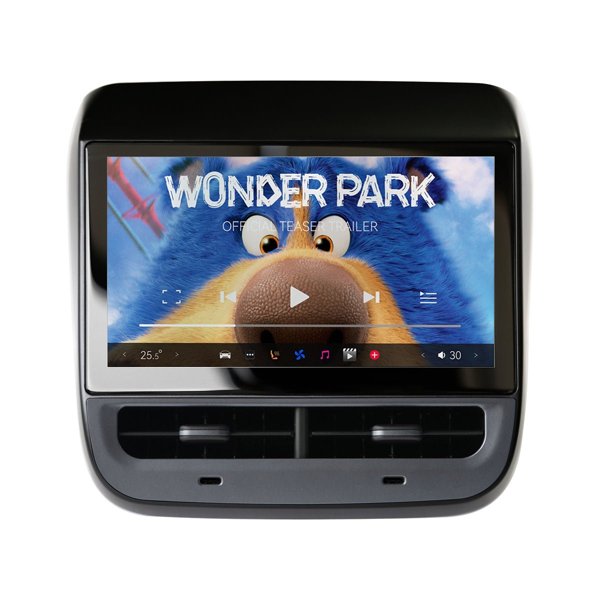
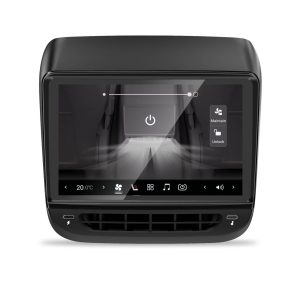
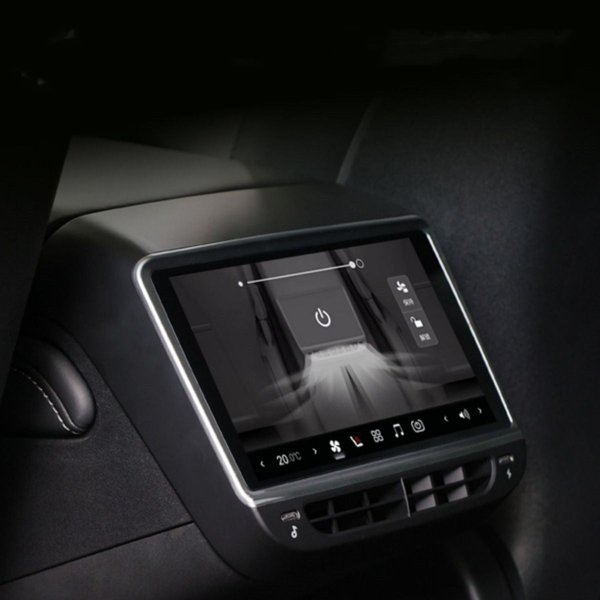
The 8.66-inch screen sits above the rear center-console vent outlets, within the replacement trim assembly shown.
-
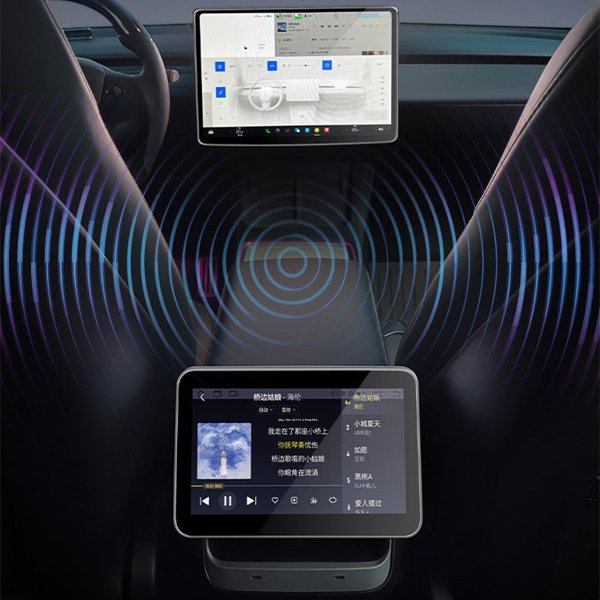
Android 12 Interface
The display runs Android 12 for its entertainment interface; app access depends on the installed software and network connection.
-
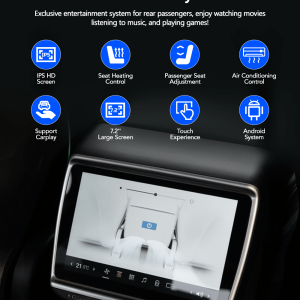
CarPlay Mode
The screen supports CarPlay, with the phone Wi-Fi hotspot unavailable while CarPlay is connected.
-
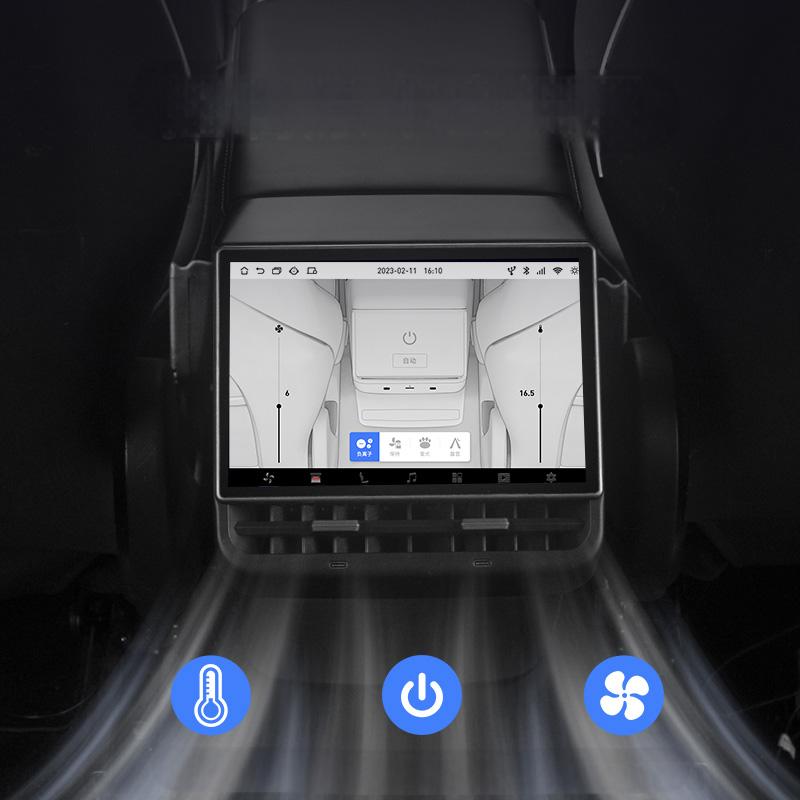
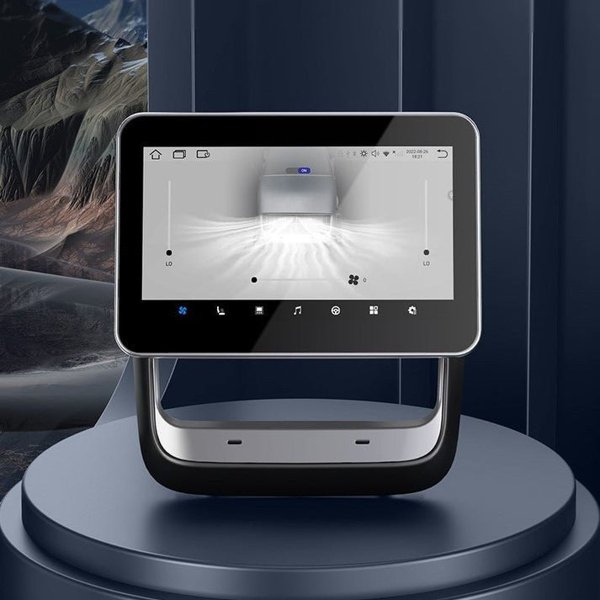
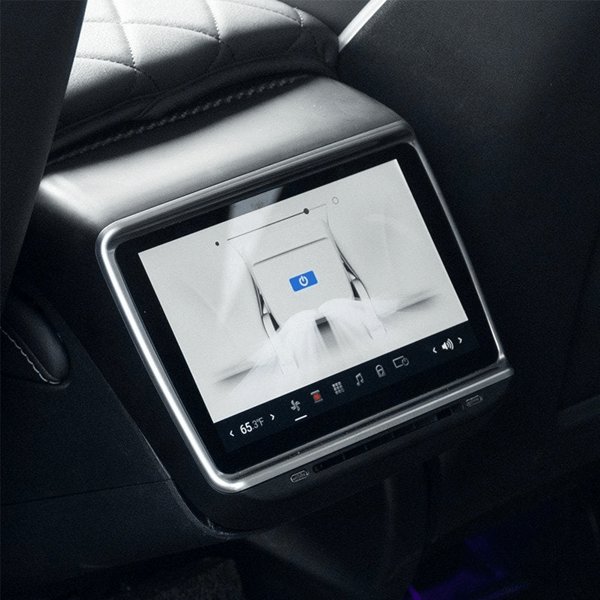
Rear Climate Interface
The screen includes a climate-control interface; available commands depend on the supported vehicle configuration and correct harness connection.
-
Screen Convenience
Auto screen-off and a glovebox-opening command are listed functions; use depends on the installed version and vehicle support.
-
Three Vehicle Versions
Separate options for Model Y 2020–2025.03, Model 3 2019–2023.10 and Model 3 2017–2019.
Aspectos destacados
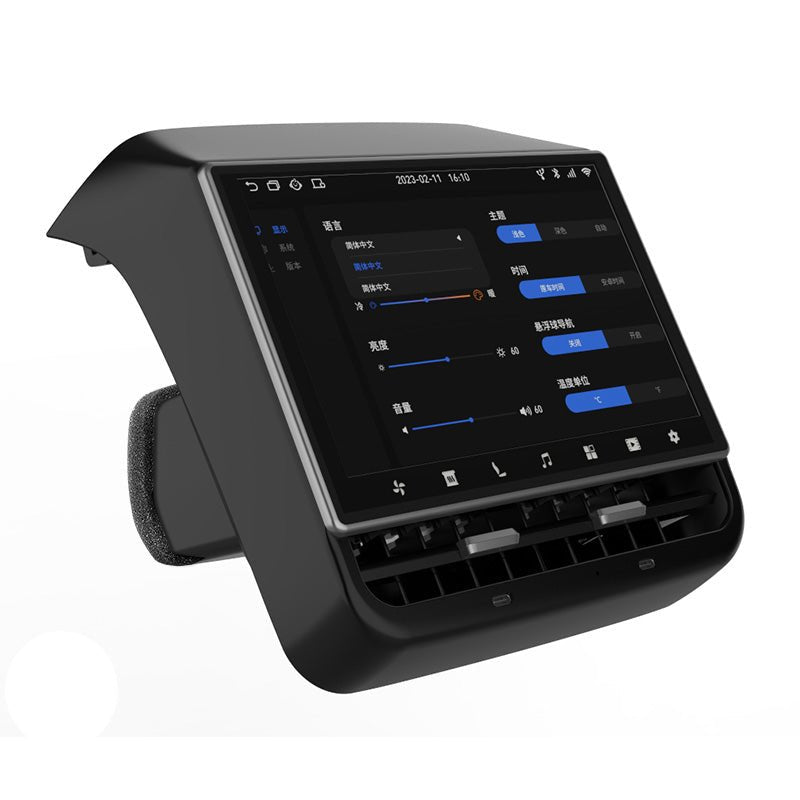
Display Above the Rear Vents
The screen is integrated into a rear console assembly with vent outlets below it.
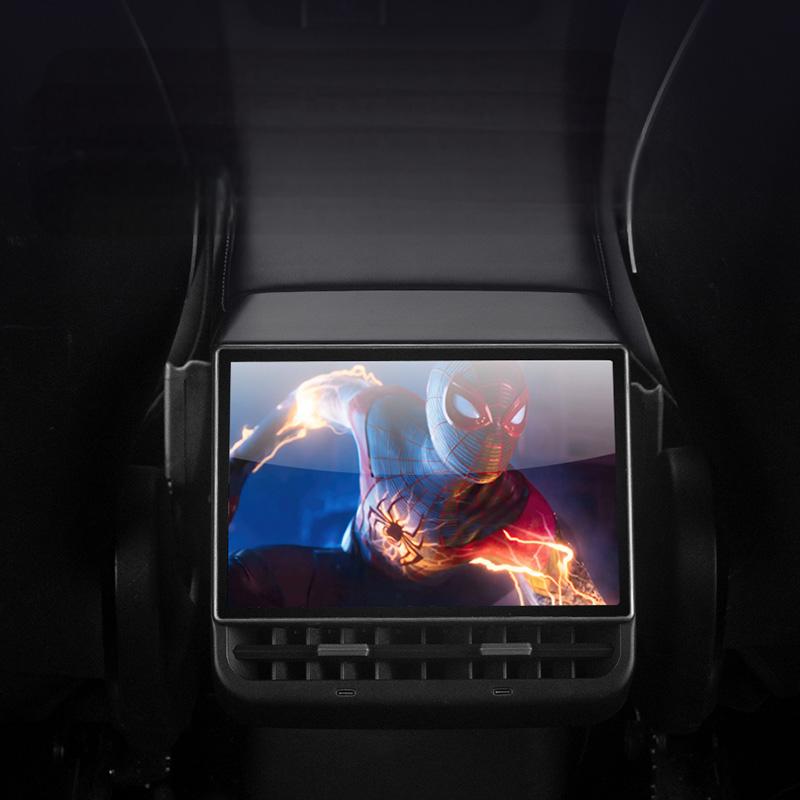
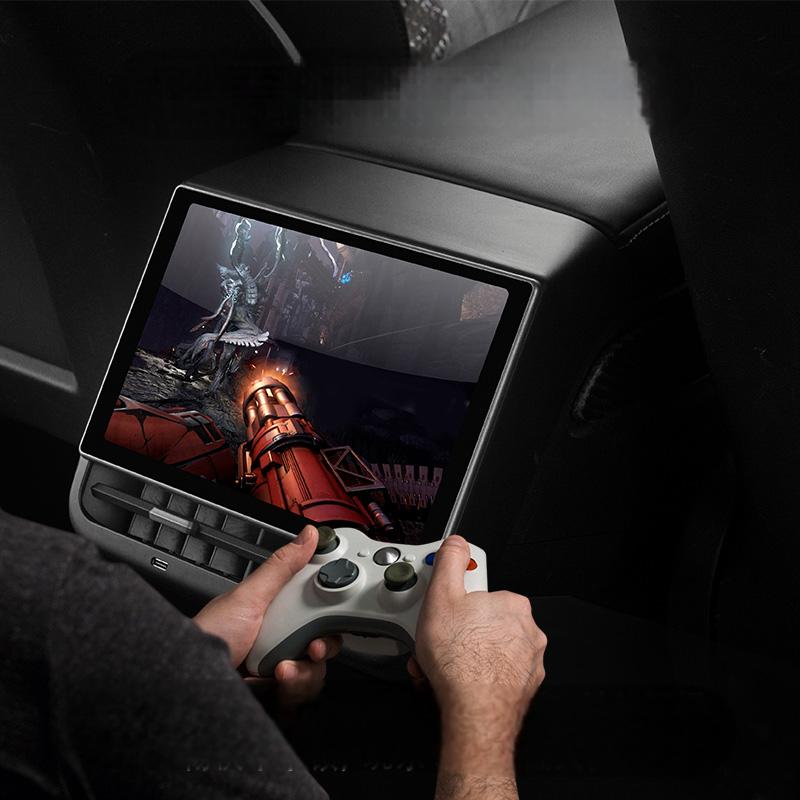
Rear Entertainment Interface
The screen provides an Android 12 interface for rear passengers. Entertainment access depends on apps, accounts, network availability and the installed software; pictured media is an illustration.
Choose CarPlay or Hotspot
CarPlay and the phone Wi-Fi hotspot cannot run together. Disconnect CarPlay and unpair the device in the phone’s Bluetooth settings before changing to the hotspot mode.
Conexión del vehículo
The supplier guide shows console-panel removal and a vehicle-specific harness connection before seating the display assembly.
Compatibilidad
| Modelo | Years / Version | Notas |
|---|---|---|
| Model Y | 2020–2025.03 | Select Model Y 2020 – 2025.03; original console version, before Juniper. |
| Model 3 | 2019–2023.10 | Model 3 2019 – 2023.10 version. |
| Model 3 | 2017–2019 | Model 3 2017 – 2019 version. |
Does not fit Highland or Juniper.
Especificaciones
| Tipo de producto | Android rear entertainment display |
|---|---|
| Compatible Models | Model Y 2020–2025.03 / Model 3 2019–2023.10 / Model 3 2017–2019 |
| Position / Location | Rear face of the center console, above the rear vent outlets |
| Tamaño de pantalla | 8.66 in (approximately 22 cm) diagonal |
| Sistema operativo | Android 12 |
| Conectividad | CarPlay and phone Wi-Fi hotspot; these modes cannot be used together |
| Control Method | Touchscreen; rear climate and equipped-seat control functions depend on vehicle hardware and software |
| Installation Type | Vehicle-specific console harness connection and fitted rear vent assembly |
Instalación
- Isolate vehicle power, then remove the relevant rear console trim and vent assembly.
- Connect only the matching harness and specified adapters at their intended connectors. Do not pull on wiring, bridge pins or alter the airbag or restraint wiring.
- Route and retain cables clear of panel clips, vent mechanisms and moving seats. Restore console panels and secure the display assembly at its specified mounting points.
- Restore power.
Conviene saber
Precaución
- CarPlay and phone Wi-Fi hotspot do not operate simultaneously. To use the hotspot, disconnect CarPlay and unpair this device in the phone’s Bluetooth settings.
- Highland and Juniper are outside the listed original-console options.
- Vehicle controls depend on existing hardware, firmware and supported interfaces. The display does not add heated seats or massage hardware to a vehicle that lacks them.
- Rear entertainment must not distract the driver; auto screen-off is not a driving-safety system.
Cuidado
- Clean the screen with a soft cloth and a screen-compatible product; do not spray liquid into the vents or connectors.
Preguntas frecuentes
Can CarPlay and the phone hotspot work together?
They cannot operate at the same time. Disconnect CarPlay and unpair the device in your phone’s Bluetooth settings before using the hotspot.
Does the display add massage or heated seats?
The screen does not add seat hardware. Seat commands require the corresponding installed equipment and support from the vehicle and display software.
Is cellular data service included?
No cellular data service is listed. Phone hotspot connectivity requires a compatible phone and its own network service.
How does it install?
The supplier guide shows rear console trim and vent removal, matched harness connection and seating of the replacement assembly.

 English
  German
  Spanish