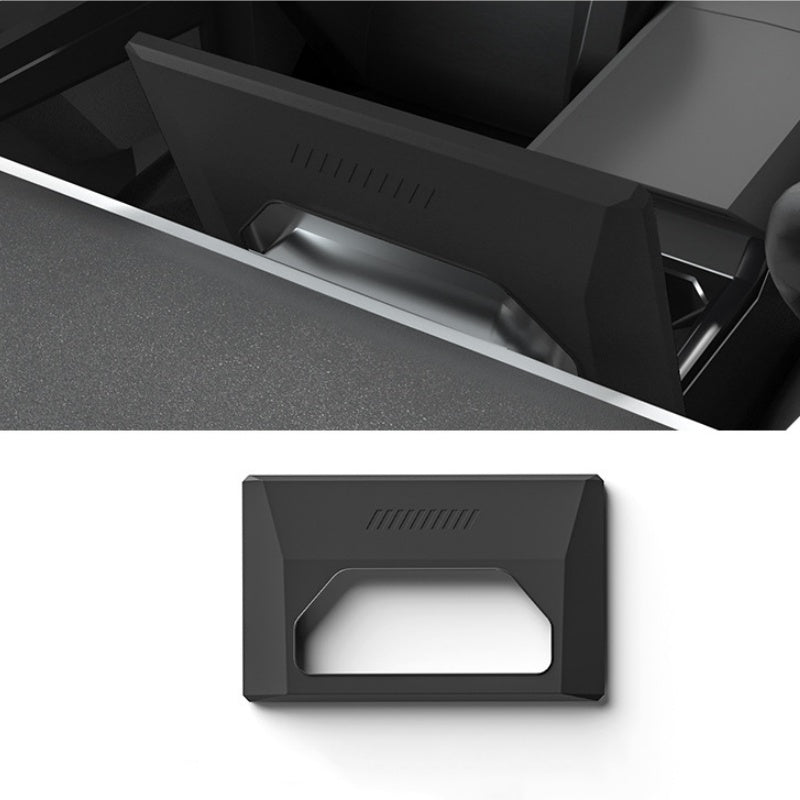
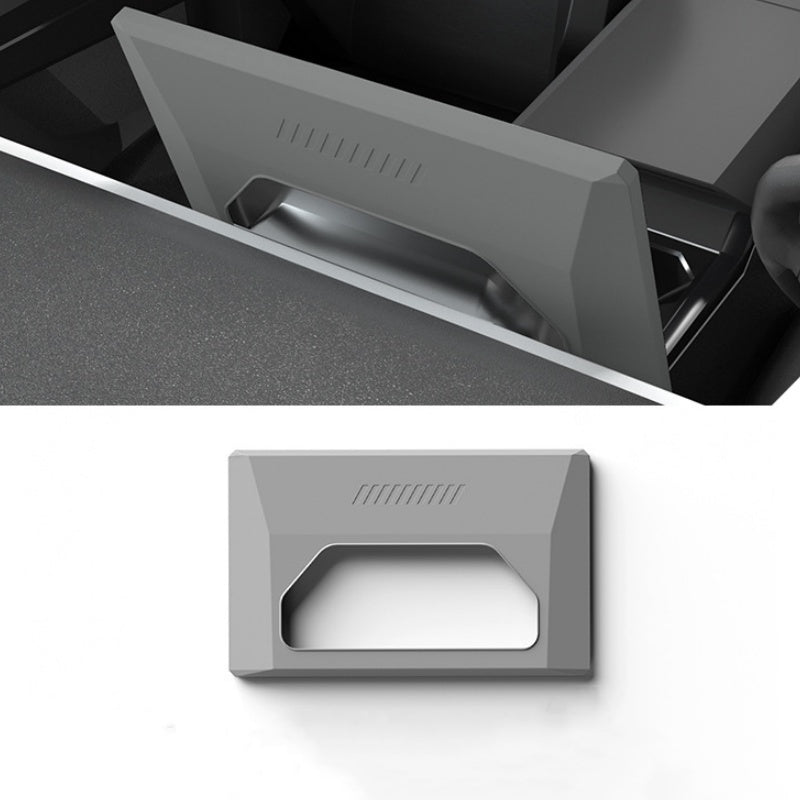
Silicone Frame for the Cybertruck Front Screen
Fit a silicone rim and back cover around the main front screen housing in your Cybertruck. The front opening leaves the touch display exposed, and the rear opening follows the screen mounting area. Choose a single frame in White, Black or Grey.
- Cybertruck 2024+
- Front Screen Housing
- Open Touch Surface
- Three Colors
Características principales
-
Front Display Location
The frame fits around the Cybertruck main front screen shown in the fitment photos.
-
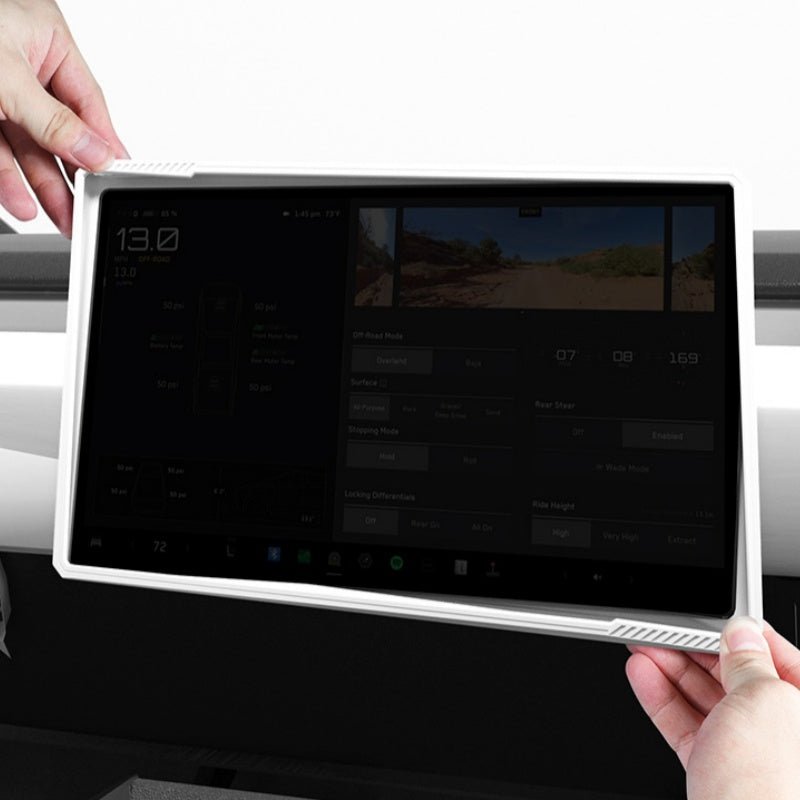
Open Touch Surface
The front opening leaves the display face exposed while the rim surrounds its edges.
-
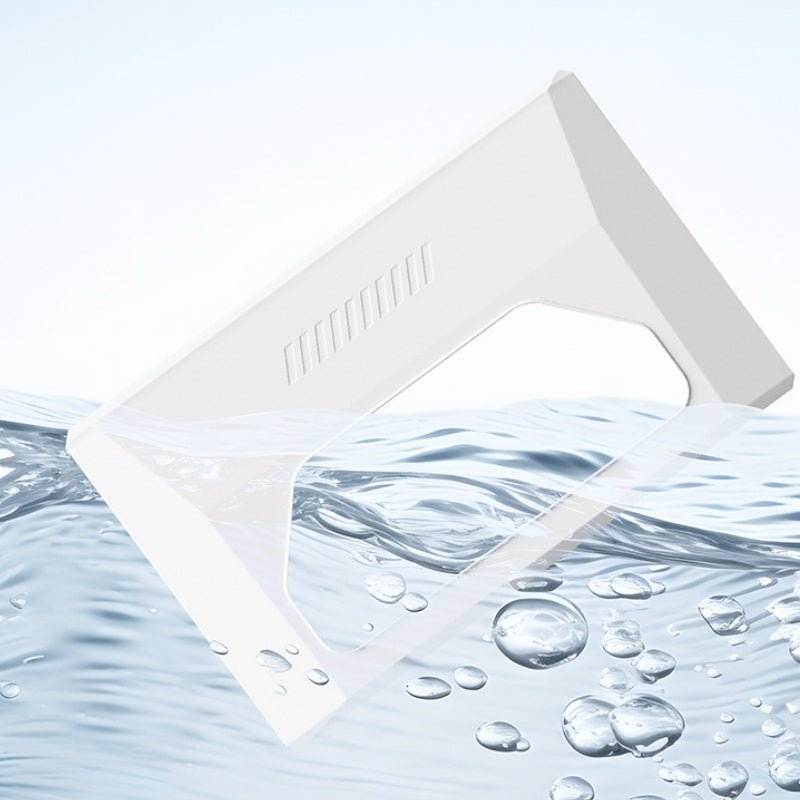
Silicone Construction
The flexible silicone covers the screen perimeter and back housing.
-
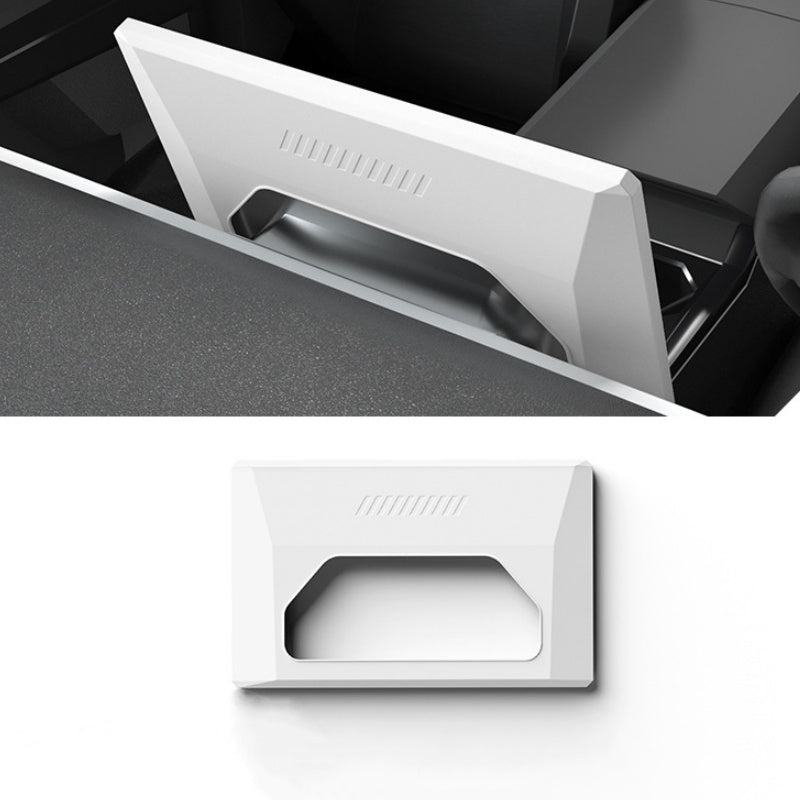
Rear Mount Opening
The back has an opening around the screen mounting area, visible in the product photos.
-
Slide-On Fit
Fit the frame gently around the matching screen housing without adhesive application.
-
Three Color Choices
White, Black and Grey are separate purchase options; select one color for the frame.
Aspectos destacados
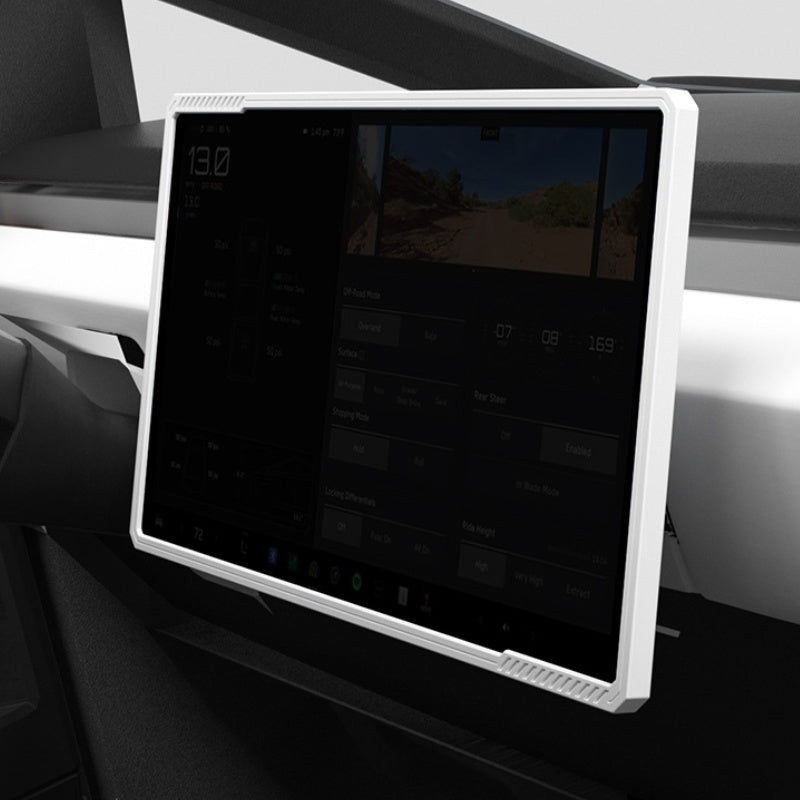
Open Around the Front Display
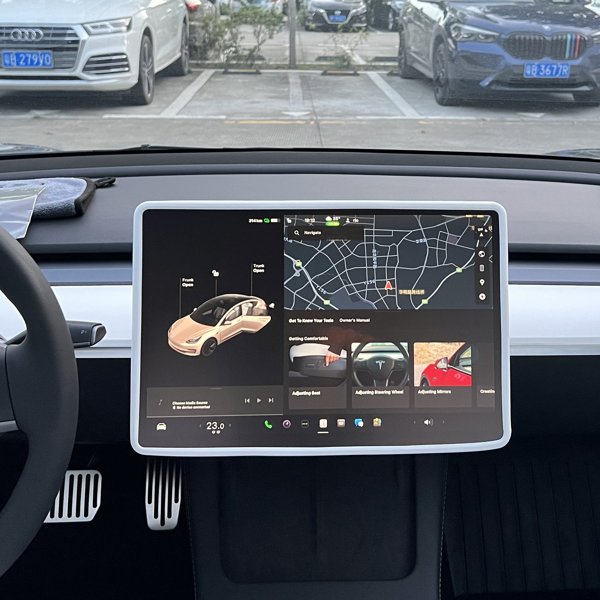
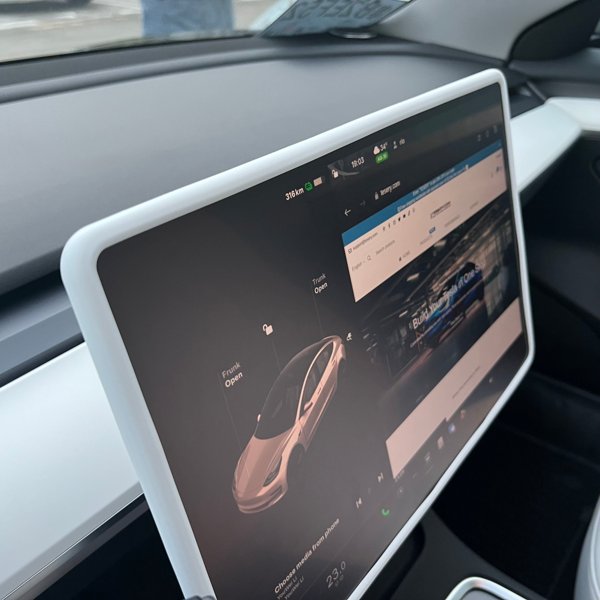
The White frame pictured surrounds the main front touchscreen while leaving the display face open.
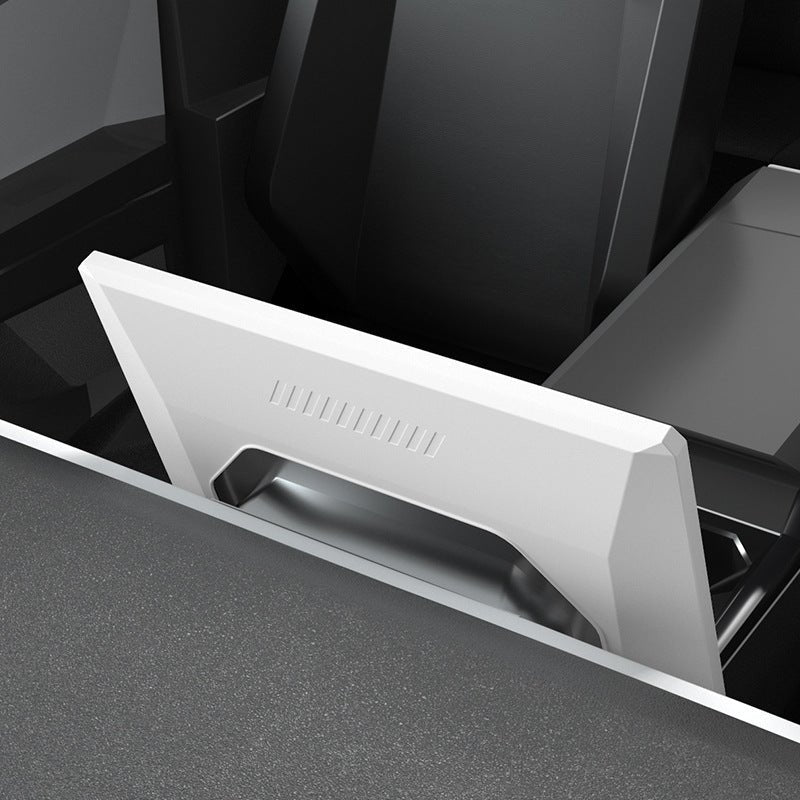
Back Housing and Mount Opening
The back view shows the silicone cover and opening around the screen mount. The frame seats evenly without trapping wiring or obstructing ventilation.
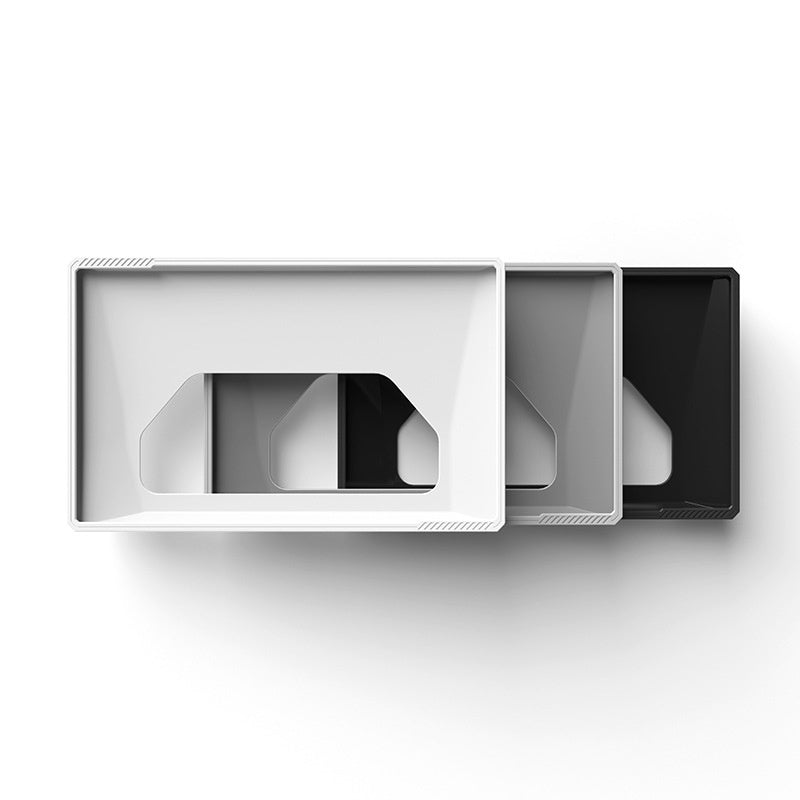
White, Black or Grey
The three frames shown illustrate the separate color choices. Each purchase option is for the selected color.
Gently Fit the Silicone Edges
Slide the frame onto the housing without pushing on the glass or pulling against the mount.
Compatibilidad
| Modelo | Years / Version | Notas |
|---|---|---|
| Cybertruck | 2024+ | Main front screen housing. |
Fits the Cybertruck 2024+ main front screen housing; the display face and ventilation stay clear.
Especificaciones
| Tipo de producto | Silicone frame and back cover for the front display |
|---|---|
| Compatible Models | Tesla Cybertruck, 2024 onward |
| Position / Location | Perimeter and back housing of the main front touchscreen |
| Material | Silicone |
| Color | White, Black or Grey |
| Cantidad | One frame in the selected color |
| Installation Type | Slide-on fit around the original screen housing |
What's in the Box
- 1×Silicone frame in the selected color
Instalación
- Park the vehicle and clean dust from the housing with a soft cloth. Orient the frame to the rear mount opening.
- Fit the silicone gently over the housing edges, supporting the frame without forcing the screen or its mount.
- Seat the rim evenly around the perimeter.
Conviene saber
Precaución
- Do not force the frame, push on the glass or strain the screen mount. Stop if it does not seat evenly.
- Keep the display face, housing ventilation paths, sensors and wiring clear.
- The silicone frame does not provide shatterproof or drop-proof protection for the touch glass.
Cuidado
- Remove the frame from the screen housing before washing it.
- Clean the separate silicone frame with mild soap and water, rinse and dry completely before refitting.
- Keep water away from the display, electronics and mount. Remove trapped dust before returning the dry frame.
Preguntas frecuentes
Which screen is it for?
The main front touchscreen housing in the Cybertruck, as shown in the fitment photos.
Does it cover the touch glass?
No. The front opening leaves the display exposed; the silicone surrounds the perimeter and back housing.
Are all three colors supplied together?
No. White, Black and Grey are separate options. Select one color for the frame.
Is adhesive needed?
The frame uses a slide-on fit around the matching housing. Fit gently and stop if the shape does not align.
Can I wash it while it is on the screen?
Remove the frame first. Wash the silicone separately, dry it completely and keep all water away from the screen and electronics.




 English
  German
  Spanish