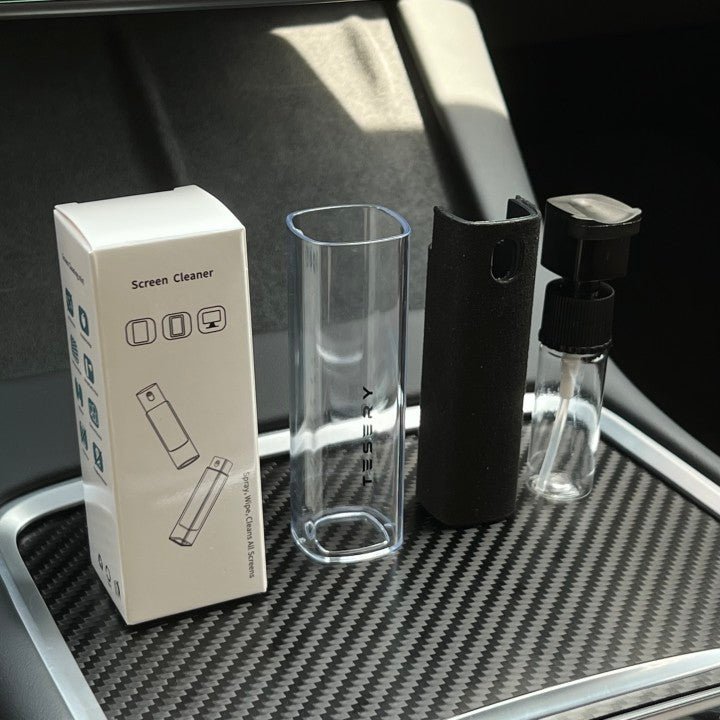
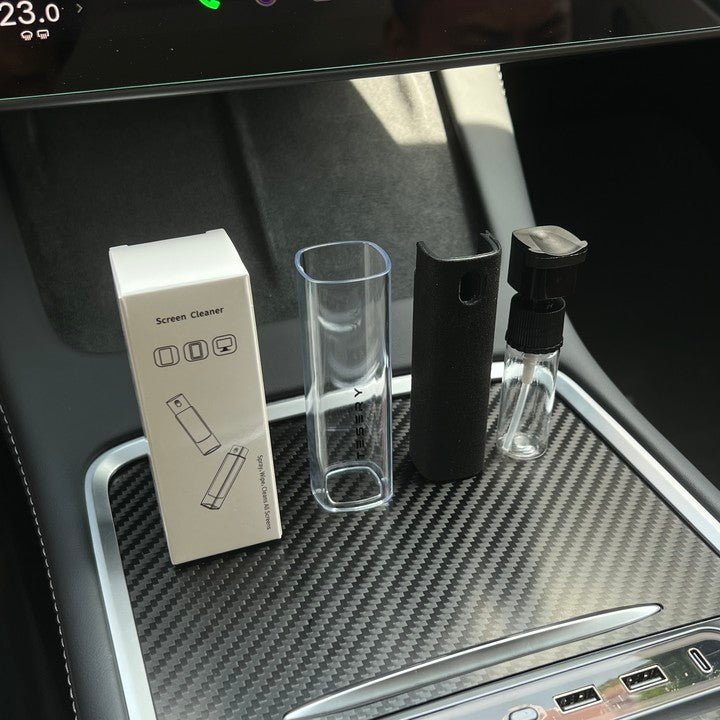
A Microfiber Tool for Everyday Screen Care
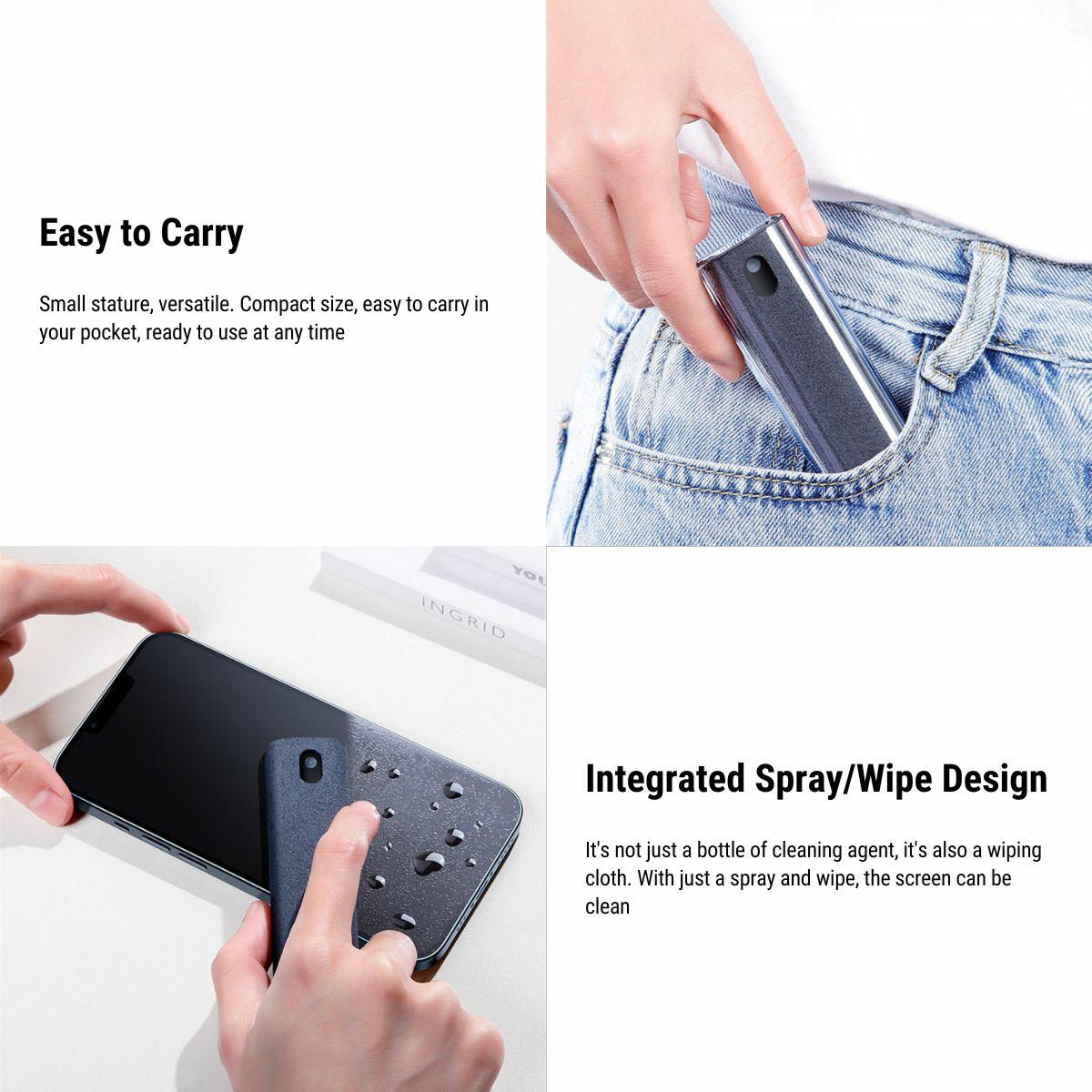
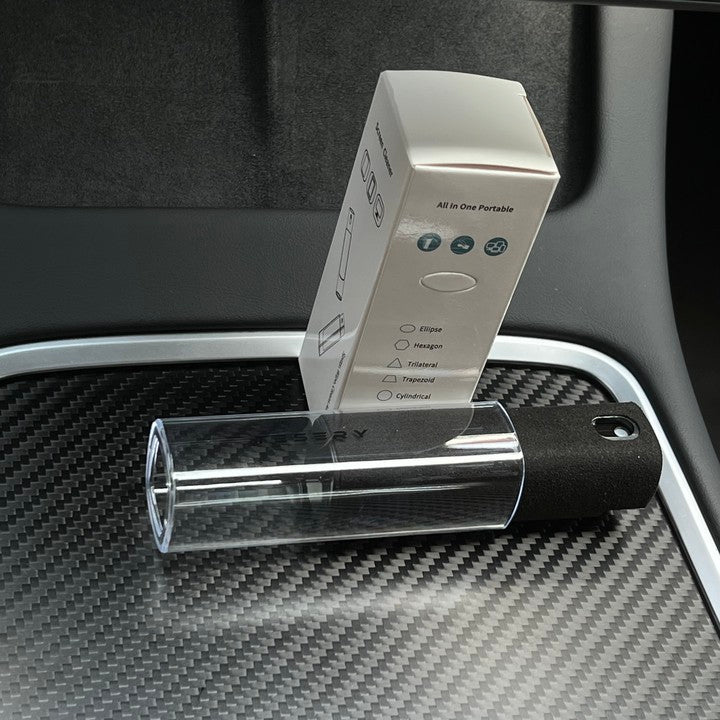
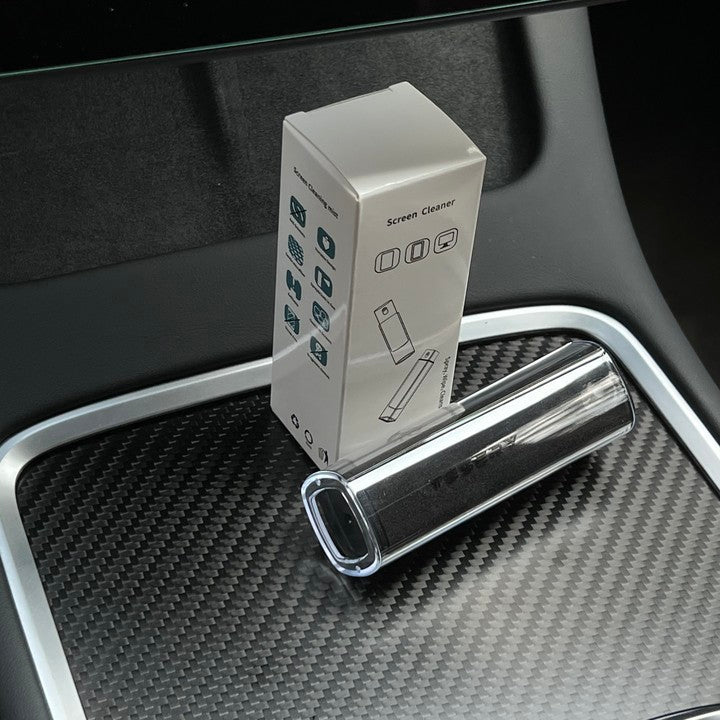
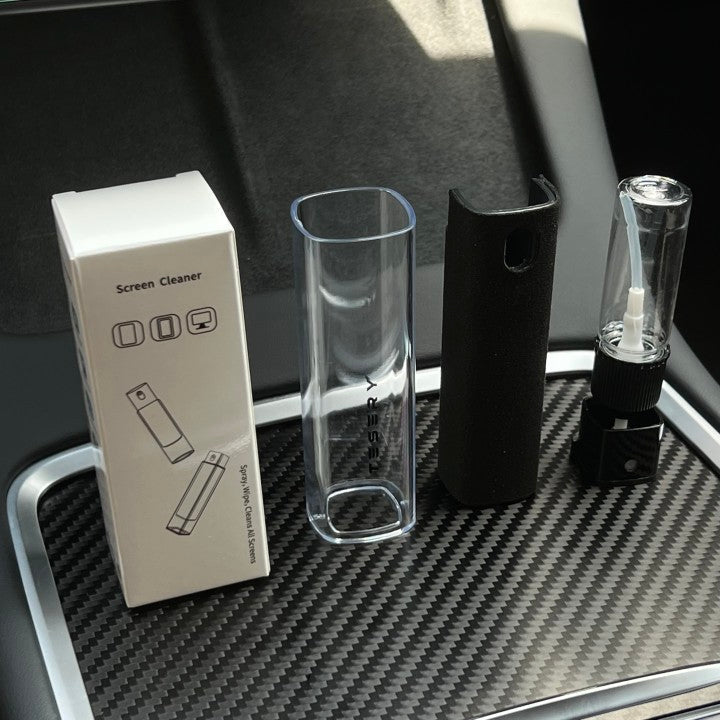
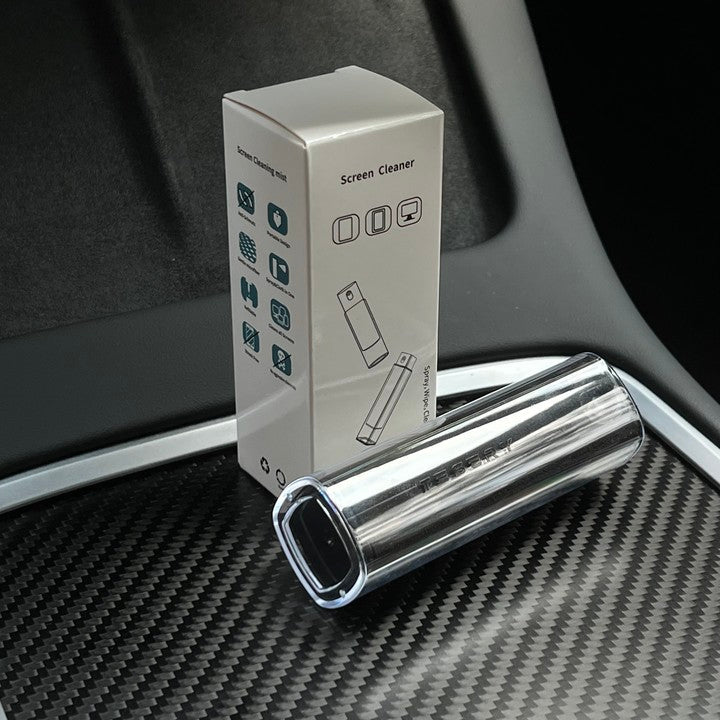
This Black screen cleaner uses a microfiber surface for gentle wiping of dust and fingerprints. Its described phone-stand use is for a stable flat surface while parked. Follow the screen manufacturer cleaning instructions and keep the microfiber clean before each use.
- Microfiber Surface
- Black Option
- Reusable Care
- Portátil
Características principales
-
Microfiber Surface
A fabric surface for gently wiping dust and fingerprints
-
Dry Wiping
The described cleaning method uses the microfiber surface without spraying the display
-
Phone-Stand Use
Place on a flat surface to support a phone in the groove
-
Reusable Surface
Clean and fully dry the microfiber before the next use
-
Black Selection
One Black option is available
-
Portable Tool
Store the cleaner in a clean, dry console or bag after use
Aspectos destacados
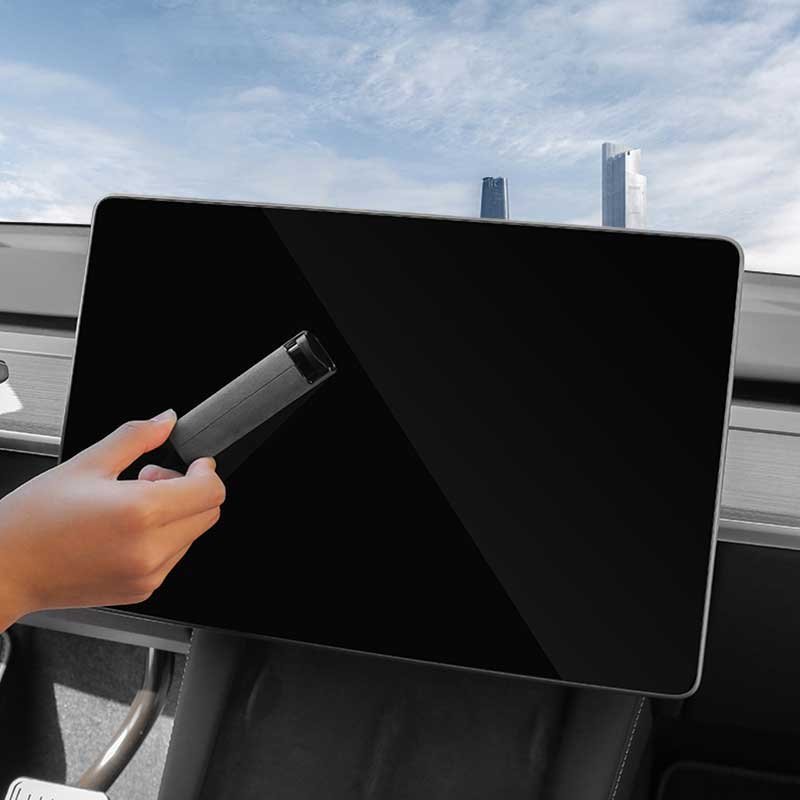
A Microfiber Face for Gentle Wiping
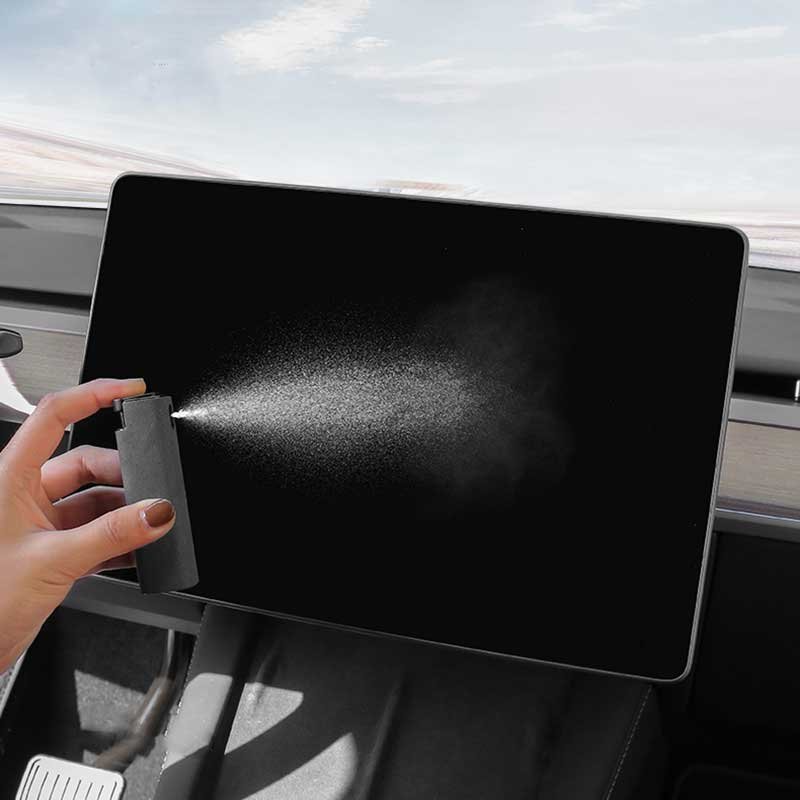
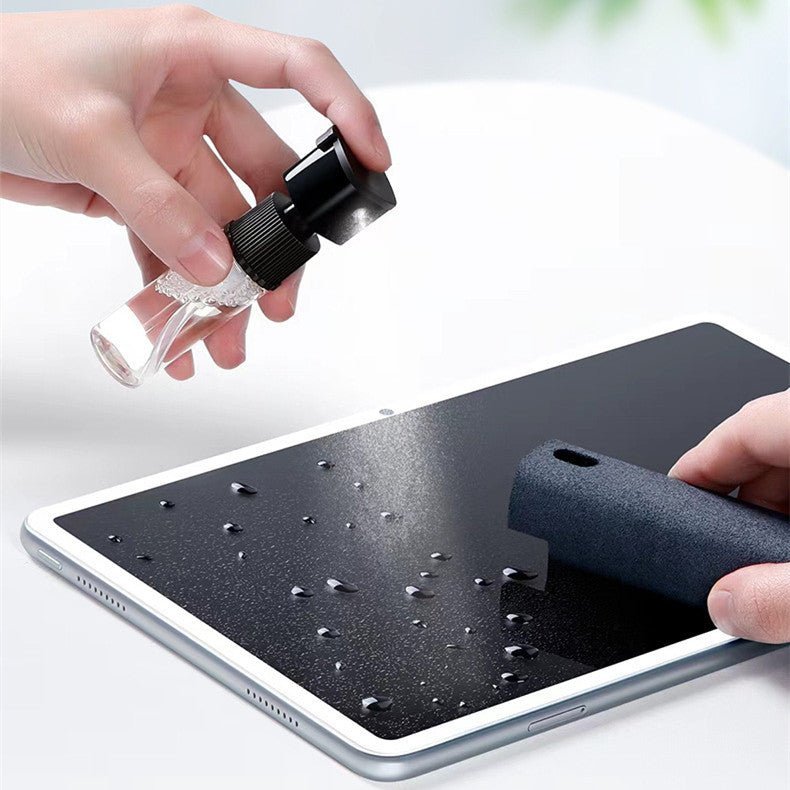
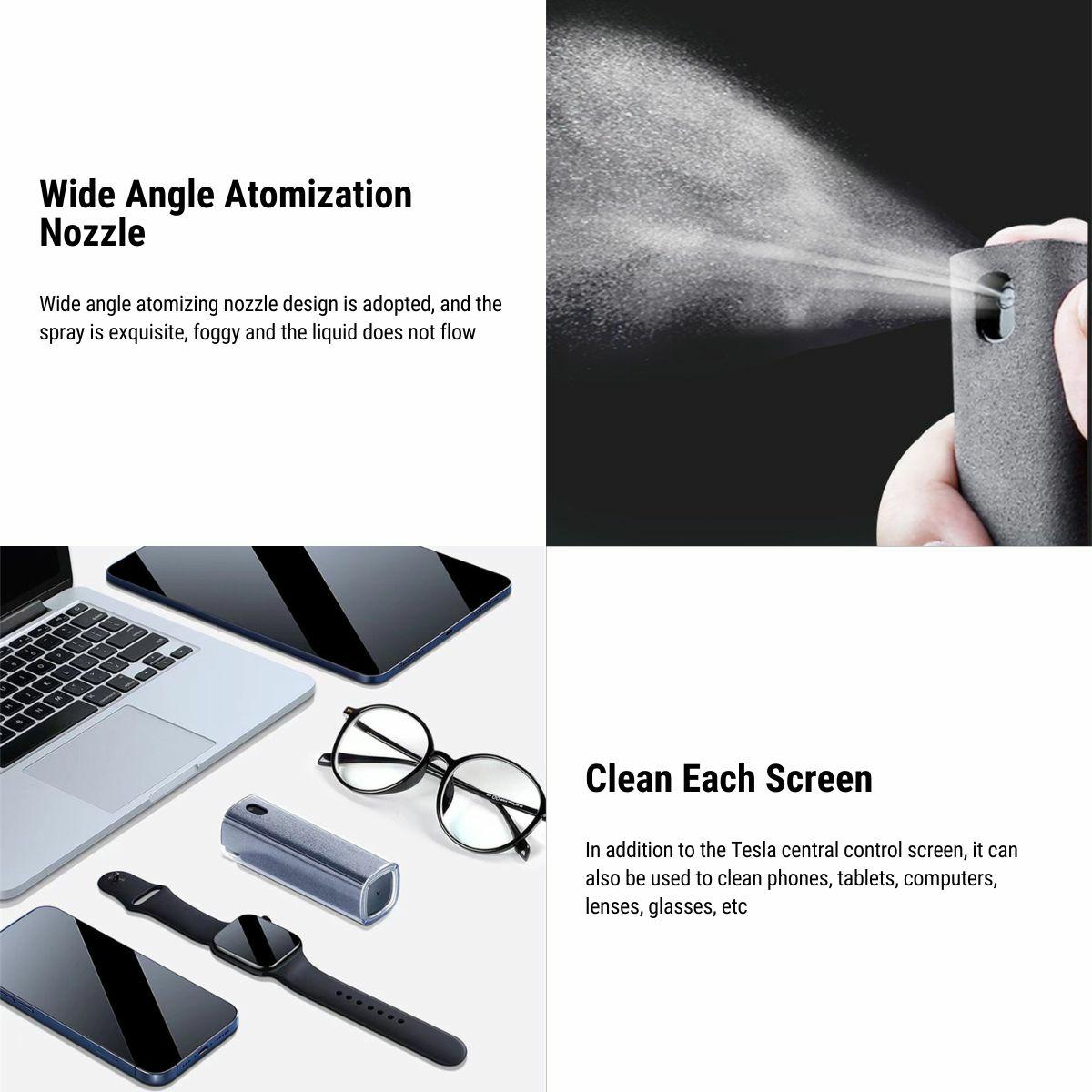
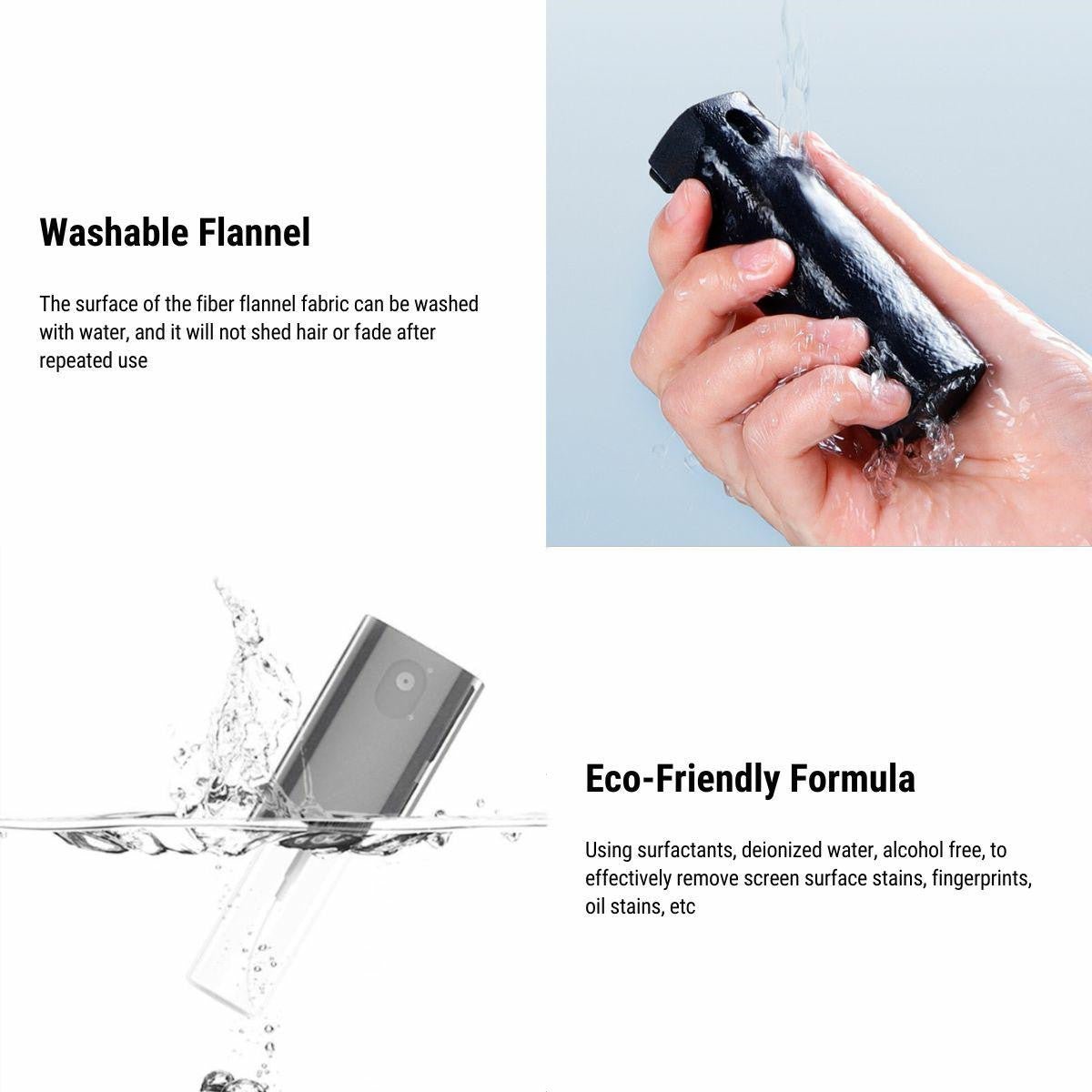
The use view shows the fabric-covered cleaning face against a display. Wipe gently with a clean surface. The photograph illustrates wiping, not spray use, scratch-free performance or the unshown phone-stand structure.
Compatibilidad
| Modelo | Years / Version | Notas |
|---|---|---|
| Display and phone use | Screens and phones | Follow the display cleaning guidance. |
This is a portable cleaning tool, not a permanently installed vehicle phone mount.
Especificaciones
| Tipo de producto | Screen cleaner with phone-stand use |
|---|---|
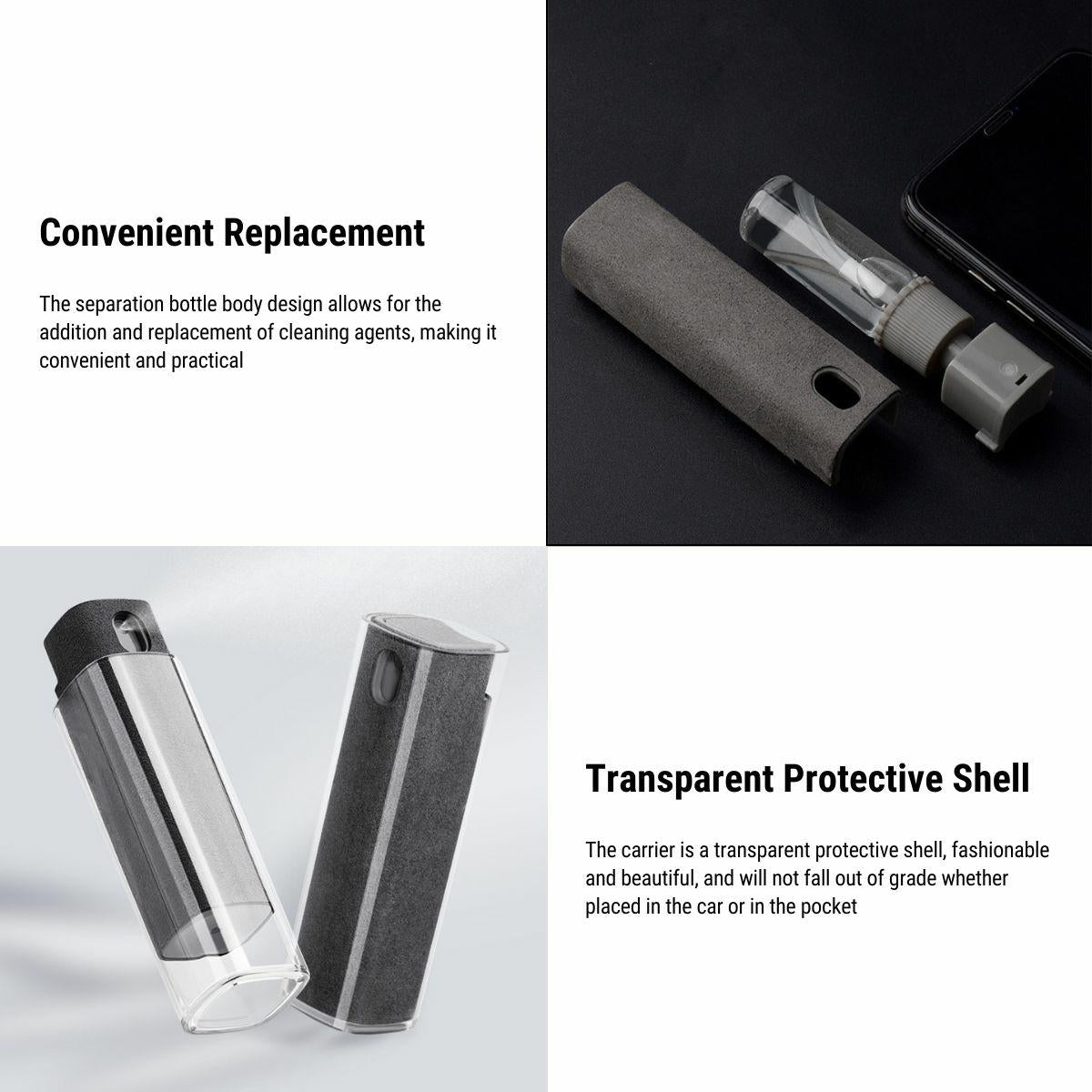
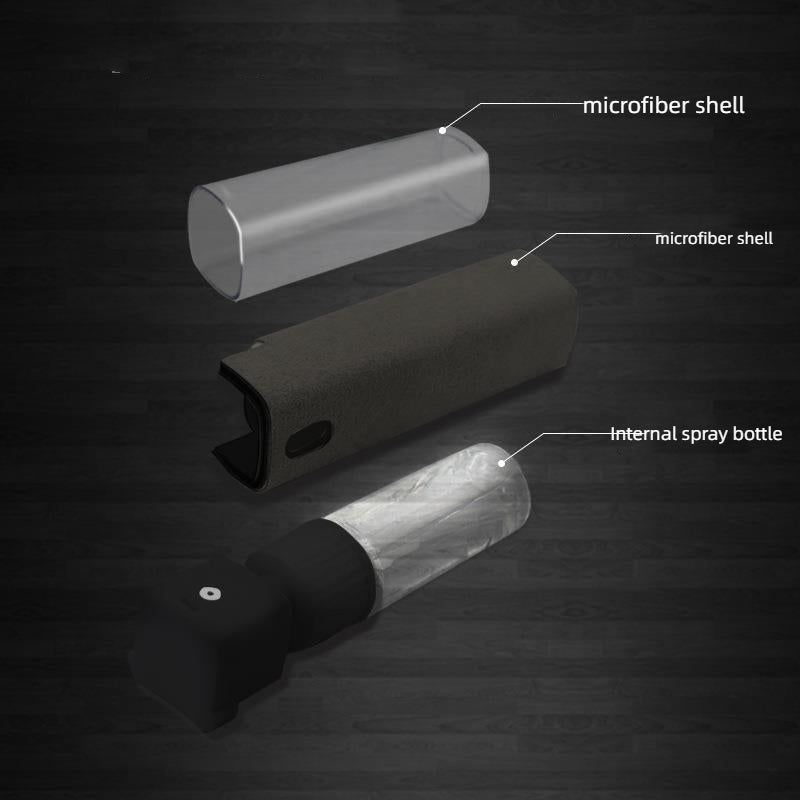
| Material | Microfiber cleaning surface with PC shell |
| Color | Negro |
| Cantidad | 1 cleaner |
| Care Instructions | Hand-clean the microfiber surface; rinse and air dry fully; no fabric softener or machine washing |
| Peso del envío | 60 g (2.1 oz) |
| Método de limpieza | Gentle wiping with the clean microfiber surface; follow the screen manufacturer instructions |
What’s in the Box
- 1 screen cleaner
Conviene saber
Precaución
- Follow the display manufacturer cleaning instructions. Scratch-free results are not claimed for every coating.
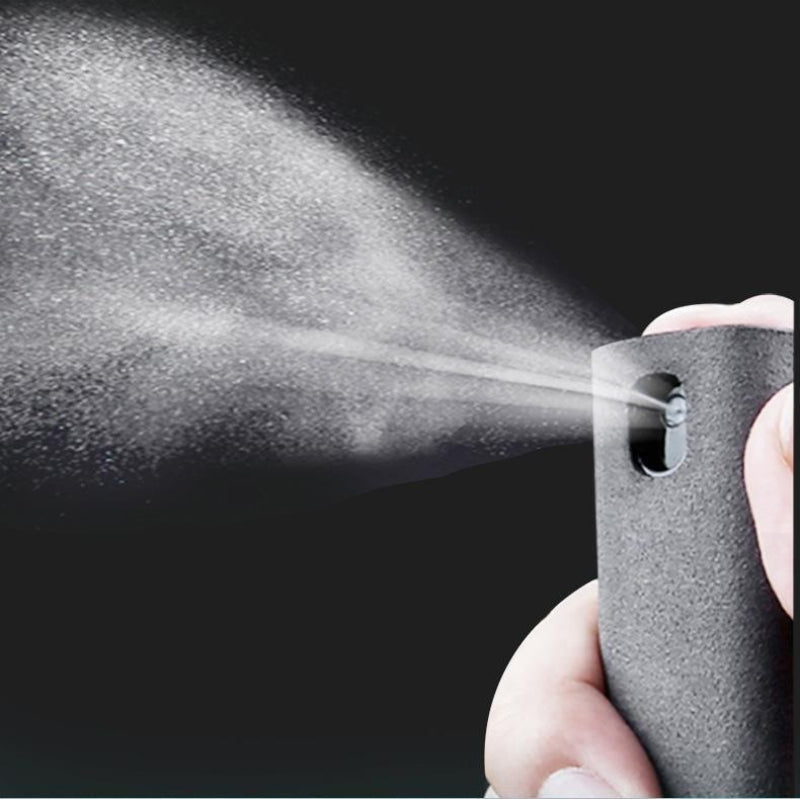
- Do not spray liquid directly onto a display or its edges. The dry-wiping description does not establish the contents of any separate bottle or a certified chemical formula.
- Use phone-stand support only on a stable flat surface while parked. It is not a secured driving mount.
- Clean only the microfiber surface as instructed. Do not machine wash the PC shell or use fabric softener; air dry completely before reuse.
Cuidado
- Hand-clean the microfiber surface with mild soap and water, rinse thoroughly and air dry fully before reuse. Avoid fabric softener and machine washing.
- Store the cleaner in a clean, dry location. Replace the fabric surface when worn or when embedded debris cannot be removed.
Preguntas frecuentes
How should I wipe a display?
Use a clean microfiber surface and light pressure, wiping in circular motions or straight lines.
Does it guarantee no scratches or streaks?
No. Results depend on the screen coating and cloth condition.
Should I spray the display?
Do not spray liquid directly on the display or edges. Follow the display manufacturer instructions and the described dry-wiping method.
How do I clean the microfiber?
Hand-clean with mild soap and water, rinse and air dry fully. Avoid fabric softener and do not machine wash the PC shell.
How do I use the phone-stand feature?
While parked, place it on a stable flat surface with the phone in the groove. It is not a secured driving mount.


 English
  German
  Spanish