USB-Rechargeable LED Door Sill Plates for Cybertruck
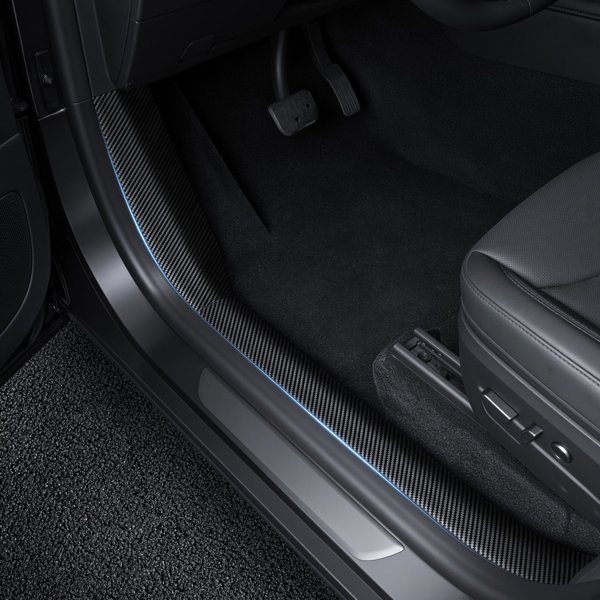
Add illuminated decoration to the Cybertruck entry sill with a translucent acrylic LED plate. A button selects seven light colors and additional modes, and the light recharges over USB.
- Cybertruck 2024+
- Seven Light Colors
- Acrylic Plate
- USB Rechargeable
Key Features
-
Seven Light Colors
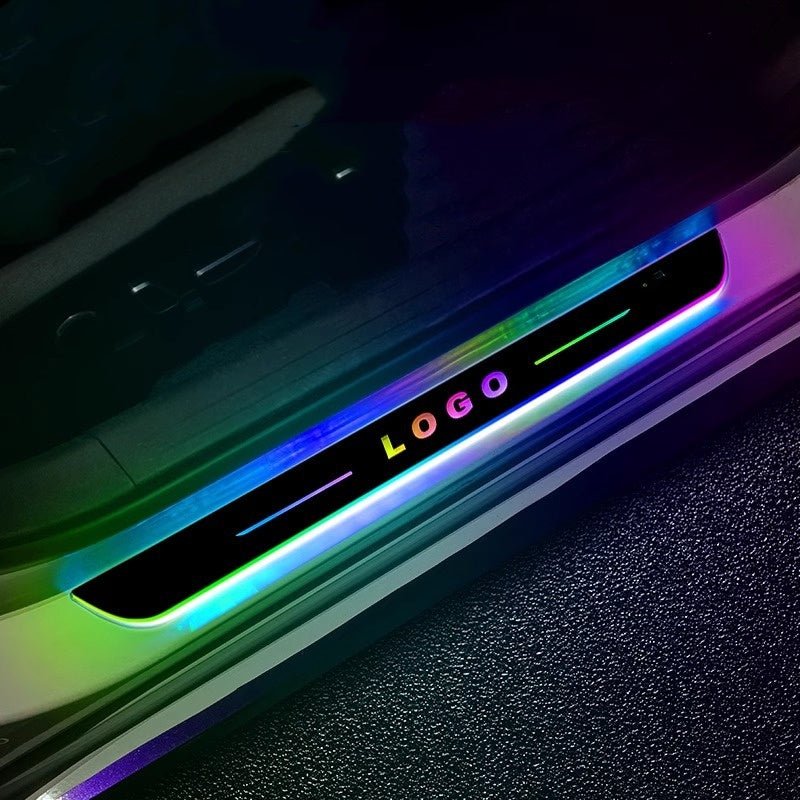
A button changes between seven colors, with additional lighting modes for the illuminated sill decoration.
-
Acrylic Plate
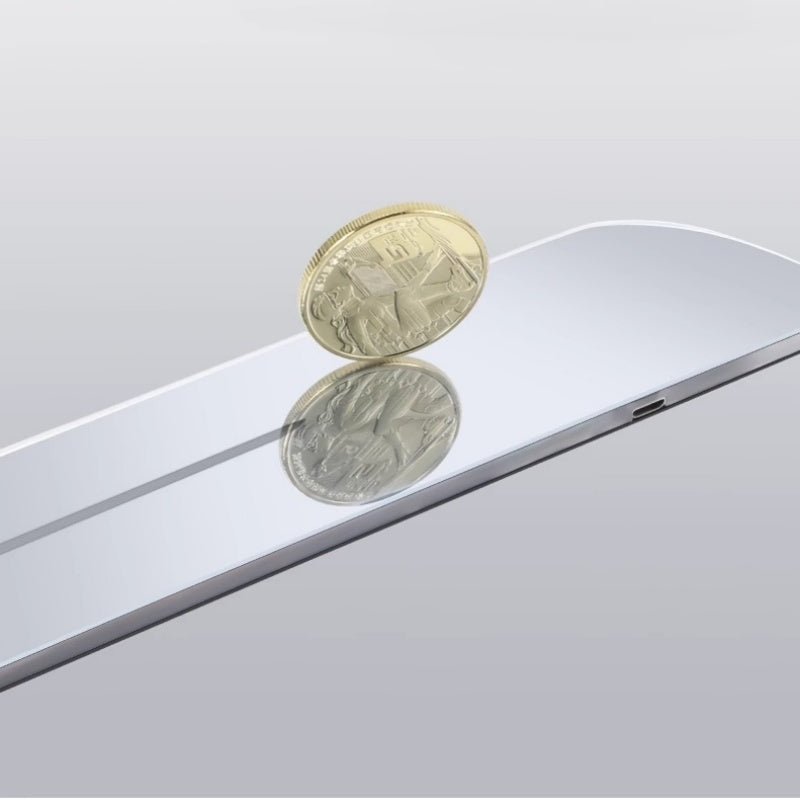
The translucent acrylic plate provides a decorative overlay at the entry sill.
-
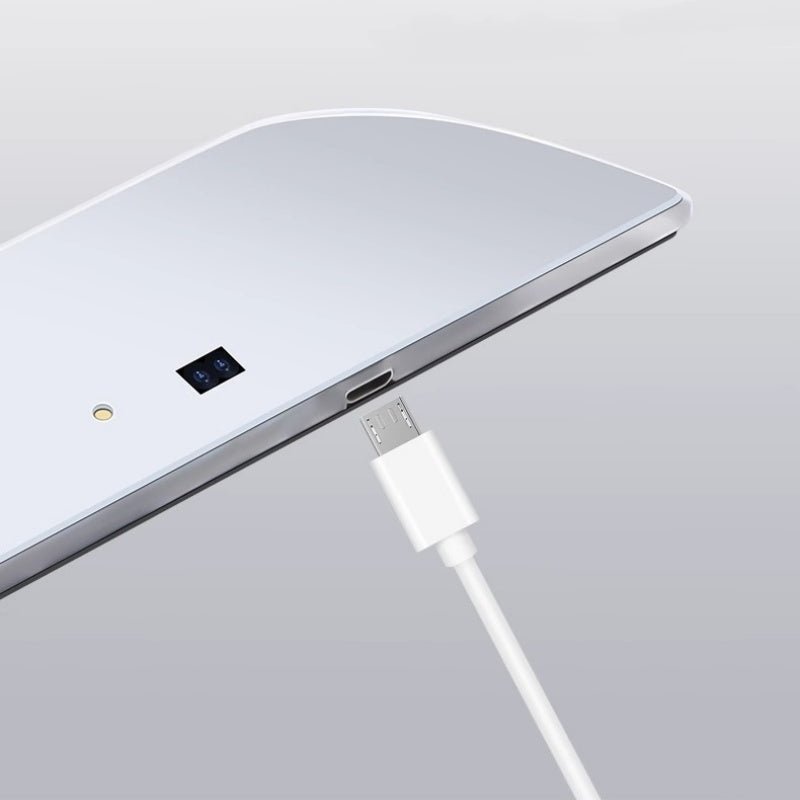
USB Recharging
The lights recharge over USB.
-
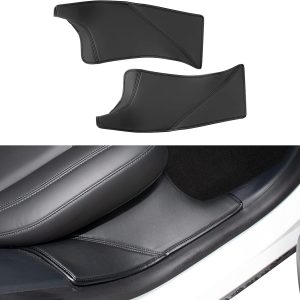
Cybertruck Sill Placement
The plate sits on the sill contour; the door closes fully over it.
-
Lettering
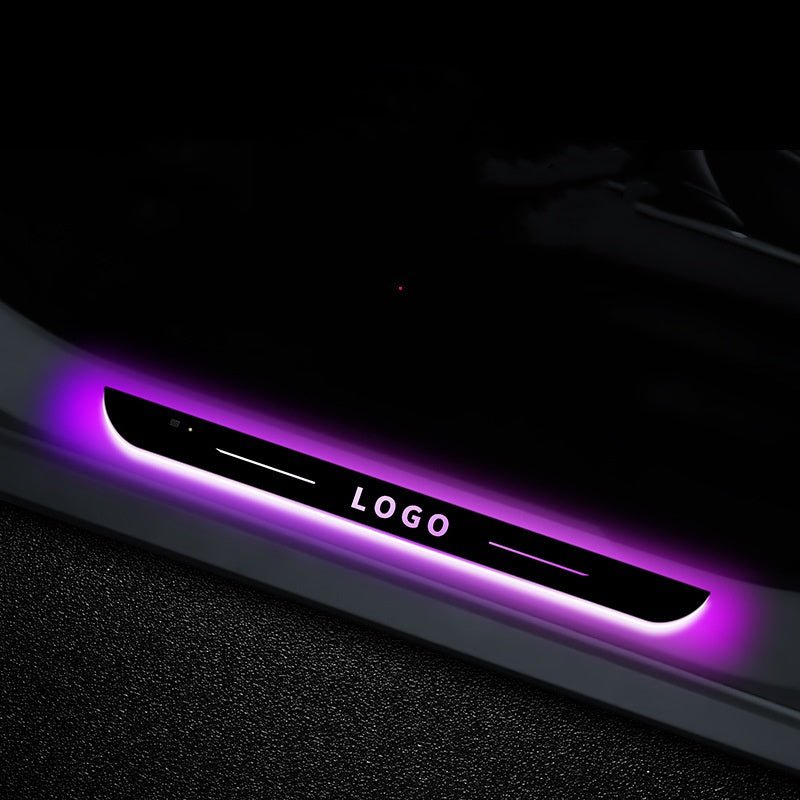
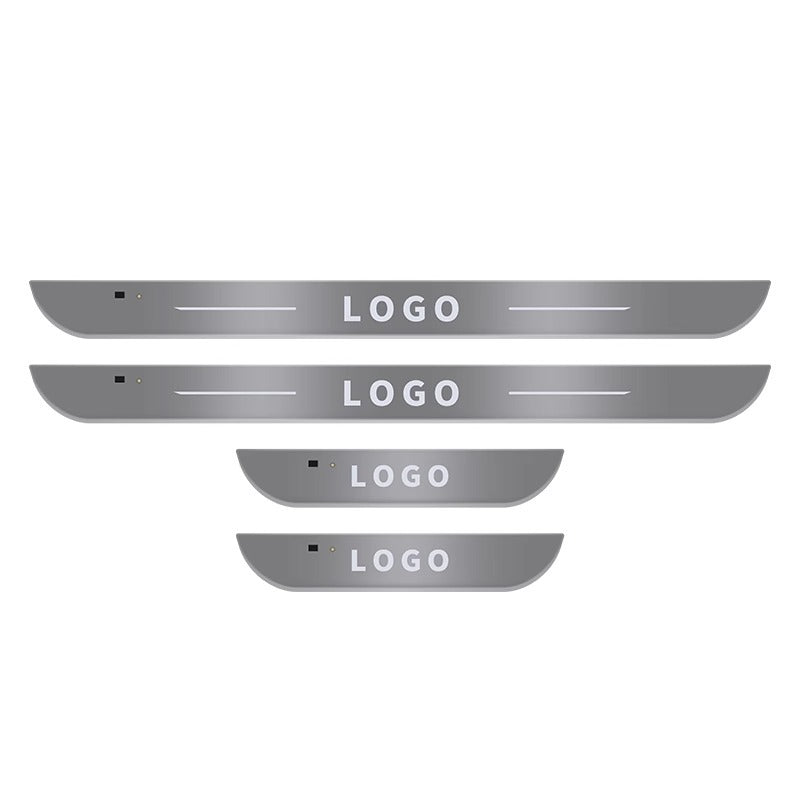
Lighting examples use generic LOGO lettering.
Highlights
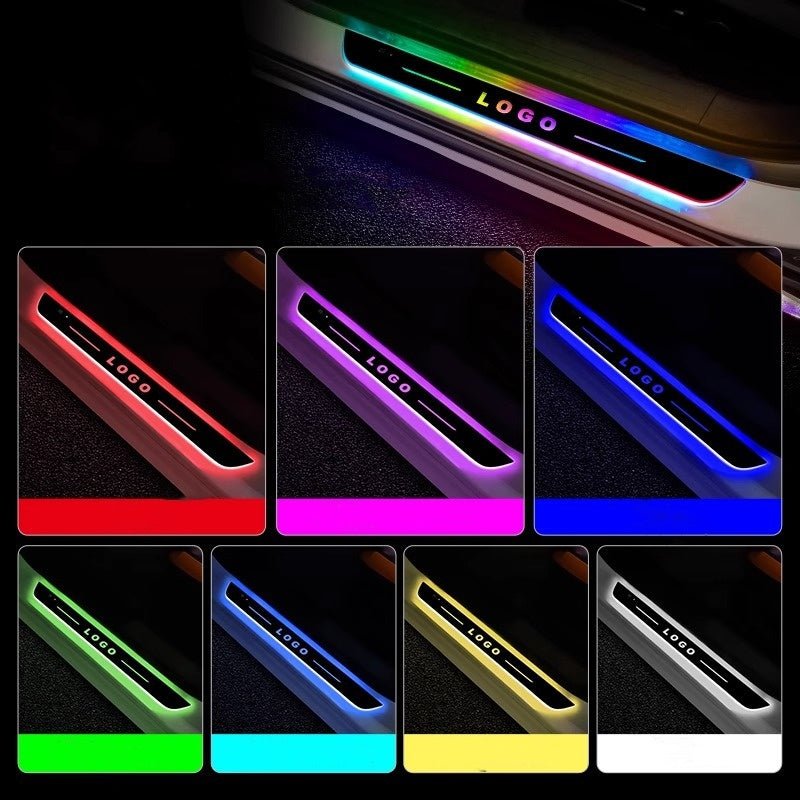
Seven Colors and Lighting Modes
The button lets you switch colors and lighting modes. The examples show different illuminated appearances with generic LOGO lettering.
USB-Rechargeable Lights
Charge through the actual port with a matching cable and the specified USB supply. Keep the charging area dry and follow the product instructions for charging and normal operation.
Fit the Sill and Magnet Arrangement
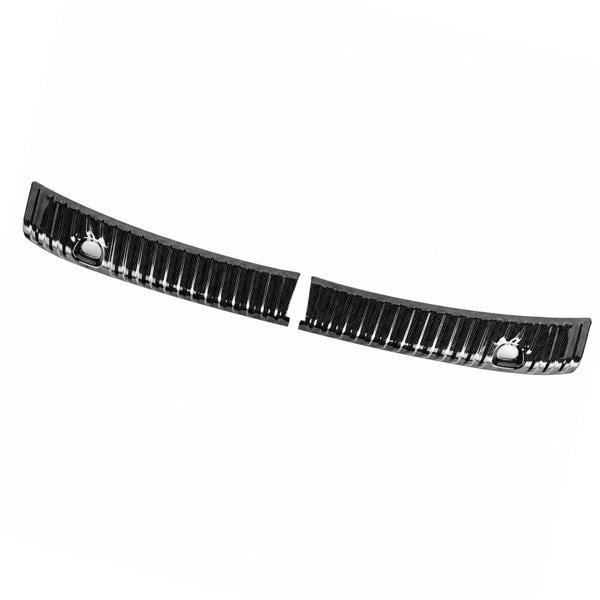
The plate contour follows the Cybertruck sill and stays clear of the seals and latch.
Compatibility
| Model | Years / Version | Notes |
|---|---|---|
| Cybertruck | 2024+ | Door sill overlay. |
Fits the Cybertruck door sill. Plate count and the doors covered are not specified.
Specifications
| Product Type | LED illuminated door sill plate |
|---|---|
| Compatible Models | Tesla Cybertruck (2024+); actual sill dimensions and door clearance must match |
| Position / Location | Entry door sill |
| Material | Translucent acrylic plate |
| Input | USB charging |
| Light Source | LED |
| Lighting Modes | Seven selectable colors with additional modes |
| Control Method | Color-switch button; magnet and sensor setup per the product instructions |
| Shipping Weight | 200 g (approximately 0.44 lb) |
Installation
- Park the vehicle and position the unmounted plate on the sill.
- Charge the light using a cable and USB supply that match its actual charging port and rating. Keep the charging area dry.
- Clean and dry the mounting area with a method suitable for that trim. Fit the plate and any magnet parts with the specified method.
- Press and hold the light control for approximately three seconds to activate it, following the product instructions. Test color selection and door-trigger operation.
Good to Know
Caution
- Keep the charging port dry. Do not immerse the plate or direct a pressure washer at it.
Care
- Wipe with a soft, slightly damp cloth and dry the plate and charging area. Avoid abrasive cleaners, immersion and pressure washing.
- Stop using a damaged plate, swollen battery or overheated charging connection.
FAQ
How many colors does it have?
A button changes between seven light colors, with additional lighting modes. Follow the actual product instructions for mode selection.
Does it need to be wired into the vehicle?
The lights recharge over USB. Use the specified charging cable and supply; do not splice into vehicle wiring to power the plate.
Do the pictures establish the supplied logo and piece count?
No. The lighting photos use generic LOGO lettering.

 English
  German
  Spanish