
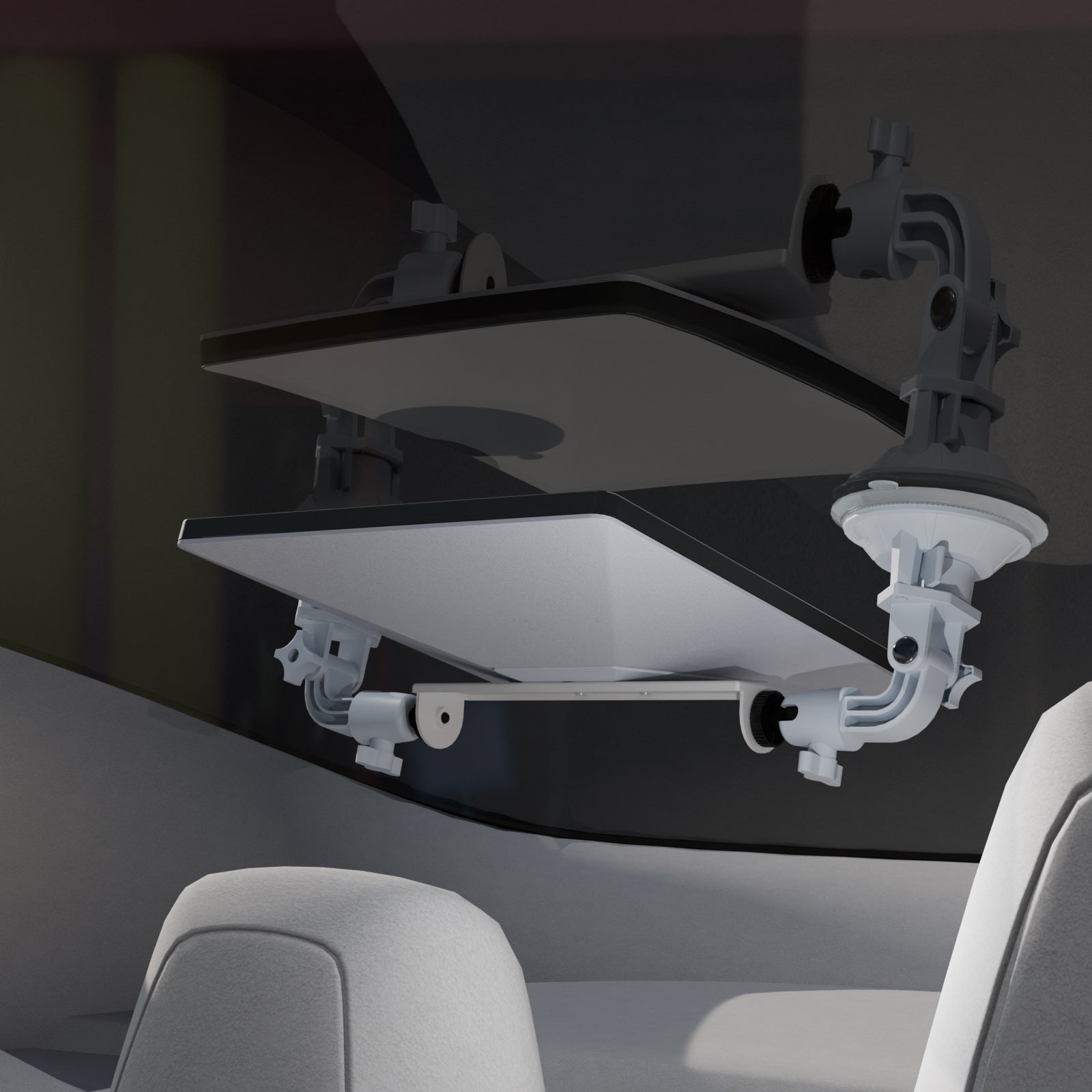
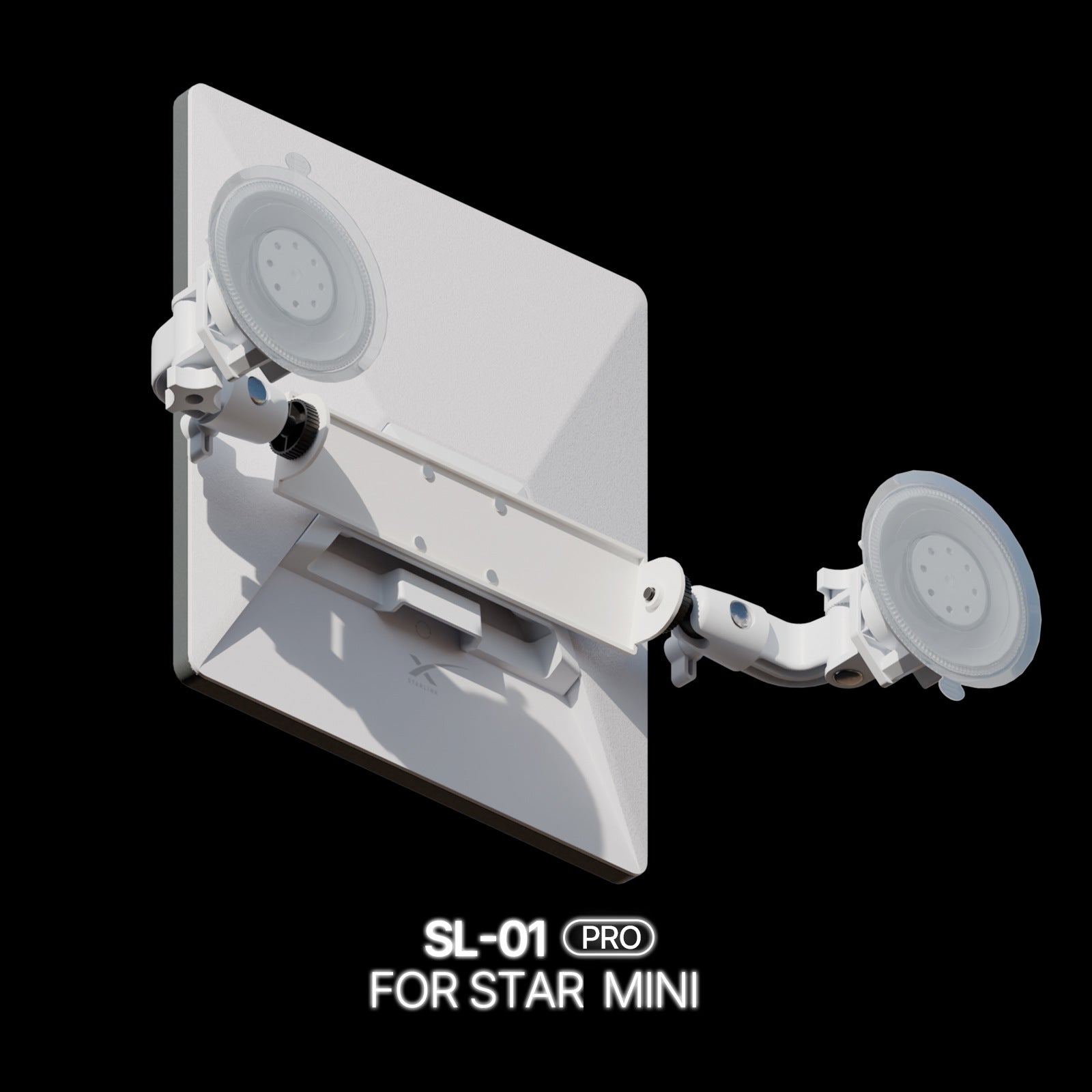

A Dual-Suction Mount for a Parked Starlink Mini Setup
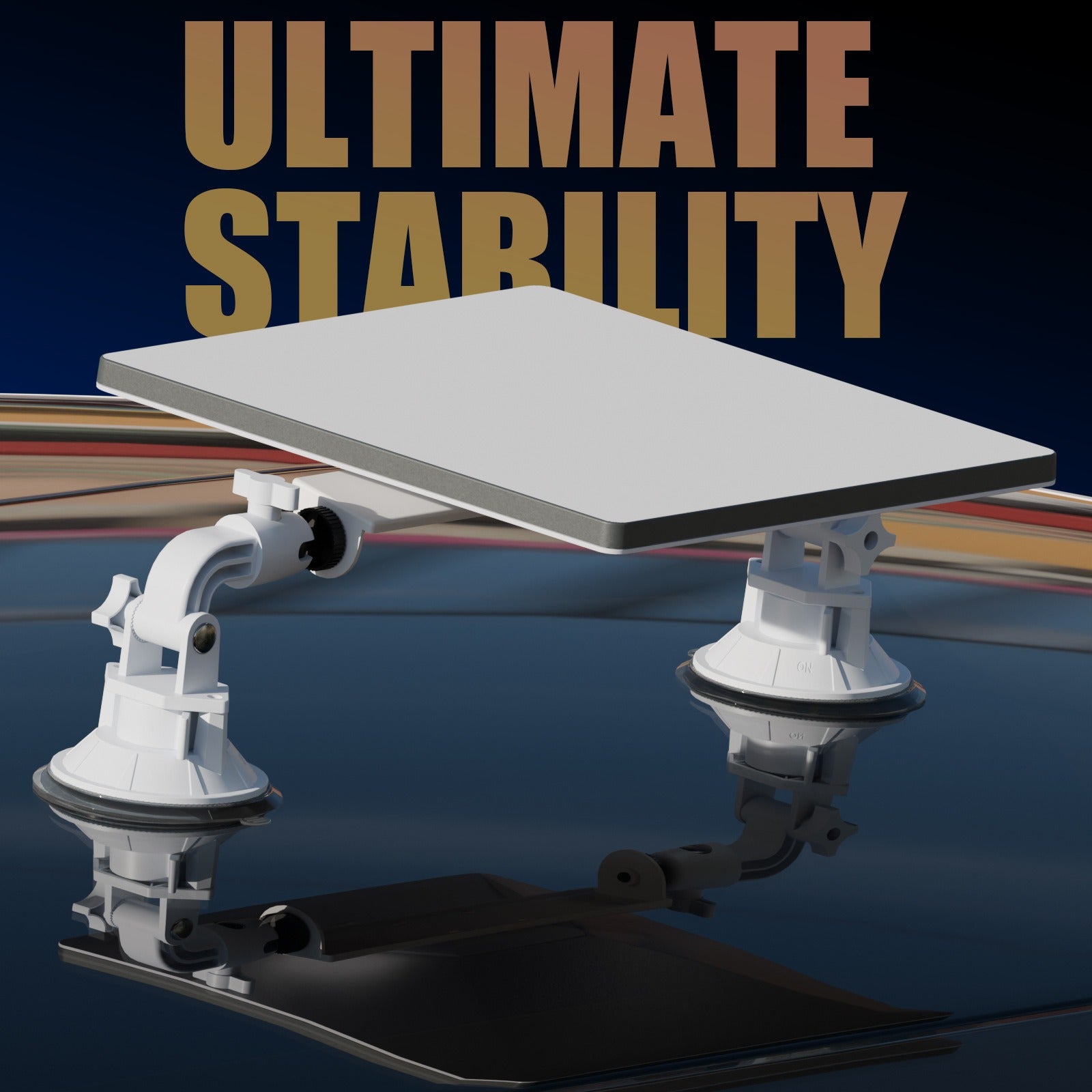
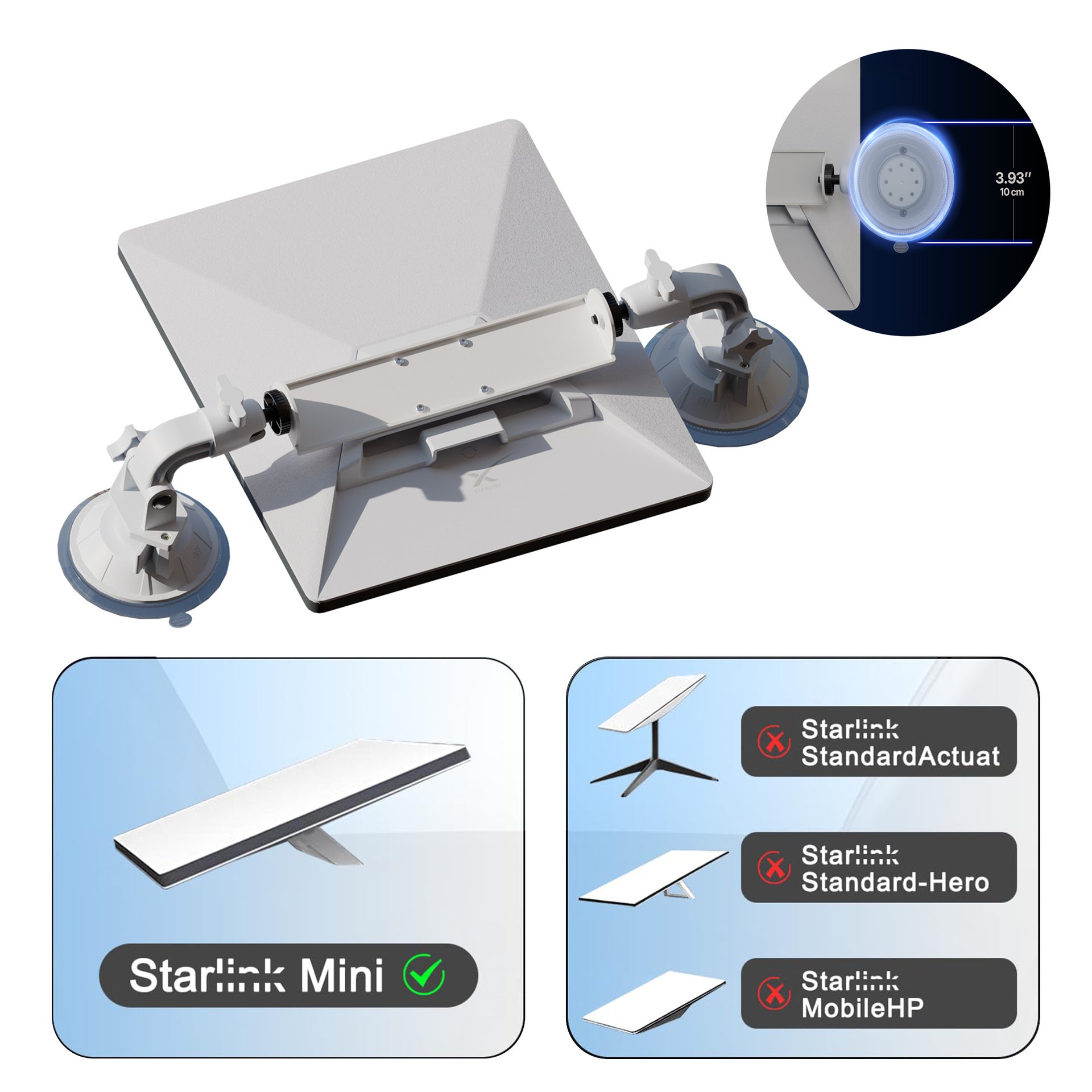
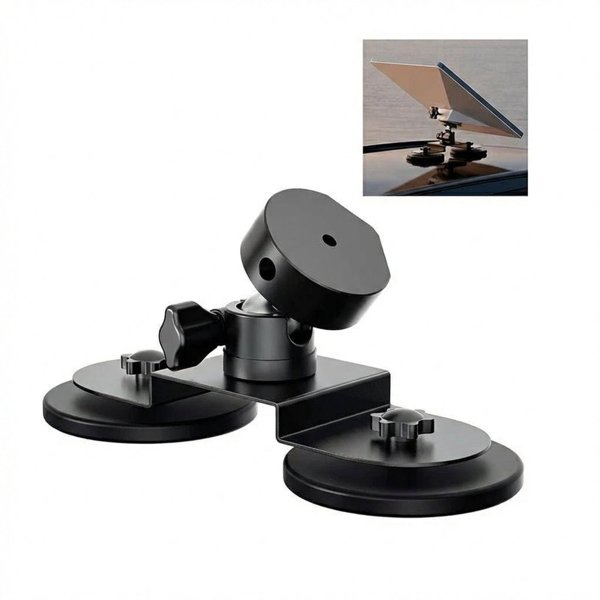
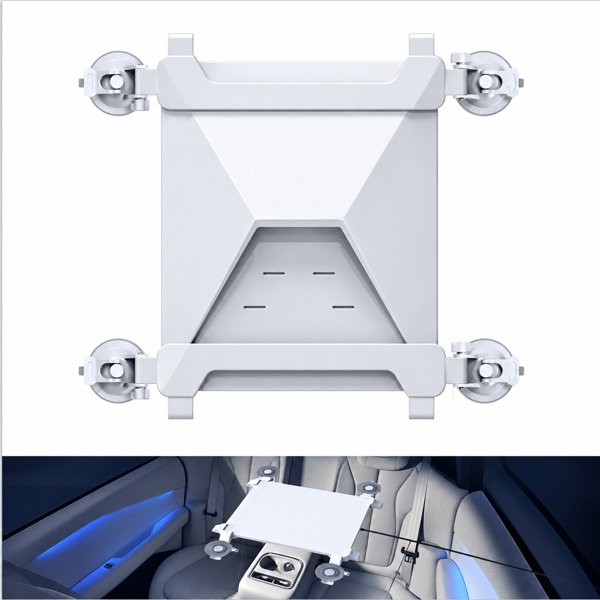
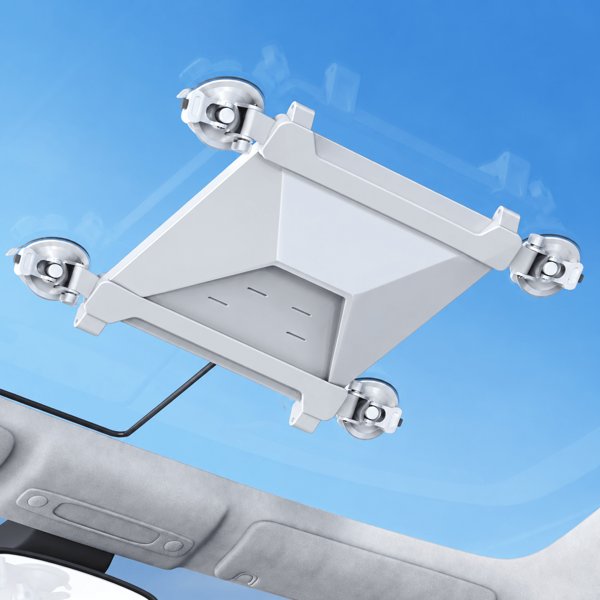
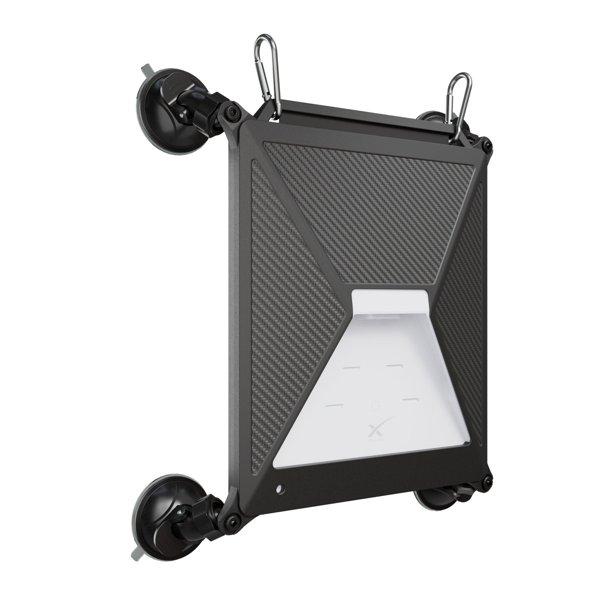
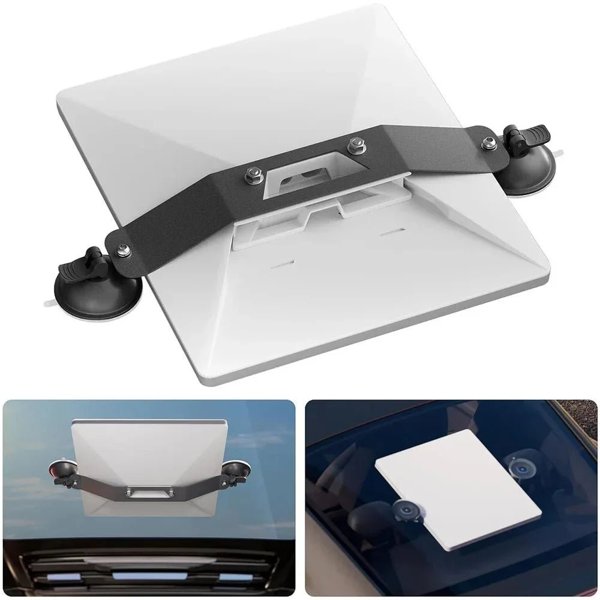
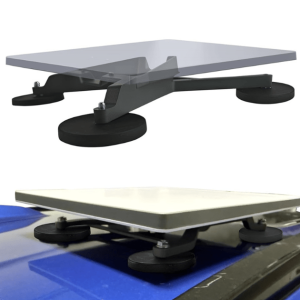
Position Starlink Mini on a suitable smooth surface with two suction cups and adjustable support arms. The center bracket fits the Mini mounting interface shown in the instructions, while the rotating joints help both cups sit flush. For temporary stationary use only.
- Starlink Mini
- Two Suction Cups
- Adjustable Arms
- Temporary Parked Use
- Mini Excluded
Key Features
-
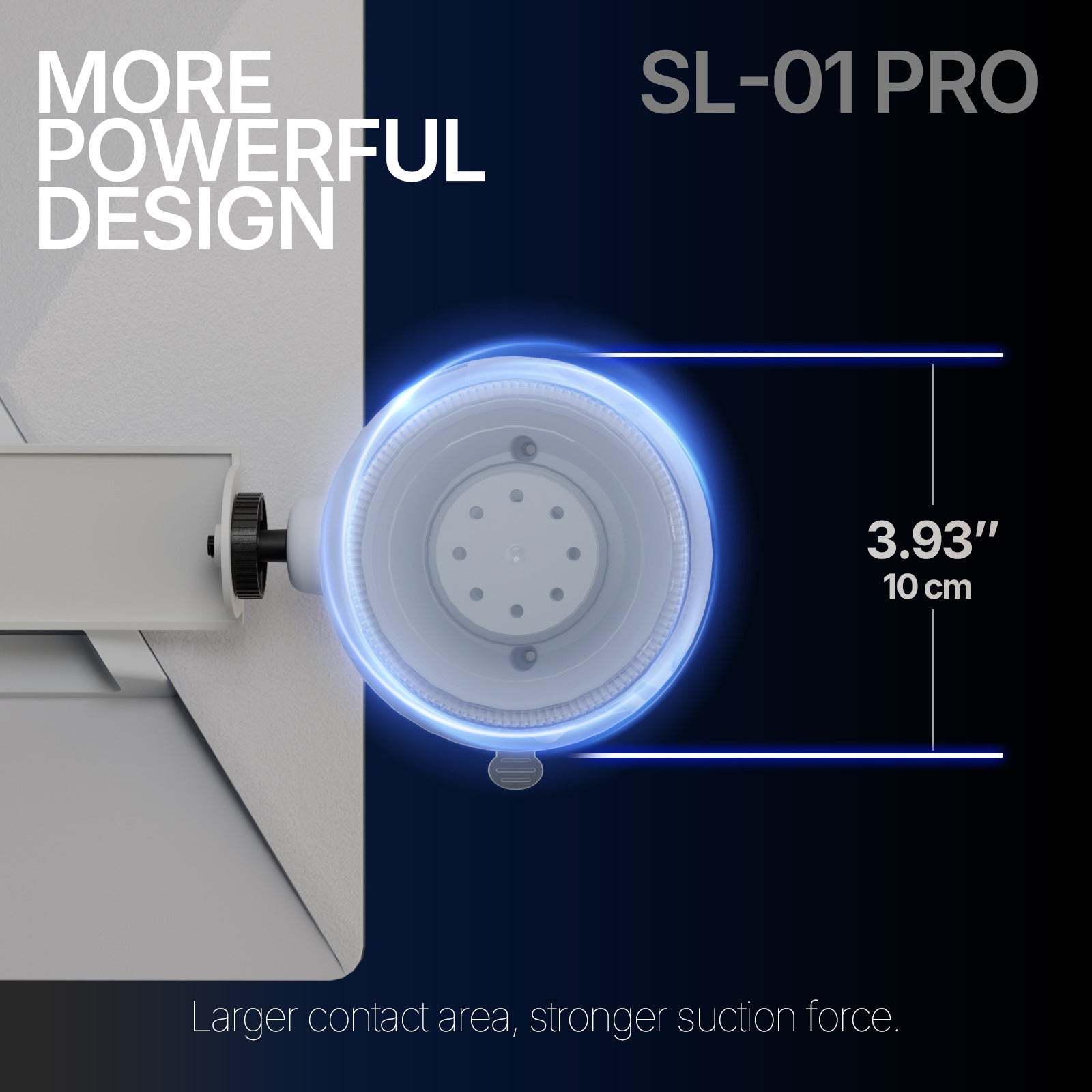
Two Suction Contact Points
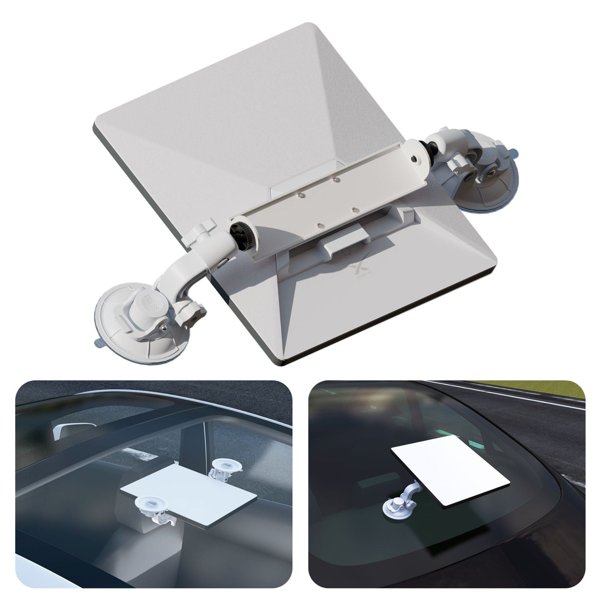
The pictured mount uses two suction cups linked to the center Mini bracket.
-
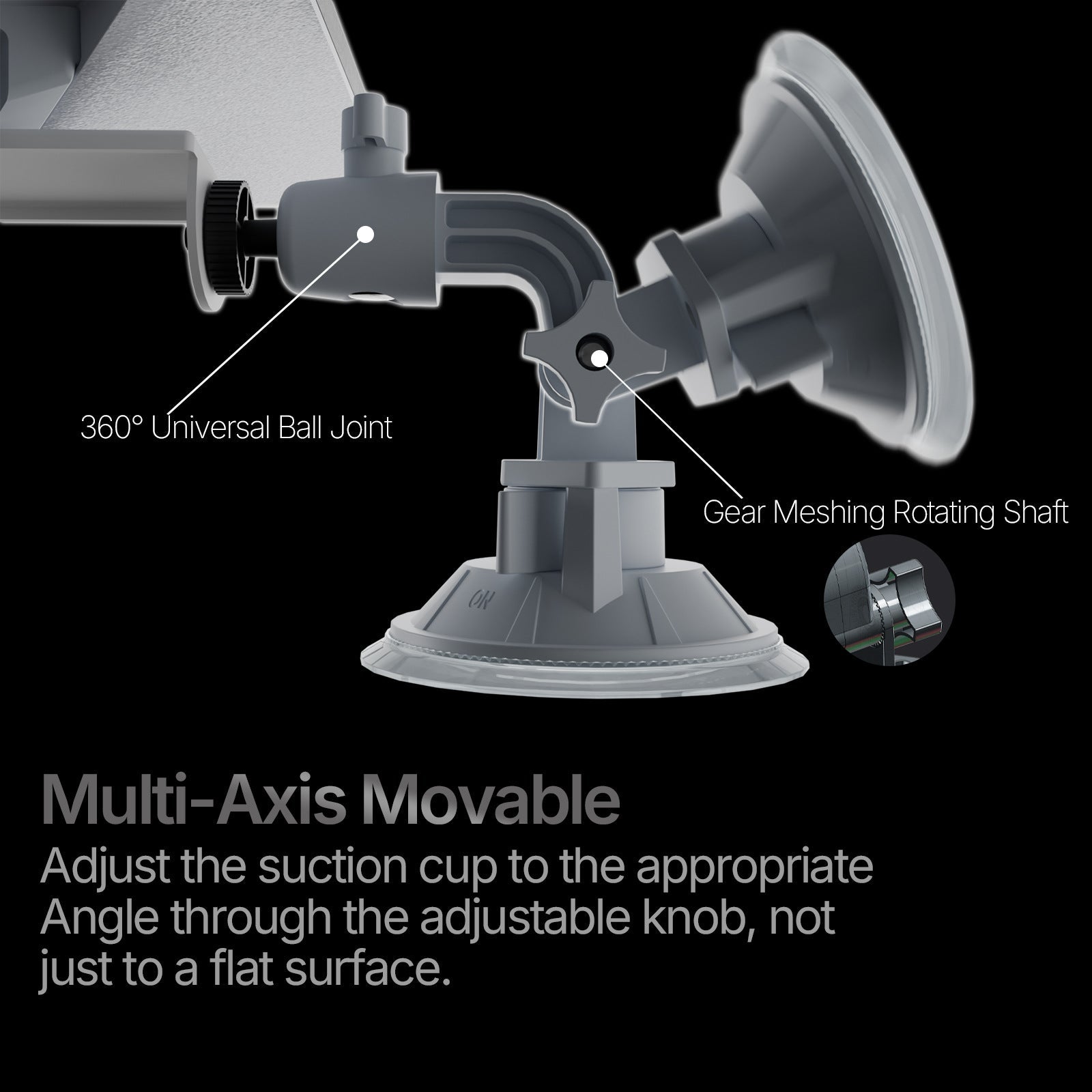
Adjustable Arms
Rotating and tilting joints let both cup faces sit flush on a suitable mounting surface.
-
Starlink Mini Bracket
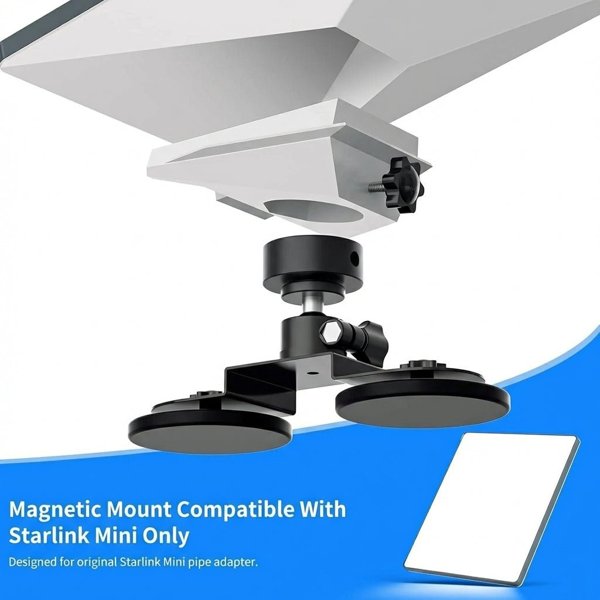
The center fitting connects to the Mini mounting interface shown in the product instructions.
-
Temporary Parked Deployment
Use the mount for a removable stationary setup on a surface that allows both suction cups to seal fully.
-
Release and Reposition
Support the dish, unlock the suction mechanism and lift the release tabs before moving the mount.
-
Clean Contact Surfaces
Clean and dry both cups and the mounting area, and recheck the seals throughout use.
Highlights
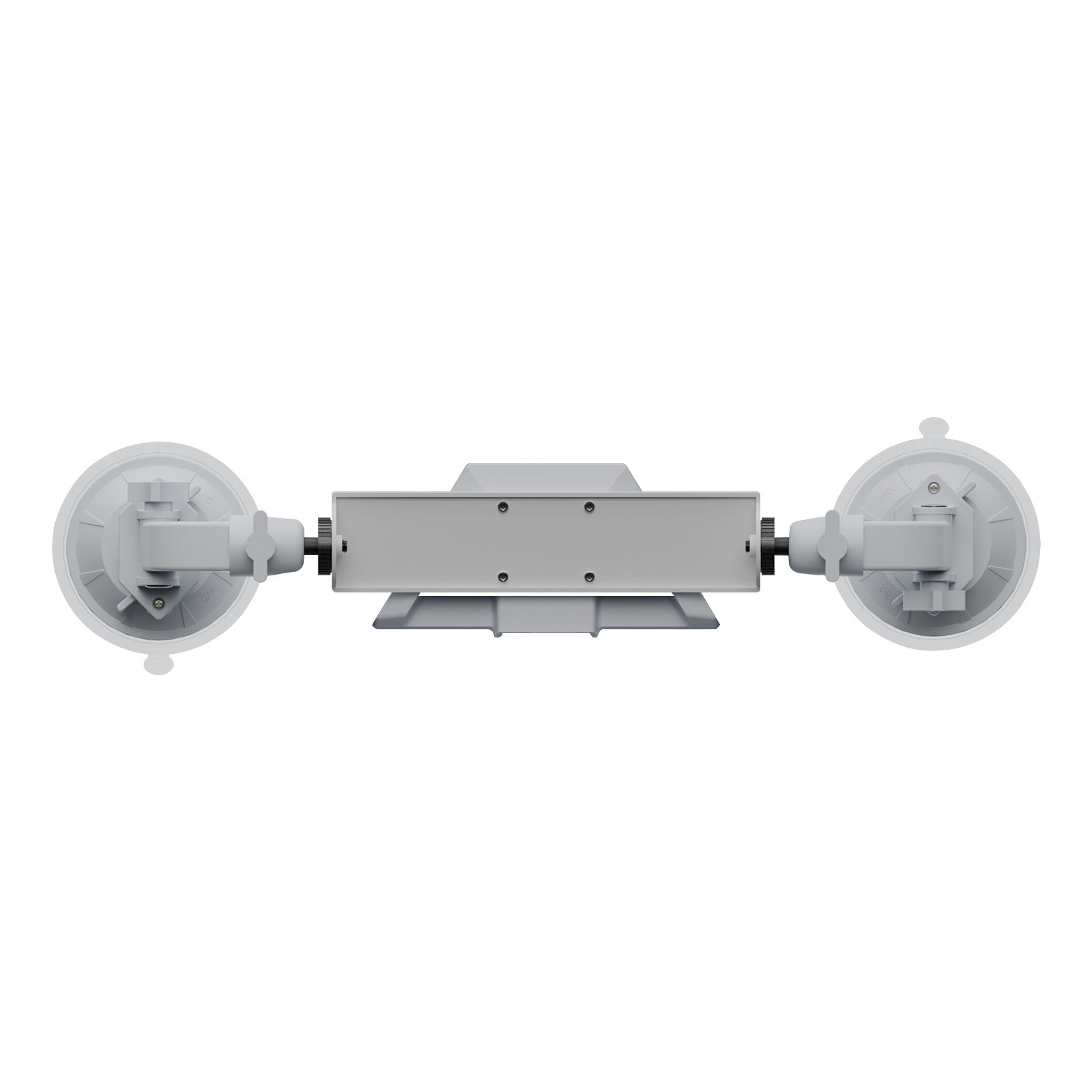
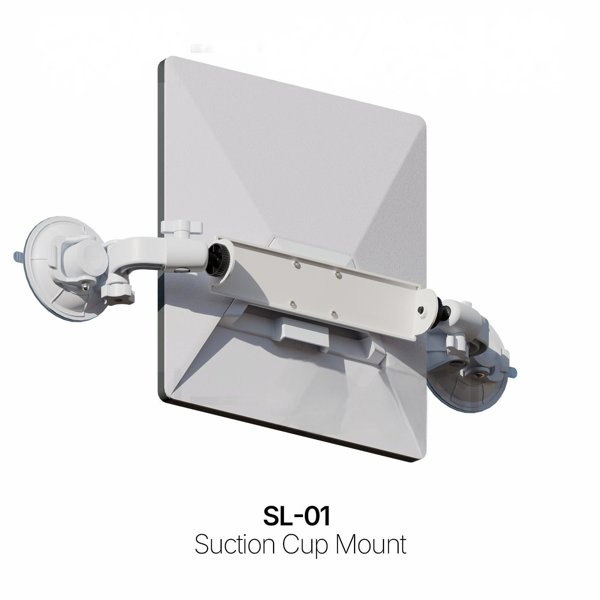
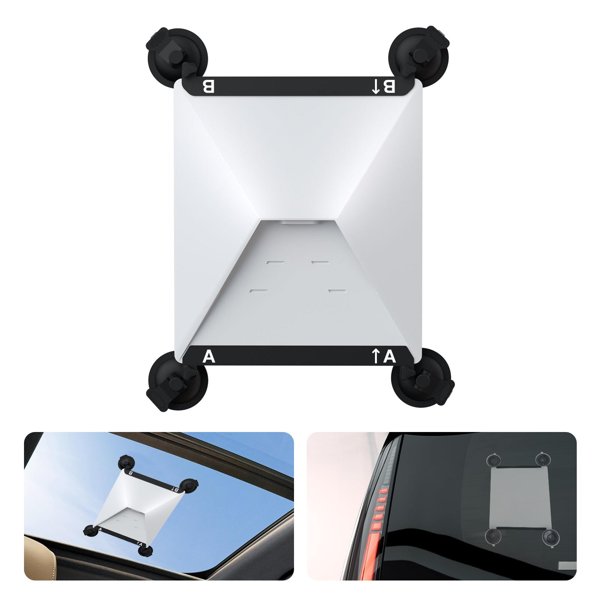
Center Bracket and Two Cups
The mount links two suction cups through an adjustable center bracket.
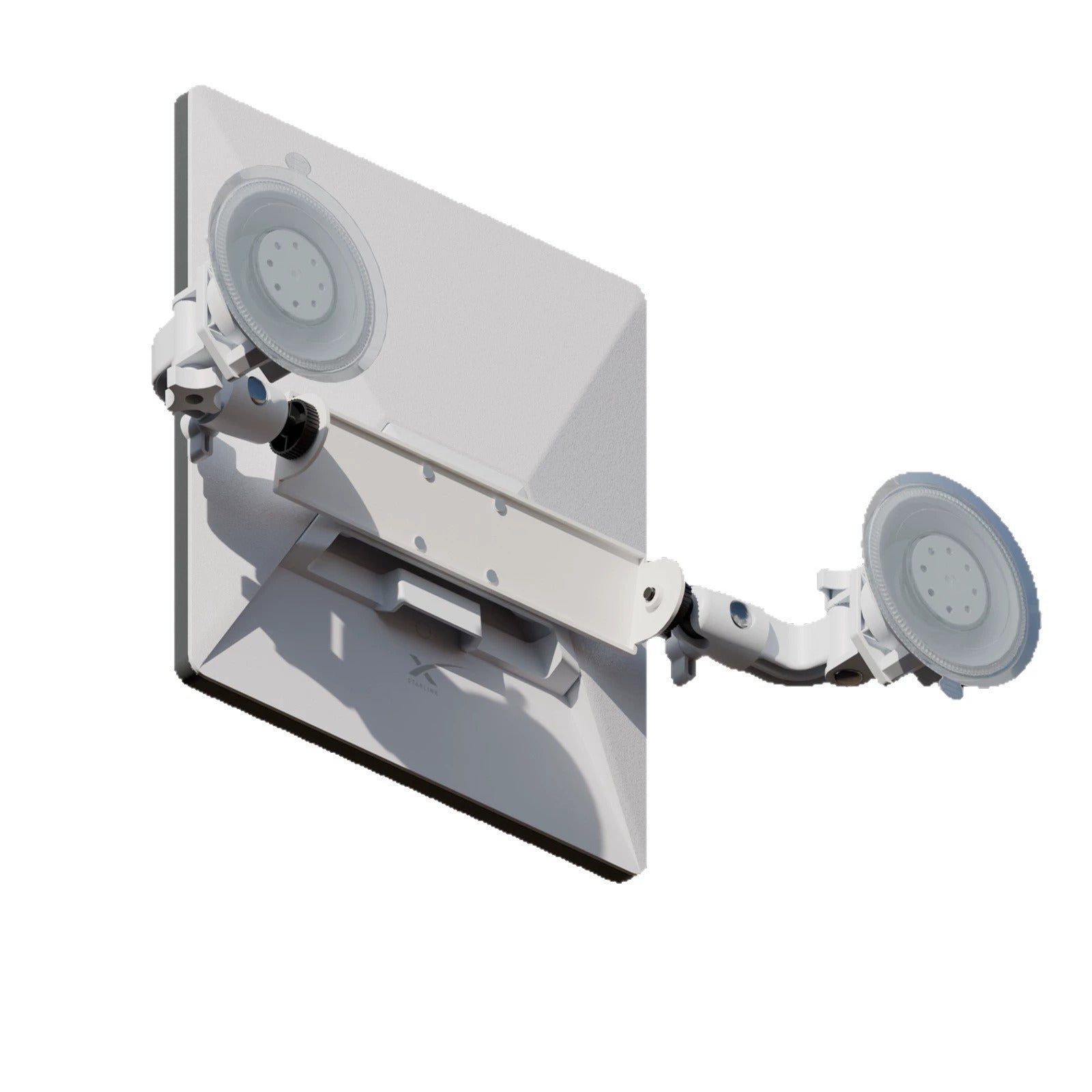
Adjustable Contact Angles
The articulated support arms rotate and tilt so both cup faces can sit flush. Select a suitable surface, position the arms and tighten the adjustment locks without twisting the bracket.
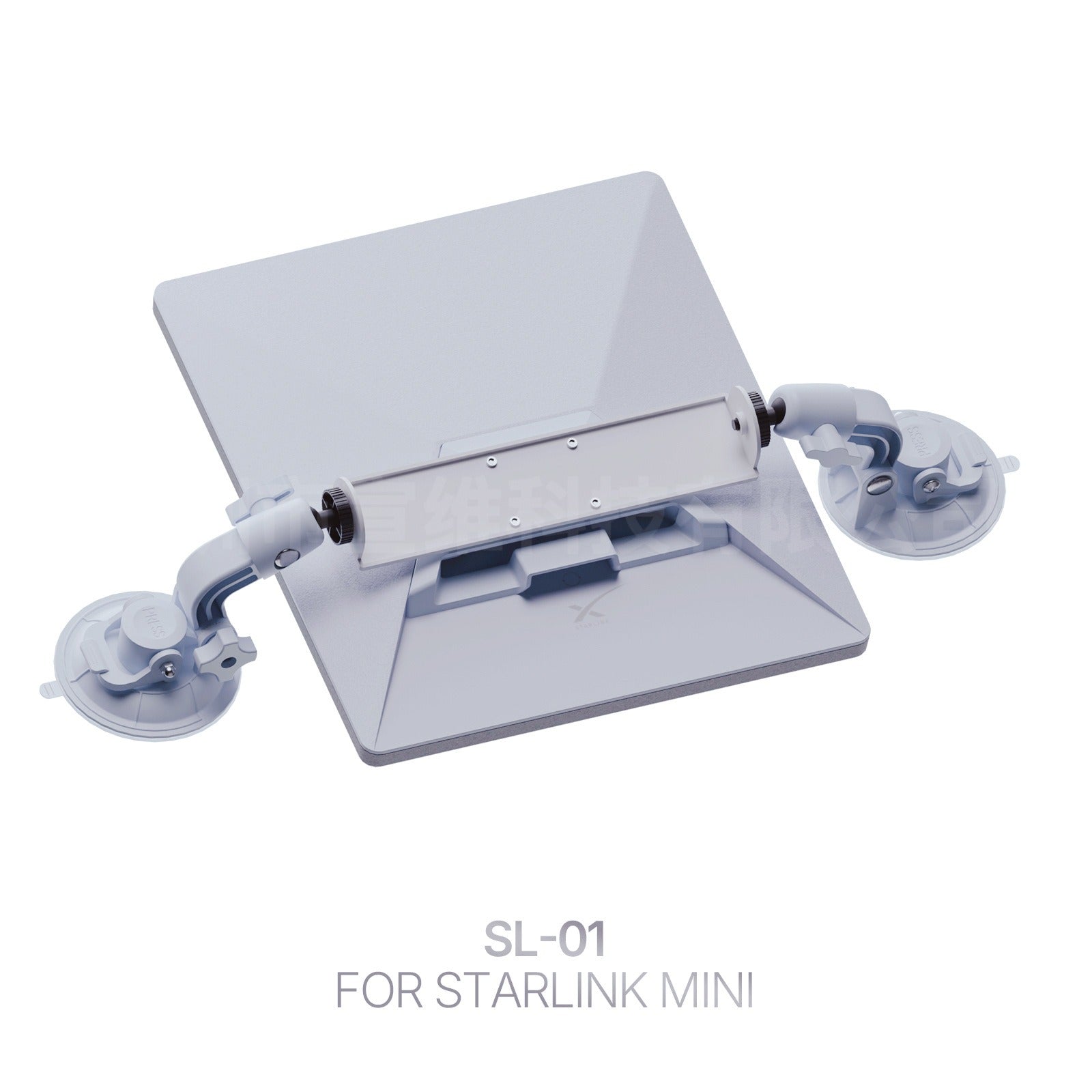
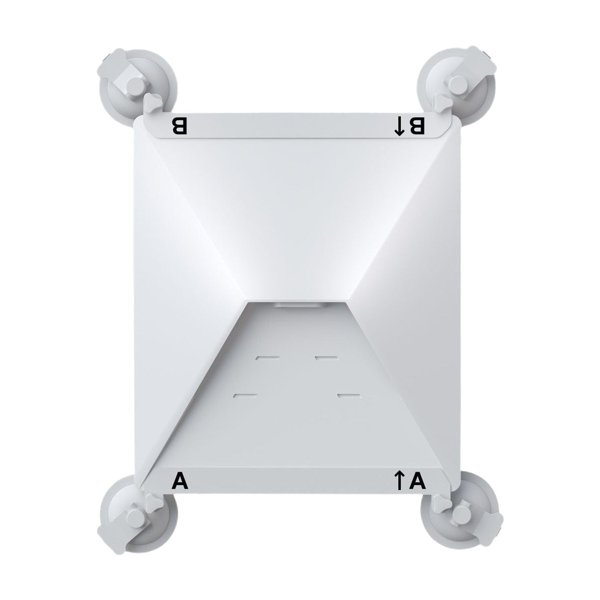
Mini Interface from the Rear
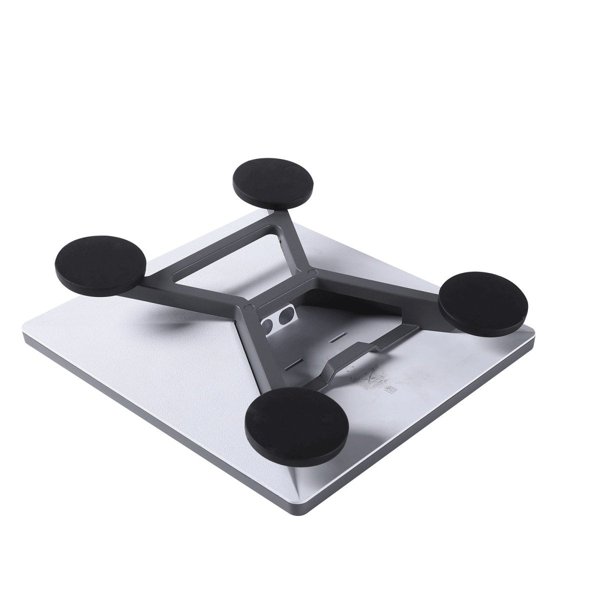
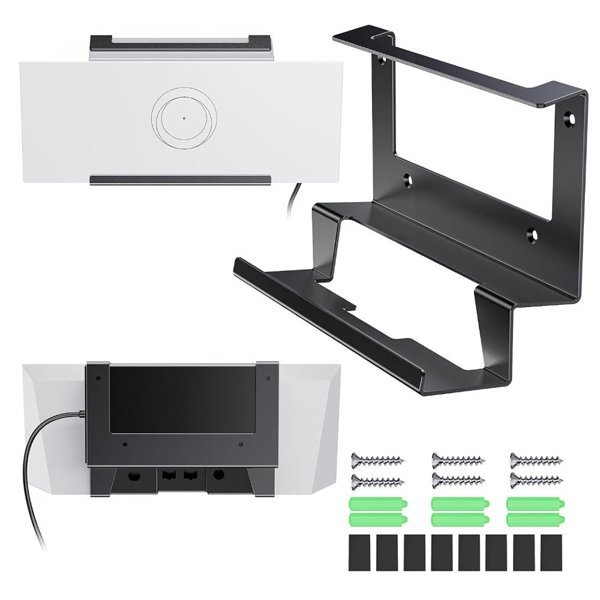
The installation view shows how the bracket connects behind the Mini.
Release Without Pulling by Force
Support the dish before unlocking the suction mechanism. Use each cup release tab to break the seal gently, then release the Mini bracket.
Compatibility
| Model | Years / Version | Notes |
|---|---|---|
| Starlink Mini | Two suction cups require full contact on a suitable surface; temporary parked use. |
For the pictured Starlink Mini interface. Does not fit Standard, High Performance or other dish generations.
Specifications
| Product Type | Dual-suction adjustable Starlink Mini mount |
|---|---|
| Compatible Models | Starlink Mini |
| Position / Location | Suitable smooth, clean, dry surfaces for temporary parked deployment |
| Color | Light gray as pictured |
| Quantity | 1 mount assembly with two suction cups; Mini excluded |
| Installation Type | Assemble the suction arms, fit the Mini bracket and engage both suction locks |
| Rotation Angle | 360° adjustable joints with tilting arms |
What's in the Box
- 1×Starlink Mini mount assembly with two suction cups
Installation
- Choose a suitable smooth surface while parked. Clean and dry the surface and both suction cups.
- Assemble the suction arms and cups using the supplied fitting instructions. Attach the center bracket to Mini with its retaining tab fully engaged.
- Adjust the joints so both cup sealing faces sit flush without twisting the assembly. Tighten the adjustment locks and turn each suction switch to its locked position.
- Route the power cable with slack.
- Recheck suction throughout use. Before removal, support the dish, unlock each suction mechanism and lift the cup release tab; do not pull the cups off by force.
Good to Know
Caution
- Use for temporary parked setups.
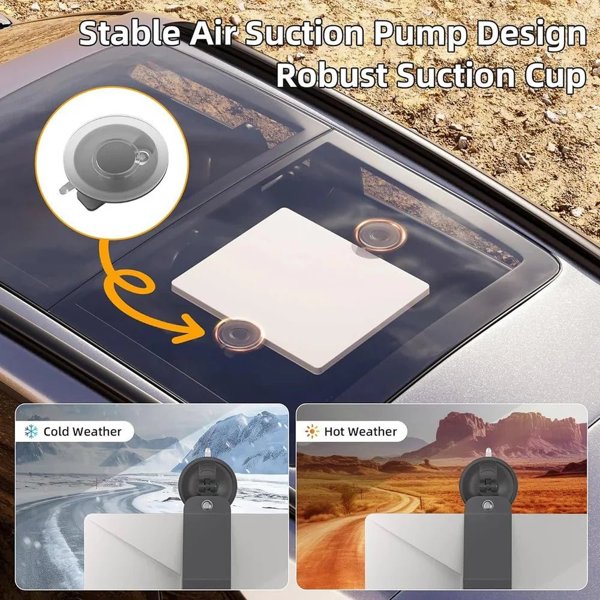
- Both suction cups must make full contact on a smooth, clean, dry, non-porous surface. Avoid cracked glass, seams, trim edges, textured, heavily curved or wrapped surfaces that prevent a complete seal.
- Keep visibility, airbags, doors, vehicle controls and roof mechanisms clear.
- Support the dish during fitting and removal.
- Route the power cable with enough slack so it cannot pull on the dish or mount. Keep the setup away from strong wind.
- Starlink Mini, power equipment and service are excluded. Coated glass, nearby objects and the mounting position can affect sky visibility and connectivity.
Care
- Clean the cups and mounting area with a soft cloth and a suitable mild cleaner, then dry fully before reuse. Avoid abrasive scrubbing that can damage sealing surfaces.
FAQ
Can I use it while driving?
No. This mount is for temporary parked deployment only.
Does it fit every Starlink dish?
No. The pictured center bracket is for Starlink Mini only; it does not fit Standard or High Performance hardware.
What surfaces work with suction?
Both cups need full contact with a suitable smooth, clean, dry, non-porous surface. Seams, texture, heavy curvature, cracks or contamination can prevent a proper seal.
How do I remove the mount?
Support the dish, unlock both suction mechanisms and lift the release tabs to break the seals gently. Release the center bracket as instructed; avoid pulling against a locked suction cup.


 English
  German
  Spanish