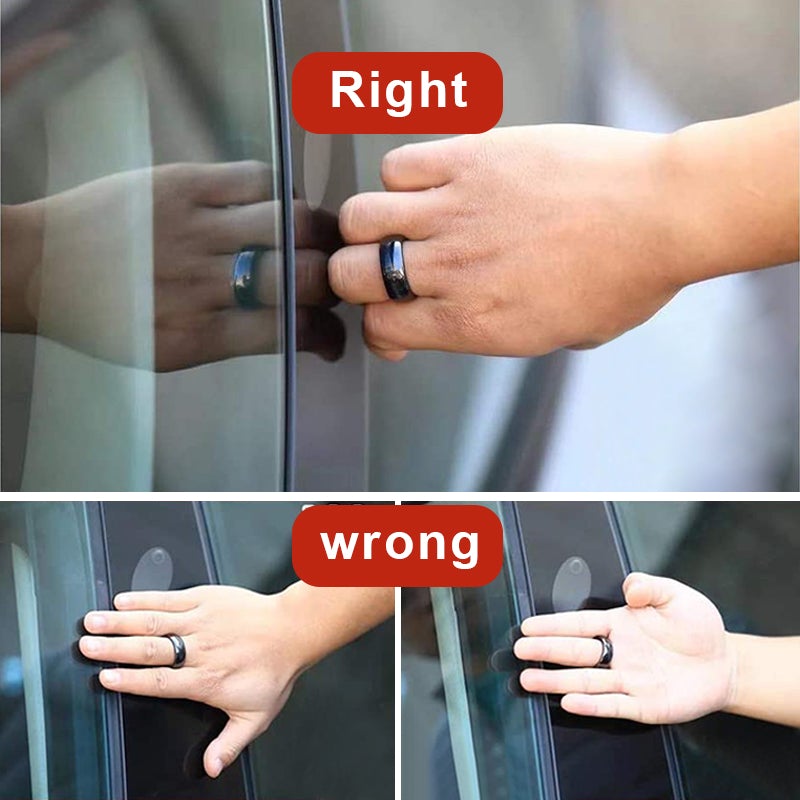
Battery-Free NFC Ring Key for Model YL
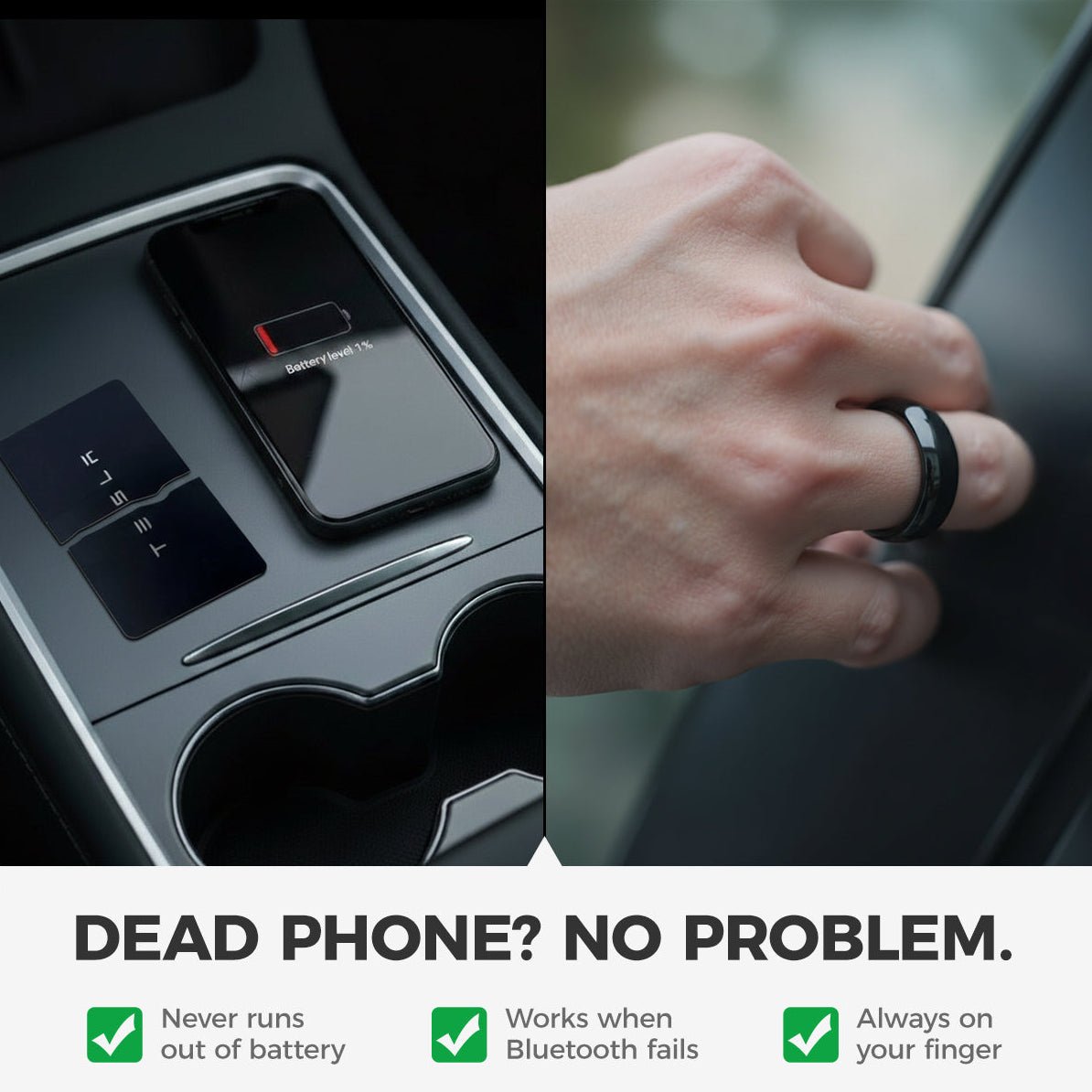
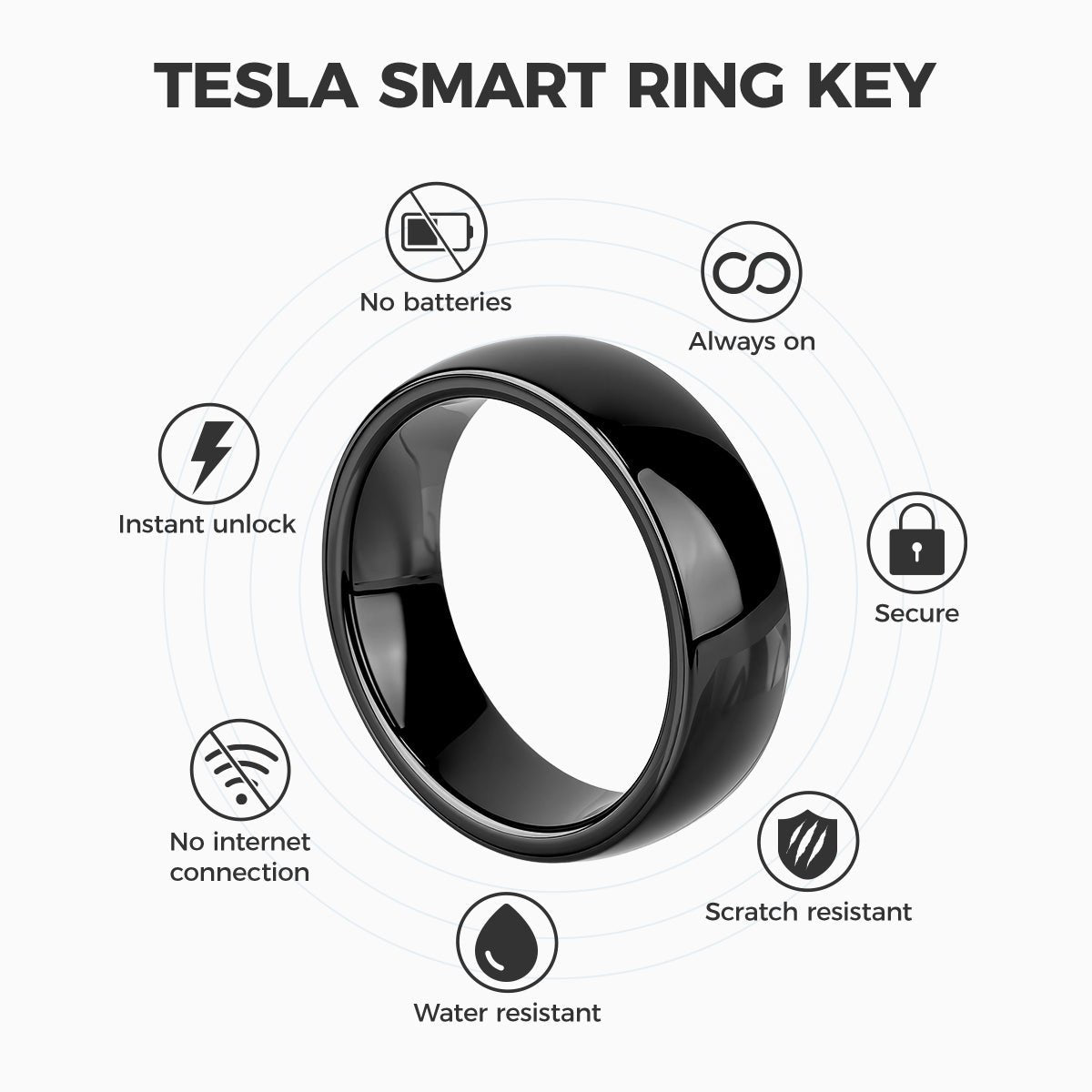
This black zirconia ceramic and epoxy resin ring provides a wearable, passive NFC key for Model YL 2026+ after pairing. It requires a close-range tap at the vehicle reader rather than a charged battery. Available in US ring sizes 6 through 12.
- Passive NFC
- Black Ceramic
- US Sizes 6–12
- Model YL 2026+
Key Features
-
Passive NFC
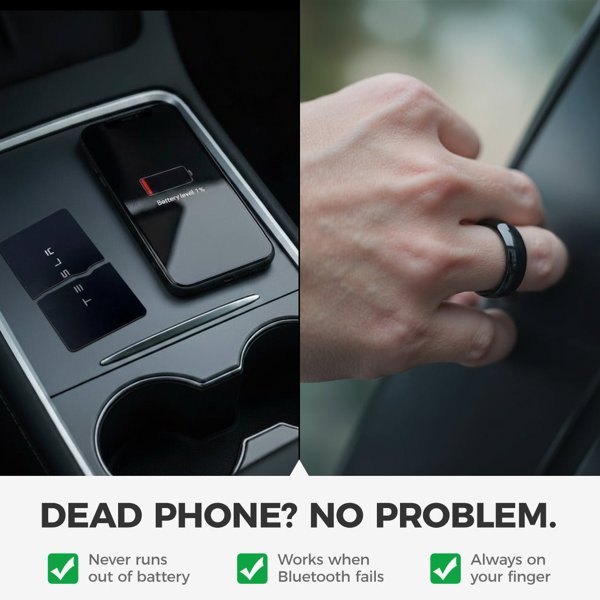
The ring draws power from the reader and needs no charging
-
Tap Operation
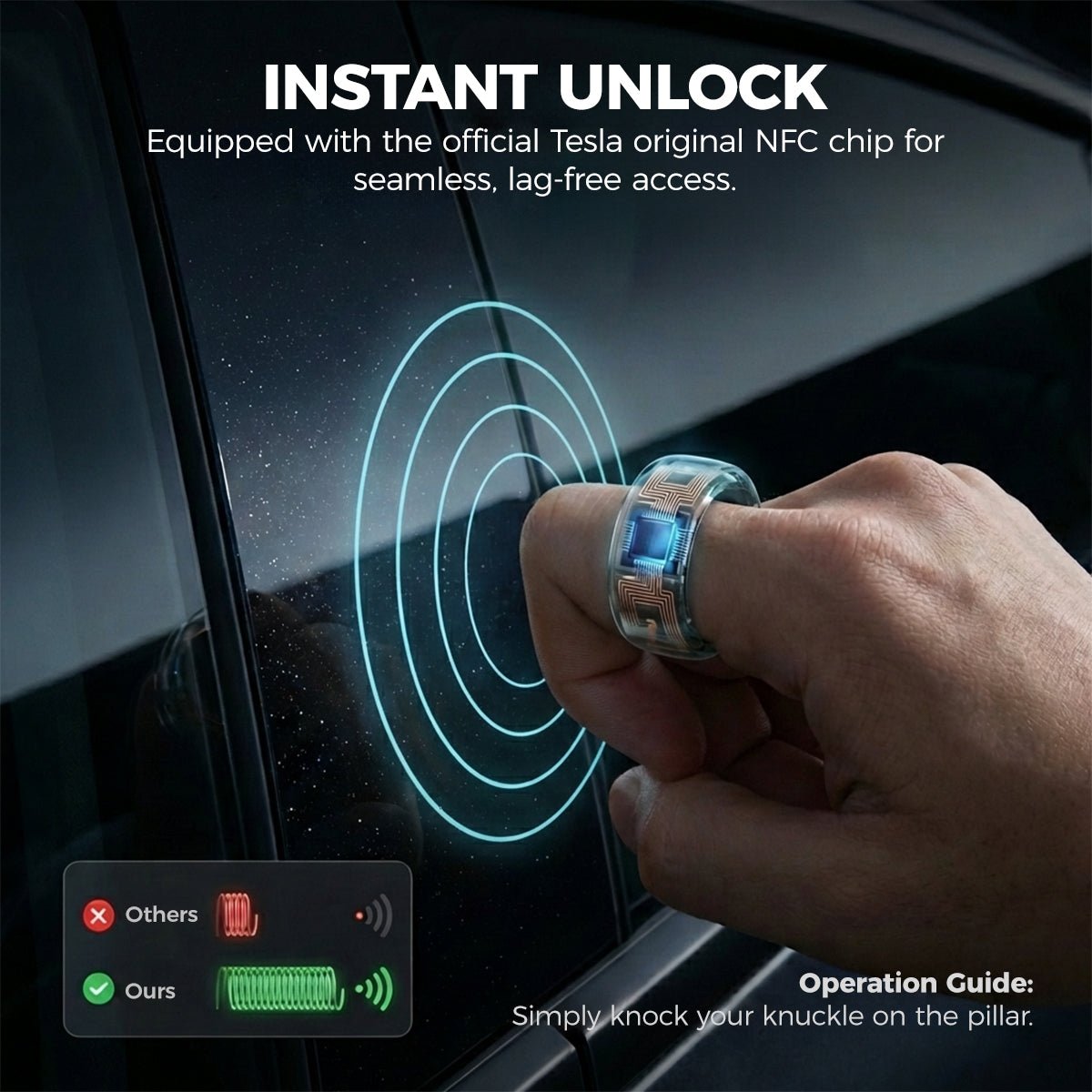
Present the paired ring to the vehicle reader at close range
-
Ceramic and Resin
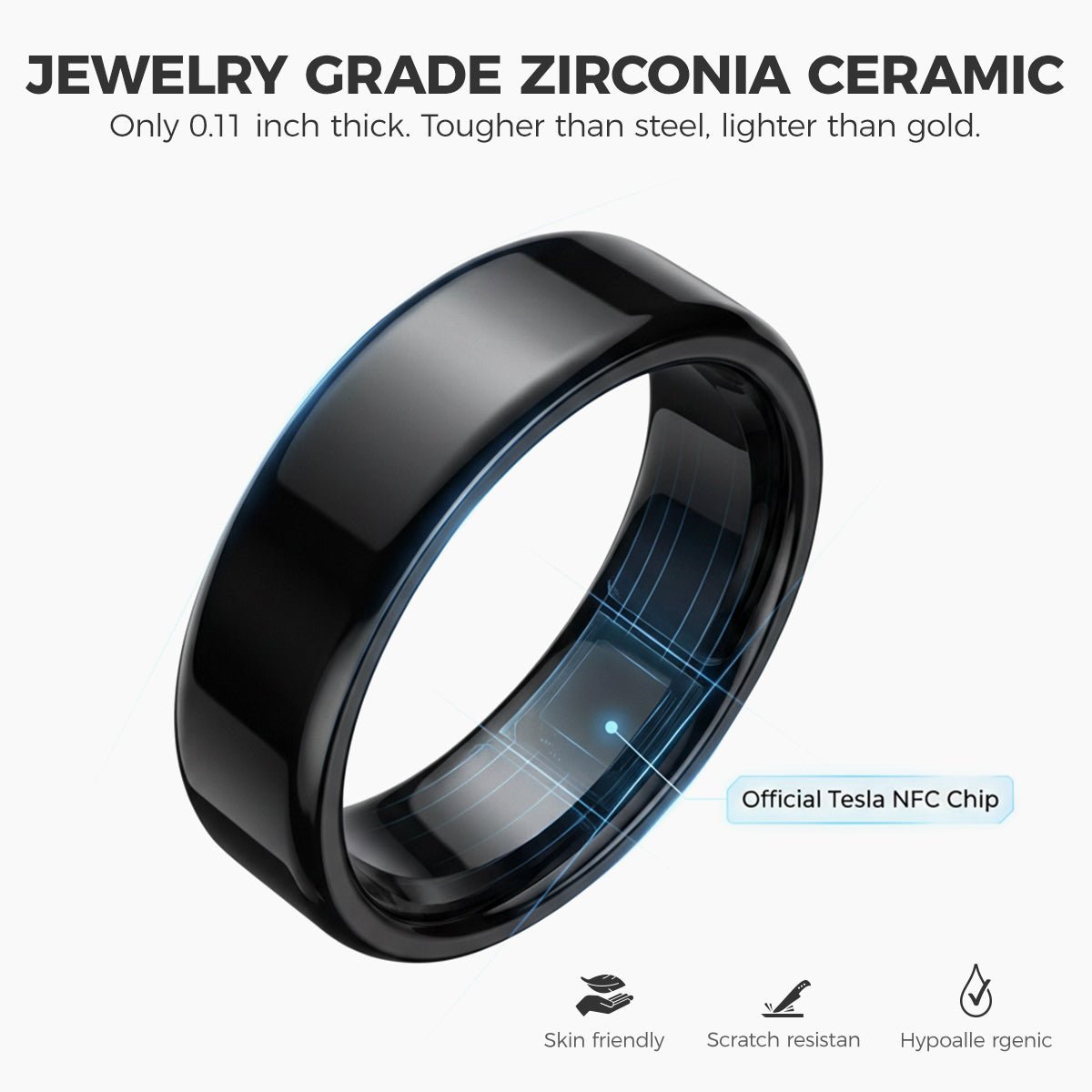
Polished zirconia ceramic and epoxy resin form the ring body
-
Black Finish
The purchase option is black
-
Seven Ring Sizes
US sizes 6 through 12 are separate variants
-
Wearable Backup Key
The ring adds a wearable access option after successful pairing
Highlights
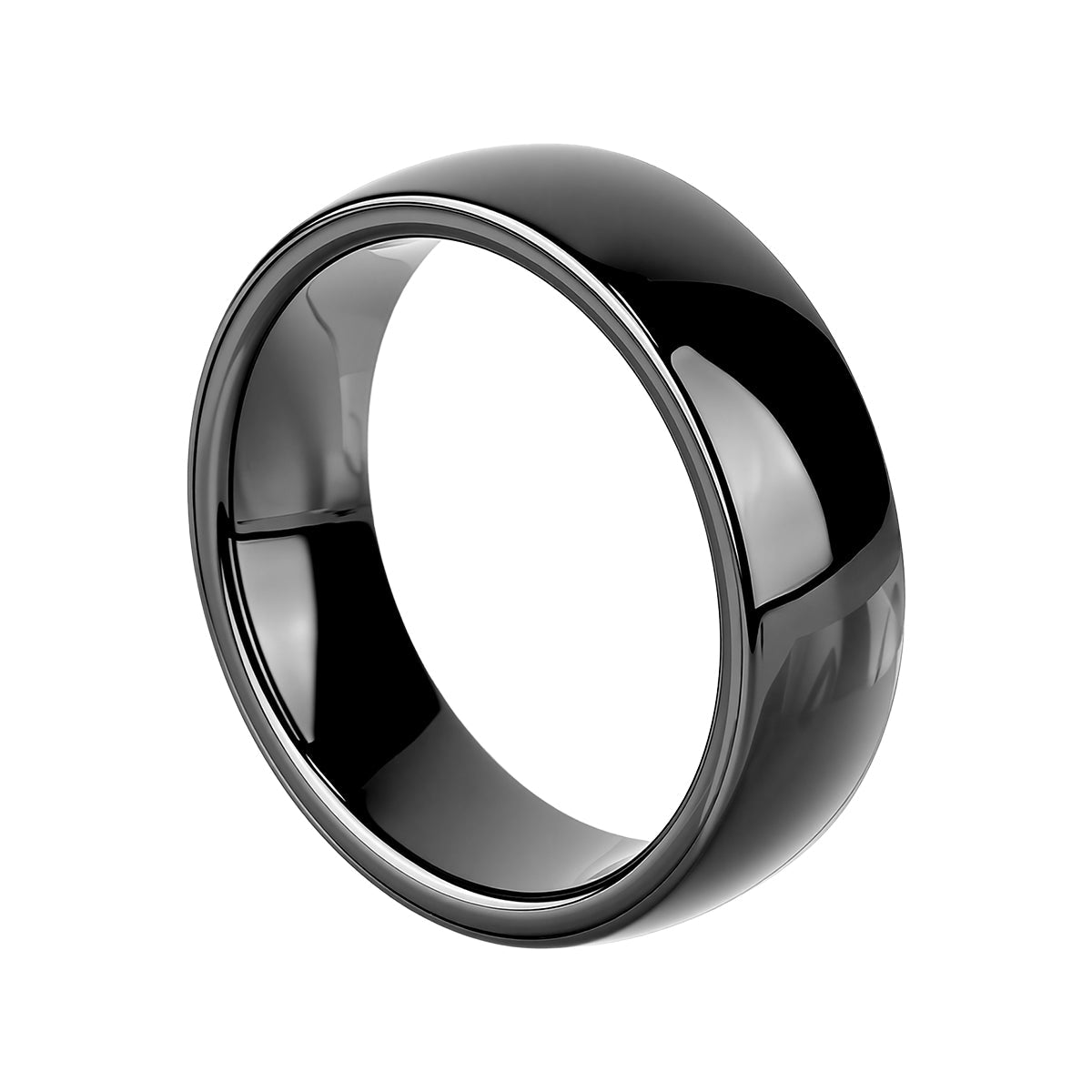
Ceramic Ring Body
The black ring has a polished zirconia ceramic and epoxy resin body, with a 7 mm width and approximately 0.11 in thickness. Protect it from hard impacts.
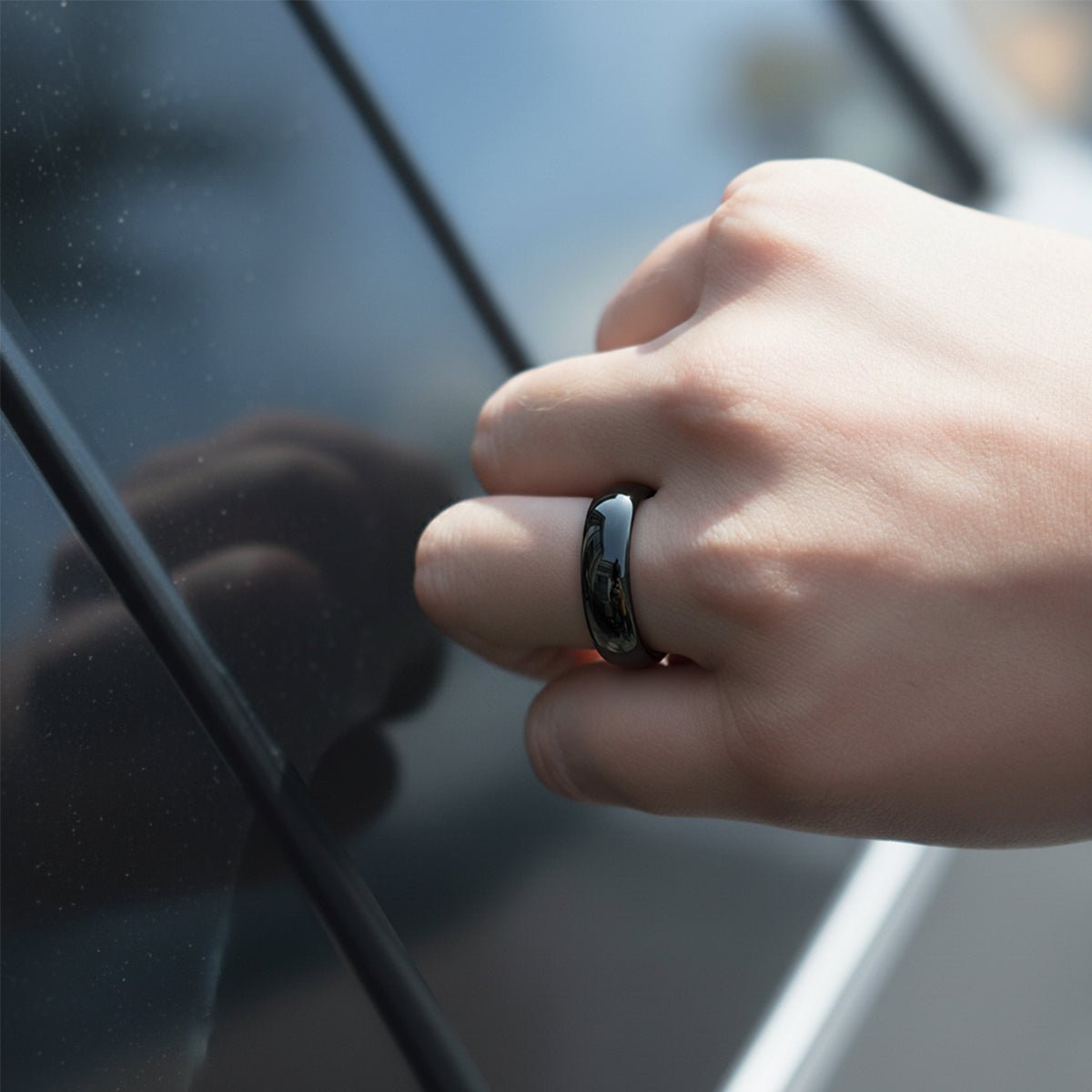
Tap at the Door Reader
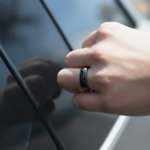
After pairing, hold the ring close to the driver-side pillar reader. The photograph illustrates the tapping position.
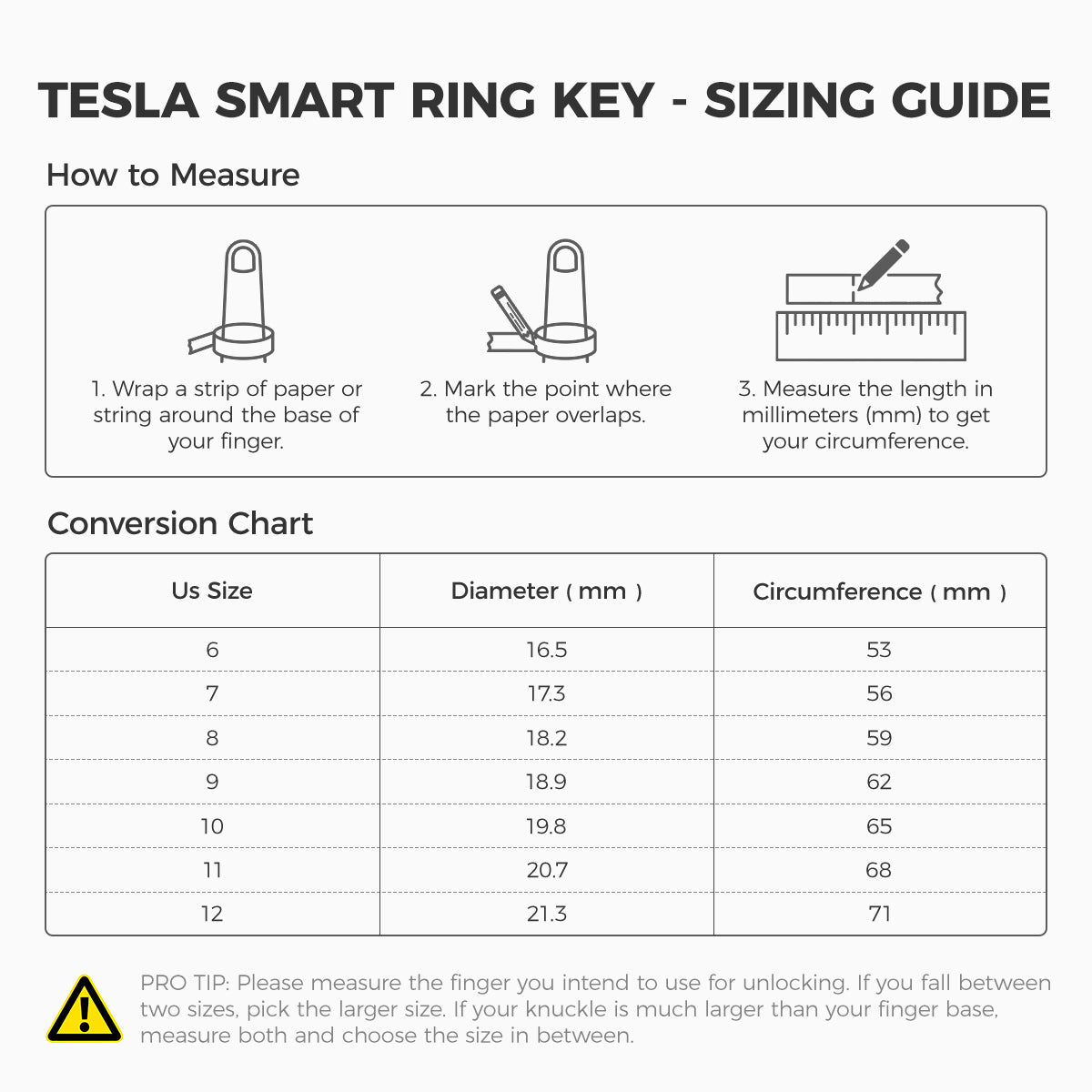
Choose the Ring Size
US sizes 6 to 12 are separate options. Sizes follow the US ring scale; each variant has its own internal dimensions.
Registration
The ring is added through the vehicle’s Add Key prompts. Pairing on the touchscreen uses an already authenticated key; the new key then appears in the list.
Compatibility
| Model | Years / Version | Notes |
|---|---|---|
| Model YL | 2026+ | Designated key-reader locations |
Fits Model YL 2026+. Use the reader locations and pairing prompts shown for your vehicle; compatibility with other Tesla models is not specified for this item.
Specifications
| Product Type | Passive NFC ring key |
|---|---|
| Compatible Models | Model YL 2026+ |
| Material | Polished zirconia ceramic and epoxy resin |
| Color | Black |
| Dimensions | 7 mm width; approximately 0.11 in (2.8 mm) thickness |
| Battery | Passive NFC; no battery or charging |
| Control Method | Short-range tap after pairing; driver-side pillar and the vehicle’s designated interior key reader |
| Shipping Weight | 23 g (0.05 lb) |
| Size | US ring sizes 6, 7, 8, 9, 10, 11 or 12 |
Installation
- Park with another working key available. Open Controls > Locks > Keys > Add Key on the touchscreen.
- Present the new ring to the designated interior card reader. Current China-market Model Y guidance locates that reader on the wireless phone-charger area.
- Scan the already paired card or key when prompted to authorize the new key. The ring appears in the key list after pairing.
- Test lock and unlock at the driver-side pillar, and test drive authorization while parked. Use the designated interior reader if re-authentication is required.
Good to Know
Caution
- Pair and test lock, unlock and drive authorization with another working key available before relying on the ring.
- This passive NFC ring requires a tap. No Bluetooth proximity entry or automatic walk-away locking.
- If the ring is lost, remove its entry from the vehicle key list using an authorized key.
Care
- Keep a working key card or phone key accessible as a backup.
- Protect the ceramic and resin from impacts and abrasive cleaning.
FAQ
Does the ring need charging?
No. It uses passive NFC and receives power from the nearby reader. Passive NFC still requires a close-range tap.
Does it automatically unlock when I approach?
No. The ring has no proximity unlocking or walk-away locking. The ring is a tap-operated NFC key.
What do I need to pair it?
For touchscreen pairing, have an already authenticated key available, follow Add Key prompts and present the new ring at the designated interior reader. Pairing uses the existing key when prompted.
How do I select my size?
Choose a US size from 6 through 12 using a ring sizing tool or jeweler.
What should I do if I lose the ring?
Use another authenticated key and remove the lost ring from Controls > Locks > Keys. Keep a separate working key available.

 English
  German
  Spanish