

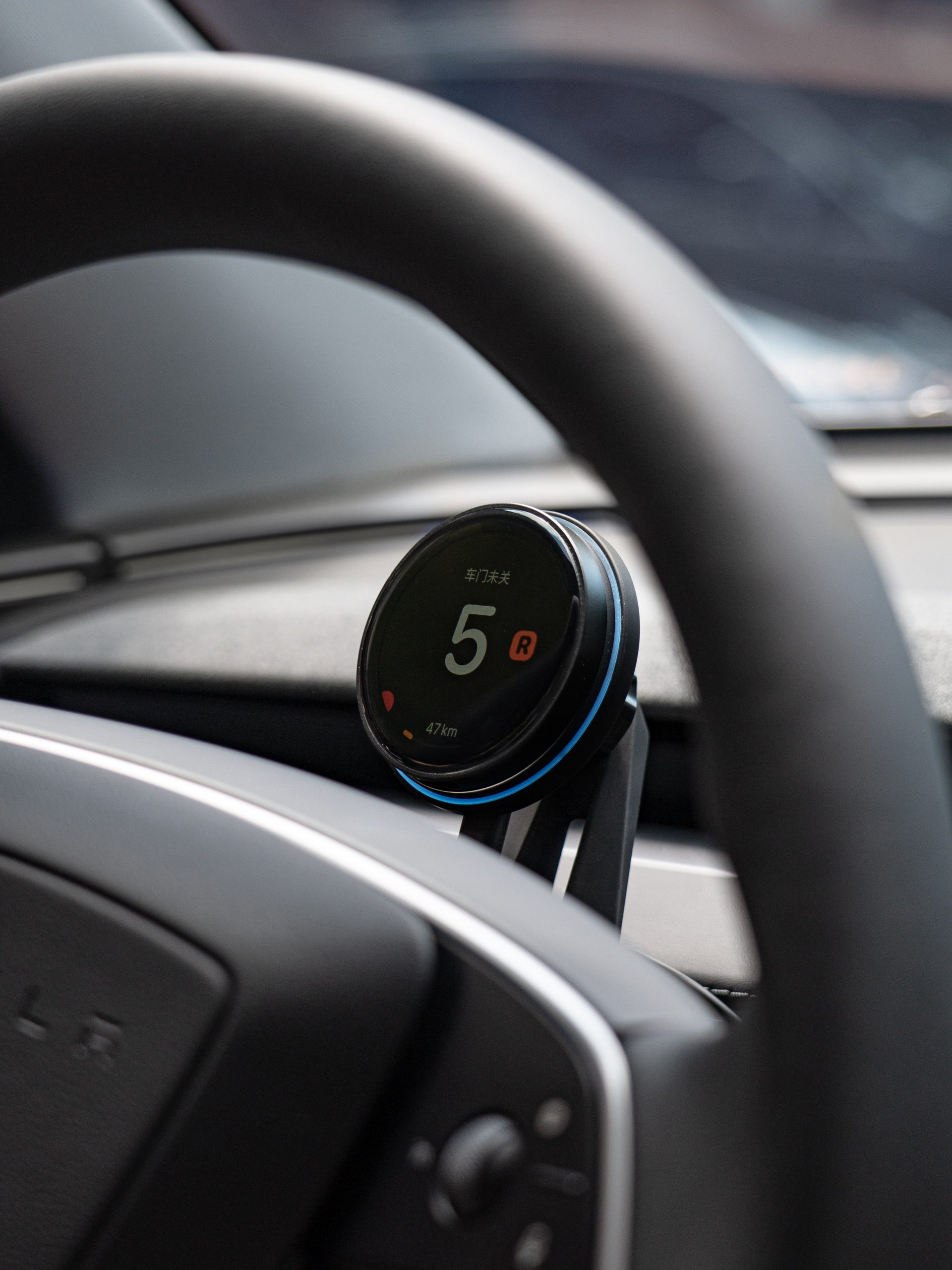
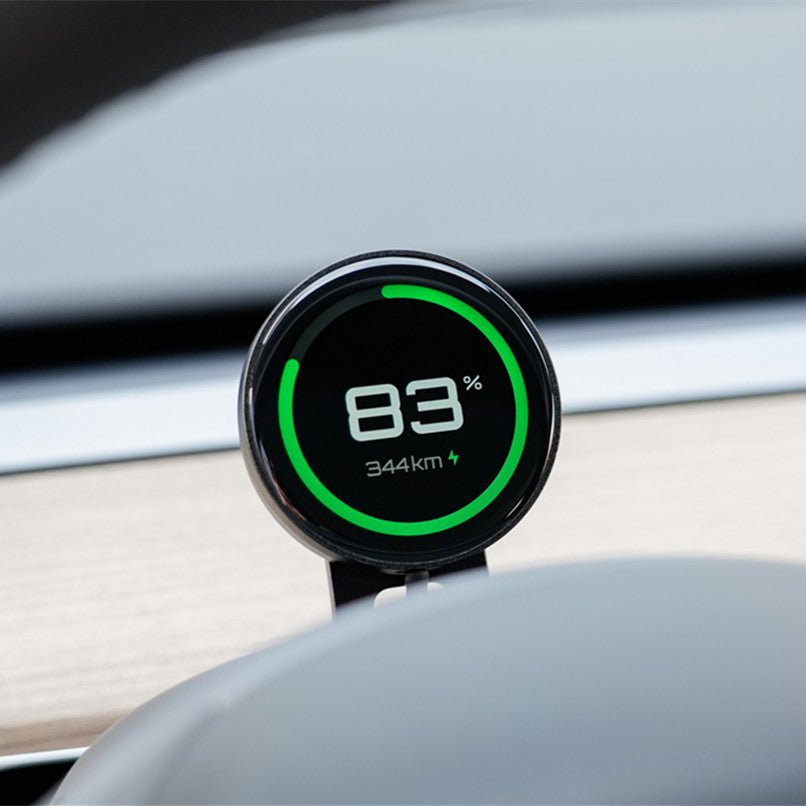
A Compact Magnetic Dashboard Display
This compact round auxiliary display presents vehicle information through a plug-in transmitter with Wi-Fi and Bluetooth BLE. It attaches to a powered magnetic charging holder and supports phone-based OTA updates. Each vehicle-version option has its own interface and harness.
- Round Display
- Magnetic Charging
- Wi-Fi + BLE
- Holder + Display
Características principales
-
Round Display
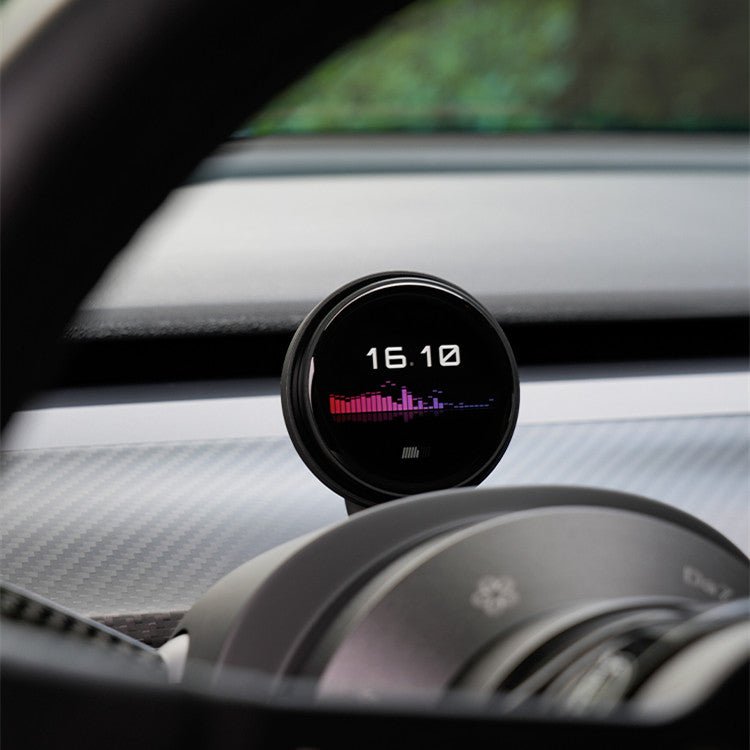
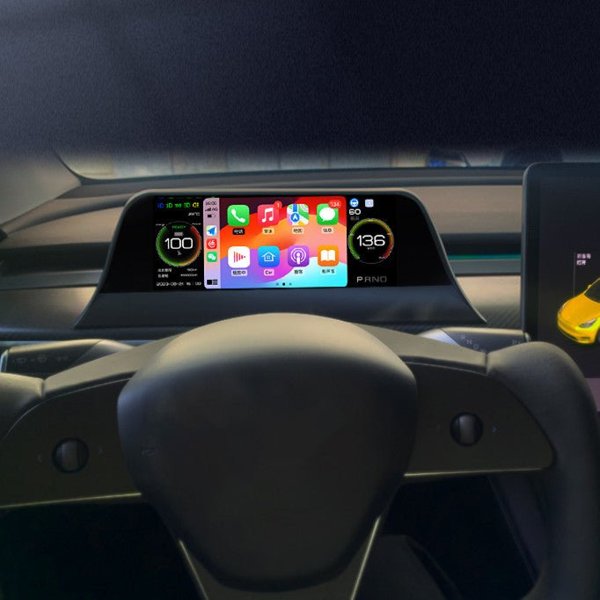
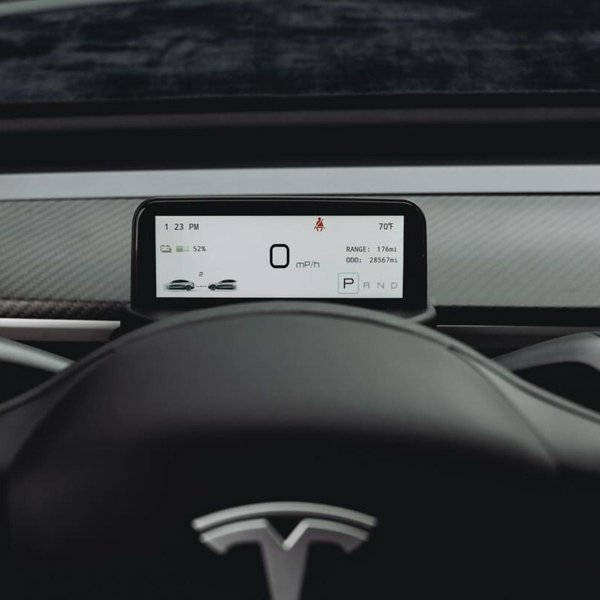
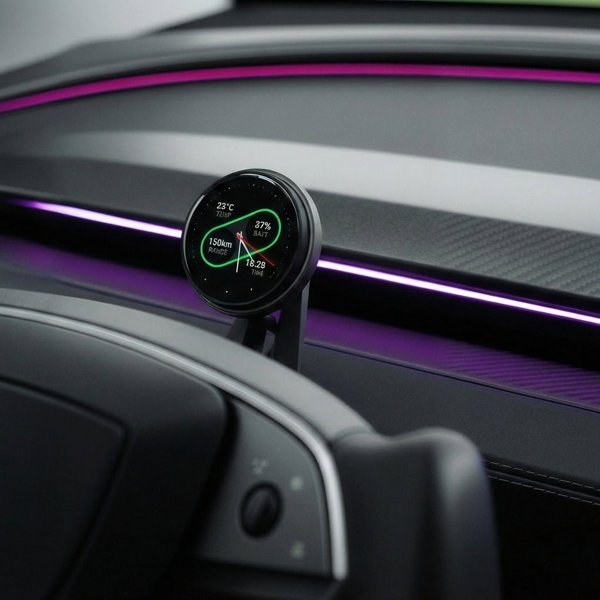
The compact screen presents speed, gear, battery and other vehicle-data fields supported by the matched system.
-
Magnetic Charging Holder
Attach the display to a compatible powered charging holder; magnetic retention alone does not provide power.
-
Vehicle Data Link
A matched plug-in transmitter supplies vehicle information through the supported Wi-Fi and Bluetooth BLE connection.
-
Curved Glass Face
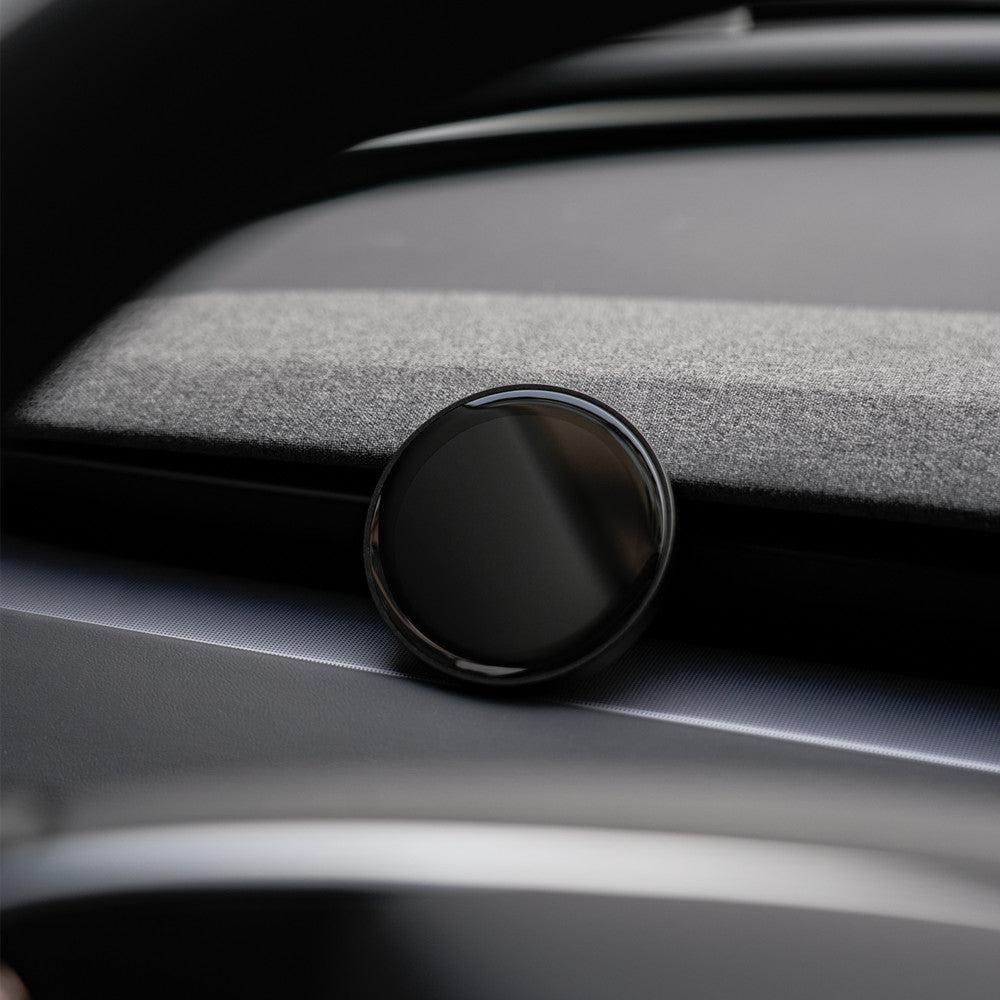
The round display has a curved glass face in an aluminum-alloy and plastic body.
-
Phone OTA Support
Use the matching update instructions for the display and transmitter; available fields depend on software and vehicle configuration.
-
Holder and Display Option
The selectable configuration combines the holder and dashboard display for the chosen vehicle version.
Aspectos destacados
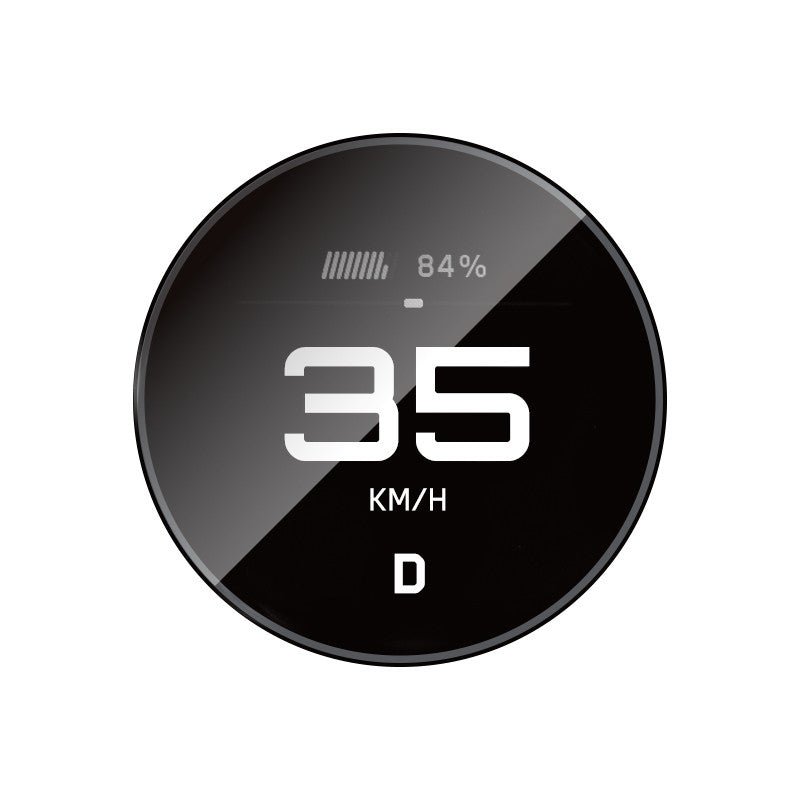
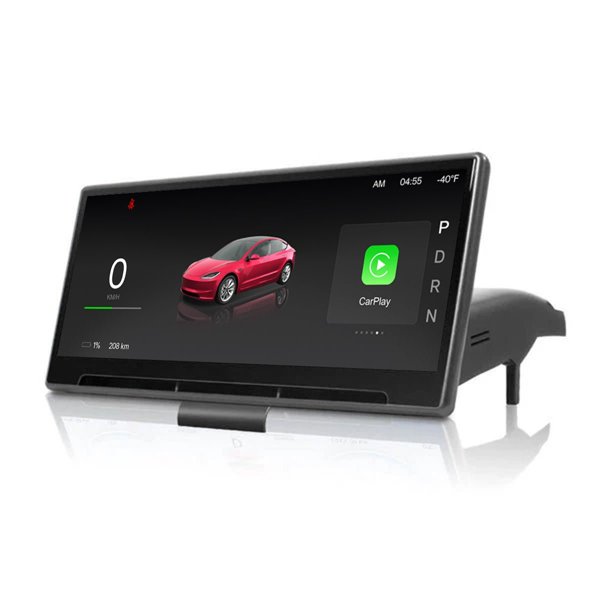
Vehicle-Data Screen
The round screen presents speed, gear and battery information with additional fields supported by the system. Displayed data depends on the vehicle interface and software.
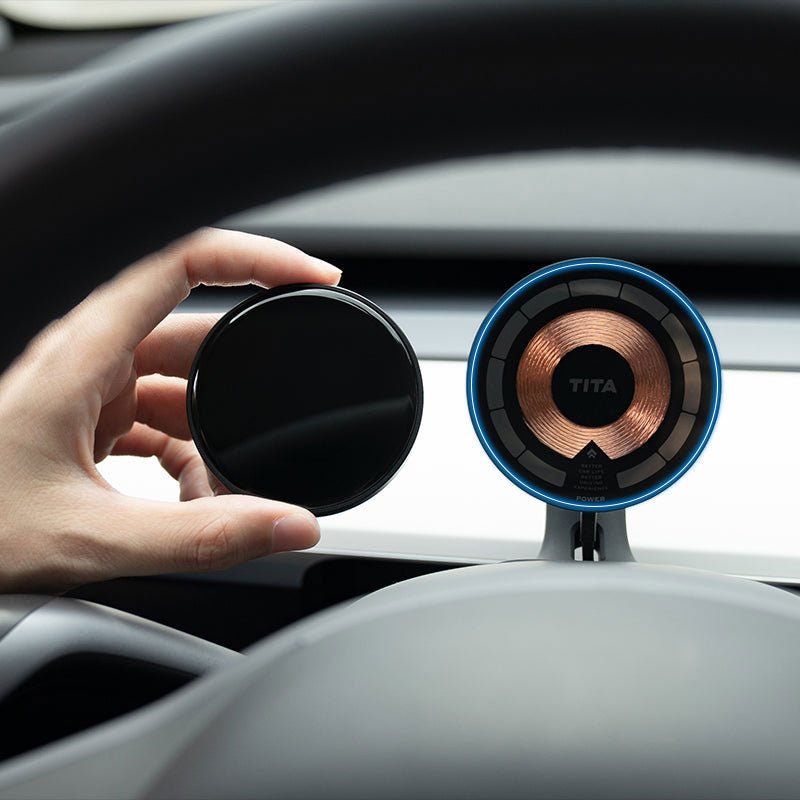
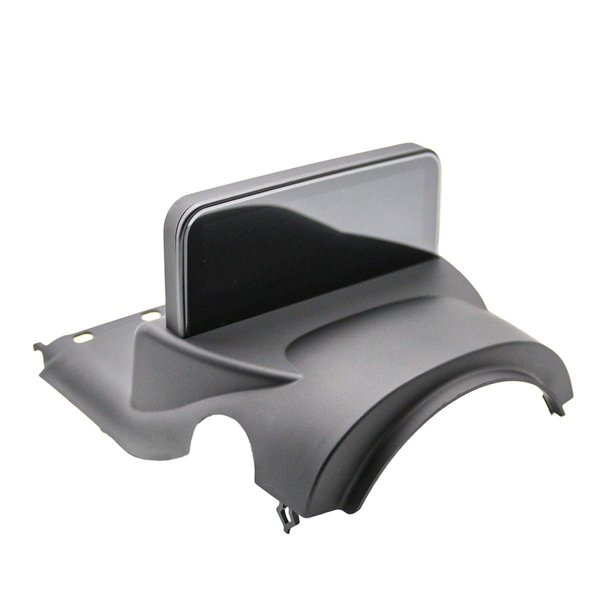
Display and Charging Holder
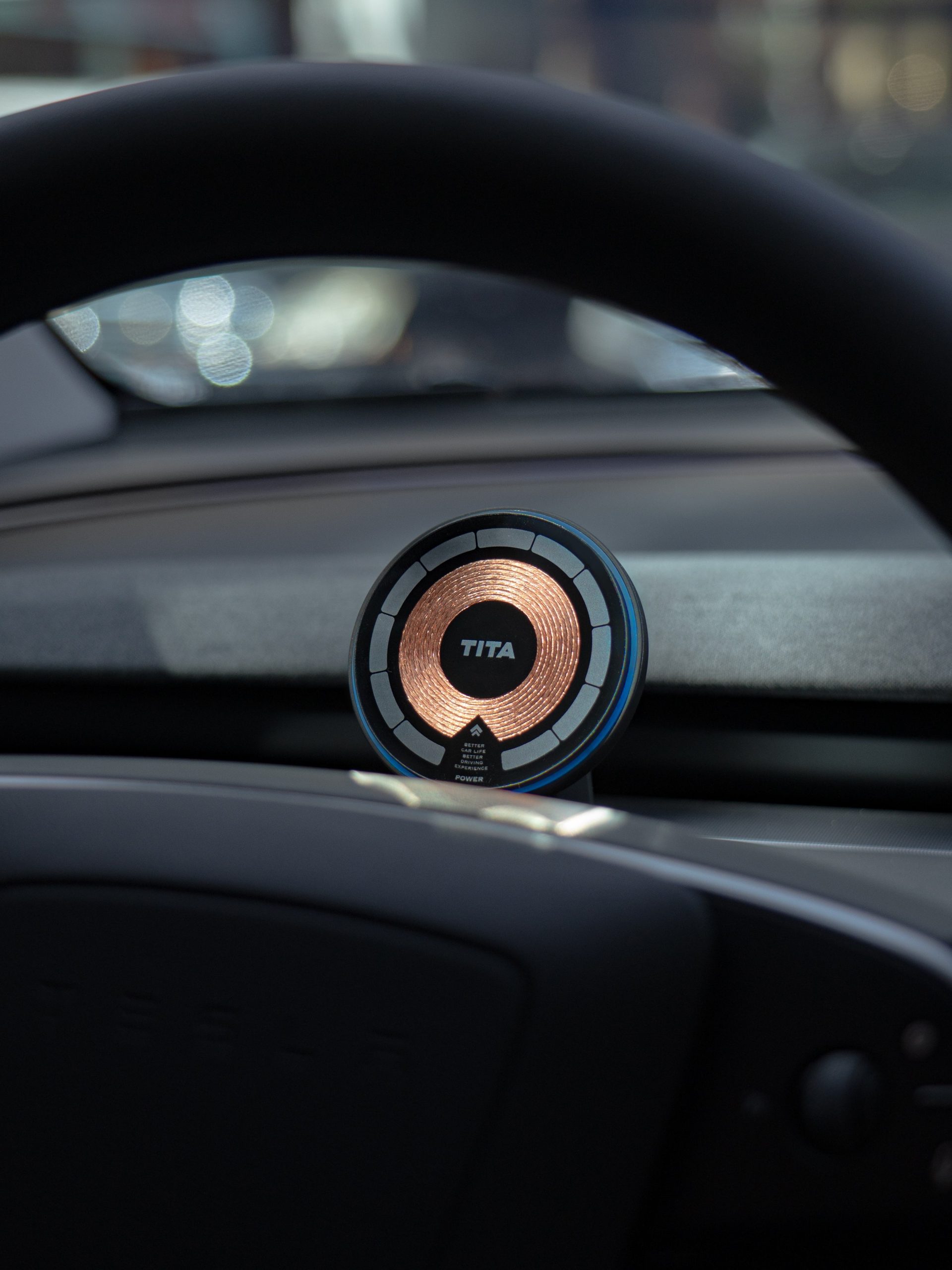
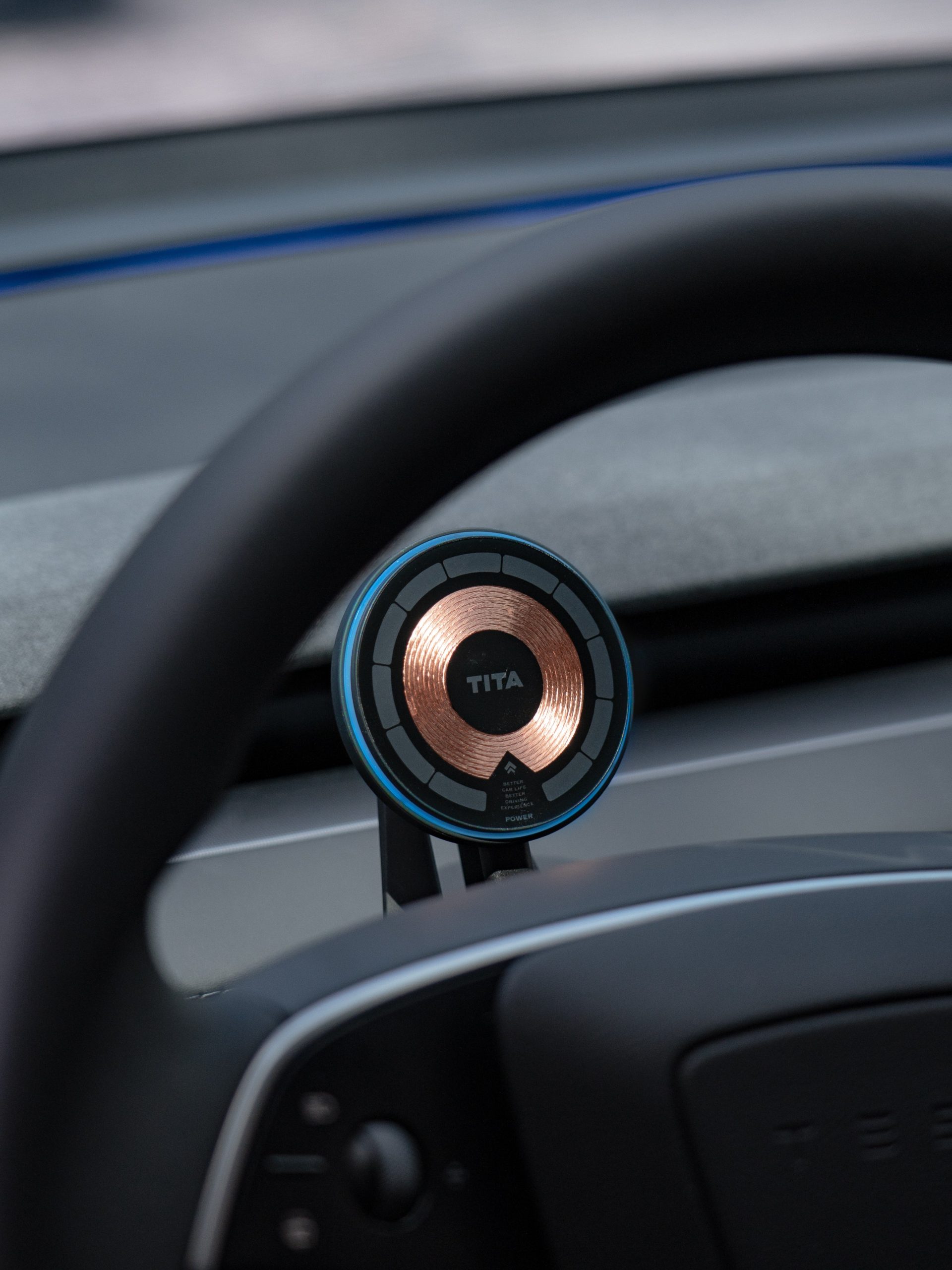
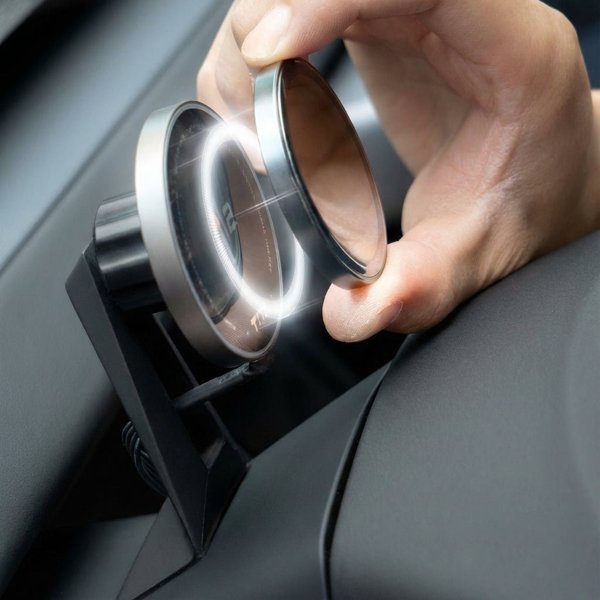
The display is removable from the magnetic charging holder. The holder needs a compatible power connection; a passive magnetic mount cannot supply power.
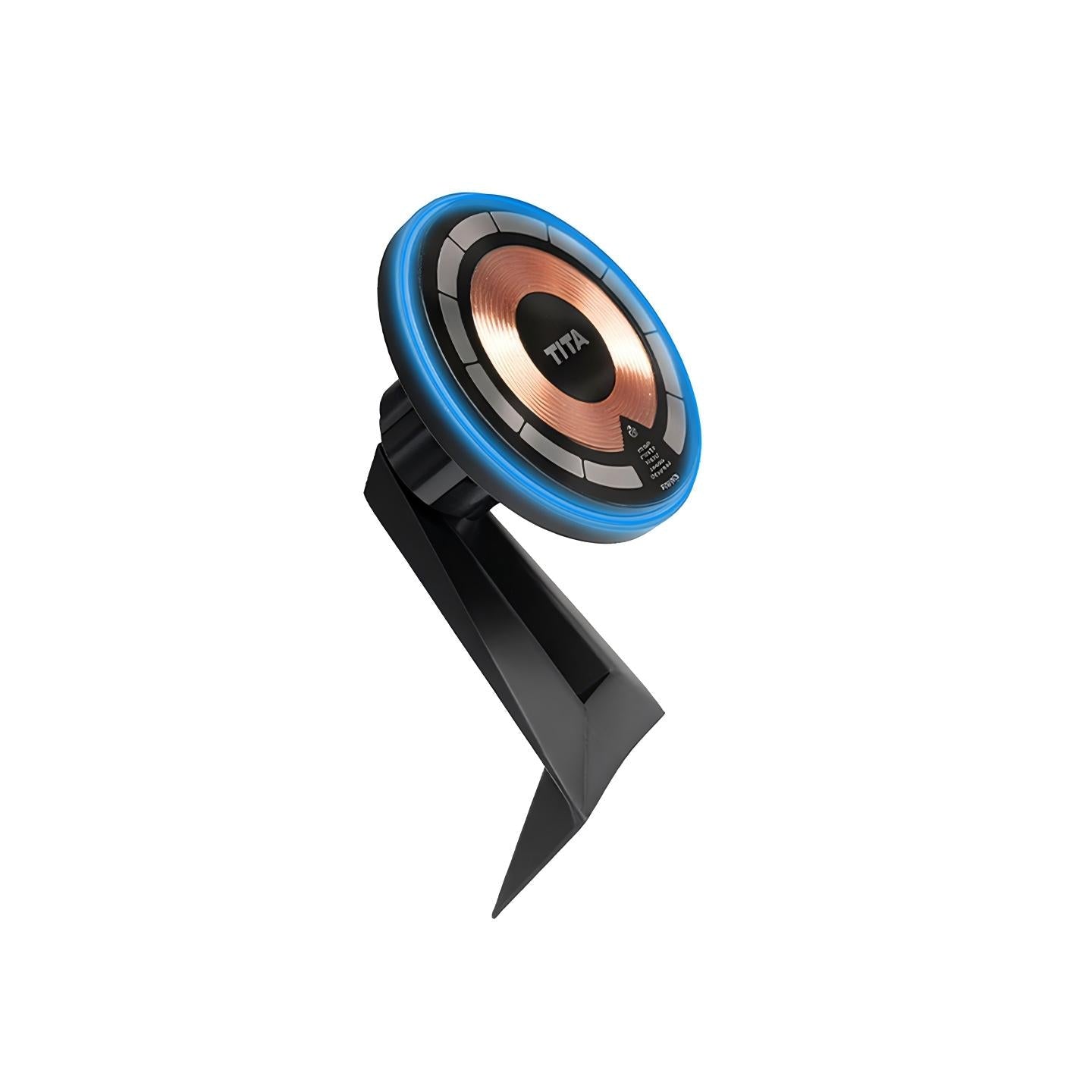
Magnetic Holder Structure
The holder combines magnetic retention with a charging face.
Compatibilidad
| Modelo | Years / Version | Notas |
|---|---|---|
| Model Y Juniper | 2025+ | TSL3108-new option with its own transmitter harness. |
| Model Y | 2021–2025.03 | TSL3108 option. |
| Model YL | 2026+ | TSL3108-new option. |
| Model 3 Highland | 2024+ | TSL3108 option. |
| Model 3 | 2021–2023.10 | TSL3108 option. |
Each vehicle option has its own transmitter and harness. Model name or year alone does not establish a correct connection.
Especificaciones
| Tipo de producto | Magnetic auxiliary dashboard display |
|---|---|
| Compatible Models | Vehicle options: Model 3, Highland, Model Y, Juniper and Model YL |
| Material | Display: aluminum alloy, ABS and PP; transmitter housing: ABS |
| Dimensiones | 58.5 mm body diameter × 7 mm thickness |
| Display Type | Round curved-glass vehicle-data screen |
| Conectividad | Wi-Fi and Bluetooth BLE via a matched vehicle-data transmitter |
| Installation Type | Plug-in transmitter with magnetic charging holder; model-specific interface and power connection |
| Contenido del paquete | Holder + dashboard-display configuration |
| Peso del envío | 500 g shipping figure; not net display weight |
What's in the Box
- Holder + dashboard display, for the selected vehicle option
Instalación
- Follow the current instructions for the supplied hardware version.
- Have the transmitter installed at the correct model-specific data connectors. Avoid airbag wiring and unrelated circuits; do not cut wires or force unmatched plugs.
- Route the harness clear of steering, pedals and moving trim, then refit the disturbed panels correctly.
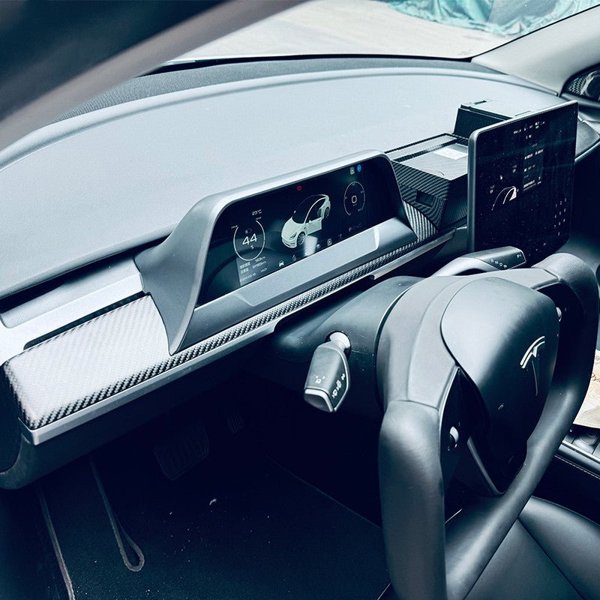
- Mount the holder in a position that keeps road view, steering movement, original displays, controls and airbag areas clear. Connect the compatible holder power supply and attach the display.
- Pair the display and transmitter and complete OTA updates while parked.
Conviene saber
Precaución
- This is an auxiliary display, not the sole source of safety information.
- Juniper harness requirements vary by production location and date.
- Mount clear of road view, steering movement, original displays, controls and airbag deployment areas. Do not route cables across pedals or steering parts.
- Complete pairing, updates and settings while parked. Stop using the system if it shows inconsistent data or vehicle operation is affected.
Cuidado
- Clean the glass face with a soft clean cloth; avoid abrasive debris.
- Keep the charging face and connectors dry and free of debris. Remove the display before cleaning its holder.
- Use updates for the exact display and transmitter version; avoid interrupting power during an update.
Preguntas frecuentes
Will any magnetic phone holder power the display?
Use a compatible powered magnetic charging holder. Magnetic attachment by itself cannot supply electrical power.
Where does the vehicle data come from?
A matched plug-in transmitter obtains vehicle information through the correct data interface and connects to the display over the supported wireless link.
Is a Model Y Juniper option enough to identify the harness?
No. Different Juniper configurations by production location and date use different connections.
Does it replace the original vehicle display?
No. It is an auxiliary display. Data fields depend on the hardware, software and configuration.


 English
  German
  Spanish