Retractable Magnetic Phone Mount Behind the Screen
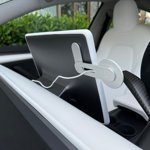
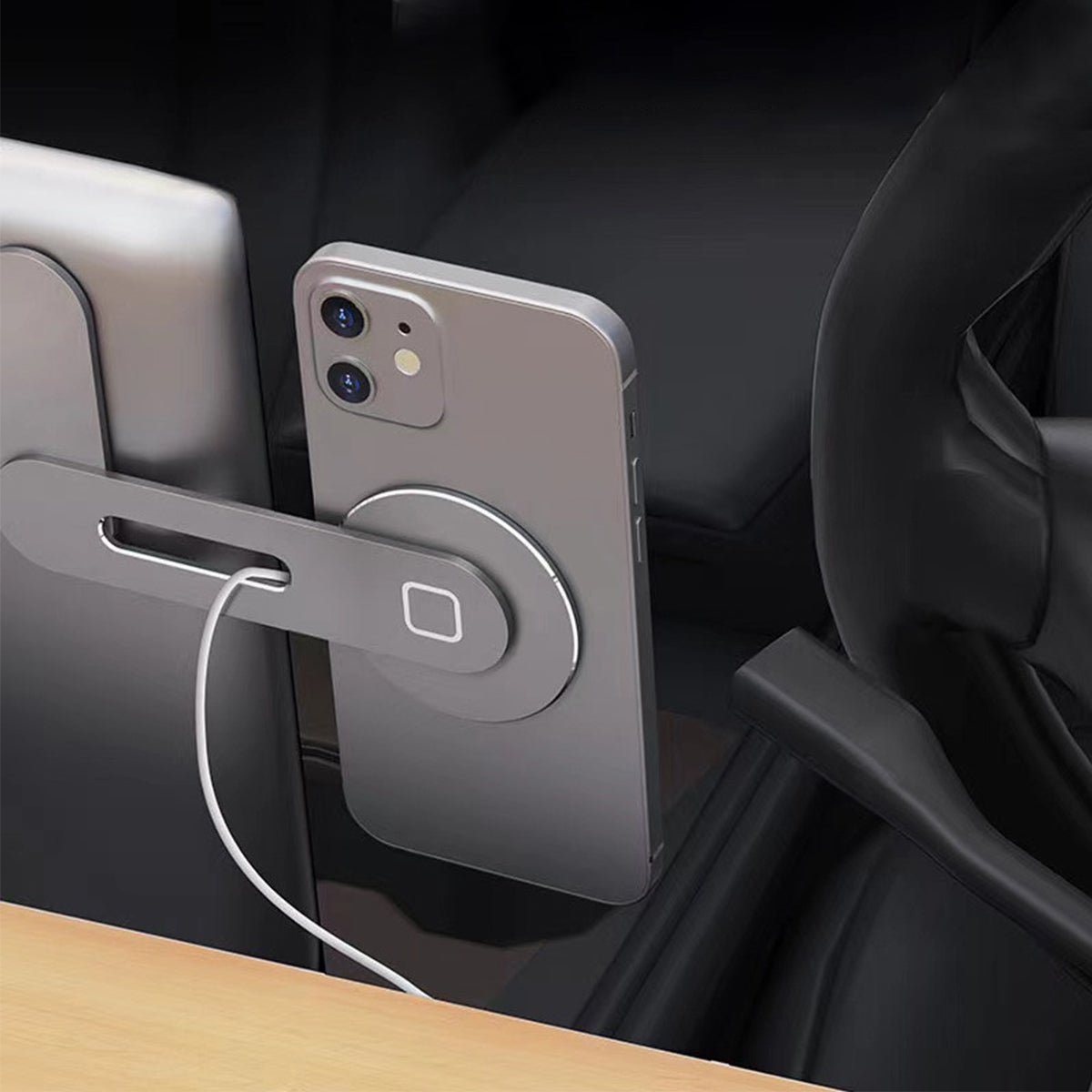
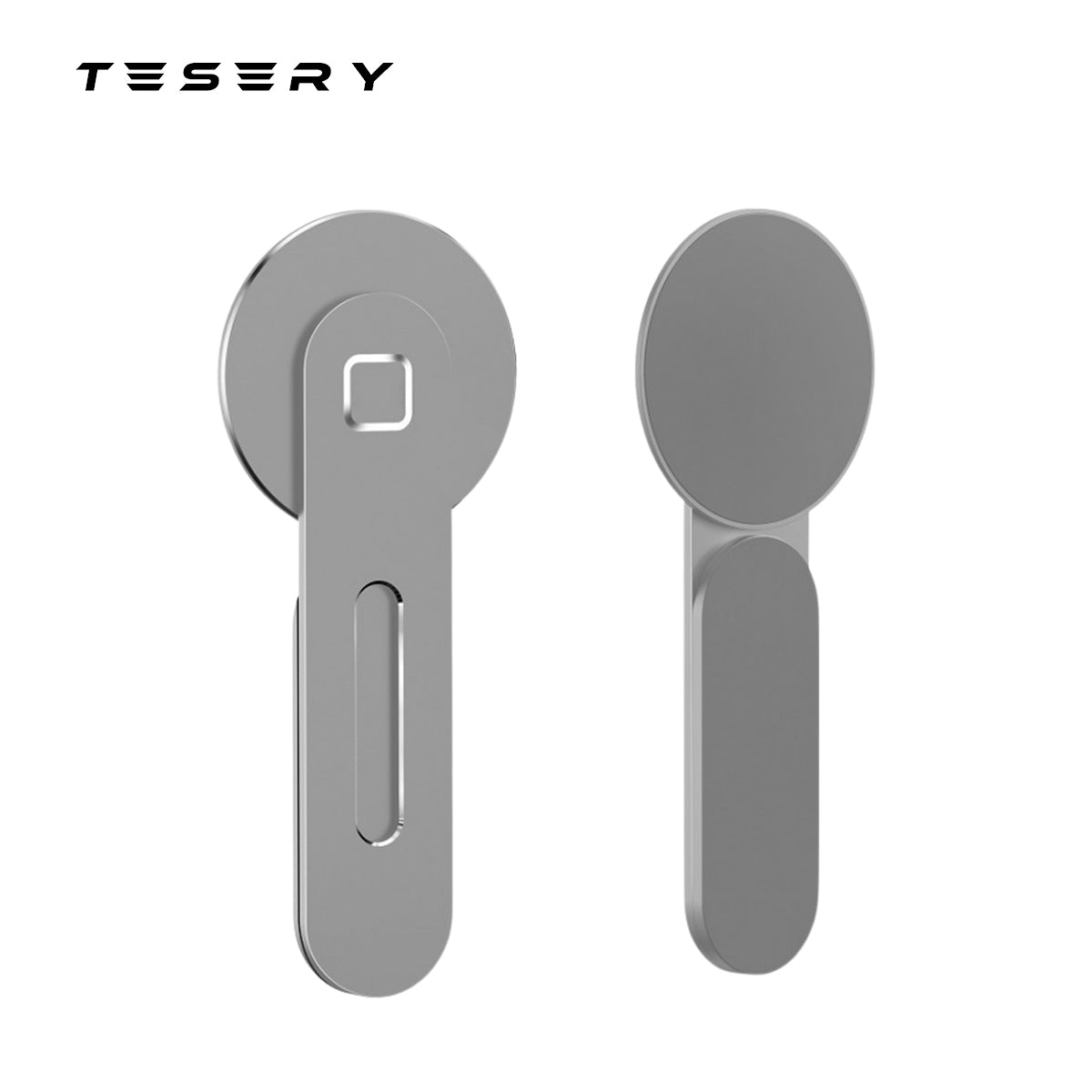
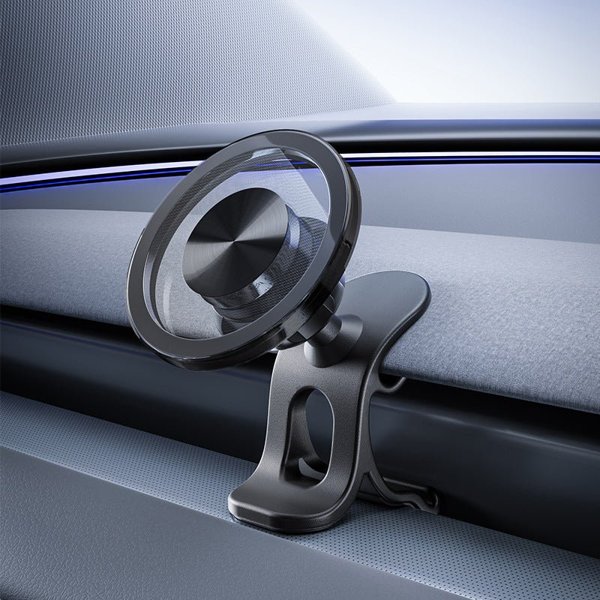
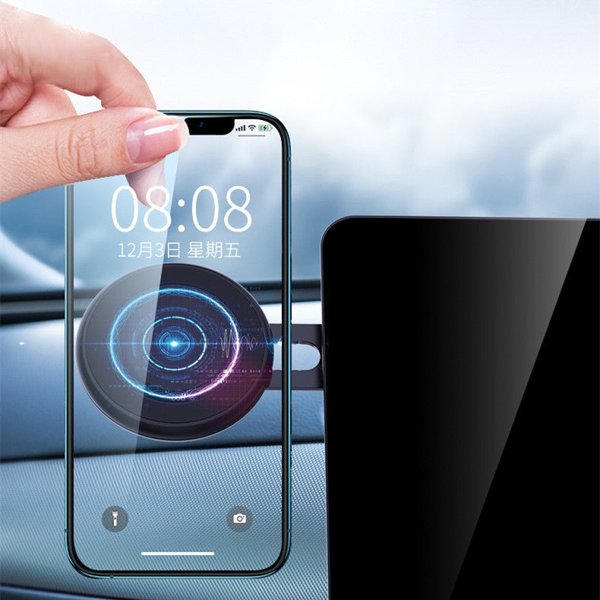
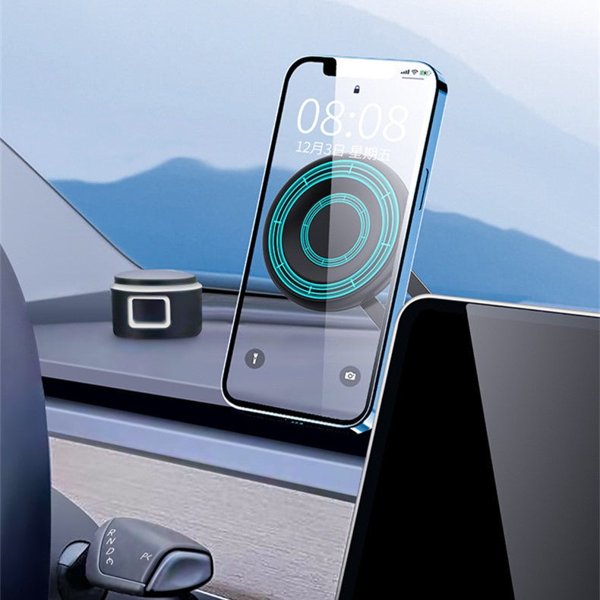
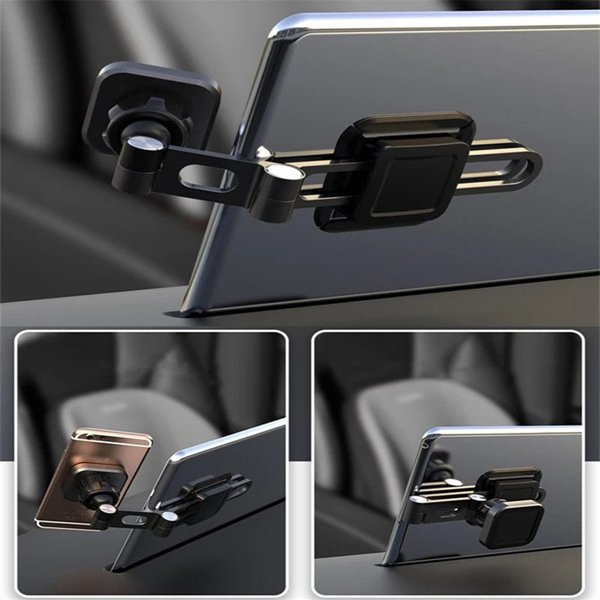
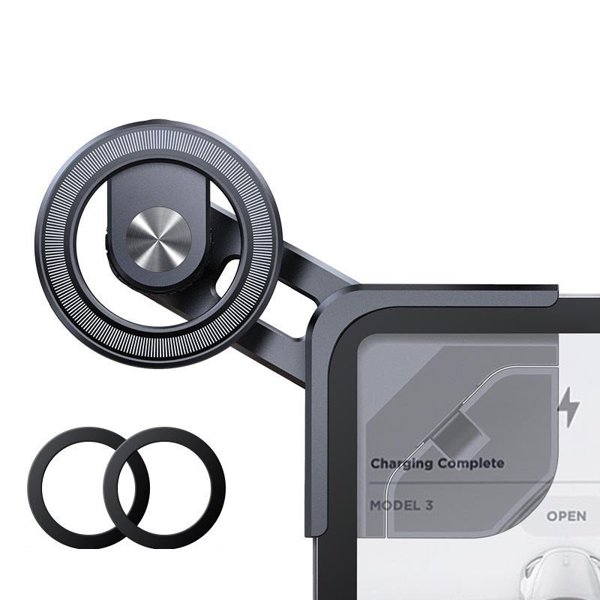
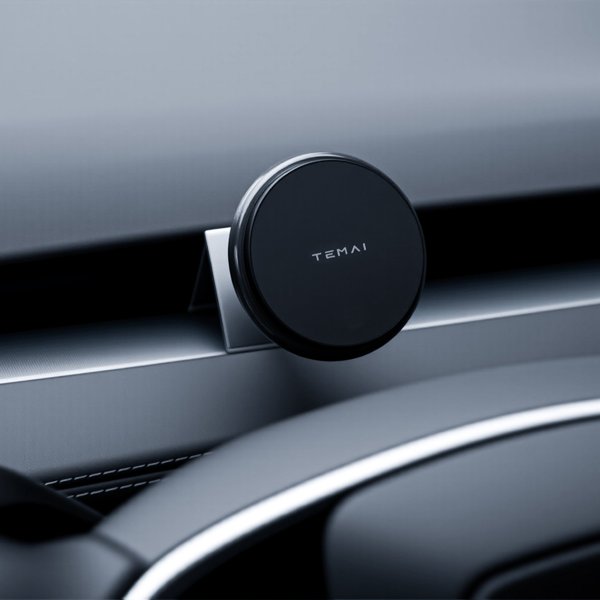
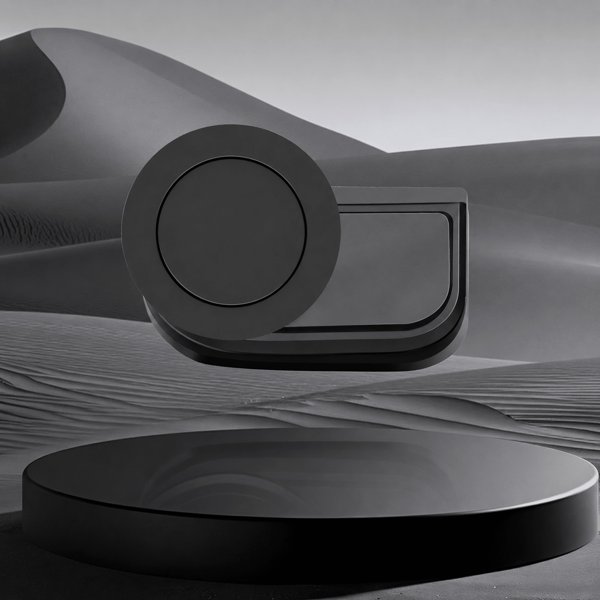
Place your phone beside a compatible center display with a slim aluminum base, a retractable arm and an adjustable magnetic face. Attach a compatible magnetic phone or case, or use the supplied metal ring on a suitable surface. Charging uses your own cable or compatible charging puck.
- 12 N52 Magnets
- Retractable Arm
- Aluminum Alloy
- Metal Ring Included
Key Features
-
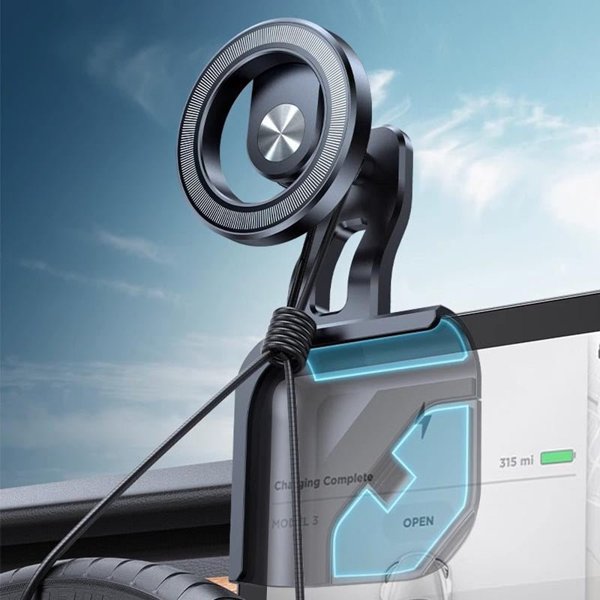
Behind-Screen Base
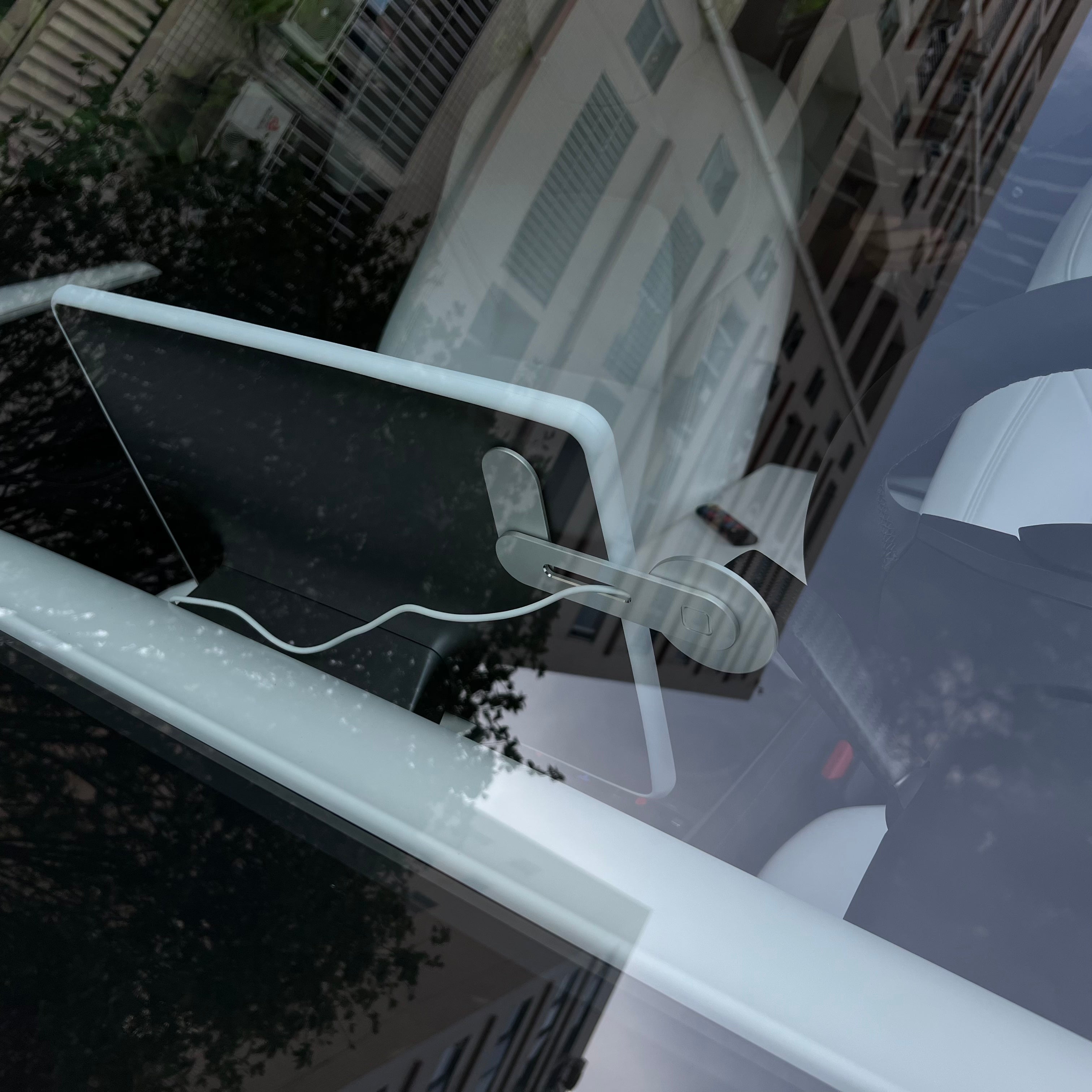
The adhesive base mounts to a suitable flat area behind the center display.
-
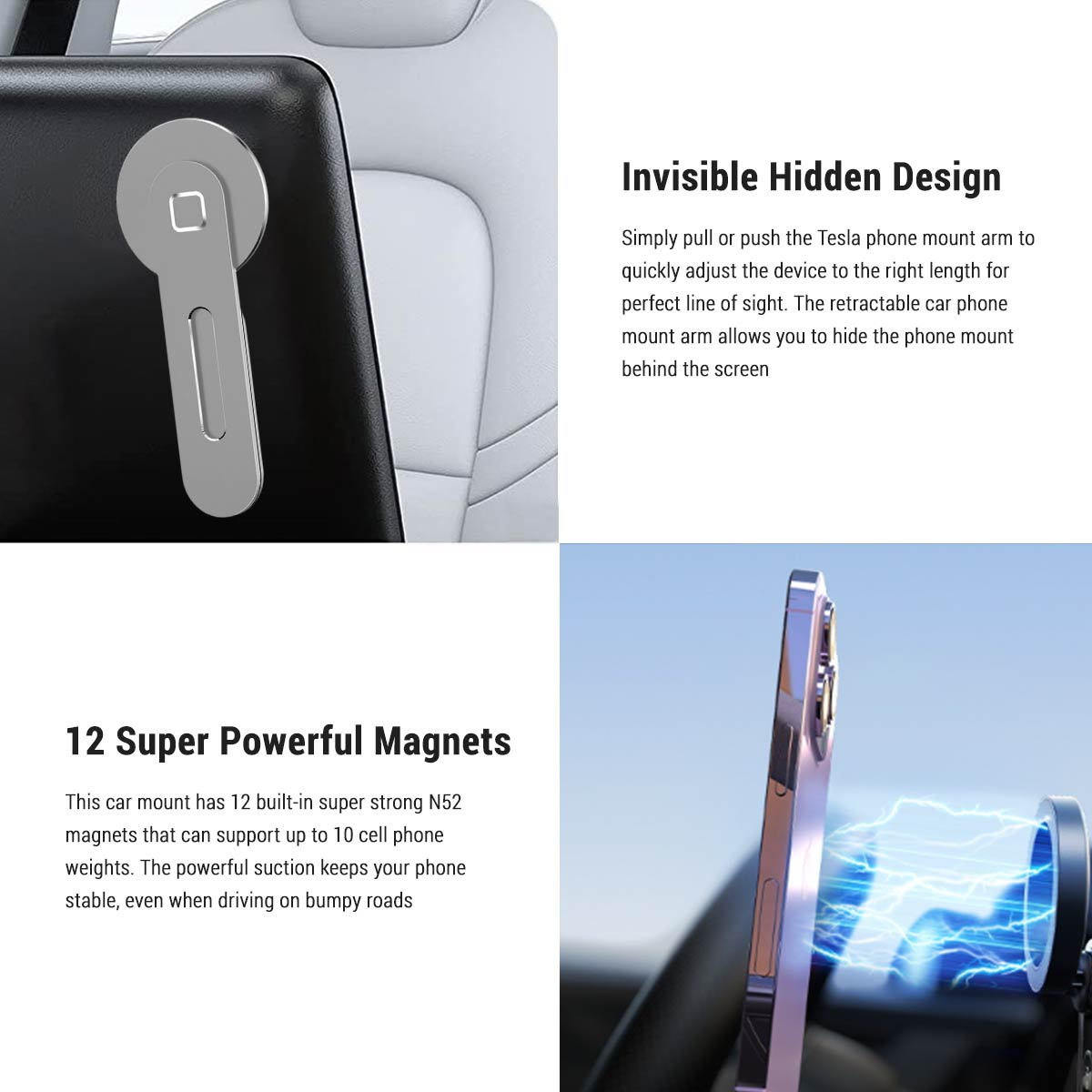
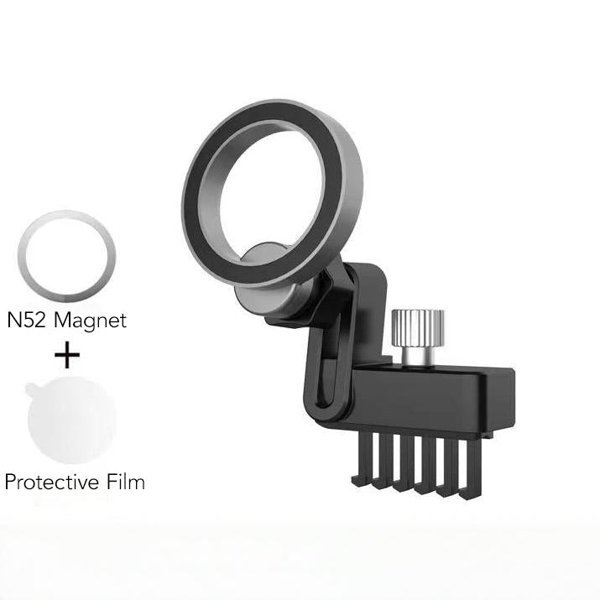
12 N52 Magnets
The circular face holds a magnetic phone or case.
-
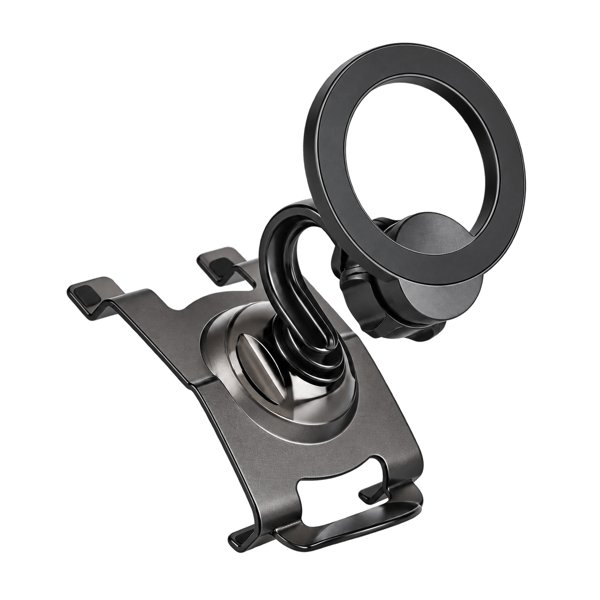
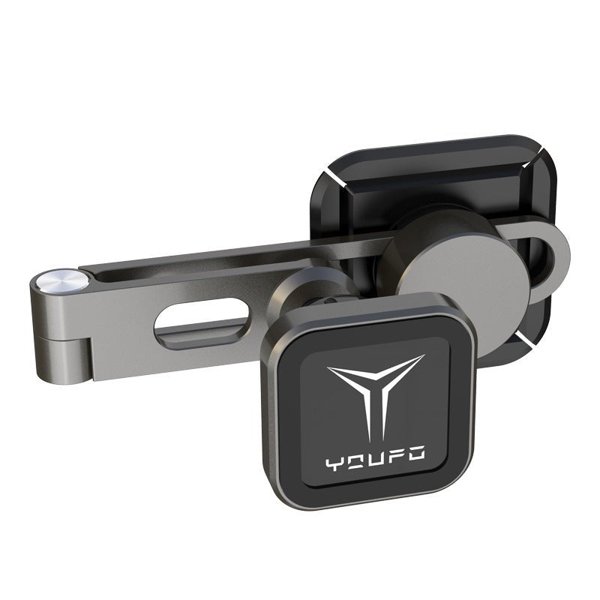
Retractable Aluminum Arm
Slide the arm to set phone reach and retract it when not in use.
-
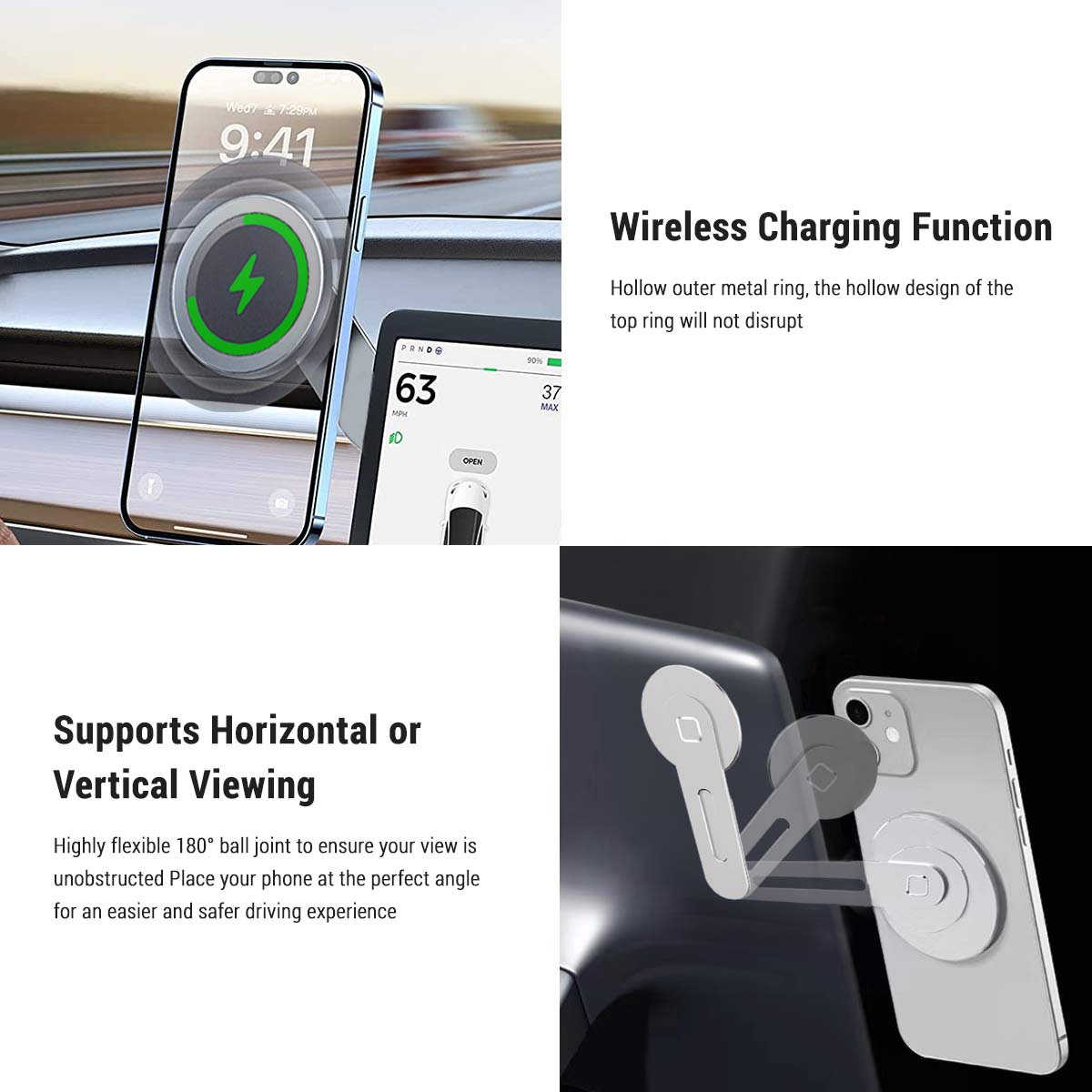
Ball-Joint Adjustment
Position the phone in portrait or landscape while parked.
-
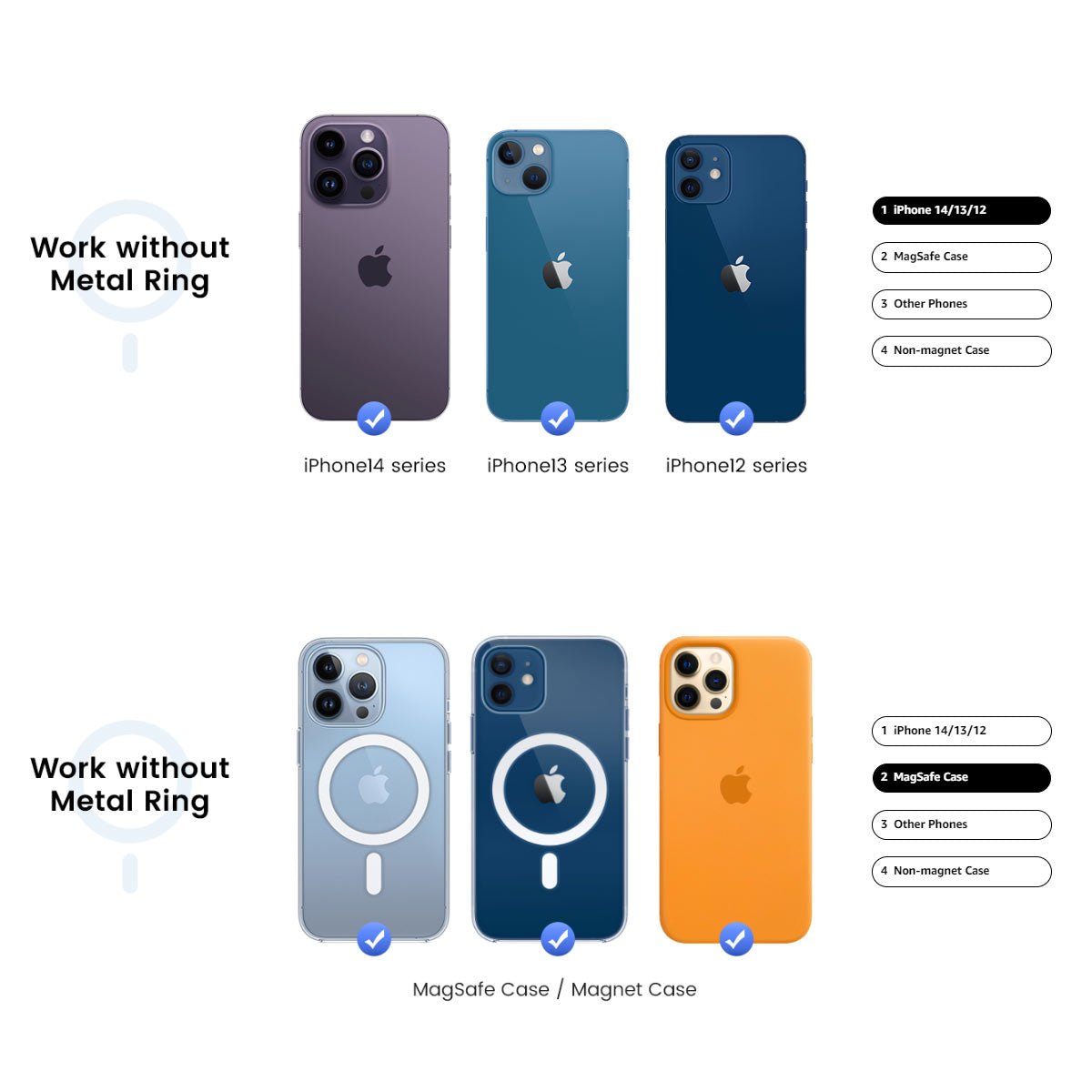
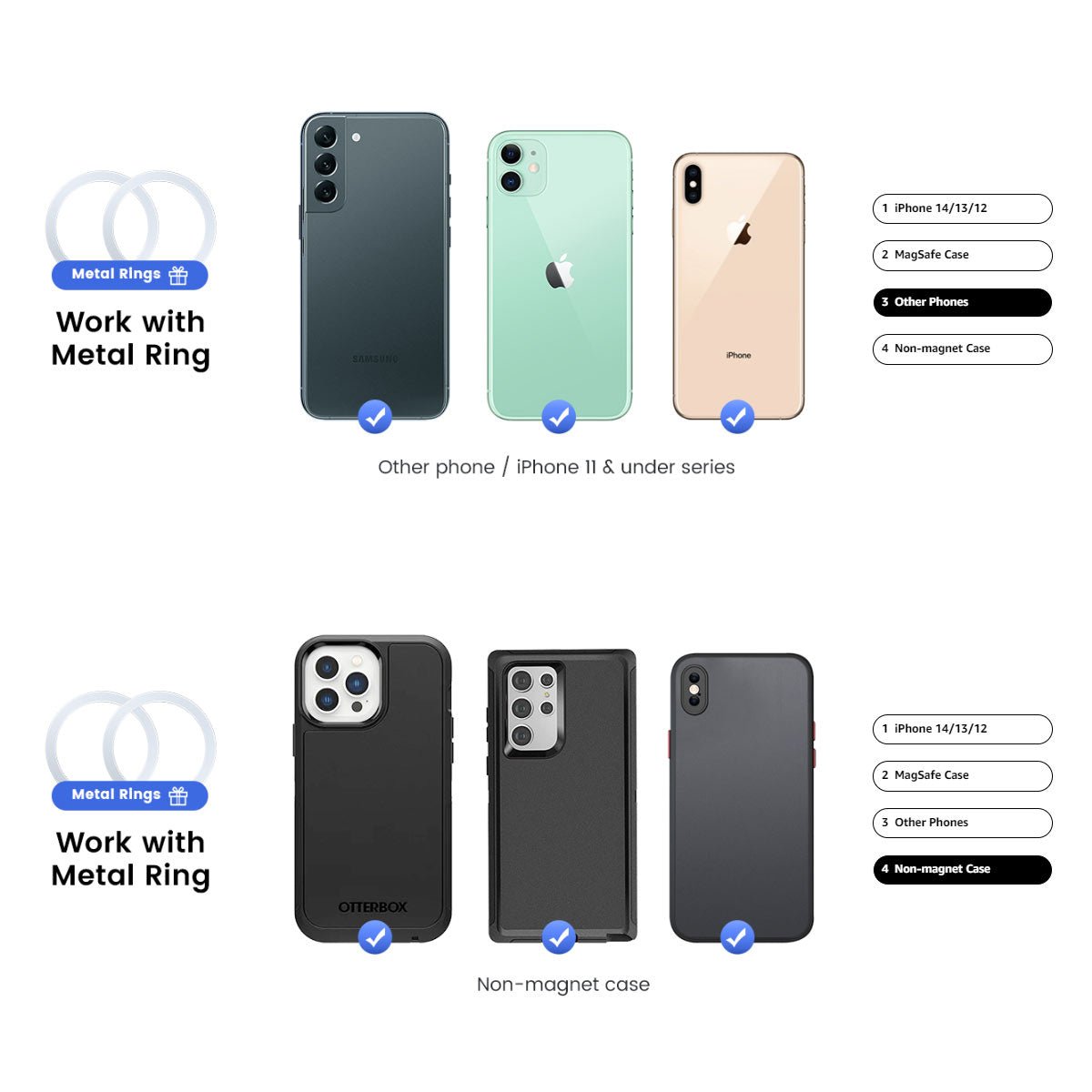
Metal Ring Included
The supplied ring can add magnetic contact to a suitable non-magnetic phone or case.
-
Holder and Charging Setup
Use your own cable or compatible charging puck; no separate wireless charger is included.
Highlights
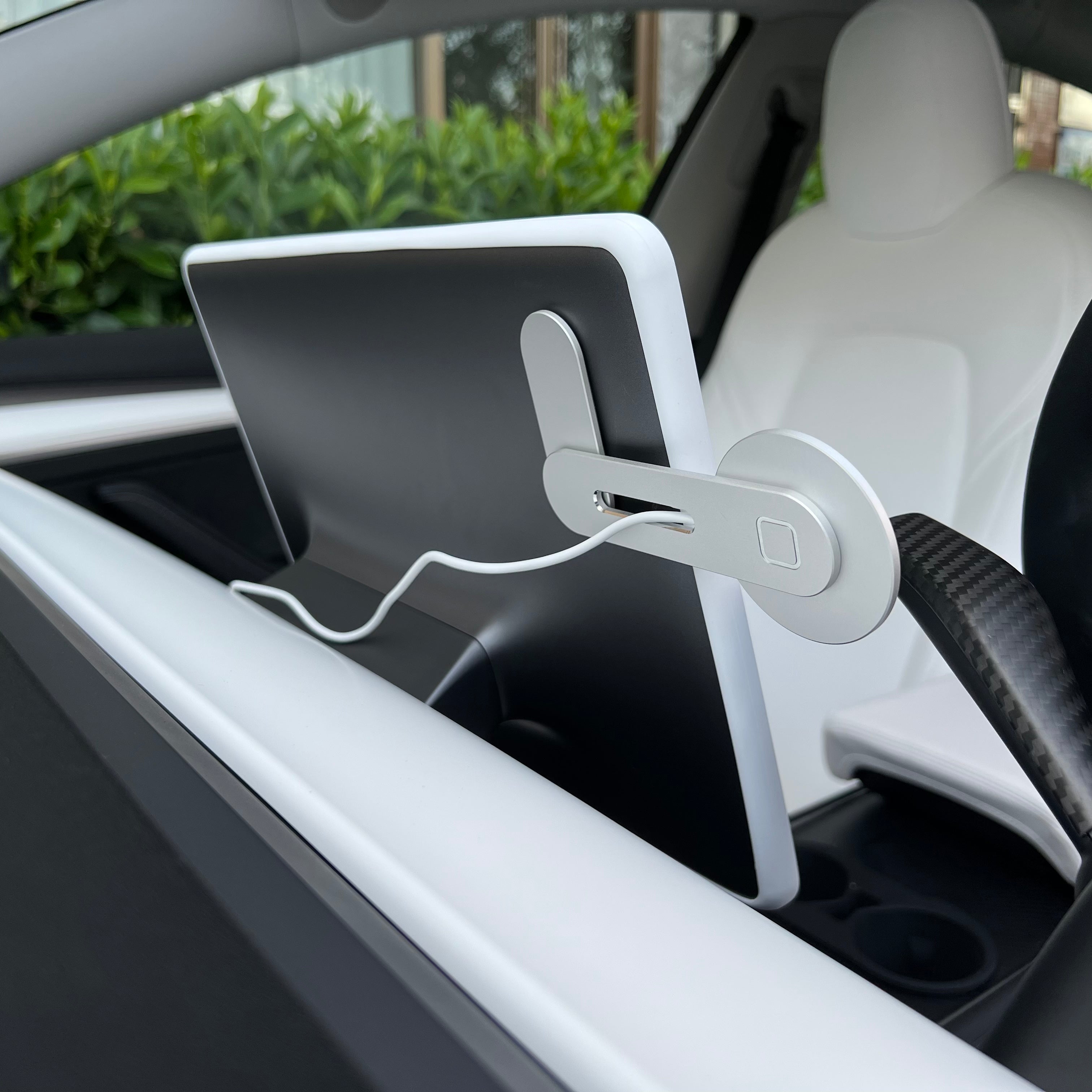
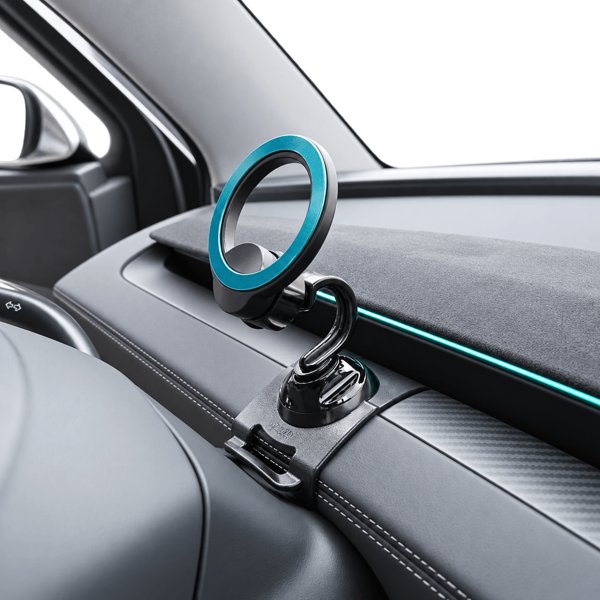
Base Behind the Display
The adhesive base sits behind the screen while the arm extends beside it.
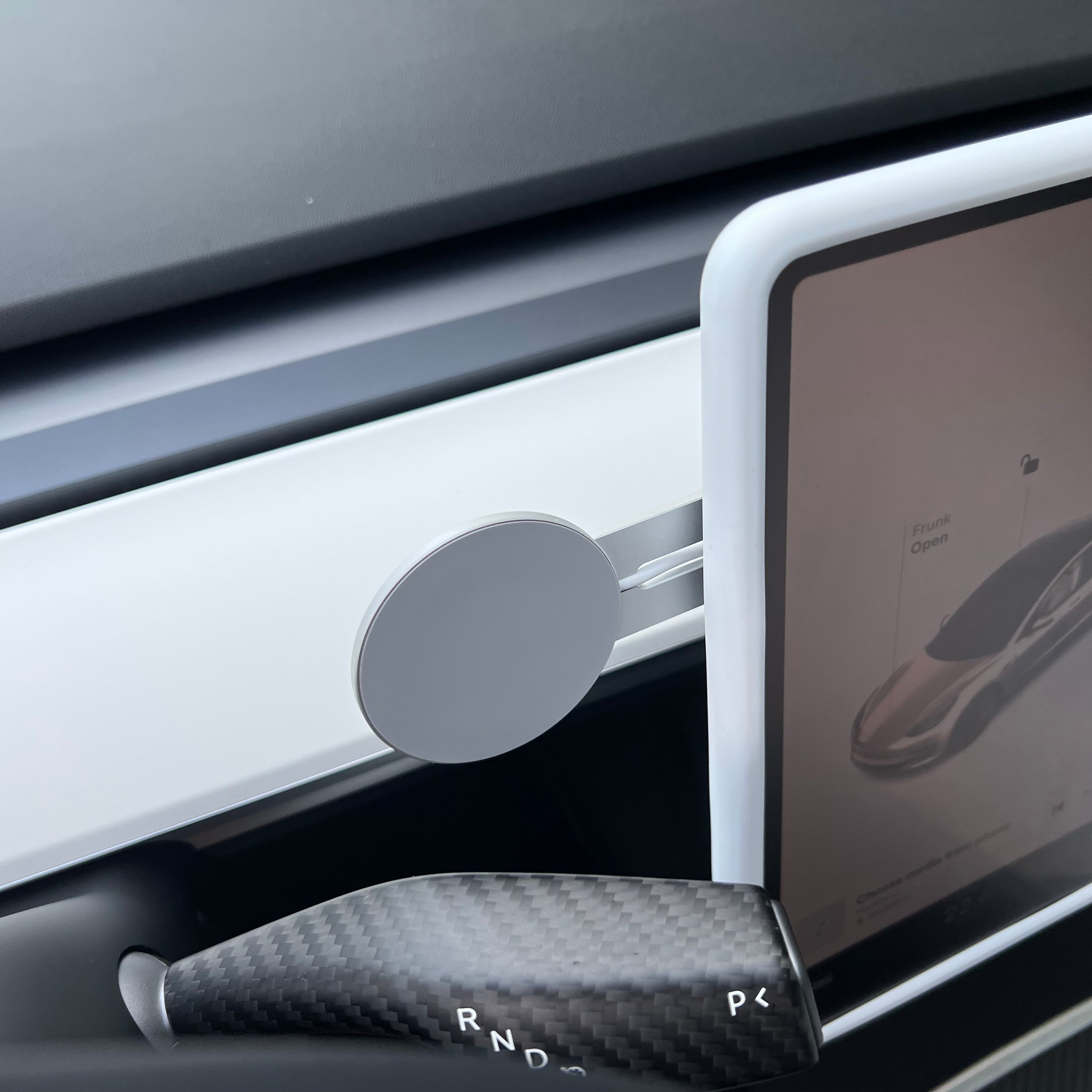
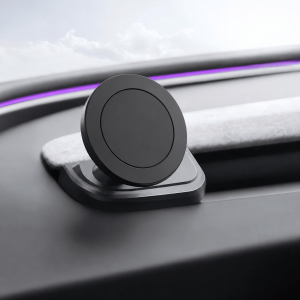
Circular Magnetic Face
Attach a magnetic phone or case to the circular face. A thick case, wallet or textured surface reduces contact.
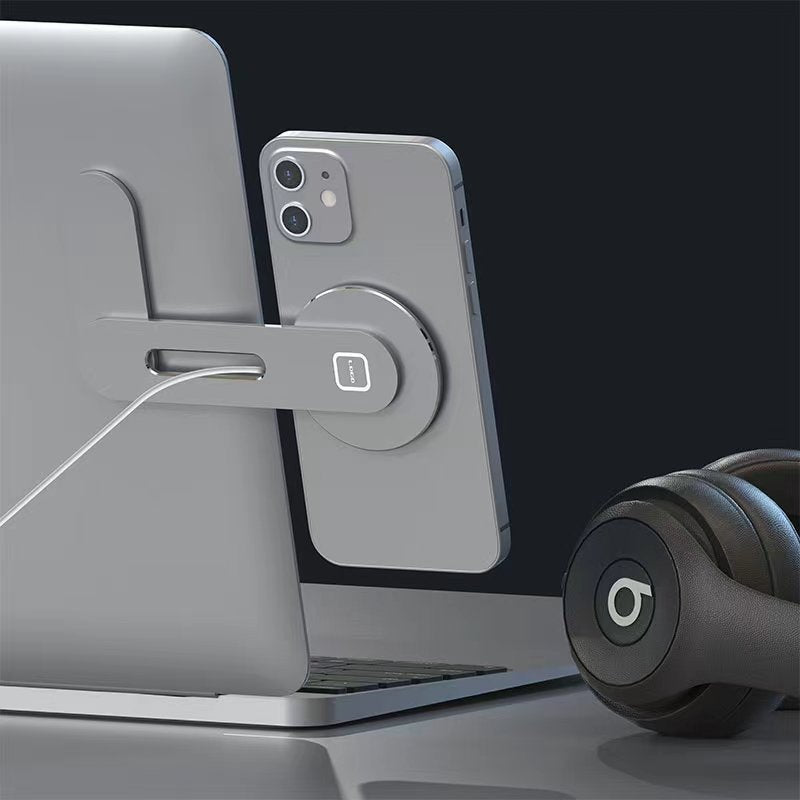
Retractable Arm
Extend the aluminum arm for use and adjust the ball joint for portrait or landscape viewing.
Plan Your Charging Setup
The package includes the holder and metal ring, with no separate charging puck.
Compatibility
| Model | Years / Version | Notes |
|---|---|---|
| Model 3 | Mounts on the flat rear of the screen | |
| Model Y | Mounts on the flat rear of the screen | |
| Model S | Mounts on the rear of the screen | |
| Model X | Mounts on the rear of the screen | |
| Cybertruck | Mounts on the rear of the screen |
The adhesive base mounts on a flat surface behind the screen.
Specifications
| Product Type | Aluminum magnetic phone mount for a compatible center screen (not a wireless charger) |
|---|---|
| Compatible Models | Model 3 / Y / S / X / Cybertruck, subject to rear-screen space and trim clearance |
| Position / Location | Behind the center screen |
| Material | Aluminum alloy |
| Color | Silver |
| Dimensions | Approx. 130 × 57 × 7 mm |
| Connectivity | Magnetic attachment; compatible magnetic case or supplied metal ring |
| Control Method | Retractable sliding arm with ball joint; portrait or landscape |
| Installation Type | 3M-backed adhesive base applied behind the screen |
| Drilling Required | No |
| Package Contents | 1 magnetic phone mount, 1 metal ring, 1 accessories package |
| Shipping Weight | 80 g (0.18 lb) |
What's in the Box
- 1×Magnetic phone mount
- 1×Metal ring
- 1×Accessories package
Installation
- Hold the base behind the display and extend the arm to set the position.
- Clean and dry a suitable flat contact surface using a method compatible with its finish. Remove dust and residue.
- Remove the 3M adhesive liner, position the base once and press evenly. Let the adhesive settle before loading it.
- Adjust the arm and joint; route any separate charging cable clear of controls.
Good to Know
Caution
- Install and adjust only while parked. Keep the road view, screen, vents, steering controls, airbag covers and deployment paths clear.
- Thick cases, wallets, cards and attached batteries reduce magnetic contact.
- A metal ring can reduce or prevent wireless charging if it overlaps the charging coil. Test your own phone, case and separate charger.
- Use a removal method compatible with the surface finish; never pry against the screen.
Care
- Apply the metal ring to a clean, dry case surface; adhesive rings do not reposition cleanly.
- Remove the phone before adjusting the mount or changing a cable.
- Remove adhesive slowly using a method suitable for the trim finish. Never pry against the display or force the base; residue or finish changes are possible.
FAQ
Is this a wireless charger?
No. It is a magnetic phone mount. Use your own cable or a compatible Qi/MagSafe charger if you want to charge while the phone is mounted.
Will a non-MagSafe phone work?
Yes, with the supplied metal ring on a smooth phone or case surface. Thick or textured cases reduce contact.
Does the ring affect wireless charging?
Charging depends on the phone, case, ring position and charger. A ring that sits over the charging coil can reduce or prevent charging, so align the coil and test your setup.
What is included?
One magnetic phone mount, one metal ring and one accessories package. No separate wireless charging puck is included.


 English
  German
  Spanish